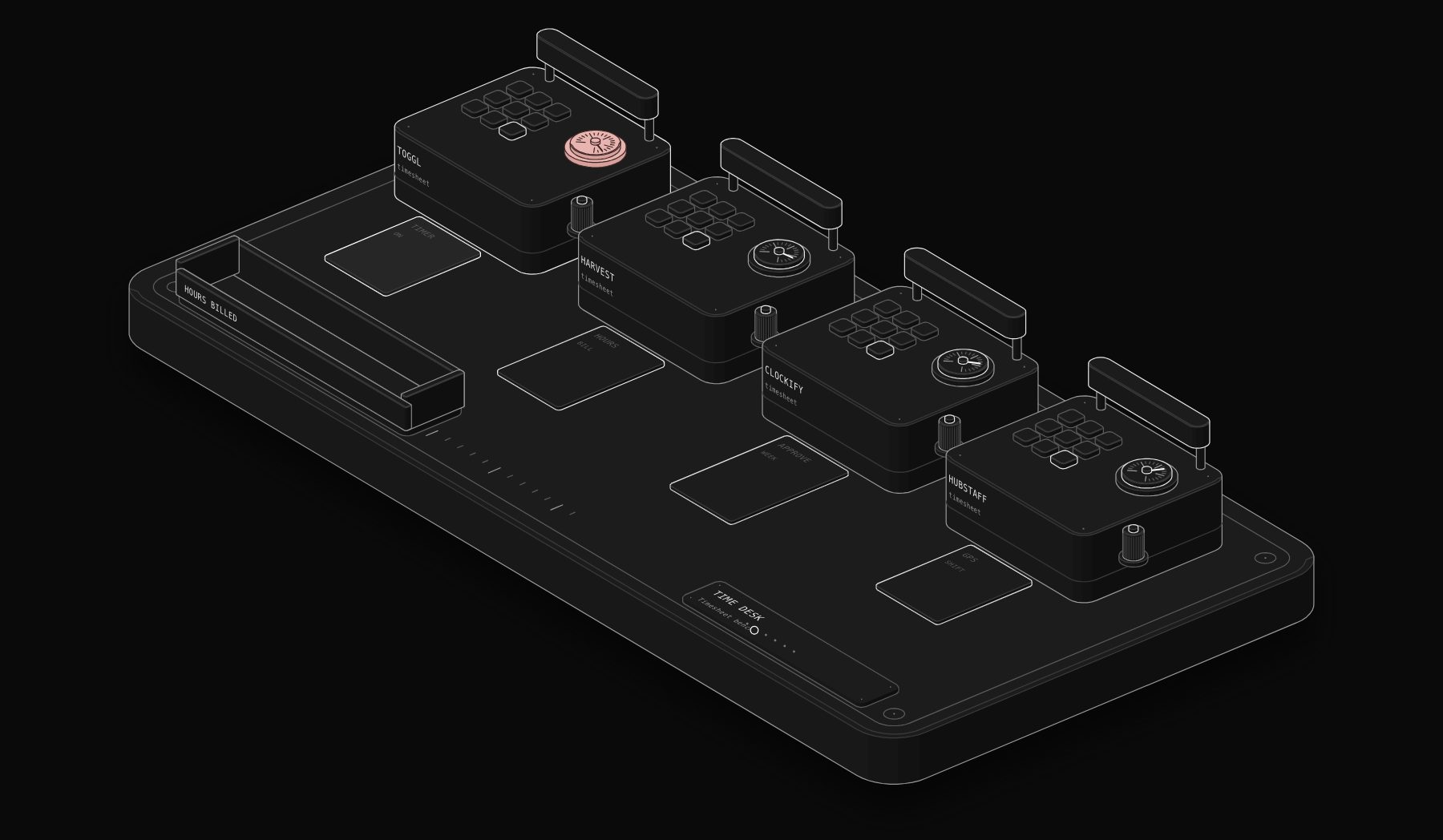
Time tracking decides whether a service business knows its real margins. Every agency, consultancy and field team sells time in some form, and most of them underestimate how much of it goes unbilled. This comparison looks at the four time tracking tools small teams shortlist most often: Toggl Track, Harvest, Clockify and Hubstaff. Every price was read on the vendor's own pricing page on November 17, 2026.
In short. Clockify is our pick for most small teams on a budget (8.3/10): a free plan, then paid plans from $5.49 per seat per month billed annually, with invoicing, approvals and an unusually deep feature set for the price. Harvest (8.1/10) is the cleanest choice for agencies that invoice their time, from $9 per seat per month on Teams. Toggl Track (7.9/10) offers the best tracking experience and capacity planning, from €9 per user per month on Starter as displayed in Europe. Hubstaff (7.2/10) fits remote and field teams that need activity monitoring, GPS and payroll, from $4.99 per seat per month with a 2-seat minimum.
Why time tracking is a revenue decision, not an admin one
Time tracking pays for itself in three ways. It recovers billable hours that were never invoiced. It shows which clients and projects are profitable once real hours are compared with what was sold. And it gives the data you need to quote the next project with confidence instead of guessing.
The tool you choose decides whether people actually track. The best report in the world is useless if the team forgets to start the timer, so ease of use matters as much as features.
How we score: the PURIST Fit Score
| Criterion | What it measures | Weight |
|---|---|---|
| Tracking experience | How easy it is for the team to track accurately every day | 25% |
| Billing and profitability | Billable rates, invoicing, budgets, profitability reports | 25% |
| Price for value | Real cost for a 5 to 15 person team | 25% |
| Automation readiness | API, integrations, approvals and data you can move elsewhere | 25% |
Source: compiled by PURIST (purist.online), November 17, 2026.
The four tools side by side
| Tool | Tracking experience | Billing and profitability | Price for value | Automation readiness | PURIST Fit Score |
|---|---|---|---|---|---|
| Clockify | 7.5/10 | 8/10 | 9.5/10 | 8/10 | 8.3/10 |
| Harvest | 8/10 | 9/10 | 7.5/10 | 8/10 | 8.1/10 |
| Toggl Track | 9/10 | 7.5/10 | 7/10 | 8/10 | 7.9/10 |
| Hubstaff | 7/10 | 7/10 | 7.5/10 | 7.5/10 | 7.2/10 |
Source: compiled by PURIST (purist.online), November 17, 2026.
These are editorial scores based on published plans and features, not user ratings.
Pricing at a glance (checked November 17, 2026)
| Tool | Free plan | Entry paid plan | Higher plans |
|---|---|---|---|
| Clockify | Yes | Standard $5.49 per seat per month billed annually ($6.99 monthly) | Pro $7.99 ($9.99 monthly), Enterprise $11.99 ($14.99 monthly), Productivity Suite $12.99 ($15.99 monthly) |
| Harvest | Yes: 1 seat, 2 projects | Teams from $9 per seat per month ($108 per seat billed annually) | Enterprise from $14 per seat per month ($168 per seat billed annually) |
| Toggl Track | Yes: for a limited number of users | Starter €9 per user per month | Premium €16 per user per month; Enterprise on quote |
| Hubstaff | No (14-day free trial) | Starter $4.99 per seat per month, 2-seat minimum | Grow $7.50, Team $10, Enterprise $25 per seat per month billed annually |
Source: compiled by PURIST (purist.online), November 17, 2026.
Toggl's page displayed prices in euros when we checked from Europe; prices in US dollars may differ, so check the page from your country. Harvest notes that additional invoices, projects, clients and tasks are billed based on usage as a team grows, and annual billing saves 20%.
Clockify: the most features for the money
Clockify is famous for its free plan, and its paid plans are where it becomes a serious business tool.
What you get. Standard at $5.49 per seat per month billed annually adds time off, invoicing, recurring invoices, approvals, time locking, attendance and overtime, targets and reminders, a manager role, task rates, rounding, a QuickBooks integration and kiosk features. Pro at $7.99 adds activity monitoring, scheduling, forecasting, expenses, labor cost and profit, budgets and estimates, custom fields, multiple currencies, email reports, alerts, a forced timer, GPS tracking and data region choice. Enterprise at $11.99 adds single sign-on, a custom subdomain, SCIM provisioning, control accounts and an audit log.
Where it is strongest. Price for value. Approvals, invoicing and profitability features cost less here than anywhere else in this comparison.
Where it is weaker. The interface is busier than Toggl or Harvest, and the breadth of options means setup deserves an hour of thought.
Best for: small teams that want time tracking, approvals and invoicing at the lowest cost.
Harvest: time tracking built around invoicing
Harvest has long been the reference for agencies that sell hours, because tracked time flows straight into invoices.
What you get. The free plan covers one seat and two projects, with time tracking, invoicing, expense tracking and Mac and iOS apps. Teams starts from $9 per seat per month, or $108 per seat billed annually, with unlimited seats, team reporting and accounting and payment integrations. Enterprise starts from $14 per seat per month, or $168 per seat billed annually, and adds unlimited custom reports, profitability reporting, timesheet approvals, an activity log, SAML single sign-on and required notes.
Where it is strongest. The path from timesheet to invoice to payment is short and clear, which is exactly what an agency needs at month end.
Where it is weaker. Usage-based extras as the team grows mean the real cost depends on your volume of invoices, projects and clients. Approvals and profitability reports sit on the Enterprise tier.
Best for: agencies, studios and consultancies that bill hourly and want clean invoices.
Toggl Track: the best tracking experience, now with planning
Toggl Track is the tool teams are least likely to resist, which is the most underrated feature in time tracking.
What you get. The free plan covers a limited number of users with manual and real-time timers, focus mode, calendar integrations with Google and Outlook, simple planning with tasks and boards, and personal reports. Starter at €9 per user per month adds billable rates, team-level productivity and revenue reports, timeline planning with tags and milestones, and capacity basics such as time off, public holidays and flexible hours. Premium at €16 adds labor costs and profitability reports, fixed fee projects, project dashboards comparing actuals with estimates, and timesheet approvals.
Where it is strongest. Adoption. The timer, calendar integrations and focus mode make accurate tracking feel effortless, and the newer capacity and planning features help small teams see who is overloaded.
Where it is weaker. Invoicing is not its centre of gravity, so most teams pair it with an accounting or invoicing tool. Prices in your currency may differ from the euro prices we saw.
Best for: teams where getting everyone to track consistently is the main challenge.
Hubstaff: time tracking for remote and field teams
Hubstaff goes further than the others into workforce management: activity levels, scheduling, payments and GPS for teams on the move.
What you get. Plans have a 2-seat minimum. Starter at $4.99 per seat per month covers basic time tracking and productivity tools. Grow at $7.50 adds advanced tools, reporting and one integration. Team at $10, labelled popular, adds payments, scheduling and unlimited integrations. Enterprise at $25 per seat per month billed annually adds custom setup, account provisioning and dedicated support. Optional add-ons are available, and there is a 14-day free trial and a 30-day money-back guarantee.
Where it is strongest. Managing distributed and field teams, including paying hourly workers from tracked time.
Where it is weaker. Activity monitoring is a cultural choice. For agencies and consultancies built on trust, it can be more than you need and should be discussed openly with the team first.
Best for: remote teams, field services and businesses paying hourly workers.
Which one should you choose?
If budget matters most and you want approvals and invoicing: Clockify Standard or Pro.
If you are an agency that invoices hours: Harvest Teams, or Enterprise if you need approvals and profitability.
If your problem is that people do not track: Toggl Track.
If you manage remote or field workers and pay by the hour: Hubstaff Team.
The time tracking workflows worth automating
- 1 Missing timesheet nudges. Every Friday at 3 pm, anyone with fewer hours logged than expected gets a private reminder in Slack or email. Our guide to Slack automation workflows shows how.
- 2 Hours to invoice. At month end, approved billable hours per client become a draft invoice in your invoicing or accounting tool. Compare invoicing tools in our invoicing software comparison.
- 3 Budget alerts. When a project passes 75% of its budgeted hours, the project lead receives an alert with the remaining scope, before the overrun rather than after.
- 4 Profitability report. Every month, hours, rates and invoiced revenue per client produce a simple margin table that shows who to reprice.
- 5 Payroll for hourly staff. Approved hours feed payroll so nobody retypes timesheets. See our payroll software comparison.
All four tools offer APIs or integrations, so these workflows run in n8n, Zapier or Make. For n8n, the HTTP Request node guide covers the pattern.
Rolling out time tracking without resistance
- 1 Explain why: quoting, margins and fair workload, not surveillance.
- 2 Start with projects and clients only, then add tasks once tracking is a habit.
- 3 Turn on calendar integration or reminders so tracking happens during the day, not on Friday evening.
- 4 Review the first month's report with the team and fix the categories that confuse people.
- 5 Only then switch on approvals and connect invoicing.
Frequently Asked Questions
What is the best time tracking software for a small business?
Clockify offers the best value for most small teams, with a free plan and paid plans from $5.49 per seat per month billed annually that include invoicing and approvals. Harvest is the best fit for agencies that invoice hours, and Toggl Track is the easiest for teams that struggle to track consistently.
Is Clockify really free?
Clockify has a free plan, and its paid plans start at $5.49 per seat per month billed annually, or $6.99 billed monthly, according to its pricing page on November 17, 2026. Paid plans add features such as invoicing, approvals, scheduling and profitability reports.
How much does Harvest cost?
Harvest listed a free plan for one seat and two projects, Teams from $9 per seat per month ($108 per seat billed annually) and Enterprise from $14 per seat per month ($168 per seat billed annually), with usage-based extras as teams grow.
Toggl Track or Harvest for an agency?
Harvest if invoicing hours is your main workflow, because time flows directly into invoices. Toggl Track if adoption and capacity planning matter more and you invoice from another tool.
Is employee activity monitoring a good idea?
It depends on the work and the culture. For remote hourly work it can be useful and fair; for creative and consulting teams it often damages trust. If you use it, tell the team what is measured and why before you switch it on.
Can time tracking connect to payroll and invoicing automatically?
Yes. All four tools offer integrations or APIs, so approved hours can create invoices or feed payroll without retyping, either through native integrations or an automation platform such as n8n.
Sources
Prices and plan details were read on the vendors' official pages on November 17, 2026: Clockify pricing, Harvest pricing, Toggl Track pricing, Hubstaff pricing. Prices change: check the vendor's page before you buy.
Want tracked hours to turn into invoices and payroll without retyping? Ask for a free written automation audit and we will map the workflow for your tools, in writing.
Tags

Steve founded PURIST, a workflow automation studio working with n8n, Make and Claude AI, and is the point of contact on every project. Prices and features in our articles come from vendor documentation and public pricing pages. How we research and score tools.