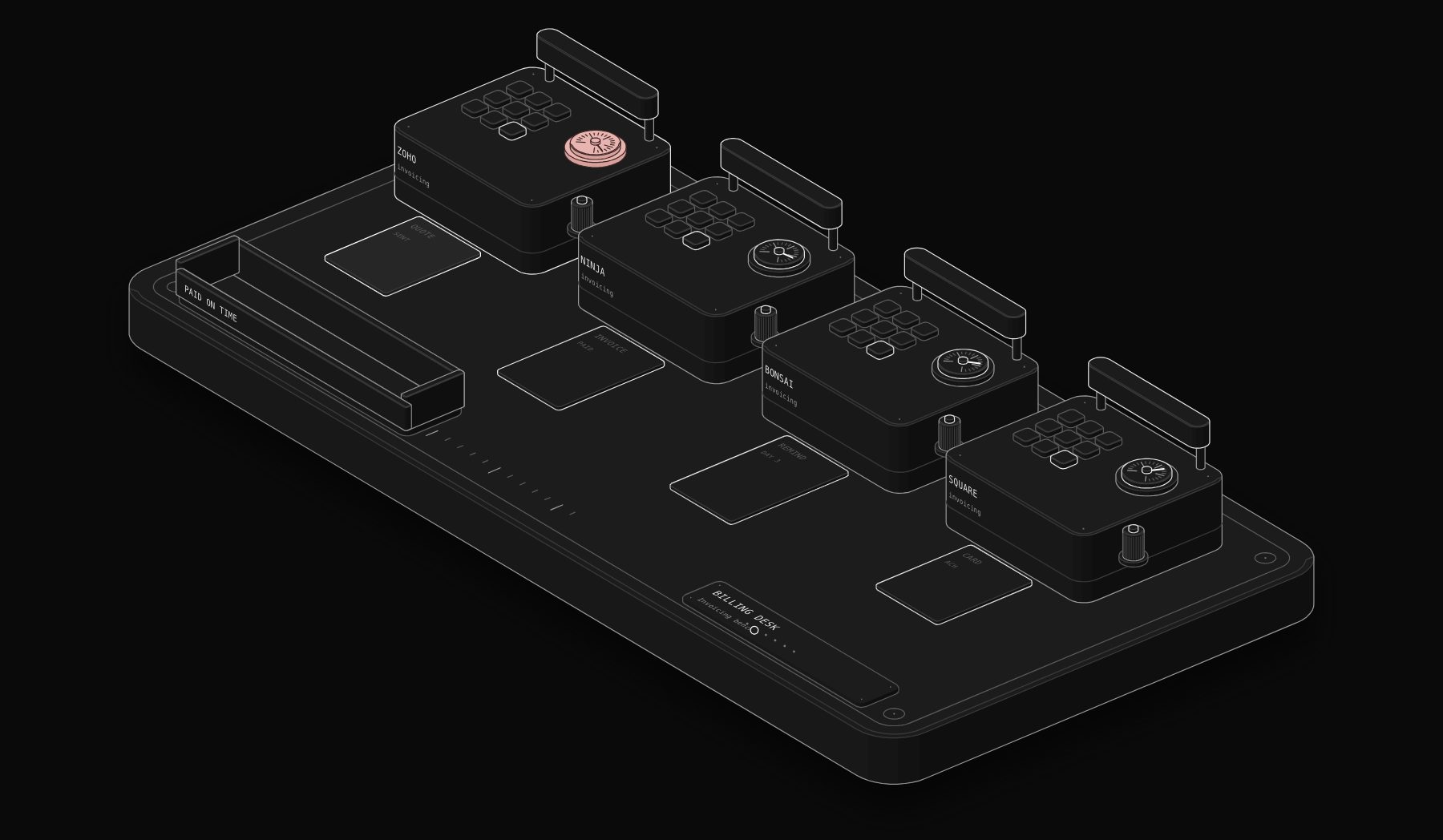
Invoicing software looks like a commodity until you count what late payment costs you. The invoice itself takes two minutes. The chasing, the payment reconciliation, the copy into accounting and the awkward reminder emails take hours every month. This comparison covers four tools that small businesses and freelancers shortlist most often for invoicing: Zoho Invoice, Invoice Ninja, Bonsai and Square Invoices. Every price was read on the vendor's own page on November 17, 2026.
In short. Zoho Invoice is our pick for most small businesses that only need invoicing (8.4/10): it is free, with quotes, recurring invoices, automatic payment reminders and a client portal. Invoice Ninja (8.0/10) is the best choice if you want an open, self-hostable invoicing tool with a free plan for up to 5 clients and Pro at $14 per month. Bonsai (7.3/10) suits agencies and consultancies that want invoicing inside client and project management, from $9 per user per month billed annually. Square Invoices (7.1/10) fits businesses already taking card payments with Square, where the cost is mostly the processing fee.
What an invoicing tool should actually do for you
A good invoicing tool does four jobs, and only the first is the invoice:
- 1 Create and send a correct, branded, tax-compliant invoice or quote in a minute.
- 2 Get you paid by letting the client pay online by card or bank transfer from the invoice itself.
- 3 Chase without you, with automatic reminders before and after the due date and recurring invoices for retainers.
- 4 Feed your books, so every paid invoice lands in accounting without retyping.
If a tool handles the first job beautifully but leaves you chasing and retyping, it has saved you the easy part of the work. Our guide to invoice automation covers the full process; this article is about choosing the tool.
How we score: the PURIST Fit Score
| Criterion | What it measures | Weight |
|---|---|---|
| Getting paid faster | Online payment, reminders, recurring invoices, client portal | 25% |
| Ease of use | Time to first invoice, clarity for the client | 25% |
| Price for value | Real cost for a freelancer and for a 5 to 10 person team | 25% |
| Automation readiness | API, webhooks, accounting and payment integrations | 25% |
Source: compiled by PURIST (purist.online), November 17, 2026.
The four tools side by side
| Tool | Getting paid faster | Ease of use | Price for value | Automation readiness | PURIST Fit Score |
|---|---|---|---|---|---|
| Zoho Invoice | 8.5/10 | 8.5/10 | 10/10 | 8.5/10 | 8.4/10 |
| Invoice Ninja | 8/10 | 7.5/10 | 9/10 | 9/10 | 8.0/10 |
| Bonsai | 7.5/10 | 8/10 | 6/10 | 7.5/10 | 7.3/10 |
| Square Invoices | 8/10 | 9/10 | 6/10 | 7.5/10 | 7.1/10 |
Source: compiled by PURIST (purist.online), November 17, 2026.
These are editorial scores based on published plans and features, not user ratings.
Pricing at a glance (checked November 17, 2026)
| Tool | Free option | Paid plans | Payment fees |
|---|---|---|---|
| Zoho Invoice | Yes: Zoho describes it as forever-free | None needed for invoicing; Zoho points growing businesses to Zoho Billing | Charged by the payment gateway you connect |
| Invoice Ninja | Yes: up to 5 clients, unlimited invoicing | Pro $14 per month, or $140 per year (about $11.67 per month). Enterprise from $18 per month for 1 to 2 users up to $300 per month for 51 to 100 users | Charged by the gateway you connect (Stripe, PayPal, Square, GoCardless and others) |
| Bonsai | Free trial | Basic $9, Essentials $19, Premium $29, Elite $49 per user per month billed annually ($15, $25, $39 and $59 monthly) | Charged by the payment processor |
| Square Invoices | Free plan available | Paid Square plans lower some processing rates | Online card payments from 2.9% + 30¢ to 3.3% + 30¢ depending on the plan; ACH bank transfer via invoice 1% with a $1 minimum |
Source: compiled by PURIST (purist.online), November 17, 2026.
Invoice Ninja also offers a 30-day money-back promise on paid plans. Square's fee table lists the online card rate at 3.3% + 30¢ on one plan and 2.9% + 30¢ on the others, so check which plan you are on before you compare.
Zoho Invoice: free invoicing that already chases for you
Zoho Invoice is the easiest recommendation in this comparison: a free invoicing tool that covers the full cycle most small businesses need. According to Zoho, you can create tax-compliant invoices, email them or save them as PDF, offer several payment options, automate payment reminders, customize templates, create quotes, send recurring invoices, record expenses, log time against projects and give clients a self-service portal. Zoho also states that it neither shows ads nor sells your information.
Where it is strongest. Value and completeness. Automatic reminders and recurring invoices are the two features that save the most time, and both are included without paying anything.
Where it is weaker. It is invoicing, not accounting. When you need bank reconciliation, payables and full books, you move to Zoho Books or another accounting system. Zoho itself points growing businesses to Zoho Billing for advanced subscription needs.
Best for: freelancers, consultants and small service businesses that want professional invoicing and automatic chasing at no cost.
Invoice Ninja: open, flexible and automation-friendly
Invoice Ninja has been building invoicing tools since 2014 and is known for being open source with a self-hosted option, which matters to businesses that want control over their data.
What you get. The free plan allows up to 5 clients with unlimited invoicing. Pro costs $14 per month, or $140 per year, which Invoice Ninja calculates as about $11.67 per month, and unlocks unlimited clients and advanced features. Enterprise pricing depends on users, from $18 per month for 1 to 2 users up to $300 per month for 51 to 100 users. Native apps exist for macOS, Windows, Linux, iOS and Android, and clients pay through a "Pay Now" button with the gateway you connect, such as Stripe, PayPal, Square or GoCardless.
Where it is strongest. Flexibility and automation. Many gateways, an API, and the option to host it yourself make it a good base for custom billing workflows.
Where it is weaker. The interface takes slightly longer to learn than Square or Bonsai, and the free plan's 5-client limit is tight for anyone with a real client list.
Best for: technical founders, agencies and businesses that want control, many payment gateways and room to automate.
Bonsai: invoicing inside client and project management
Bonsai is not only an invoicing tool. It wraps invoicing into a client and project workspace, which is why agencies and consultancies like it.
What you get. Billed annually, Basic costs $9 per user per month and covers time tracking and occasional projects. Essentials at $19 adds end-to-end client and project management, with questionnaires, scheduling, a client portal and expense and income tracking. Premium at $29, labelled most popular, adds advanced management, reporting and integrations with QuickBooks, Xero, Zapier, Calendly and Google. Elite at $49 adds team management and onboarding. Monthly billing costs $15, $25, $39 and $59.
Where it is strongest. One place for the client relationship: proposal, project, time, invoice and payment.
Where it is weaker. Per-user pricing adds up for a team, and if you only need invoices, you pay for project features you will not use.
Best for: agencies, studios and consultancies that bill time and projects and want the client workflow in one tool. For the proposal side specifically, see our guide to AI proposal software for agencies.
Square Invoices: the natural choice if you already take payments with Square
Square Invoices is part of Square's payment ecosystem. You send invoices, estimates and payment links and your customers pay by card or bank transfer.
What you pay. Square's fee page lists online card payments at 3.3% + 30¢ on one plan and 2.9% + 30¢ on the others, and ACH bank transfers through an invoice at 1% with a $1 minimum, with a $10 cap on some plans. There is a free plan, and paid Square plans change some of these rates.
Where it is strongest. Simplicity and payments. If your business already uses Square for in-person sales, invoices, payments and reporting live in the same account.
Where it is weaker. The real cost is the processing fee on every paid invoice. On larger B2B invoices, steering clients to bank transfer makes a large difference.
Best for: trades, retailers and service businesses already on Square. If you are still choosing a payment provider, read our Stripe vs Square vs PayPal comparison.
Also worth knowing: Stripe Invoicing
If you already process payments with Stripe, Stripe Invoicing has no fixed fees or setup costs. Stripe charges 0.4% per paid invoice on Starter and 0.5% on Plus, which adds quotes, on top of standard Stripe Payments pricing, with custom pricing for large invoice amounts. It is developer-friendly and a strong base for automated billing, but it is a component rather than a complete small-business invoicing app.
Which one should you choose?
If you just need to invoice and get paid, at no cost: Zoho Invoice.
If you want control, many gateways and room to automate: Invoice Ninja Pro at $14 per month.
If you run an agency or consultancy and bill projects and time: Bonsai Essentials or Premium.
If you already take payments with Square: Square Invoices, and push larger clients to ACH.
If your billing is subscription-heavy or API-first: look at Stripe Invoicing or Zoho Billing.
The invoicing workflows worth automating
Whatever tool you choose, these five workflows remove most of the manual effort:
- 1 Invoice on completion. When a job is marked done in your CRM or project tool, the invoice is generated from the agreed price and sent, instead of waiting for Friday admin.
- 2 Reminders that escalate. A polite reminder three days before the due date, a firmer one on the due date, a third one a week later, then a task for a person. Most tools do the first steps; an automation adds the escalation and stops the moment the invoice is paid.
- 3 Payment to accounting. A paid invoice creates or matches the payment in your accounting system. If you are choosing one, see our accounting software comparison.
- 4 Deposits and milestones. For projects, a deposit invoice goes out when the proposal is signed, and milestone invoices follow the project plan. Signature tools are compared in our e-signature comparison.
- 5 Weekly receivables report. Every Monday, the owner receives the list of overdue invoices, oldest first, with the amount at stake.
In n8n, these run through each tool's API and webhooks, or through an accounting system that the invoicing tool already syncs with.
Frequently Asked Questions
What is the best invoicing software for a small business?
For most small businesses that need invoicing, payment reminders and recurring invoices, Zoho Invoice is the best value because it is free. Invoice Ninja is the best choice if you want an open, self-hostable tool with many payment gateways. Bonsai is better for agencies that bill projects and time.
Is Zoho Invoice really free?
Zoho states on its pricing page that Zoho Invoice has been made free for small business owners, freelancers and entrepreneurs, with invoices, quotes, recurring invoices, automatic reminders and a client portal. Payment processing fees are charged by the gateway you connect.
How much does Invoice Ninja cost?
On November 17, 2026, Invoice Ninja listed a free plan for up to 5 clients, Pro at $14 per month or $140 per year, and Enterprise from $18 per month for 1 to 2 users up to $300 per month for 51 to 100 users, with a 30-day money-back promise on paid plans.
What are Square's fees for invoices?
Square's fee page listed online card payments at 2.9% + 30¢ or 3.3% + 30¢ depending on the plan, and ACH bank transfers through an invoice at 1% with a $1 minimum, with a $10 fee cap on some plans, on November 17, 2026.
Do I need invoicing software if I already have accounting software?
Often not. QuickBooks, Xero and Zoho Books all create and send invoices. A separate tool makes sense when you want features the accounting tool lacks, such as a client portal, project billing or a free option before you need full accounting.
How do I stop chasing late payments manually?
Turn on automatic reminders before and after the due date, offer online payment from the invoice, and add an escalation step that creates a task for a person when an invoice is 14 days late. That combination removes most of the manual chasing.
Sources
Prices and features were read on the vendors' official pages on November 17, 2026: Zoho Invoice pricing, Invoice Ninja pricing, Bonsai pricing, Square fees, Stripe Invoicing pricing. Prices change: check the vendor's page before you buy.
Want invoicing, reminders and accounting connected without retyping? Ask for a free written automation audit and we will map the workflow for your tools, in writing.
Tags

Steve founded PURIST, a workflow automation studio working with n8n, Make and Claude AI, and is the point of contact on every project. Prices and features in our articles come from vendor documentation and public pricing pages. How we research and score tools.