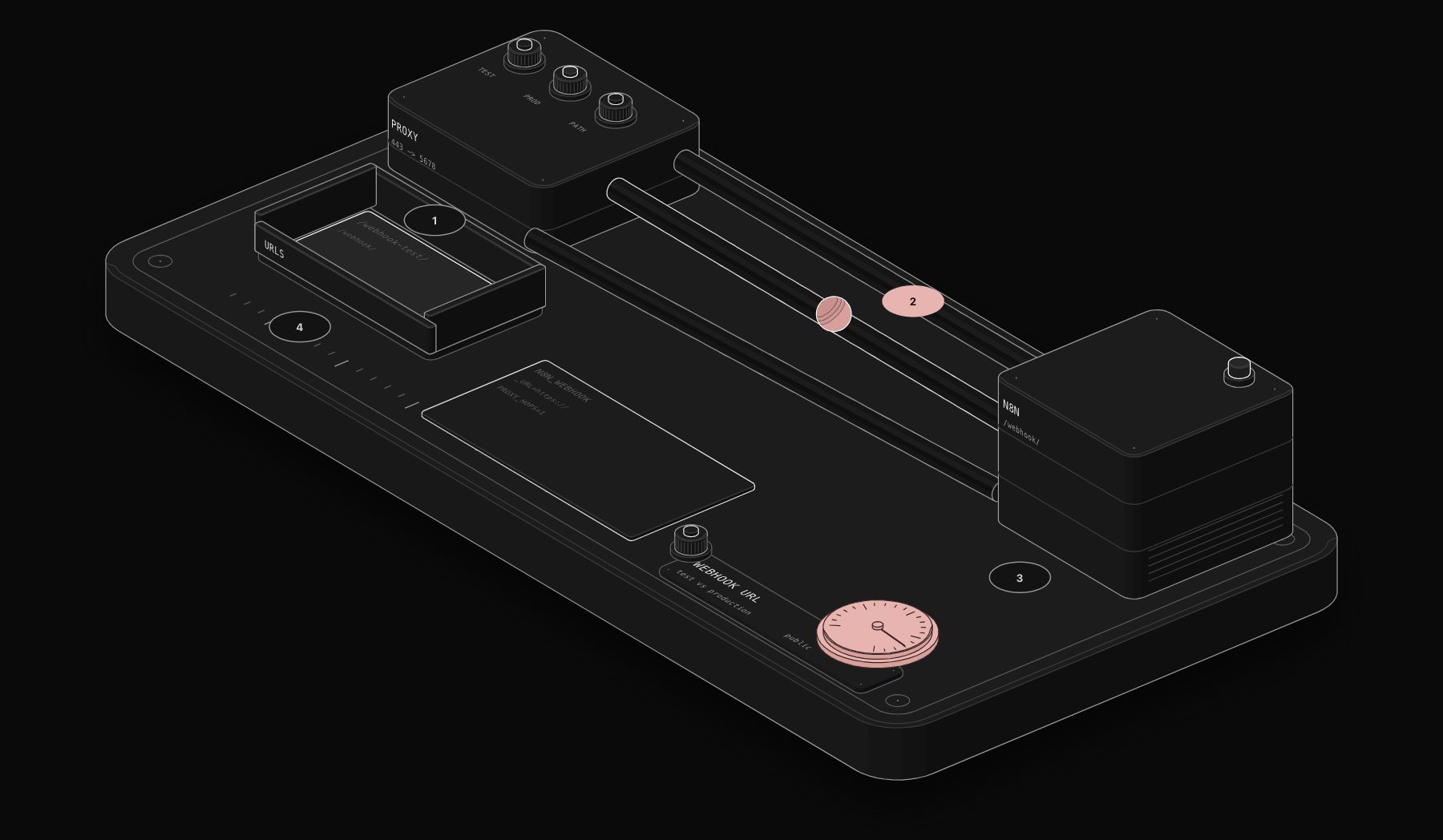
An n8n webhook URL is built from three parts: the base address of your instance, an endpoint segment that differs between test and production, and the path you choose. Get one of them wrong and external services cannot reach your workflow. Here is how each part works and how to control it.
In short. Test URLs contain /webhook-test/ and listen for 120 seconds after "Listen for test event". Production URLs contain /webhook/ and listen while the workflow is published. Set a readable custom path in the node. On self-hosted n8n behind a proxy, set N8N_WEBHOOK_URL to your public address and N8N_PROXY_HOPS=1, then restart.

Anatomy of a webhook URL
| Part | Controlled by | Default |
|---|---|---|
| Base URL | Instance configuration (N8N_WEBHOOK_URL) | Built from protocol, host and port |
| Endpoint | N8N_ENDPOINT_WEBHOOK and N8N_ENDPOINT_WEBHOOK_TEST | webhook and webhook-test |
| Path | The Path field of the Webhook node | A random ID |
Test URL or Production URL?
Use the Test URL while building: n8n shows the incoming data in the editor, which is what you need to map fields. It only listens for 120 seconds after you click "Listen for test event".
Use the Production URL for every real integration: forms, payment providers, CRMs. It listens as long as the workflow is published. Its executions do not appear on the canvas; open the Executions tab.
A common mistake is to configure Stripe or a form tool with the Test URL during setup and forget to switch. The integration then works only when you happen to be listening.

Change the path
The path field is random by default to avoid conflicts. Replace it with something stable and readable, such as new-lead or stripe/payment-succeeded. The documentation also allows route parameters:
A request to /webhook/orders/812 on the path orders/:id makes 812 available in the node's output under params. Remember the rule: one webhook per path and HTTP method across the instance.
Fix a localhost URL on self-hosted n8n
If the node shows http://localhost:5678/webhook/... while your instance lives at https://n8n.example.com, the base URL is wrong. n8n builds it from N8N_PROTOCOL, N8N_HOST and N8N_PORT. Behind a reverse proxy (Nginx, Caddy, Traefik, Cloudflare Tunnel) n8n runs internally on port 5678 while the world reaches it on 443, so it cannot guess the right address. The documented fix:
In Docker Compose:
N8N_WEBHOOK_URL replaces WEBHOOK_URL, deprecated from n8n 2.35.0. The old name still works but logs a warning. Your proxy must also forward the X-Forwarded-For, X-Forwarded-Host and X-Forwarded-Proto headers. Restart n8n, reopen the Webhook node, and the URLs show your domain.
Change the endpoint segment
If you need /hooks/ instead of /webhook/, set N8N_ENDPOINT_WEBHOOK (production) and N8N_ENDPOINT_WEBHOOK_TEST (test). Changing them breaks every URL already configured in external tools, so do it before going live, not after.
Testing locally
On a laptop, external services cannot reach localhost. The documentation recommends running n8n in tunnel mode for development, or you can use any tunnel service and point N8N_WEBHOOK_URL at the public tunnel address. Never use a development tunnel for production traffic.
Worked example: Nginx in front of n8n
A typical self-hosted setup: n8n listens on port 5678 inside Docker, and Nginx terminates HTTPS on 443 for n8n.example.com.
Nginx server block (excerpt):
n8n environment:
The Upgrade and Connection headers keep the editor's live connection working through the proxy. client_max_body_size matches n8n's default 16 MB webhook payload; raise both together if you need larger uploads.
After restarting, open any Webhook node: both URLs should start with https://n8n.example.com/.
Cloudflare Tunnel and other tunnels
A tunnel gives your instance a public hostname without opening ports. The same rule applies: n8n does not know that hostname until you set N8N_WEBHOOK_URL to it. For development tunnels whose address changes at every start, update the variable and every sender each time, which is why they suit testing only.
Naming paths so they last
| Path style | Example | Verdict |
|---|---|---|
| Random default | /webhook/4f1c9a7e-... | Safe from collisions, impossible to recognise |
| Purpose | /webhook/new-lead | Readable, stable |
| Source and event | /webhook/stripe/payment-succeeded | Best when several senders exist |
| Route parameter | /webhook/orders/:id | For API-style endpoints |
Write the path and the sender next to each other in the workflow notes, so the next person knows which tool calls it.
Troubleshooting table
| Symptom | Likely cause | Fix |
|---|---|---|
URLs show localhost:5678 | No public URL configured | Set N8N_WEBHOOK_URL and restart |
URLs show http instead of https | Protocol not set behind a TLS proxy | Set N8N_PROTOCOL=https and the full https URL |
Warning about WEBHOOK_URL in the logs | Deprecated name since 2.35.0 | Rename to N8N_WEBHOOK_URL |
| IP allowlist blocks everything | n8n sees the proxy IP | Set N8N_PROXY_HOPS to the number of proxies |
| Large uploads fail with 413 | Proxy body limit lower than n8n's | Raise client_max_body_size (and N8N_PAYLOAD_SIZE_MAX) |
Production checklist
-
N8N_WEBHOOK_URLset to the public URL,N8N_PROXY_HOPSset behind a proxy. - Proxy forwarding
X-Forwarded-For,X-Forwarded-HostandX-Forwarded-Proto. - Stable custom paths documented next to each integration.
- No development tunnel used for production traffic.
Frequently asked questions
What is the difference between webhook and webhook-test in n8n URLs?
/webhook-test/ is the Test URL, active for 120 seconds after "Listen for test event", with data shown in the editor. /webhook/ is the Production URL, active while the workflow is published.
How do I change the n8n webhook URL from localhost to my domain?
Set N8N_WEBHOOK_URL to your public URL (for example https://n8n.example.com/), set N8N_PROXY_HOPS=1 behind a reverse proxy, and restart n8n.
Is WEBHOOK_URL still valid in n8n?
It still works but is deprecated from n8n 2.35.0. Use N8N_WEBHOOK_URL.
Does changing the path break existing integrations?
Yes. External services keep calling the old URL. Update them, or keep the old path.
Can I use a custom domain for n8n Cloud webhooks?
Use the URL shown in your Cloud workspace. Custom domains depend on your plan; check the n8n Cloud settings for your workspace.
Does N8N_WEBHOOK_URL change the editor address?
No. It sets the webhook base URL. The editor's public address is N8N_EDITOR_BASE_URL, which is also used for OAuth redirect URLs.
Do test and production webhooks share the same path?
Yes. They differ by the endpoint segment: /webhook-test/ versus /webhook/.
Tags

Steve founded PURIST, a workflow automation studio working with n8n, Make and Claude AI, and is the point of contact on every project. Prices and features in our articles come from vendor documentation and public pricing pages. How we research and score tools.