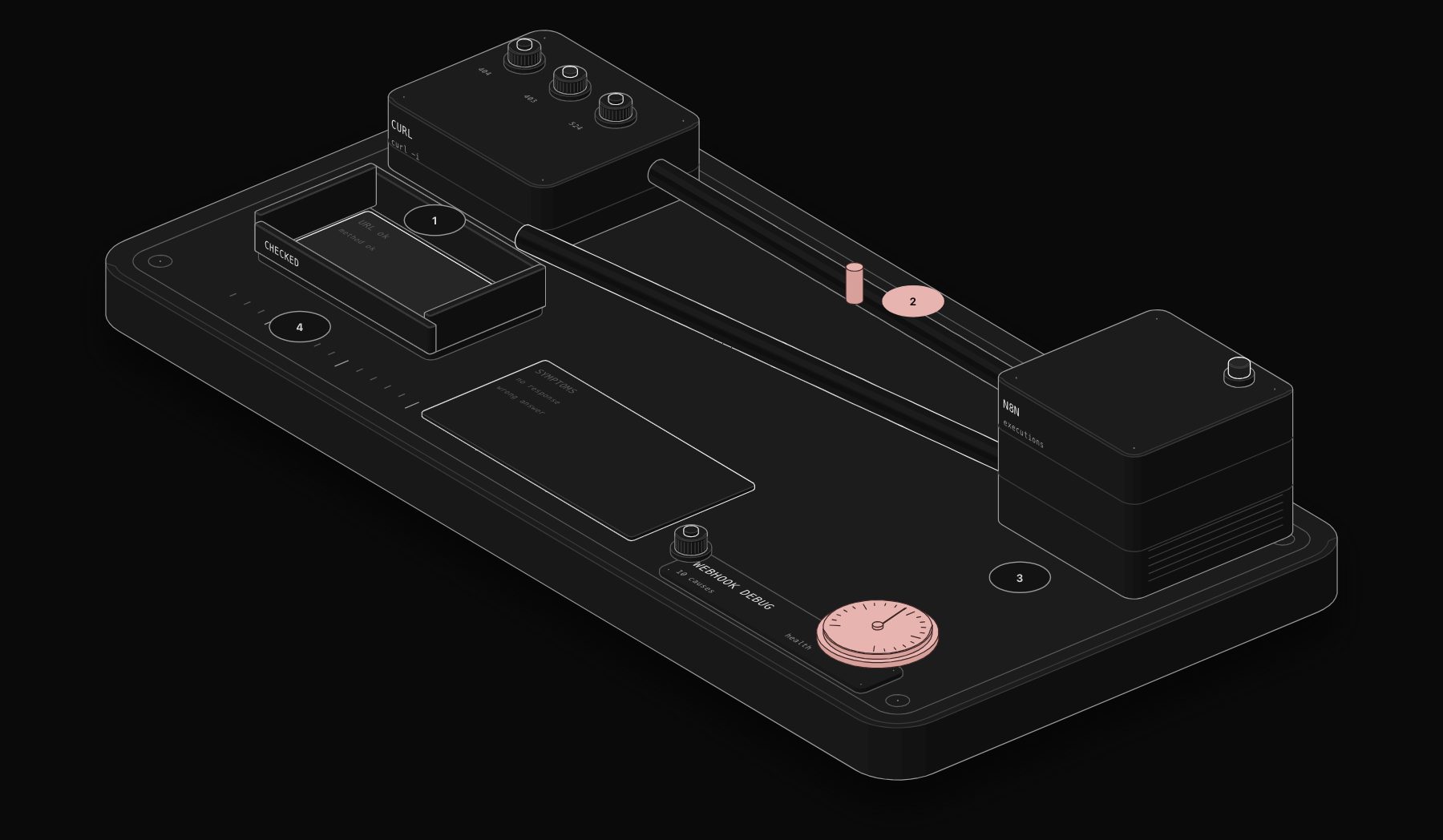
"My webhook does not work" can mean ten different things. The fastest way to fix it is to start from the symptom: does the request reach n8n at all, what status code does the sender get, and does an execution appear? This guide is organised that way.
In short. First look at the status code the sender receives. 404 means the URL is not registered (test URL not listening, workflow not published, wrong method or path). 403 means an allowlist or authentication rejected it. 413 means the payload is too large. 524 on n8n Cloud means the workflow took more than 100 seconds to answer. No status at all means the request never reached n8n: a network, DNS or localhost problem.

Step 0: reproduce with curl
Remove the external tool from the equation. Send the request yourself:
The -i flag shows the status code and headers. If curl works and the external tool does not, the problem is in the tool's configuration (URL, method, headers). If curl fails, keep reading. Our Webhook Payload Generator produces realistic test bodies for common providers.
Symptom: 404 "The requested webhook is not registered"
- 1 Test URL not listening. It only listens for 120 seconds after "Listen for test event".
- 2 Workflow not published. The Production URL only exists while the workflow is published.
- 3 Wrong method or path. A GET to a POST webhook, or an old path after an edit.
Full walkthrough: fix "The requested webhook is not registered".

Symptom: 403 Forbidden
- 1 IP allowlist. Requests from IPs outside the list receive 403. Behind a reverse proxy, n8n sees the proxy's IP unless you set
N8N_PROXY_HOPSto the number of proxies. - 2 Authentication. Basic, Header or JWT auth failed. Check the exact header name and value the sender uses. See how to secure an n8n webhook.
Symptom: 413 Payload Too Large
- 1 Payload size. The webhook maximum payload is 16 MB by default. On self-hosted n8n you can raise it with
N8N_PAYLOAD_SIZE_MAX(in MiB) and a restart, at the cost of memory. Your reverse proxy may have its own lower limit (for example Nginxclient_max_body_size), so check both.
Symptom: 524 or a timeout
- 1 Slow response on n8n Cloud. Cloud traffic goes through Cloudflare, and a webhook that does not respond within 100 seconds fails with 524. Respond immediately and process in the background, or split the job into a "start" webhook and a "status" webhook that the caller polls, as the documentation recommends.
On self-hosted n8n, the timeout comes from your proxy or load balancer. The same split pattern applies.
Symptom: no response at all
- 1 Localhost or private address. If the node shows
http://localhost:5678/..., no outside service can reach it. SetN8N_WEBHOOK_URLto your public address and restart. Details in our guide to n8n webhook URLs. - 2 Network path. DNS not pointing to the server, firewall closing 443, an expired TLS certificate, or a tunnel that stopped. Test the base URL in a browser: you should reach the n8n login page.
Symptom: the workflow runs, but the caller gets the wrong answer
- 1 Response configuration. The default answer is "Workflow got started". To return data, set Respond to "When Last Node Finishes" or use a Respond to Webhook node. The Respond to Webhook node answers with the first item only, unless you choose "All Incoming Items". See Respond to Webhook explained.
Related surprises:
- Browser calls fail with a CORS error. Set "Allowed Origins (CORS)" in the node options to your site's domain.
- HTML looks broken. Since n8n 1.103.0, HTML responses are rendered in a sandboxed iframe: relative URLs and scripts that touch the parent window do not work.
- The data is there but nested. Webhook data arrives as
body,headers,paramsandquery. Read the email with{{ $json.body.email }}, not{{ $json.email }}.
Where to look in n8n
- Executions tab of the workflow: production runs appear here, not on the canvas.
- The node's output in a test run: shows exactly what arrived.
- Server logs (self-hosted):
docker logs n8nshows rejected requests and startup warnings, such as the deprecation notice forWEBHOOK_URL.
A 10-minute debugging routine
When a webhook fails and you do not know why, run these steps in order. Each one rules out a whole family of causes.
- 1 Copy the exact URL from the Webhook node (Production URL) and compare it character by character with the one configured in the sender.
- 2 Reproduce with curl from your computer, with
-ito see the status code. - 3 Reproduce from the server (self-hosted), to separate network problems from n8n problems:
curl -i http://127.0.0.1:5678/webhook/your-path. - 4 Open the n8n Executions tab. If an execution exists, the webhook works and the problem is inside the workflow.
- 5 Open the failed execution and read the first red node.
- 6 Check the proxy logs (self-hosted) for the sender's request and the status the proxy returned.
- 7 Check the sender's delivery log for the status and response body it received.
If step 3 works and step 2 fails, the problem is between the internet and your server: DNS, TLS certificate, firewall or proxy configuration.
The webhook payload, decoded
Every Webhook node output has the same four parts. Most "my data is missing" reports are a wrong path into this structure.
| You want | Expression |
|---|---|
| A field from a JSON body | {{ $json.body.email }} |
| A query string value | {{ $json.query.source }} |
A route parameter (orders/:id) | {{ $json.params.id }} |
| A header | {{ $json.headers["user-agent"] }} |
Form submissions (application/x-www-form-urlencoded or multipart/form-data) also land in body; files go to binary data when the Binary Property option is set.
Senders that retry
Payment providers and many SaaS tools retry webhooks that fail or time out. If your workflow is slow to respond, the sender may retry while the first execution is still running, and you process the same event twice. Two defences:
- respond quickly (Respond "Immediately", or a Respond to Webhook node early in the flow);
- deduplicate on the event ID with the Remove Duplicates node or a lookup before acting.
Troubleshooting table (summary)
| Symptom | First thing to check |
|---|---|
| 404 | Test vs Production URL, publish state, method, path |
| 403 | Authentication values, IP allowlist, N8N_PROXY_HOPS |
| 413 | N8N_PAYLOAD_SIZE_MAX and the proxy body limit |
| 500 | The failed execution in n8n |
| 524 (Cloud) | Respond within 100 seconds |
| No response | DNS, TLS, firewall, N8N_WEBHOOK_URL |
| Duplicate executions | Sender retries; respond faster, deduplicate |
| Data missing | Path: $json.body... |
Production checklist
| Check | Expected |
|---|---|
| Sender uses the Production URL | /webhook/... not /webhook-test/... |
| Workflow published | Yes |
| Method matches | Same as the node's HTTP Method |
| Base URL | Your public https domain |
| Authentication | Enabled and tested |
| Response mode | Matches what the caller expects |
| Error workflow | Set, so failures alert you |
Frequently asked questions
Why is my n8n webhook not triggering?
Most often the sender uses the Test URL, or the workflow is not published. Check the status code the sender receives: 404 confirms a registration problem.
Why does my webhook execution not show on the canvas?
Production executions are not displayed on the canvas. Open the workflow's Executions tab.
What is the maximum payload for an n8n webhook?
16 MB by default. Self-hosted instances can raise it with N8N_PAYLOAD_SIZE_MAX.
How do I fix a 524 error on an n8n Cloud webhook?
Answer within 100 seconds. Respond immediately, then process, or use a second webhook for the caller to poll the result.
How do I test an n8n webhook without the real app?
Send a request with curl or Postman to the Test URL after clicking "Listen for test event", using a realistic body. Our Webhook Payload Generator produces sample bodies.
Why do I get two executions for one event?
The sender probably retried because your webhook answered slowly or failed. Respond faster and deduplicate on the event ID.
Where are webhook errors logged on self-hosted n8n?
Failed executions are in the Executions list. Requests rejected before any node runs appear in your reverse proxy logs and in the container logs (docker logs).
Tags

Steve founded PURIST, a workflow automation studio working with n8n, Make and Claude AI, and is the point of contact on every project. Prices and features in our articles come from vendor documentation and public pricing pages. How we research and score tools.