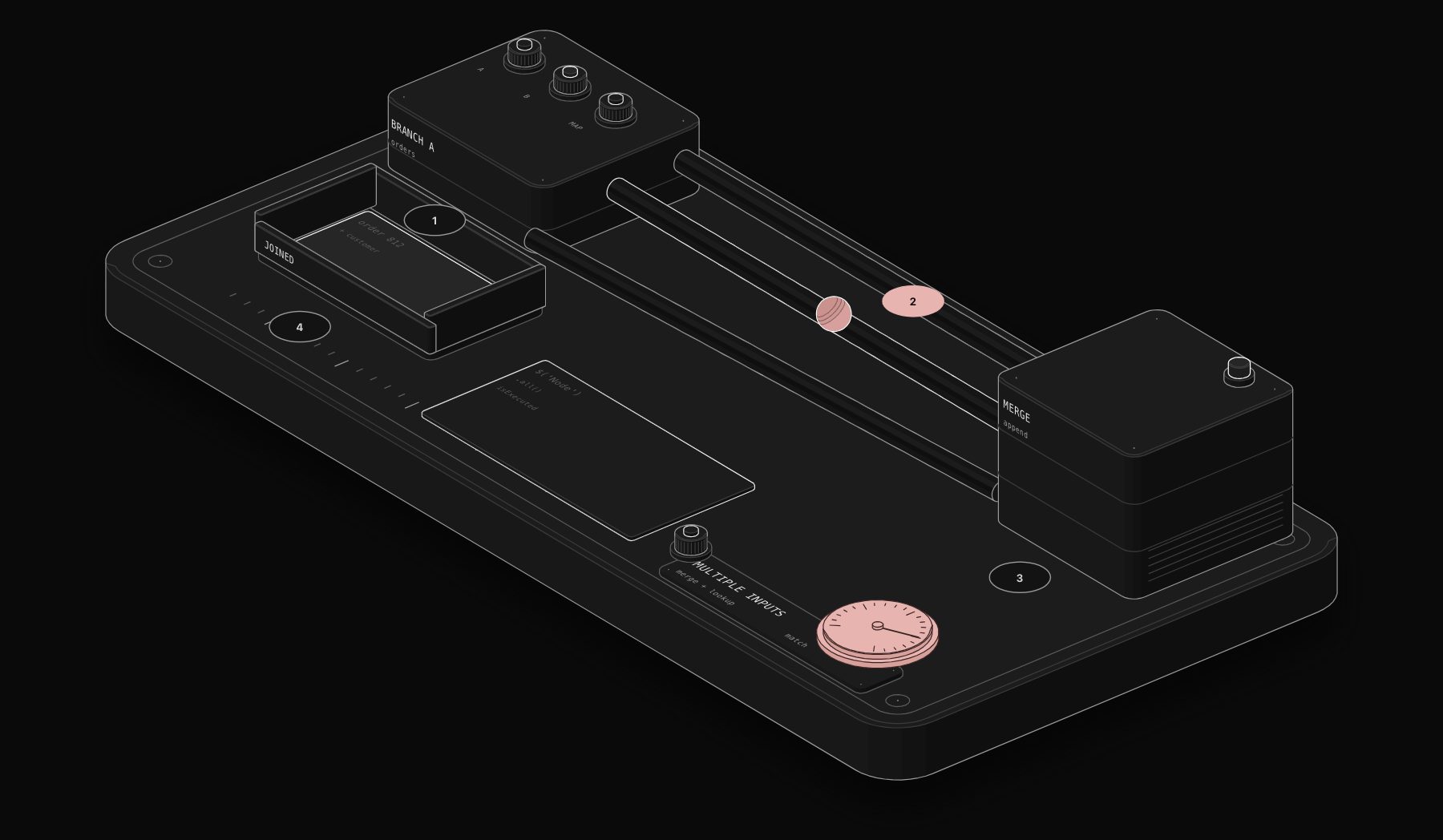
Search "n8n code node 2 inputs" and you will find the same question asked many times: the Code node has a single input connector, so how do you combine customers from one branch with orders from another? The answer is that you do not need a second connector. n8n gives you two clean ways to bring several data sources into one Code node, plus a third pattern for loops.
In short. Either merge the branches first with a Merge node and connect the result to the Code node, or keep one input and read the other node directly with $('Node name').all(). The second method is the quickest, but the referenced node must have run in the same execution.

Why the Code node has only one input
Most n8n nodes take one input and process its items. The Merge node exists precisely to join branches. Keeping the Code node single-input keeps item linking predictable: n8n knows which input item produced which output item. So instead of looking for a hidden second input, use one of the methods below.
Method 1: Merge first, then code
Use this when both sources should become one combined list before your logic runs.
- 1 Connect branch A to input 1 of a Merge node and branch B to input 2.
- 2 Choose the merge mode. "Append" puts all items one after the other. "Combine" with "Matching Fields" joins items that share a key such as
emailorid. - 3 Connect the Merge node to the Code node.
If you chose "Append", the Code node receives both lists in one array. Tag the items upstream (for example with an Edit Fields node that sets source: 'crm') so the code can tell them apart:
When the join itself is the whole job, "Combine" by matching fields often removes the need for code entirely.

Method 2: One input, read the other node by name
Use this when one source is "the items to process" and the other is a lookup table. Connect only the main branch to the Code node, and make sure the other node runs earlier in the same path.
Building a Map first matters. Searching an array for every order works on ten records and becomes slow on ten thousand.
The trap: "Referenced node is unexecuted"
$('Node name') only returns data if that node has run in the current execution. If it sits on a branch that did not run, or after the Code node, n8n raises "Referenced node is unexecuted" (also shown as "Can't get data for expression"). Two fixes:
- Put the lookup node before the Code node on the same path, so it always runs first.
- Guard the read with the documented
isExecutedproperty:
Method 3: Data from a loop
Inside a "Loop Over Items" pattern, the Code node may run several times. $('Node name').all() accepts two optional arguments, branchIndex and runIndex, documented as $('Node').all(branchIndex?, runIndex?). Use $runIndex to read the matching run:
If you only need everything once the loop is done, put the Code node after the loop's "done" output instead. It is simpler and avoids run-index bugs.
Which method to choose
| Situation | Best method |
|---|---|
| Two lists to join on a shared key | Merge node in "Combine" mode, often no code needed |
| Two lists to analyse together | Merge in "Append", then Code |
| Items plus a lookup table | One input, read the table with $('Node').all() |
| Data produced inside a loop | Code after the loop, or all(0, $runIndex) |
Worked example: invoices joined with customer records
A finance team exports unpaid invoices from their billing tool and wants a reminder email per customer, with the customer's account manager in copy. Invoices and customers live in two systems.
- 1 Get unpaid invoices (HTTP Request to the billing API): one item per invoice, with
customerId,amountanddueDate. - 2 Get customers (CRM node), placed on the same path before the Code node: one item per customer, with
id,emailandownerEmail. - 3 Build reminders (Code node, All Items), connected to Get unpaid invoices only.
- 1 Send reminder (Gmail or SMTP node): one email per customer, listing their invoices.
The output has one item per customer, not per invoice, which is exactly what the email node needs. Note how the lookup node is placed before the Code node in the same path: that guarantees it has run when the code reads it.
Merge node modes in one table
Since the Merge node is often the cleaner option, here is what each mode does before data reaches your Code node:
| Merge mode | Result | Typical use |
|---|---|---|
| Append | All items from input 1, then all from input 2 | Analyse two lists together |
| Combine by matching fields | Items joined where a key matches | Orders + customers on customerId |
| Combine by position | Item 1 with item 1, item 2 with item 2 | Two lists produced in the same order |
| Combine all possible combinations | Every pair | Rare; grows fast |
| Choose branch | Waits for both, outputs one | Synchronise two branches |
If "Combine by matching fields" already produces what you need, you may not need a Code node at all.
Troubleshooting table
| Symptom | Likely cause | Fix |
|---|---|---|
| "Referenced node is unexecuted" | Lookup node on another branch or after the Code node | Move it before, same path, or guard with .isExecuted |
| Lookup returns an empty array | The lookup node returned no items in this run | Check its output; handle the empty case |
| Every order gets the same customer | Using .first() instead of a keyed lookup | Build a Map keyed on the ID |
| Matches fail on some IDs | 12 (number) vs "12" (string) | Normalise with String() on both sides |
| Merge outputs nothing | One input received no items | Check both branches ran; consider "Always Output Data" upstream |
Common mistakes to avoid
- Renaming the lookup node.
$('Get customers')breaks silently if someone renames the node to "Get CRM customers". Mention the dependency in the node's notes. - Joining on display names. Names change and collide. Join on stable IDs or normalised emails.
- Fetching the lookup inside a loop. Calling the CRM once per order multiplies API calls and hits rate limits. Fetch the lookup once, index it, then loop.
Production checklist
- Lookup nodes placed before the Code node on the same path.
-
isExecutedguards on any node that sits on an optional branch. - A
Mapindex for lookups on more than a few hundred records. - Node names referenced in code not renamed later (or the code updated with them).
Frequently asked questions
Can I add a second input to the n8n Code node?
No. The Code node has one input connector. Use a Merge node before it, or read other nodes by name with $('Node name').all().
Why does $('Node name') return nothing or an error?
The referenced node did not run in this execution, or its name is misspelled. Node names are matched exactly. Check the node title and make sure it runs before the Code node.
Which merge mode should I use before a Code node?
"Append" if your code needs both full lists. "Combine" with matching fields if you only need records joined on a key, in which case you may not need code at all.
Is $node["Name"] still supported?
Older workflows use $node["Name"].json. Current documentation uses $('Node name'), which also supports .all(), .first(), .last() and .item. Prefer it in new workflows.
What is the difference between Merge and $('Node').all() in n8n?
Merge combines two branches into one input, visibly, on the canvas. $('Node').all() reads another node's output from code without a connection. Merge is clearer for joins; references are faster for lookup tables.
Does the referenced node need to be connected to the Code node?
No, but it must have run earlier in the same execution, usually by sitting before the Code node on the same path.
Can I read a node that ran inside a loop?
Yes. $('Node').all(branchIndex, runIndex) reads a specific run; $runIndex gives the current one.
Tags

Steve founded PURIST, a workflow automation studio working with n8n, Make and Claude AI, and is the point of contact on every project. Prices and features in our articles come from vendor documentation and public pricing pages. How we research and score tools.