Why a machine explains a process better than a flowchart
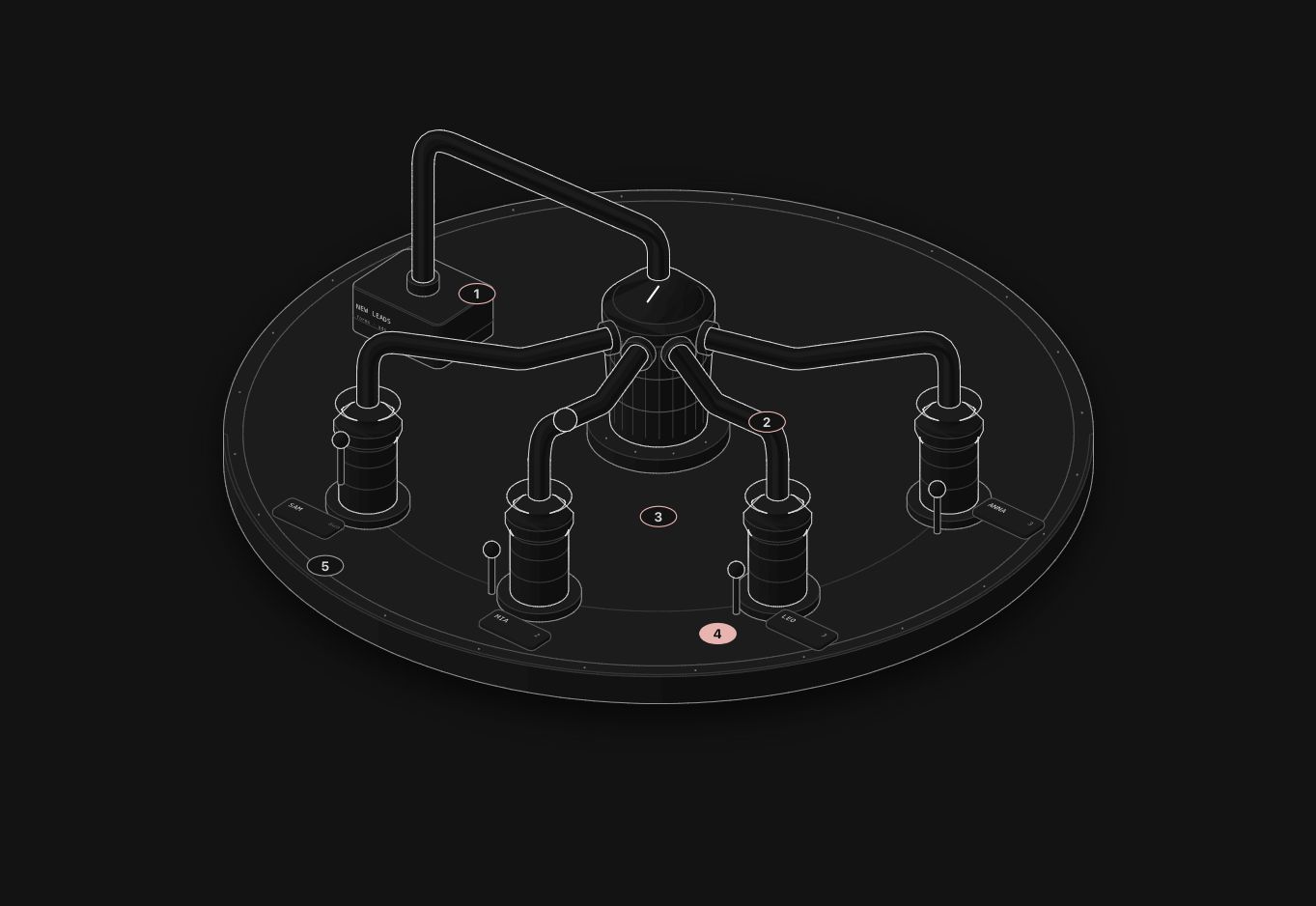
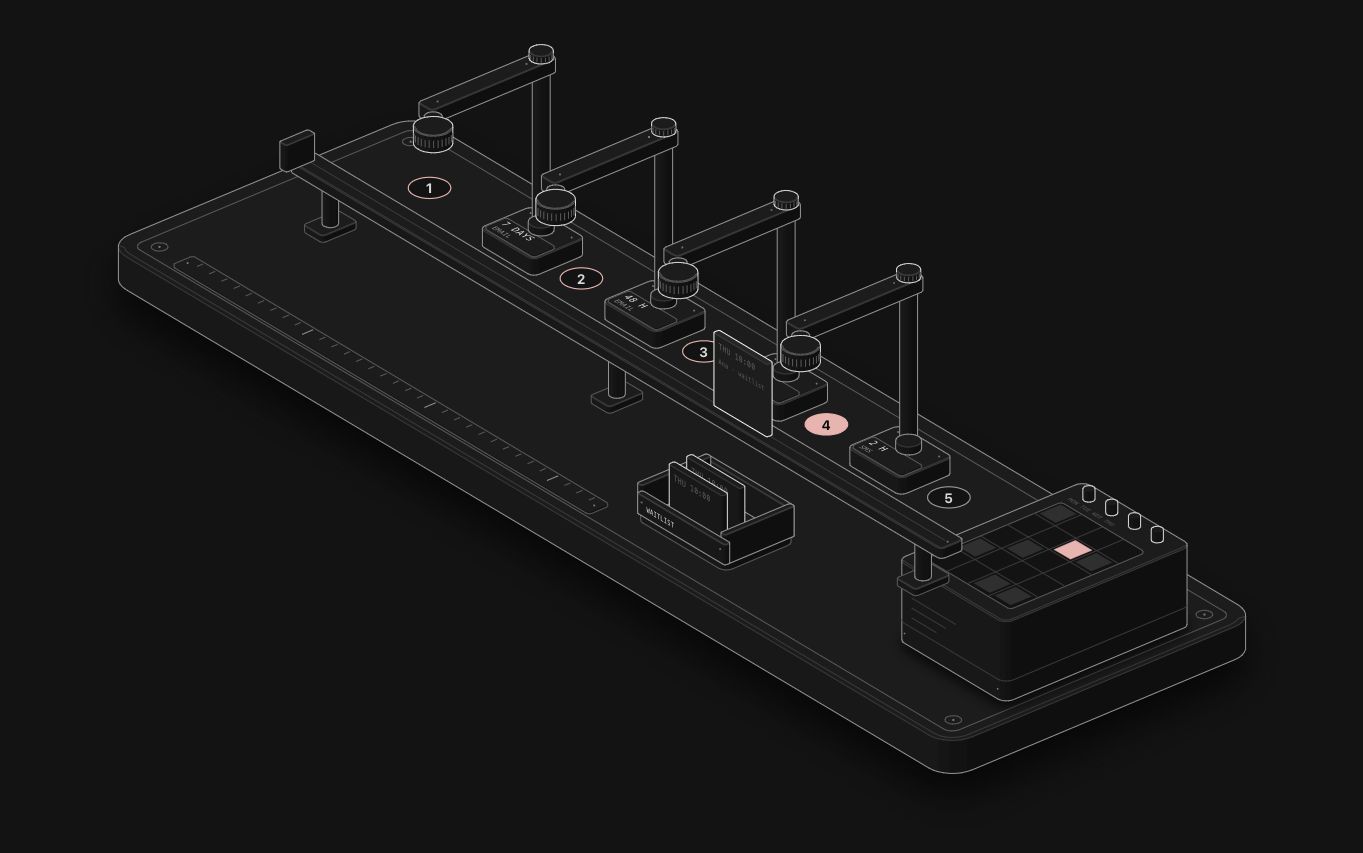
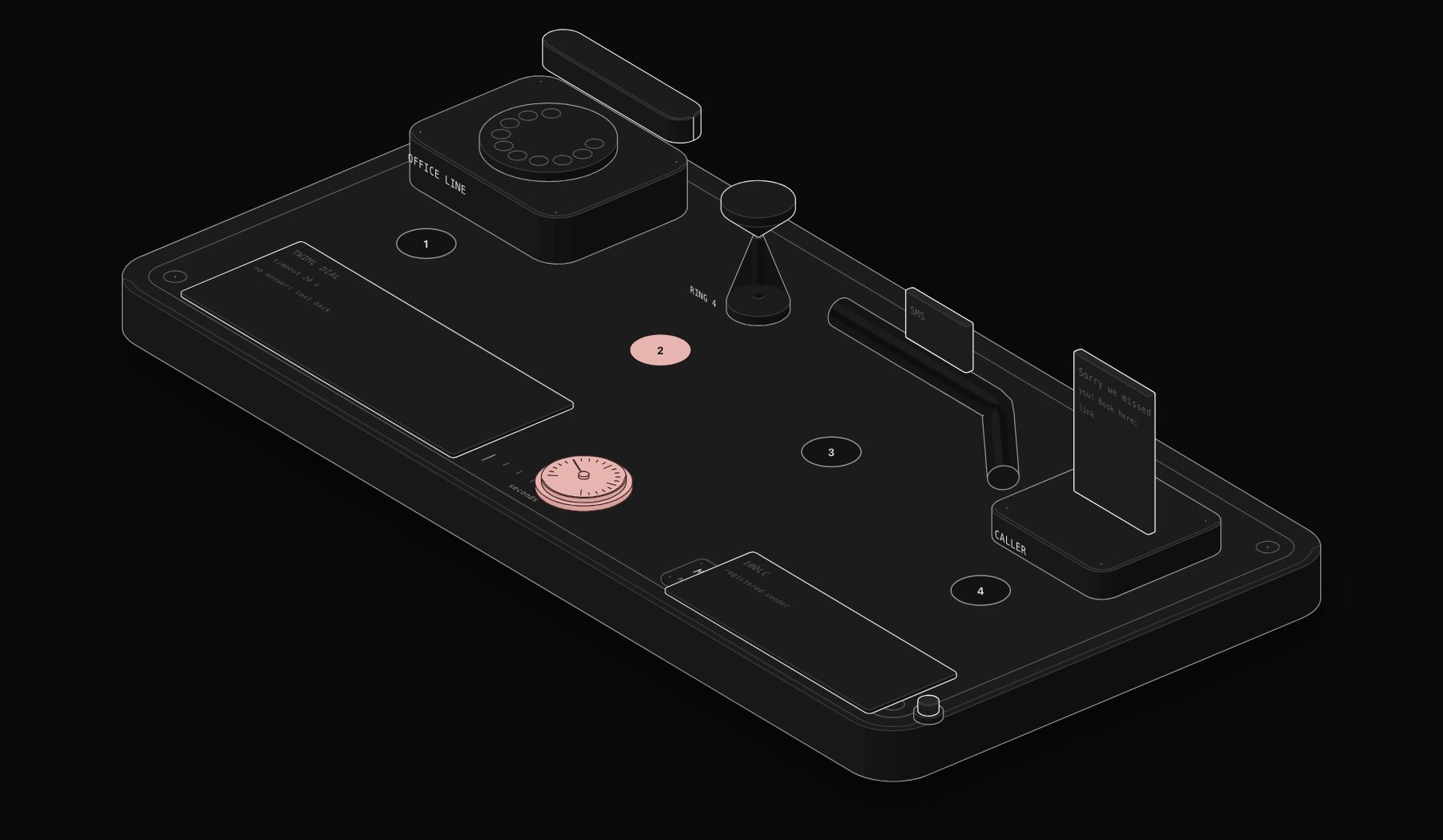
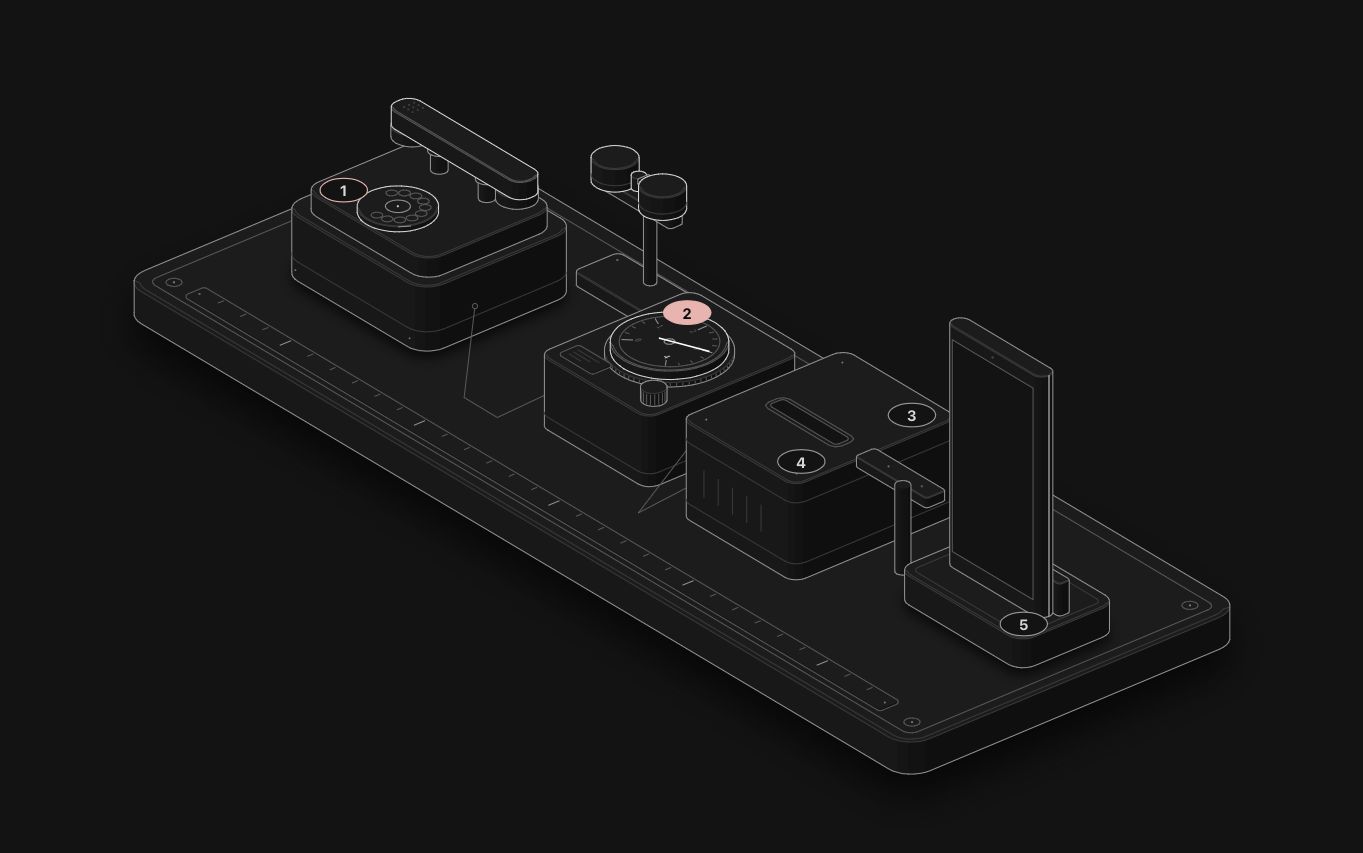
Business owners do not read flowcharts. They read boxes and arrows as "complicated" and move on. Show the same process as a physical machine, a phone that rings into a counter or a card that rides a rail to a mailbox, and they understand it in a couple of seconds, because they already know how machines behave.
The open-source Anatomy skill for Claude Code is built for exactly that. This guide shows the method we used to turn 28 business automations into live figures, with prompts you can copy.
Step 1: write the process as a cause and an effect
Before opening Claude, write the process in one sentence with a trigger and an outcome. Keep the real numbers, because the figure will show them.
- "When a call is not answered after 4 rings, the caller receives a text within seconds."
- "When an invoice is 7 days overdue, the client receives a polite reminder, then another at 14 days."
- "When a new lead arrives, it goes to the salesperson who covers that area."
If you cannot write that sentence, the process is not clear yet, and no figure will fix it.
Step 2: pick the machine
This is the step that decides everything. Look for a physical object whose working is the process, one to one:
| Process | Machine that maps to it |
|---|---|
| Missed call to text back | Desk phone, ring counter, card on a rail |
| Leads routed by area | Pneumatic tubes or a sorter |
| Reminder sequence | Stamping towers along a conveyor |
| Reordering stock | A vending machine that refills |
| Reconciling payments | A balance scale |
| A weekly report | A clockwork that prints on a schedule |
Anatomy can propose a machine on its own, but you get better figures when you suggest one. Avoid abstract stacks of slabs and labelled boxes: the skill's own rules call that a failure.
Step 3: give Claude the prompt
A good prompt names the process, the machine, the numbers and the output you need:
The skill sizes the job first. A single mechanism like this is a "Figure", which it builds without asking. A dense object with several systems is a "Hero" and takes a few hours.
Step 4: check the truth before the looks
Anatomy builds every figure from a small model, so the readout and the motion agree. Read the readout as you would read a contract:
- Are the timings the real ones?
- Does the click do what the real automation does?
- Is any number a claim you cannot back up?
On a business site this matters more than the drawing. On our own figures we only keep mechanics that are true for every client, such as a ring cadence, never a result.
Step 5: review it like a critic
The skill checks its own work by zooming in on joints and running a line check, but look at it yourself:
- On a phone. Capture it at 390 pixels wide. A figure that reads on a laptop can turn into noise on a phone.
- In both themes. Light and dark if your site supports both.
- Under reduced motion. It should go still and still make sense.
Step 6: embed it where decisions happen
A figure earns its keep in three places: the article that ranks for the problem, the service page that sells the fix, and a gallery. We build each figure as a full page and as an embed page that reports its height to the parent, then drop it into articles as an iframe that sizes itself. On our blog, one line in the article source does it.
Put a short caption under every figure that says what to click. A caption that invites a click turns a picture into something visitors try for themselves.
Common mistakes
- Starting from a pretty object. A beautiful clock that does not map to the process confuses more than it explains.
- Too many ideas in one machine. One figure, one mechanism. Split the rest into a second figure.
- Invented numbers. If the readout shows a result you cannot prove, remove it.
- All figures looking alike. Change the machine family from one process to the next.
See it on real automations
All 28 of our figures are live on the figures page, each with the automation it explains. If you want one of your own processes automated, and explained like this to your team, book a 15 minute call or start with our free website audit.
FAQ
Do I need to code to use Anatomy?
No. You describe the figure in plain English to Claude Code. The skill writes and builds the code. You do need Node.js installed to run the build.
How long does one figure take?
A single mechanism is built in one session. Dense "Hero" figures take a few hours of agent work, and the skill tells you the estimate before it starts.
Can the figure run on a site without Claude?
Yes. The output is standalone HTML and SVG, or React components. Once built, it runs in any browser.
Tags
Purist Team
The PURIST editorial team covers automation, AI agents, and operations strategy for businesses scaling with n8n, Make, and Claude AI.