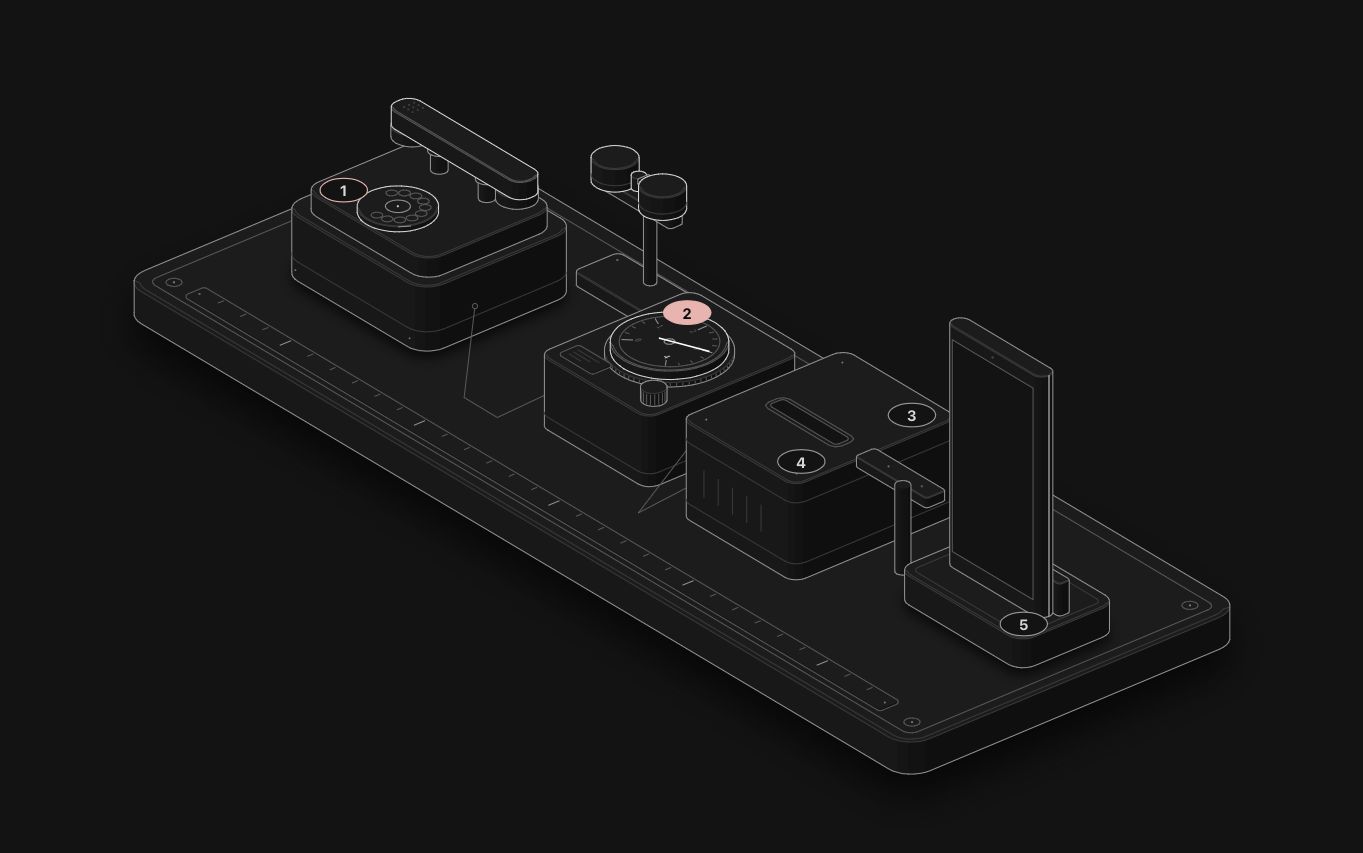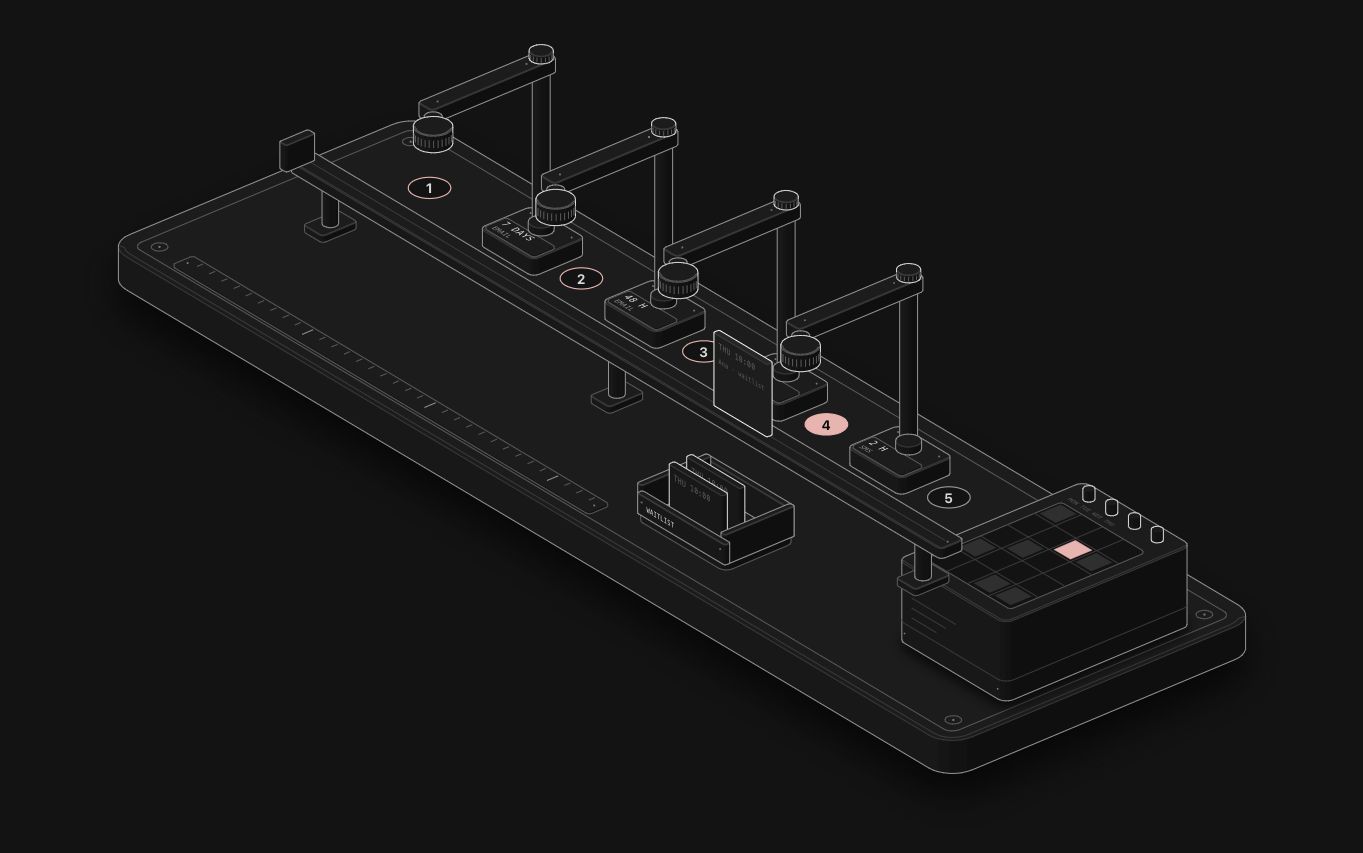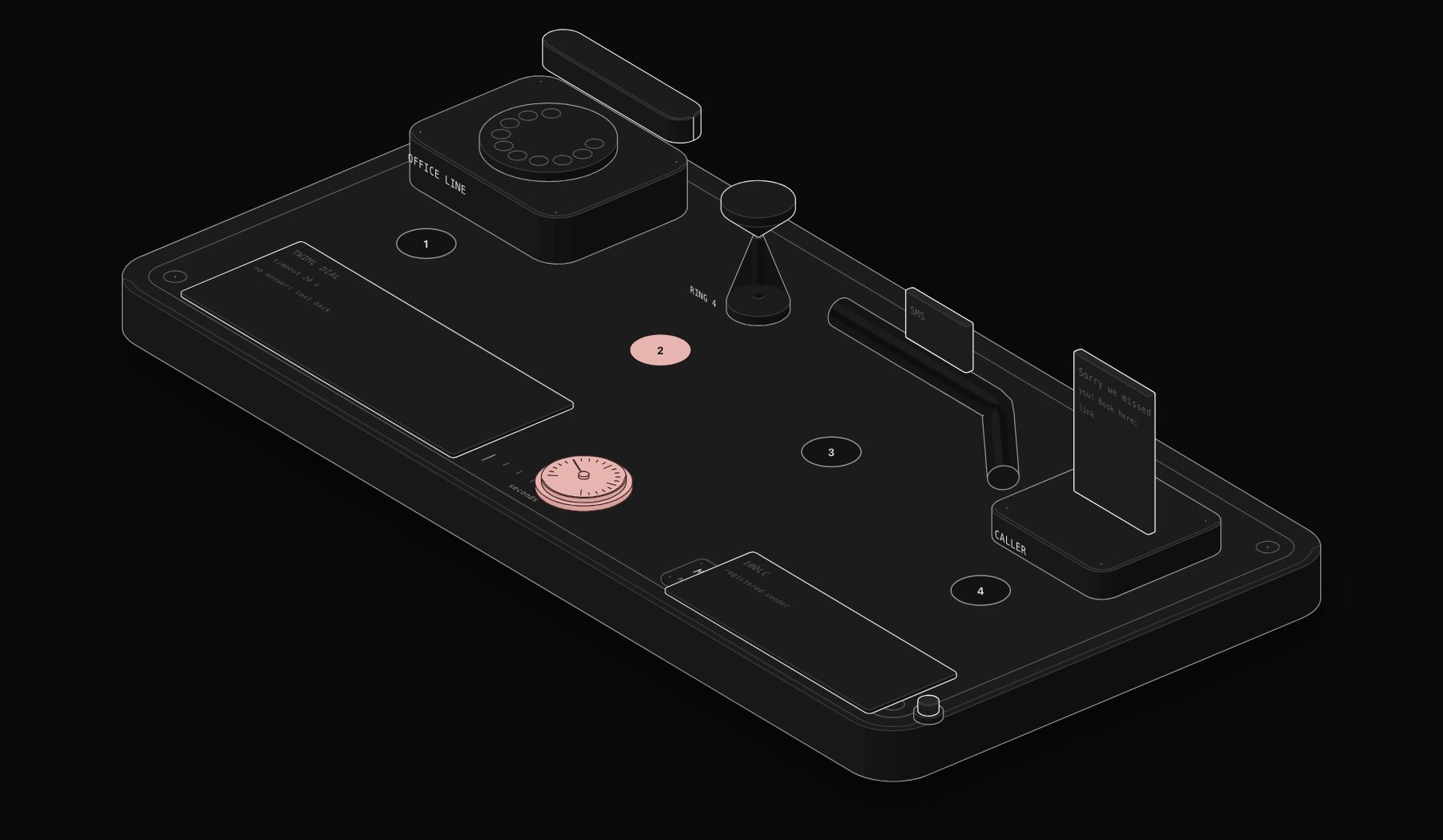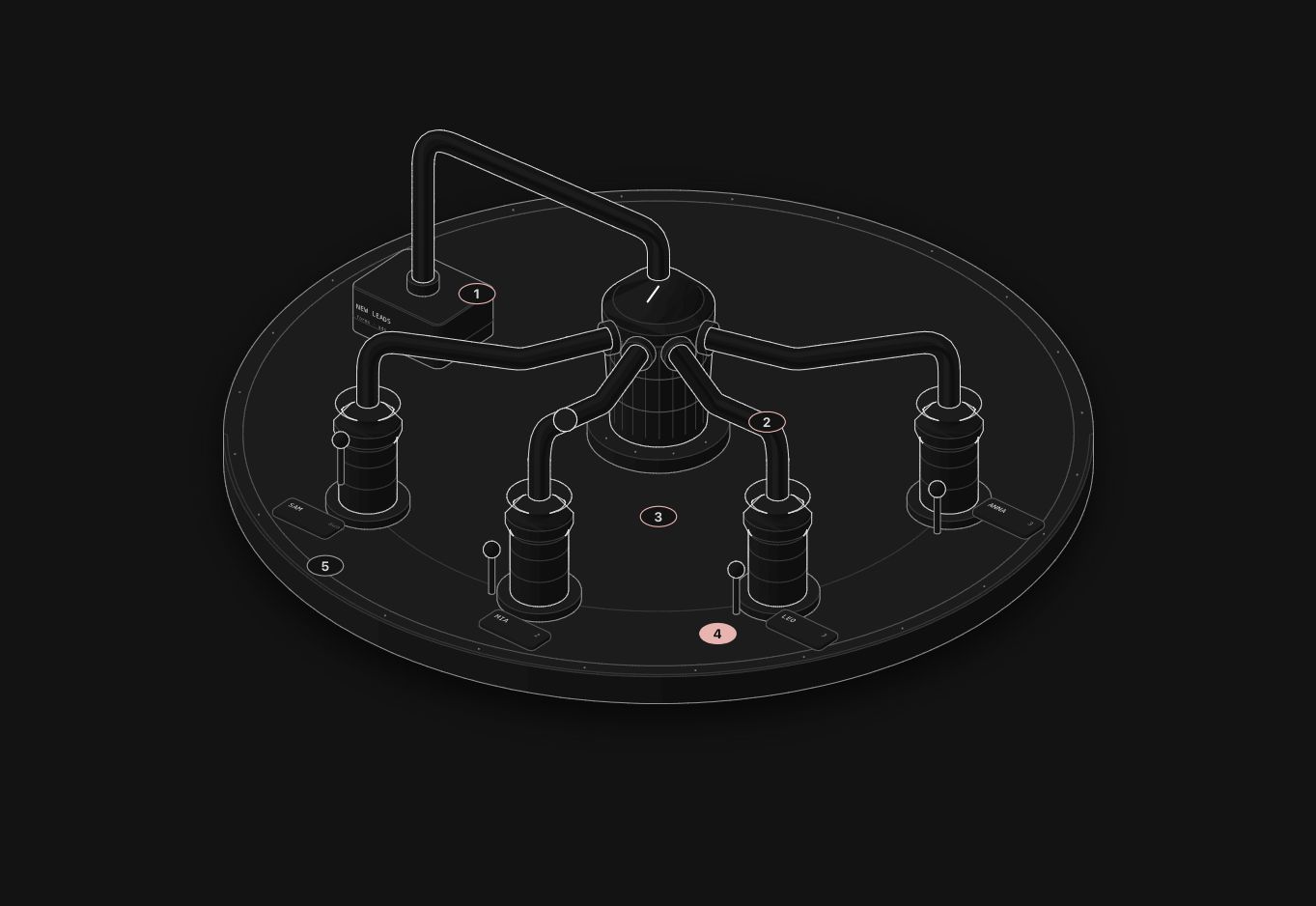
What the Anatomy skill is
Anatomy is an open-source agent skill, published on GitHub by wheresryan22 on October 8, 2026 under the MIT license. It teaches Claude Code (and also OpenCode, Codex and Antigravity) to explain an idea by building it as a real, working object: an interactive isometric drawing of a machine whose moving parts are the concept.
A cache that skips work when nothing changed becomes a pin-tumbler lock. A rate limiter becomes a bucket that fills with tokens. The reader understands the idea because they recognise the machine, and every number the figure shows comes from the same small model that moves its parts.
It went viral fast: more than 8,000 stars on GitHub in its first week. At PURIST we have shipped 28 live figures with it, one per business automation we build. You can open all of them on our live figures page.
What it makes
The skill produces three kinds of figure, all from one kit and one isometric camera:
| Kind | What it is | Typical use |
|---|---|---|
| SVG | Solid shaded parts in a framed card with a title, a hint and a live readout. Standalone HTML, a lone .svg file, or React components. | Docs, blog posts, landing pages |
| SVG + WebGL | A shader layer inside the drawing for fire, water, light or steam. The SVG still reads without WebGL. | Hero sections, physics and energy topics |
| 3D (beta) | Parts that turn in true 3D, re-shaded every frame. | Product explainers with a dial or a turntable |
Each figure loops calmly when nobody touches it, reacts to the pointer and the keyboard, stops when it scrolls off screen and goes still for visitors who turned on reduced motion.
How to install it
The skill needs Node.js 20.10 or later and has zero dependencies. The quickest install for Claude Code is the skills CLI:
That copies the skill to ~/.claude/skills/anatomy. You can also clone it with git into the same folder:
For OpenCode or Codex, swap the agent flag (-a opencode or -a codex). There is no API key and nothing else to install: the kit uses only Node's built-in modules.
The skills CLI copies the whole repository, examples included, about 10 MB. Recent versions of the CLI ask for Node 22.20 or later even though the skill itself runs on 20.10.
How to use it
In Claude Code, type the command and describe what the figure should explain:
You do not have to name the skill. Claude also loads it when you ask for an isometric illustration, an explanatory figure for docs or a blog post, or an interactive explainer.
Before any geometry, the skill sizes the job:
- Figure: one mechanism, 40 to 80 parts. It builds it without asking.
- Hero: a dense object with 80 to 150 parts, about 2 to 4 hours of agent work.
- Epic: a whole vehicle or plant. It will not start it without your go and proposes a Hero version first.
Then it follows the same order every time: the true numbers first, the object, a written parts list, the geometry, the motion, and finally a self-check where it zooms in on every joint in both light and dark themes.
What we learned building 28 figures
We used Anatomy to explain business automations to owners who will never read a workflow diagram. A few lessons from that work:
- Pick the machine first, not the drawing. The figures that work map the automation one to one onto a physical mechanism. A missed call that gets a text back became a desk phone with a ring counter and a message card on a rail. An abandoned cart became a vending machine. Owners get it in two seconds.
- Keep one honest model behind the motion. Our ring counter uses a real ring cadence, so the readout and the animation always agree. That matters when the figure sits in a sales page.
- Vary the machines. Our first batch looked too similar. Using other mechanisms from the kit (a switchboard, a music box, sieves, a greenhouse) made the gallery far more interesting.
- Plan for embedding. We build each figure twice: a full page and an embed page that posts its height to the parent, so it sits cleanly inside a blog article like the one above.
Is it worth it for a business site?
It is not a chart library and it does not draw people or maps. It is slow on purpose: a figure takes a long session. But for one thing it is unmatched: making an abstract process feel concrete. On a service business site, one good figure in a key article or landing page does more than a dozen stock images.
If you want to see what that looks like on real automations, browse our 28 live figures. Next, read how to explain a business process with Anatomy, step by step and our comparison of Anatomy vs Mermaid vs Excalidraw.
FAQ
Is the Anatomy skill free?
Yes. It is open source under the MIT license. You only pay for the Claude usage it consumes while building a figure.
Does Anatomy work without Claude Code?
It is a standard Agent Skill, so it also runs in OpenCode, Codex and Antigravity. The built figures are plain HTML and SVG, so they run in any browser without the skill.
Can I use the figures commercially?
The skill is MIT licensed, so you can use what you build with it on a commercial site. Check the license file in the repository for the exact terms.
Where is the official repository?
On GitHub at wheresryan22/anatomy, with a website at skills.wheresryan.sh/anatomy.
Tags
Purist Team
The PURIST editorial team covers automation, AI agents, and operations strategy for businesses scaling with n8n, Make, and Claude AI.