The short answer
Use Mermaid when you need a diagram inside documentation that engineers will maintain. Use Excalidraw when a team needs to sketch and discuss a process together. Use Anatomy when you need to explain a process to people who will never read a diagram, such as customers, owners or a non-technical team, and you can afford a longer build.
They solve different problems. The comparison below shows where each one wins.
| Anatomy | Mermaid | Excalidraw | |
|---|---|---|---|
| What it is | Agent skill that builds interactive isometric machines | Text syntax that renders diagrams | Open-source virtual whiteboard |
| How you make it | Describe it to Claude Code, OpenCode or Codex | Write text, it renders | Draw by hand, or with AI help |
| Output | Standalone HTML, SVG or React, animated and clickable | SVG diagram | Hand-drawn style image or shared board |
| Interactive | Yes: motion, hover, click, live readout | Limited | Editing, not playback |
| Time to first result | A long session per figure | Minutes | Minutes |
| Best audience | Customers, owners, non-technical readers | Engineers, documentation | Teams in a meeting |
| Maintenance | Rebuild when the process changes | Edit the text | Edit the board |
| License | MIT | MIT | MIT |
Mermaid: diagrams as code
Mermaid turns a few lines of text into a flowchart, sequence diagram or state diagram. GitHub, GitLab and many documentation tools render it natively, so a diagram lives next to the code and changes in the same pull request.
Where it wins:
- Speed and maintenance. A process change is a one-line edit.
- Precision. Every branch and condition can be shown.
Where it falls short: it looks like what it is, a diagram. For a business owner, a flowchart with eight boxes and twelve arrows reads as complexity, not clarity.
Excalidraw: thinking together
Excalidraw is a free, open-source whiteboard with a hand-drawn look. It is the fastest way to get a team to agree on how a process works today and how it should work tomorrow.
Where it wins:
- Collaboration. Several people draw on the same board in real time.
- Low pressure. The sketchy style invites changes, which is what a workshop needs.
Where it falls short: the result is static and informal. It is a working document, not something you publish to explain your service to a customer.
Anatomy: the process as a machine
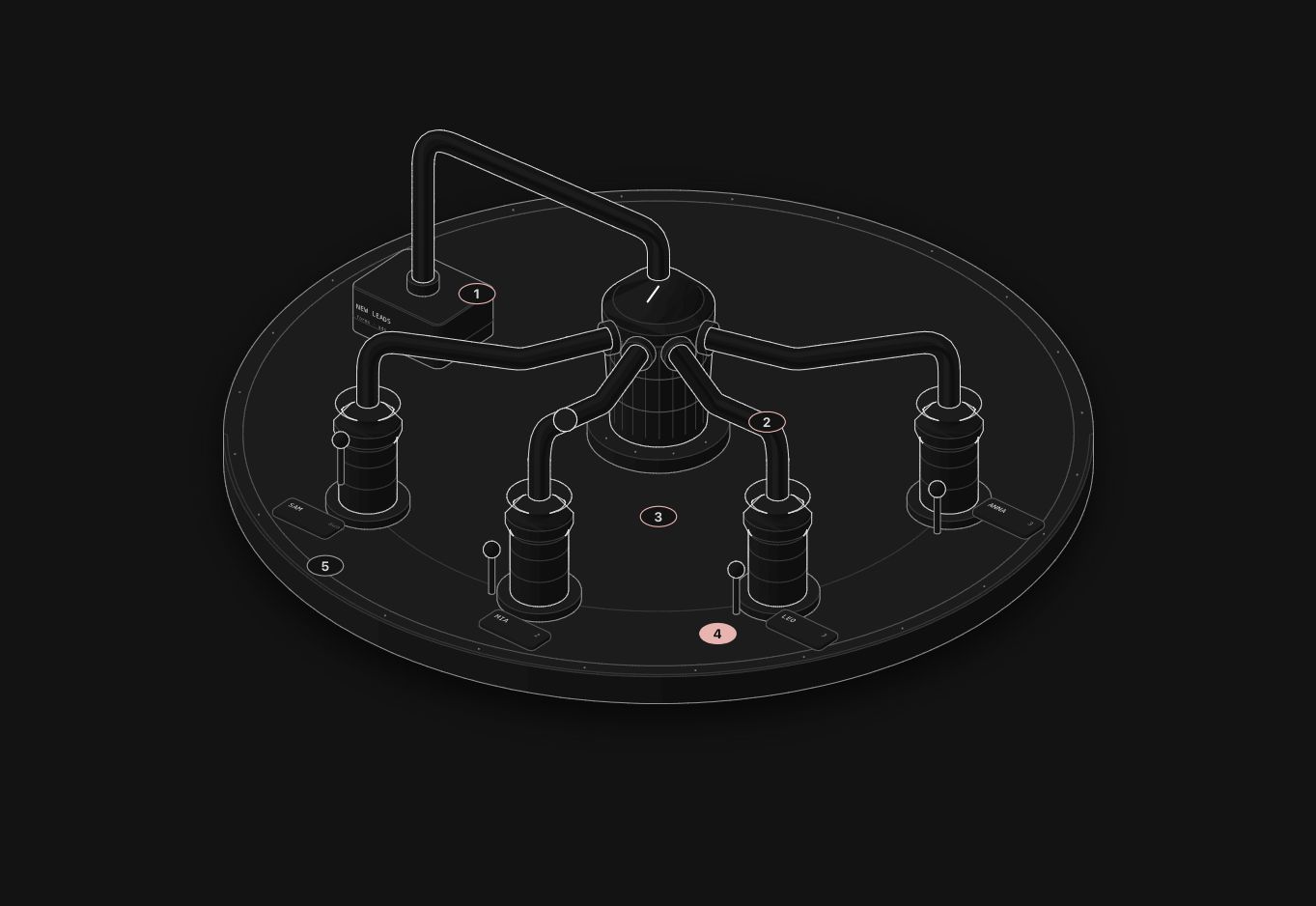
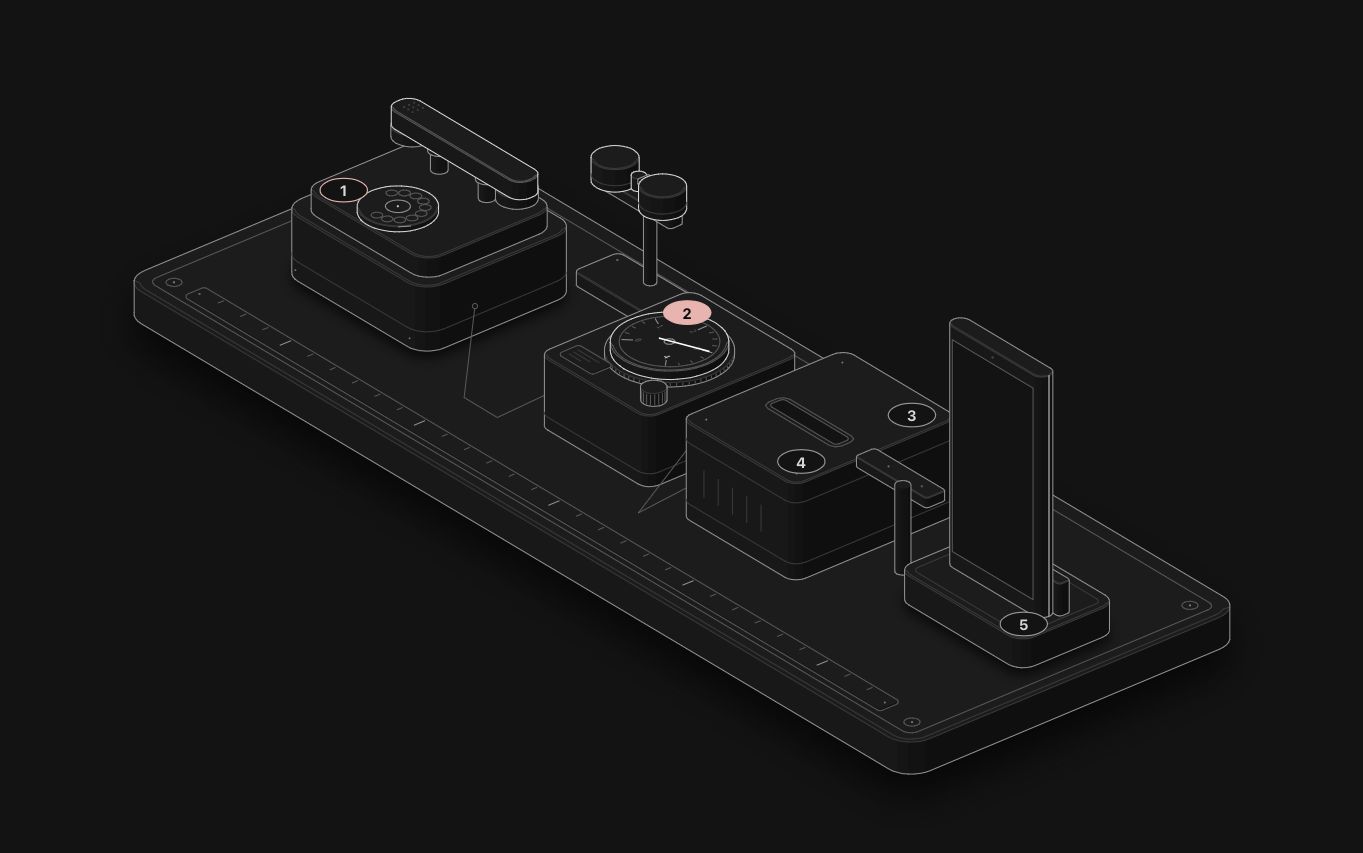
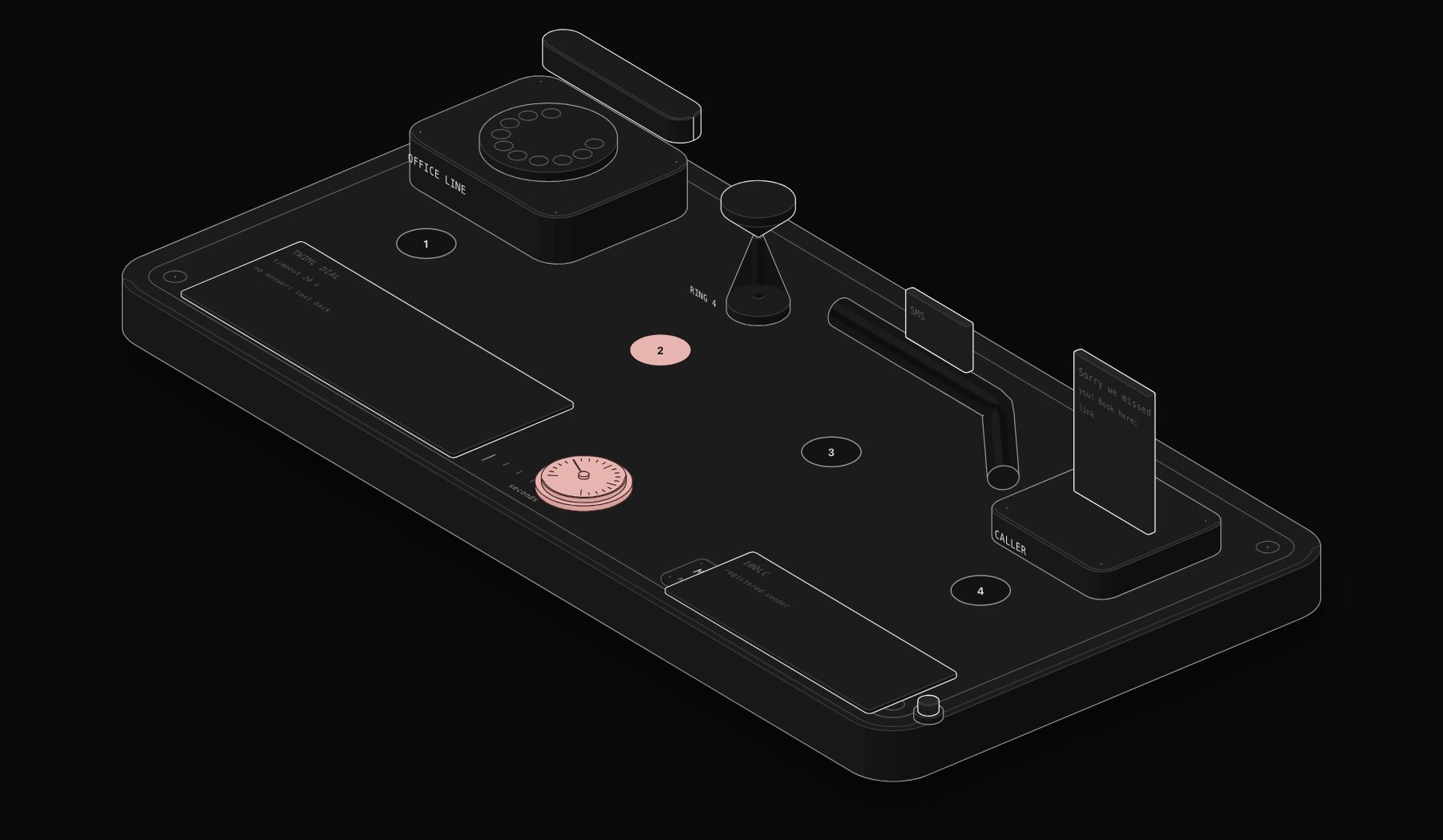
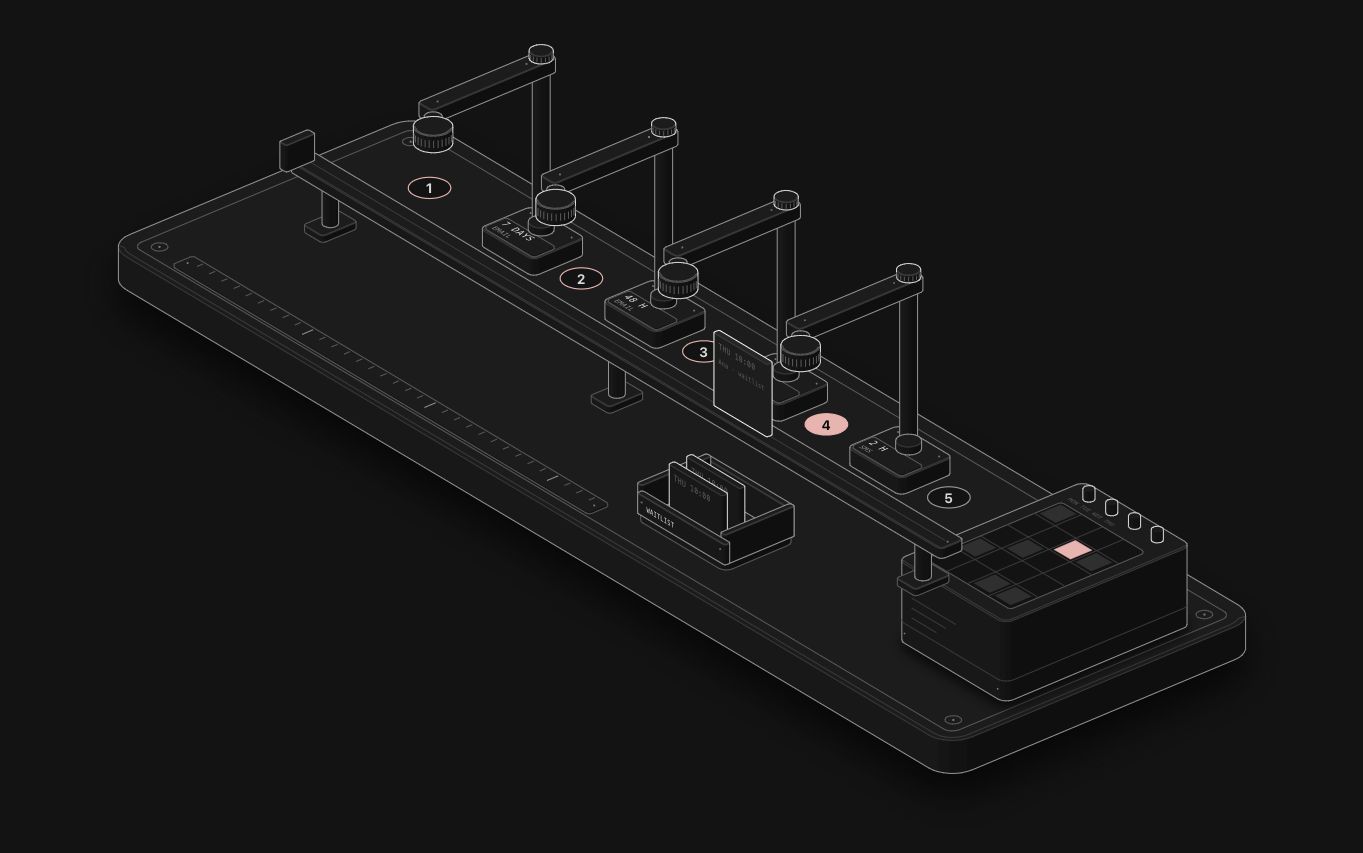
The Anatomy skill has Claude invent a physical object whose working is the idea, then build it from dozens of small shaded parts that move. A lead router becomes a set of pneumatic tubes; a reminder sequence becomes stamping towers along a conveyor.
Where it wins:
- Instant understanding. People recognise a machine; they do not have to decode boxes and arrows.
- Interaction. Visitors click and see the process react, with numbers that come from a real model.
- Memorability. A figure stands out on a page in a way a flowchart does not.
Where it falls short: it takes a long session per figure, it does not draw people or maps, and it is not a chart library. It explains one mechanism at a time.
Which one for which job
| Job | Best pick |
|---|---|
| Document a workflow for the developers who maintain it | Mermaid |
| Run a workshop to map how orders flow today | Excalidraw |
| Explain an automation on a service page or in a blog post | Anatomy |
| Show a client what they are buying before they sign | Anatomy |
| Keep an always-current diagram in a README | Mermaid |
| Brainstorm a new process with a remote team | Excalidraw |
Most teams end up using two of them: Excalidraw or Mermaid while building, Anatomy for the one or two processes that need to sell.
How we use them at PURIST
We design automations as text and diagrams internally, because that is fastest to change. For the outside world, we explain each automation with an Anatomy figure: 28 of them are live on our figures page. If you want to build your own, follow our step by step guide to explaining a business process with Anatomy.
FAQ
Can Anatomy replace Mermaid in documentation?
Not for most docs. Mermaid is faster to write and to update. Use Anatomy for the few concepts that readers struggle with, and keep Mermaid for everything else.
Is any of these tools paid?
All three are open source under the MIT license. Anatomy runs inside an AI coding agent, so you pay for the agent's usage while it builds a figure. Excalidraw also offers a paid hosted version with extra collaboration features.
Which one is best for a small business website?
For the pages that sell, Anatomy, because it turns an invisible process into something a visitor can see and try. For internal planning, Excalidraw.
Tags
Purist Team
The PURIST editorial team covers automation, AI agents, and operations strategy for businesses scaling with n8n, Make, and Claude AI.