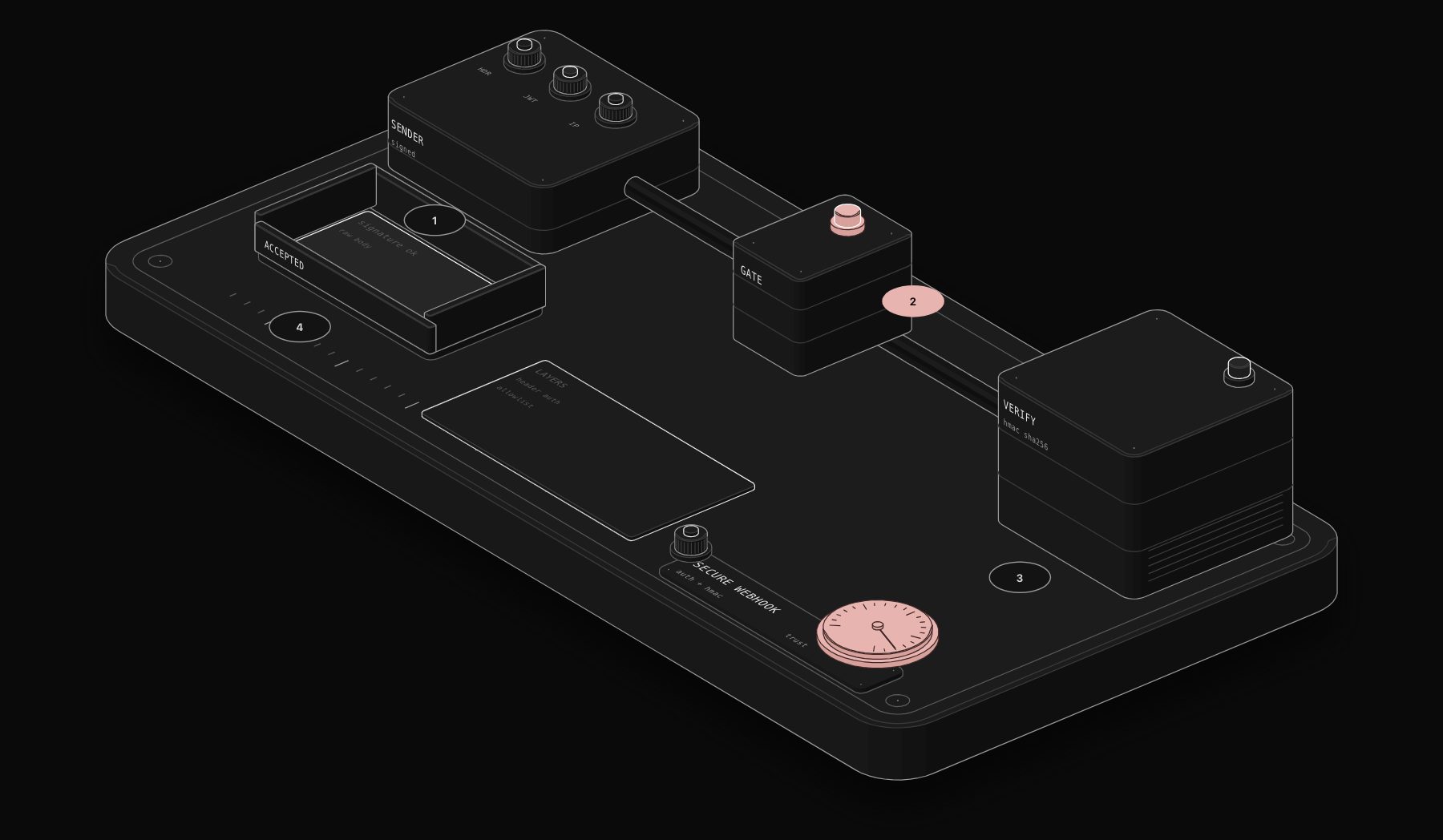
A production webhook URL is public by nature: anyone who learns it can send requests, and your workflow will happily create fake leads, send emails or write to your CRM. Purist found exactly this pattern on its own site in October 2026: bots submitting forms with harvested real email addresses. n8n gives you several ways to reject requests that do not come from the sender you expect.
In short. Turn on the Webhook node's Authentication (Header Auth is the simplest for systems you control). For providers that sign their requests (Stripe, Shopify, GitHub and many others), verify the HMAC signature in a Code node using the raw body. Add the IP(s) Allowlist when the sender publishes fixed IPs, and Ignore Bots for public form endpoints.

Layer 1: built-in authentication
The Webhook node supports Basic auth, Header auth, JWT auth, n8n User Auth (OAuth2) and None. Requests that fail are rejected before your workflow runs.
| Method | How the caller proves itself | Best for |
|---|---|---|
| Header Auth | Sends a secret header, for example X-Api-Key: ... | Your own apps, scripts, other n8n instances |
| Basic Auth | Sends a username and password | Tools that only support basic auth |
| JWT Auth | Sends a signed JSON Web Token | Apps that already issue JWTs |
| n8n User Auth (OAuth2) | Bearer token issued by your n8n instance | Internal tools used by logged-in n8n users |
Setting up Header Auth:
- 1 In the Webhook node, set Authentication to Header Auth.
- 2 Create a credential: Name
X-Api-Key, Value a long random secret. Our free secret key generator makes one in your browser. - 3 Give the same header and value to the system that calls the webhook.
Layer 2: verify provider signatures (HMAC)
Payment and commerce platforms do not let you add custom headers. Instead they sign each request: they compute an HMAC of the body with a shared secret and send it in a header. You recompute it and compare. If it differs, the request is fake or was altered.
Two settings matter:
- 1 Turn on the Webhook node option Raw Body. Signatures are computed on the exact bytes received; a re-serialised JSON body will not match.
- 2 Keep the secret out of the code. Store it where your instance allows (for example an environment variable read with
$env, if your admin permits it).
Generic verification in a Code node placed right after the Webhook:
Adjust three things to your provider, from its documentation: the header name, the algorithm (usually SHA-256), and the encoding (hex or base64). Some providers sign a string that includes a timestamp, which also lets you reject old replayed requests. With Raw Body on, the Webhook node puts the exact bytes received in the binary property data, which is what the code above reads. Before you wire it, paste a sample payload and secret into our free Webhook Signature Verifier to confirm you compute the same value as the provider.

Layer 3: restrict who can call
- IP(s) Allowlist: a comma-separated list of IPs allowed to call the webhook. Others receive a 403. Behind a reverse proxy, set
N8N_PROXY_HOPSto the number of proxies, otherwise n8n sees the proxy's IP and blocks everyone. - Ignore Bots: ignores link previewers and crawlers, useful when a URL might be pasted in chats.
- Allowed Origins (CORS): restrict which websites can call the webhook from a browser. Default
*allows all.
Layer 4: filter before running
The Only Run If option evaluates an expression on the request ($json contains body, headers, params and query). Non-matching requests get a 200 response without creating an execution. Example:
It is a filter, not authentication: anyone can guess a field value. Use it to drop noise on top of real authentication.
Layer 5: validate the content
Even an authenticated sender can send bad data. Add an IF node that checks required fields and formats, and answer 400 with a clear message through a Respond to Webhook node. For public forms, add a honeypot field and reject submissions that fill it.
Worked example: a public website form that bots cannot abuse
A form on your website posts to an n8n webhook that creates a CRM lead and sends a welcome email. You cannot hide a secret in a browser, so Header Auth alone does not help: anyone can read the page source. Here is the layered setup we use on purist.online after bots submitted fake leads with harvested real addresses in October 2026.
- 1 Honeypot field. Add a hidden input (for example
company_website) that humans never fill. Bots fill every field. - 2 Timing. Record when the form was displayed and send the elapsed time with the submission. Humans need several seconds to type; bots post instantly.
- 3 Human input signal. Send a flag only if a real key press, click or touch happened on the page.
- 4 Content check. Reject random strings in name fields.
- 5 Same response either way. Answer 200 to rejected requests too, so bots learn nothing, but do not store or email them.
In n8n, the first node after the Webhook is an IF node that combines these checks:
The true branch runs the real workflow. The false branch goes straight to a Respond to Webhook node returning {"success":true} and nothing else. In our tests after deploying it, a simulated bot submission created no record and sent no email, while a real visitor went through normally.
Verifying a provider signature: the three details that break it
Most failed signature checks come from one of these:
- 1 Parsed body instead of raw body.
JSON.stringify($json.body)rarely reproduces the exact bytes the provider signed: key order and spacing change. Turn on Raw Body and hash the raw bytes inbinary.data. - 2 Wrong encoding. Some providers send hex, others base64, some prefix the value (for example
sha256=...). Strip the prefix and compare in the same encoding. - 3 Timestamped signatures. Some providers sign
timestamp + "." + bodyand send the timestamp in a header. Rebuild exactly that string, and reject requests older than a few minutes to block replays.
A constant-time comparison (crypto.timingSafeEqual) avoids leaking information through response timing. Check that both buffers have the same length first, or it throws.
Which protection for which sender
| Sender | Recommended protection |
|---|---|
| Your own backend or script | Header Auth with a long random secret |
| Another n8n instance | Header Auth, plus IP allowlist if its IP is fixed |
| Stripe, Shopify, GitHub and similar | Signature verification on the raw body |
| Public website form | Honeypot, timing, human input signal, content checks |
| Internal tool used by your team | n8n User Auth (OAuth2) |
| SaaS without signatures or custom headers | Secret token in the path or query, plus IP allowlist if published |
Troubleshooting table
| Symptom | Likely cause | Fix |
|---|---|---|
| Every request gets 403 | Wrong header name or value, or allowlist | Compare exactly; check N8N_PROXY_HOPS |
| Signature never matches | Hashing the parsed body | Enable Raw Body, hash binary.data |
| Signature matches in test, fails live | Different secret for test and live mode | Use the live signing secret in production |
| Bots still get through | Only auth on a public form | Add honeypot, timing and content checks |
| Legit requests rejected after a proxy change | Proxy hops changed | Update N8N_PROXY_HOPS |
Production checklist
- Authentication on every production webhook, no exceptions.
- Signature verification for every provider that signs requests.
- Secrets stored in credentials or environment, never in the workflow.
- A custom, non-guessable path.
- An error workflow that alerts you when verification fails repeatedly.
- Rotate the secret when someone with access leaves.
Frequently asked questions
Is an n8n webhook secure by default?
No. With Authentication set to None, anyone with the URL can trigger it. Enable Header, Basic or JWT auth, and verify signatures for providers that sign requests.
How do I verify a Stripe or Shopify signature in n8n?
Enable Raw Body on the Webhook node, then recompute the HMAC of the raw body with your signing secret in a Code node and compare it to the signature header using a constant-time comparison. Each provider documents its header and format.
Why does my IP allowlist block every request?
n8n probably sees your reverse proxy's IP. Set N8N_PROXY_HOPS to the number of proxies in front of n8n.
Does Only Run If replace authentication?
No. It filters requests by content. Use it in addition to authentication, not instead of it.
Can I put a secret in the webhook URL instead of a header?
It works for senders that cannot set headers, but URLs end up in logs. Prefer headers or signatures, and rotate URL secrets periodically.
How do I block old replayed requests?
Use providers' timestamped signatures: rebuild the signed string with the timestamp and reject requests older than a few minutes.
Does n8n log rejected webhook requests?
Requests rejected by authentication do not create executions. Check your reverse proxy logs to see them.
Tags

Steve founded PURIST, a workflow automation studio working with n8n, Make and Claude AI, and is the point of contact on every project. Prices and features in our articles come from vendor documentation and public pricing pages. How we research and score tools.