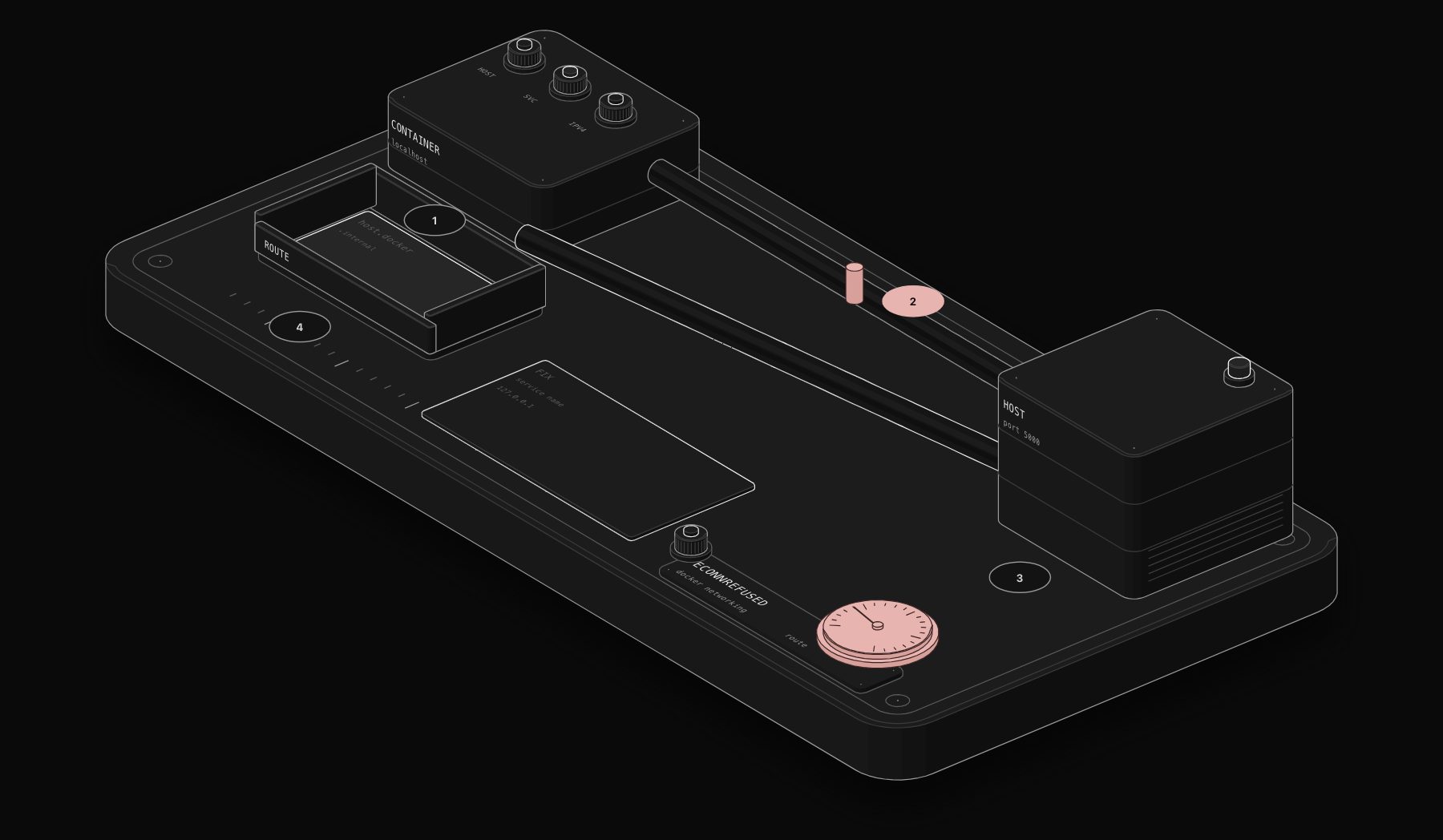
"connect ECONNREFUSED 127.0.0.1:5000" is one of the most searched n8n errors, and it is rarely a bug in n8n. The node reached a machine, but nothing was listening on that port. Nine times out of ten the machine is the wrong one: inside a Docker container, localhost means the container itself.
In short. Inside the n8n container, localhost is the container, not your computer. On Docker Desktop (Mac or Windows) use http://host.docker.internal:PORT. On Linux add host.docker.internal:host-gateway to the container's extra hosts. For another container in the same Compose stack, use its service name and internal port. Outside Docker, try 127.0.0.1 instead of localhost. On n8n Cloud, local services are unreachable: expose them through a tunnel.

What ECONNREFUSED means
The documentation defines it precisely: the node reaches a host but the target port has no listener, so the TCP connection is actively refused. It is not a DNS failure, not a timeout and not a firewall silently dropping packets. That narrows the search to "wrong host" or "service not running on that port".
Case 1: n8n in Docker, the service on your computer
A request to http://localhost:5000 from the n8n container lands on port 5000 of the container, where nothing listens.
Docker Desktop (Mac, Windows): use the special hostname that Docker adds automatically:
Linux: that hostname is not added by default. Add it in docker-compose.yml:
or with docker run --add-host=host.docker.internal:host-gateway. The service on the host must also listen on an interface the container can reach, not only on 127.0.0.1 of the host.

Case 2: the service is another container
In the same Compose stack, containers reach each other by service name. If your stack defines postgres and my-api, use:
Use the container's internal port, not the port published in the ports: mapping. The same applies to database credentials: Host postgres, not localhost.
Case 3: no Docker, localhost still refused
On Node.js 17 and later, localhost can resolve to the IPv6 address ::1 first. If the target only listens on IPv4 127.0.0.1, the IPv6 attempt is refused and the fallback does not always happen inside the HTTP Request node. Use http://127.0.0.1:PORT explicitly.
Case 4: n8n Cloud
Workflows on n8n Cloud run on n8n's infrastructure. There is no path to localhost on your computer. Expose the local service through a tunnel and use the public tunnel URL, or host the service somewhere reachable.
Verify before you rerun
The documentation suggests testing from inside the n8n container:
If wget succeeds, the HTTP Request node will too. If it also says "connection refused", the problem is the network or the target service, not n8n. Then check that the service runs (docker ps, systemctl status) and listens on the expected port.
Quick reference
| Where n8n runs | Where the service runs | Address to use |
|---|---|---|
| Docker Desktop | Your computer | host.docker.internal:PORT |
| Docker on Linux | The host | host.docker.internal:PORT with extra_hosts |
| Docker Compose | Another service in the stack | service-name:INTERNAL_PORT |
| npm on your computer | Your computer | 127.0.0.1:PORT |
| n8n Cloud | Your computer | A public tunnel URL |
For other status codes and network errors, our HTTP Status Explainer tells you what each one means and what to check first.
Worked example: n8n and Postgres in one Compose stack
The most common version of this error is a database credential that uses localhost.
In the n8n Postgres credential:
| Field | Wrong | Right |
|---|---|---|
| Host | localhost | postgres (the service name) |
| Port | the published host port, if different | 5432 (the container's port) |
Containers on the same Compose network reach each other by service name. The ports: mapping only matters for connections from outside Docker.
Is the service actually listening?
ECONNREFUSED also appears when the address is right but the service is down or bound to the wrong interface. On the machine that runs the service:
-
127.0.0.1:5000: only reachable from the same machine. A container cannot reach it throughhost.docker.internal. Bind the service to0.0.0.0(and protect it with a firewall) or put it in the same Docker network. -
0.0.0.0:5000or*:5000: reachable from containers through the host gateway. - Nothing listed: the service is not running.
Same error, other nodes
The cause and the fix are identical for the Postgres, MySQL, Redis, SMTP and any other node that connects to a host: inside Docker, localhost is the n8n container. The n8n documentation gives the same fix for the MySQL node.
Troubleshooting table
| Setup | Error target | Fix |
|---|---|---|
| Docker Desktop, service on your computer | 127.0.0.1:PORT | host.docker.internal:PORT |
| Docker on Linux, service on the host | 127.0.0.1:PORT | extra_hosts: host.docker.internal:host-gateway and bind the service to 0.0.0.0 |
| Compose, another service | localhost:PORT | service-name:INTERNAL_PORT |
| No Docker, Node.js 17+ | ::1:PORT | Use 127.0.0.1 |
| n8n Cloud | Any local address | Expose the service publicly or through a tunnel |
| Correct address, still refused | Service down or bound to 127.0.0.1 | Start it; bind to the right interface |
Frequently asked questions
Why does n8n say ECONNREFUSED 127.0.0.1?
Inside Docker, 127.0.0.1 is the n8n container itself. Nothing listens on that port there. Use host.docker.internal or the other container's service name.
Does host.docker.internal work on Linux?
Not by default. Add host.docker.internal:host-gateway to the container's extra hosts.
Can n8n Cloud connect to my local database?
No. Cloud workflows cannot reach your machine. Use a tunnel or a hosted database.
How do I connect n8n to Postgres in the same Docker Compose stack?
Use the service name as host (for example postgres) and the internal port 5432 in the n8n Postgres credential.
What does ECONNREFUSED ::1 mean in n8n?
::1 is the IPv6 localhost. On Node.js 17+, localhost can resolve to IPv6 first. If the target listens only on IPv4, use 127.0.0.1 explicitly.
Do I need to publish ports for containers to talk to each other?
No. Containers on the same Docker network talk through service names and internal ports. Published ports are for access from outside Docker.
Why does it work with curl on the server but not in n8n?
curl on the server uses the server's localhost; n8n in Docker uses the container's. Test from inside the container with docker exec.
Tags

Steve founded PURIST, a workflow automation studio working with n8n, Make and Claude AI, and is the point of contact on every project. Prices and features in our articles come from vendor documentation and public pricing pages. How we research and score tools.