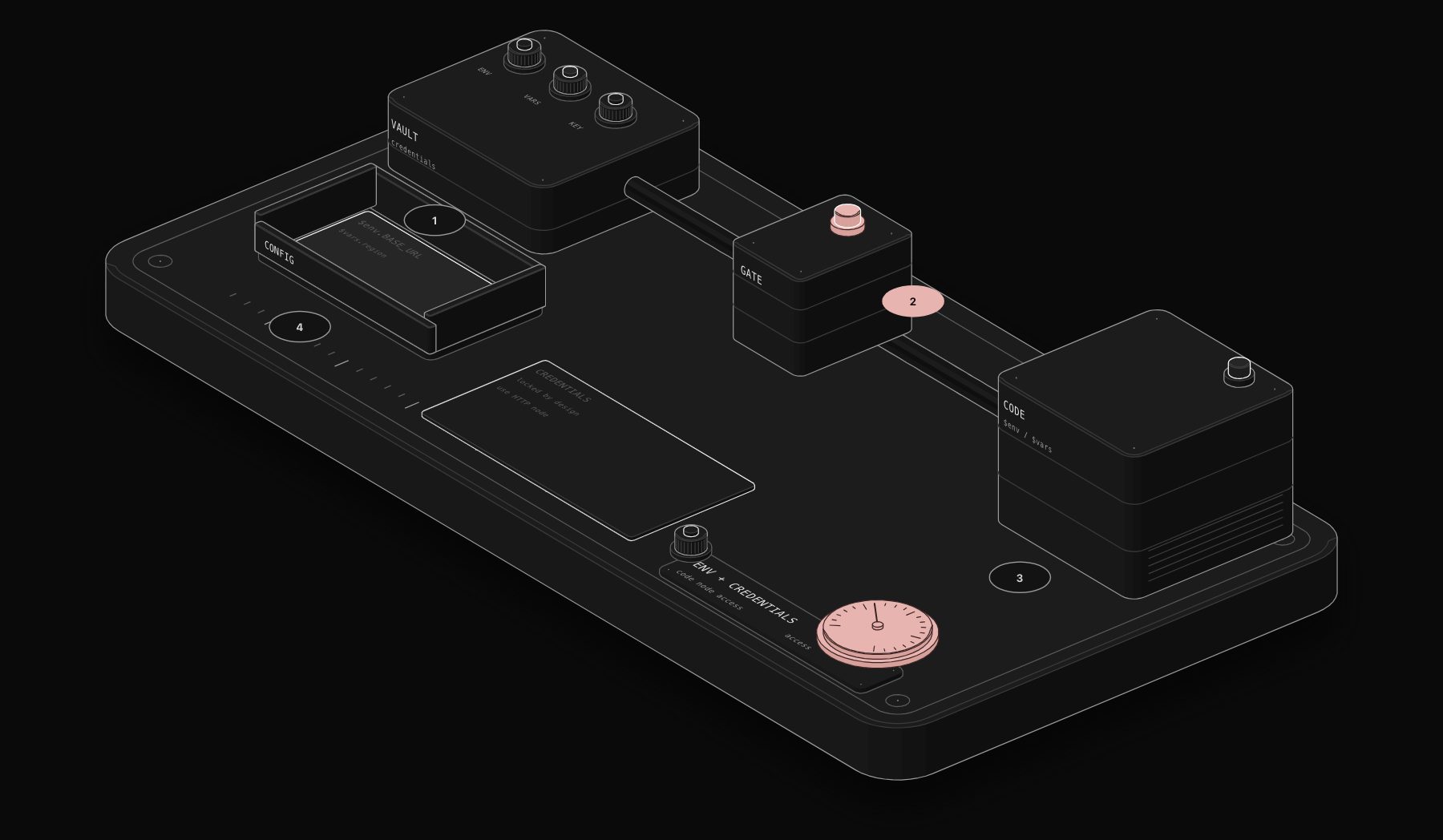
Sooner or later a Code node needs a value you do not want to hard-code: an API key, a base URL, an account ID. n8n offers several places to store such values, and the Code node can reach some of them but not others. Knowing which saves an afternoon of "is not defined" errors.
In short. Environment variables are available as $env.NAME unless the admin set N8N_BLOCK_ENV_ACCESS_IN_NODE=true, which causes "access to env vars denied". Custom variables are available as $vars.NAME. Stored credentials are never available in the Code node, by design. For authenticated API calls, use the HTTP Request node with a credential.

What the Code node can read
| Source | Syntax | Available in Code node |
|---|---|---|
| Environment variables of the instance | $env.MY_VAR | Yes, unless blocked |
| Custom variables (Variables feature) | $vars.myVar | Yes |
| External secrets | $secrets... | No (expressions in credential fields only) |
| Stored credentials | this.getCredentials(), $getCredentials() | No, never |
Environment variables with $env
On self-hosted n8n, any environment variable of the n8n process is readable:
Set the variable on the container that executes the code, then restart. With task runners in external mode, variables your scripts read must be available to the runner, so check where the Code node actually runs.
Fix "access to env vars denied"
This message means the instance has N8N_BLOCK_ENV_ACCESS_IN_NODE set to true. The documentation describes it as the switch that stops users from reading environment variables in expressions and the Code node. It defaults to false, but many hosting templates and security-conscious admins turn it on, because $env exposes every variable of the process, including database passwords.
Your options:
- Ask the admin whether the value can move to a custom variable (
$vars) instead. - If you are the admin and every workflow editor is trusted, set
N8N_BLOCK_ENV_ACCESS_IN_NODE=falseand restart. Understand the trade-off first: anyone who can edit a workflow can then print every secret of the server.

Custom variables with $vars
The Variables feature stores key-value pairs at instance level, and they are readable everywhere as $vars:
Variables are read-only inside workflows and visible to everyone who can use them, so they suit configuration (URLs, IDs, flags) rather than secrets. Availability depends on your n8n plan; check the Variables page of your instance.
Why credentials are never available
The n8n documentation is direct about it: Code nodes cannot access credentials, to avoid exposing authentication data. Attempts with this.getCredentials() or $getCredentials() fail with "this.getCredentials is not a function" or "$getCredentials is not defined". This is not a bug that a setting will fix.
What to do instead
- 1 Make the call with the HTTP Request node. Select a predefined credential (for example your HubSpot or Google credential) or a generic one such as Header Auth. The key never appears in the workflow.
- 2 Pick credentials dynamically. Route with a Switch node to several HTTP Request nodes, each with its own credential, or use an expression in the credential field to select one from earlier data, as the documentation suggests.
- 3 Let the Code node prepare the request, not send it. Build the body or query in code, then pass it to the HTTP Request node.
What not to do
- Do not paste API keys directly in a Code node. They end up in workflow exports, in version history and in screenshots.
- Do not pass a secret through items to "smuggle" it into code. Execution data is stored and visible in the Executions list.
- Do not unblock
$envon a shared instance just to read one value.
Need a strong secret for a header credential? Our free secret key generator creates one in your browser.
Worked example: one workflow, three environments
You run the same workflow on a test instance and a production instance. The CRM URL and the Slack channel differ, and the API key obviously differs too. Here is a clean setup that never puts a secret in code.
On each instance, set configuration once:
- Custom variables (Variables page):
crmBaseUrl,alertChannel. - Or environment variables on the container:
CRM_BASE_URL,ALERT_CHANNEL, if$envaccess is allowed. - A credential named the same on both instances, for example "CRM API", holding that instance's key.
Code node (prepares data only):
HTTP Request node:
- URL:
{{ $json.url }} - Authentication: Generic Credential Type, Header Auth, credential "CRM API"
- Body:
{{ $json.body }}
When you move the workflow from test to production, nothing in it changes. The variables and the credential on each instance do the switching.
Why n8n blocks credentials in code
Credentials in n8n are encrypted at rest and only decrypted inside the nodes that use them. If Code nodes could read them, any person allowed to edit a workflow could print every key the instance holds into an execution log, which is stored and visible. Blocking it by design closes that path. The same reasoning is behind N8N_BLOCK_ENV_ACCESS_IN_NODE: environment variables often contain the database password and the encryption key.
Choosing where a value should live
| Value | Best place | Why |
|---|---|---|
| API key, token, password | Credential | Encrypted, never visible in executions |
| Base URL, account ID, region | Custom variable ($vars) | Visible, easy to change, same name across instances |
| Instance-level setting set by ops | Environment variable ($env) | Managed with the deployment |
| Business rule that changes often | Edit Fields node or a data table | Editable without touching code |
Troubleshooting table
| Symptom | Likely cause | Fix |
|---|---|---|
| "access to env vars denied" | N8N_BLOCK_ENV_ACCESS_IN_NODE=true | Use $vars, or have the admin change it knowingly |
$env.MY_VAR is undefined | Variable not set on the container that runs the code | Set it there (runner in external mode) and restart |
$vars is undefined or empty | Feature not available on your plan, or variable not created | Check the Variables page |
| "this.getCredentials is not a function" | Trying to read credentials in code | Use the HTTP Request node with the credential |
| A key appears in execution data | Secret passed through items | Remove it, rotate the key, use a credential |
Common mistakes to avoid
- Rotating a key without updating the credential. Workflows fail with 401 at the next run. Rotate, then update the credential in the same step.
- Copying a production credential to test. Use a separate test key with limited scopes.
- Exporting workflows with secrets in them. Exports include node parameters. With secrets in credentials, exports are safe to share.
Production checklist
- No secret written in any Code node.
- Authenticated calls made by HTTP Request nodes with credentials.
-
N8N_BLOCK_ENV_ACCESS_IN_NODE=trueon shared instances. - Configuration in
$vars, secrets in credentials.
Frequently asked questions
How do I access environment variables in the n8n Code node?
Use $env.VARIABLE_NAME. It works on self-hosted n8n unless N8N_BLOCK_ENV_ACCESS_IN_NODE is set to true.
What does "access to env vars denied" mean in n8n?
The instance has N8N_BLOCK_ENV_ACCESS_IN_NODE=true, so expressions and Code nodes cannot read environment variables. Use $vars or ask the admin to change the setting.
Can I get an n8n credential inside a Code node?
No. Credentials are inaccessible from the Code node by design. Use the HTTP Request node with the credential for authenticated calls.
Are $vars safe for API keys?
They are visible to everyone who can use them and shown in plain text, so treat them as configuration, not as secrets. Store secrets in credentials.
Where should I store API keys in n8n?
In credentials. They are encrypted and attached to the nodes that use them, and they do not appear in workflow exports or execution data.
Can I use $vars in expressions as well as the Code node?
Yes. Custom variables are readable as $vars.name in expressions and in the Code node.
Is it safe to set N8N_BLOCK_ENV_ACCESS_IN_NODE to false?
Only if every person who can edit workflows is trusted with every secret in the server environment, because $env can then print them.
Tags

Steve founded PURIST, a workflow automation studio working with n8n, Make and Claude AI, and is the point of contact on every project. Prices and features in our articles come from vendor documentation and public pricing pages. How we research and score tools.