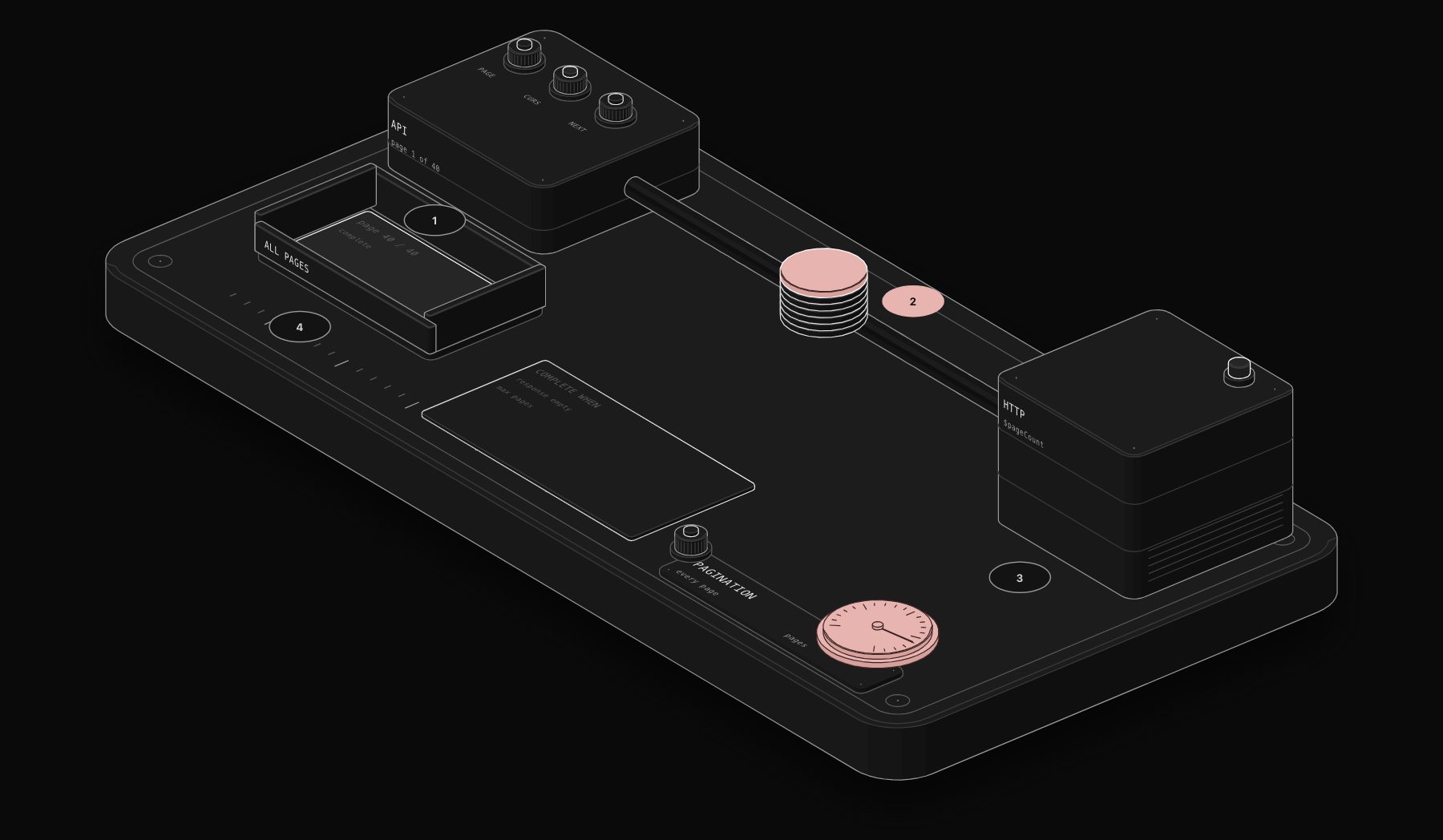
You call an API, get 100 records, and the account has 4,000. The API paginates, and the HTTP Request node only fetches the first page unless you tell it how to get the next one. n8n has built-in pagination for this, with three variables that cover almost every API: $response, $pageCount and $request.
In short. In the HTTP Request node, Add Option > Pagination. If the response contains the next page's URL, choose "Response Contains Next URL" and set Next URL to an expression such as {{ $response.body.next }}. Otherwise choose "Update a Parameter in Each Request" and set the page, offset or cursor with an expression. Always set a completion condition so the node knows when to stop.

First, look at one response
The documentation's first advice is the right one: before configuring pagination, run the request once without it and read what the API returns. You are looking for one of four patterns.
| Pattern | What the API returns | Mode to use |
|---|---|---|
| Page number | page=2 in the request, often total_pages in the response | Update a Parameter |
| Offset | offset=100&limit=100 | Update a Parameter |
| Cursor | A token such as next_cursor to send back | Update a Parameter |
| Next URL | A full link such as next or links.next | Response Contains Next URL |
Our free JSON Path Finder gives you the exact path of a nested field like paging.next.after once you paste a sample response.
The pagination variables
| Variable | Contains |
|---|---|
$response | The last response: $response.body, $response.headers, $response.statusCode |
$pageCount | How many pages the node has fetched, starting at 0 |
$request | The request just sent, including its query and body |
These variables only work inside the HTTP Request node's pagination settings.

Pattern 1: page numbers
- 1 Pagination Mode: Update a Parameter in Each Request.
- 2 Type: Query. Name:
page(check the API documentation). - 3 Value, as an expression:
$pageCount starts at 0 and most APIs start at page 1, hence the + 1. Set the page size in the main query parameters (often limit or per_page) to the maximum the API allows, to make fewer calls.
Pattern 2: offset and limit
With limit=100 in the main query parameters, set a query parameter offset in the pagination settings:
Pattern 3: cursors
The API returns a token to send with the next request, for example {"data":[...],"next_cursor":"abc"}. Set a parameter cursor with:
For APIs that paginate through the body of a POST request, set Type to Body instead of Query; the documentation covers this variant explicitly.
Pattern 4: the response contains the next URL
Choose "Response Contains Next URL" and set Next URL to the field holding it:
If the key contains a dash, use brackets: {{ $response.body["next-page"] }}. Some APIs put the link in a Link header instead; read it from $response.headers.
Stopping cleanly
Without a stop rule, the node can request an endless series of empty pages. The setting is called Pagination Complete When and has three choices:
- Response Is Empty: the API returns nothing on the page after the last one;
- Receive Specific Status Code(s): the API answers, for example, 404 past the last page;
- Other: a Complete Expression you write, for example
{{ !$response.body.next_cursor }}or{{ $response.body.data.length === 0 }}.
Also turn on Limit Pages Fetched and set Max Pages while testing. It protects you from a configuration mistake that would fetch tens of thousands of pages.
Rate limits during pagination
Fetching 40 pages in two seconds is a fast way to hit a 429 error. Set Interval Between Requests (ms) in the pagination settings, and enable Retry on Fail in the node settings. Our API Rate Limit Planner calculates the delay you need from the API's published limit. More in our guide to 429 errors in n8n.
What you get back
Depending on the API, the node outputs one item per page or splits the records into separate items. If you get one item per page with a data array inside, add a Split Out node on data to get one item per record.
Worked example: export every HubSpot-style contact with a cursor
Many CRMs return pages like this:
The last page simply has no paging.next. Configuration:
| Setting | Value |
|---|---|
| Method / URL | GET https://api.example.com/crm/v3/objects/contacts |
| Query parameter | limit = 100 |
| Pagination Mode | Update a Parameter in Each Request |
| Parameter Type / Name | Query / after |
| Value | {{ $response.body.paging?.next?.after }} |
| Pagination Complete When | Other |
| Complete Expression | {{ !$response.body.paging?.next }} |
| Interval Between Requests (ms) | 200 |
Add a Split Out node on results to get one item per contact. With 4,000 contacts and 100 per page, the node makes 40 requests and stops by itself.
The exact field names (paging.next.after) are an example of a common pattern. Read one real response from your API and adapt the paths.
Offset pagination and the "total" trap
Some APIs return total and expect offset. It is tempting to compute the number of pages from total. Do not: if records are added or deleted during the export, the total changes and you skip or repeat records. Stop when a page comes back empty or shorter than your page size:
When the built-in pagination is not enough
Use a loop (HTTP Request inside Loop Over Items, or a "Wait and repeat" pattern) when:
- each page needs processing before the next request (for example, write to a database page by page to keep memory low);
- the next request depends on data computed from the previous page in a way an expression cannot express;
- the API needs a POST with a body that changes in several fields at once.
For everything else, the built-in pagination is simpler and less error-prone.
Troubleshooting table
| Symptom | Likely cause | Fix |
|---|---|---|
| Only the first page | Pagination not enabled | Add Option > Pagination |
| Same page fetched forever | Next value never changes | Check the path in $response.body; set Max Pages |
| Never stops | Completion condition never true | Write the condition from the real last response |
| Missing records at the end | Stopped on total, or page size changed | Stop on empty or short page |
| 429 halfway through | No interval | Set Interval Between Requests; enable Retry on Fail |
| Memory errors on huge exports | All pages kept in one execution | Loop page by page and write as you go |
Production checklist
- Page size set to the API maximum.
- A completion condition that matches the API's real last page.
- A max-pages safety limit during testing.
- An interval between requests and Retry on Fail.
- A test against an account with more than two pages of data.
Frequently asked questions
How do I get all pages from an API in n8n?
Enable Pagination in the HTTP Request node options. Use "Response Contains Next URL" when the API returns the next link, or "Update a Parameter in Each Request" with $pageCount or a cursor from $response.body.
What is $pageCount in n8n?
The number of pages the HTTP Request node has already fetched, starting at 0. Use $pageCount + 1 for APIs whose first page is 1.
Why does n8n pagination never stop?
The completion condition does not match the API's last page. Check what the last response looks like and set the condition on that field, plus a maximum page count.
Can I paginate with a Loop node instead?
Yes, but the built-in pagination is simpler and handles the variables for you. Use a loop only for APIs whose logic the built-in options cannot express.
How do I paginate a POST request in n8n?
Set Pagination Mode to "Update a Parameter in Each Request" with Type "Body", and set the page or cursor field with an expression.
How do I read the next-page link from a Link header?
Use $response.headers in the Next URL expression and extract the URL marked rel="next".
Can I limit pagination to a few pages for testing?
Yes. Turn on Limit Pages Fetched and set Max Pages.
Tags

Steve founded PURIST, a workflow automation studio working with n8n, Make and Claude AI, and is the point of contact on every project. Prices and features in our articles come from vendor documentation and public pricing pages. How we research and score tools.