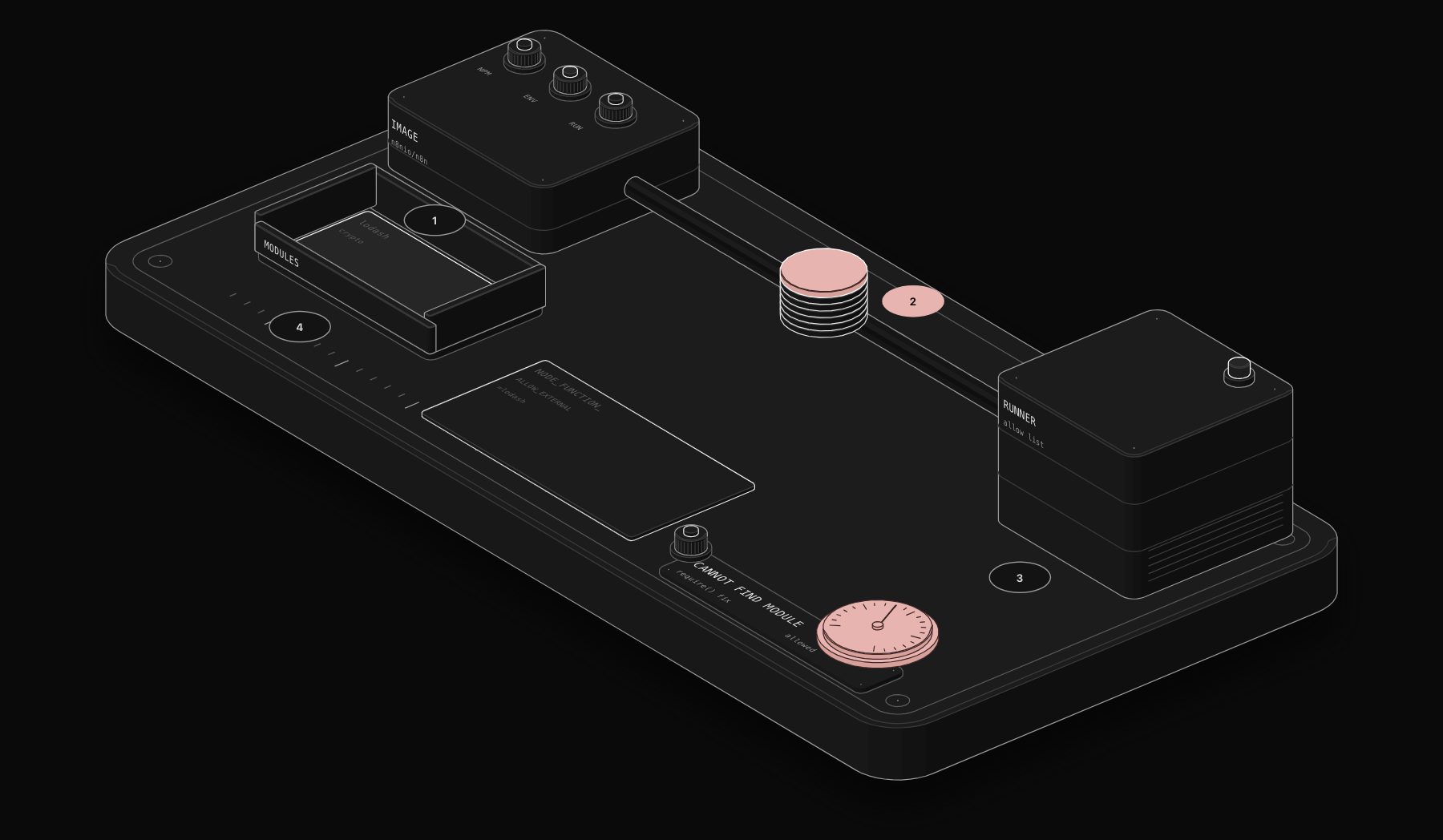
You write const _ = require('lodash') in a Code node, run it, and get "Cannot find module 'lodash'". Or you write import axios from 'axios' and get "'import' and 'export' may only appear at the top level". Both errors are by design: the Code node runs in a sandbox that blocks modules until you explicitly allow them. Here is how to fix it on each type of installation.
In short. On self-hosted n8n you must do two things: install the package where n8n runs (for Docker, build a custom image), and allow it with NODE_FUNCTION_ALLOW_EXTERNAL (npm packages) or NODE_FUNCTION_ALLOW_BUILTIN (Node.js modules like crypto or fs). If you use task runners in external mode, set these on the runner, not on the main n8n container. On n8n Cloud you cannot add packages: only crypto and moment are available.

First: replace import with require
The n8n sandbox does not support import and export. The official fix is to switch to require:
If you still get "Cannot find module" after this change, continue below.
Cause 1: the module is not allowed
For security reasons, the Code node blocks imports by default, including Node.js built-in modules. Two environment variables lift the restriction:
| Variable | Allows | Example |
|---|---|---|
NODE_FUNCTION_ALLOW_BUILTIN | Node.js built-in modules | crypto,fs or * for all |
NODE_FUNCTION_ALLOW_EXTERNAL | npm packages from n8n's node_modules folder | moment,lodash |
Restart n8n after changing them. Allow only what you need: * on built-ins also allows fs and child_process, which lets any workflow editor read files or run commands on the server.

Cause 2: the package is not installed where n8n runs
Allowing a package does not install it. NODE_FUNCTION_ALLOW_EXTERNAL only allows modules that already exist in n8n's node_modules folder.
n8n installed with npm
Install the package in the same environment as n8n, then restart:
The exact folder depends on how you installed n8n. The rule is that the package must be resolvable from where n8n runs.
n8n in Docker
Installing a package inside a running container is lost at the next update. The documented approach is to extend the official image:
Build it, point your docker-compose.yml at the new image, and add the variables:
Pin the base image to the version you run in production rather than latest, so a rebuild does not upgrade n8n by surprise.
Cause 3: task runners in external mode
Recent n8n versions execute Code node scripts in task runners. The documentation is explicit: if your instance uses task runners in external mode, set NODE_FUNCTION_ALLOW_BUILTIN and NODE_FUNCTION_ALLOW_EXTERNAL on the task runners (in the runners configuration), not on the main n8n container. The package must also be installed in the runner image, which is n8nio/runners for the official setup.
This is the most common reason a configuration that worked before an upgrade stops working: the variables are still on the main container, but the code now runs elsewhere.
Cause 4: you are on n8n Cloud
n8n Cloud does not support importing external npm modules. Two modules are available there: crypto and moment. If you need another library on Cloud, you have three options:
- Rewrite the logic in plain JavaScript. Most uses of lodash have a one-line native equivalent.
- Use a dedicated n8n node: Crypto, Date & Time, HTML, XML, Compression and Convert to File cover many needs.
- Call an external endpoint (a small serverless function) with the HTTP Request node.
Quick checklist
- 1
importreplaced withrequire. - 2 Package installed in the image or environment that executes the code (main container or runner).
- 3 Package name listed in
NODE_FUNCTION_ALLOW_EXTERNAL, or built-in module inNODE_FUNCTION_ALLOW_BUILTIN. - 4 Variables set on the task runner if you use external mode.
- 5 n8n restarted.
- 6 Not on n8n Cloud, where only
cryptoandmomentexist.
Worked example: a custom image with two packages
You want lodash and date-fns in Code nodes on a Docker Compose install. Here is the full setup.
Dockerfile (next to your compose file):
Replace the version tag with the exact version you run today. Pinning means a rebuild never upgrades n8n by surprise.
docker-compose.yml:
Then rebuild and restart:
Test node (Code, All Items):
If both values come back, the setup works. Keep this test workflow and run it after every upgrade.
If your instance uses external task runners
In external mode, Code node scripts run in a separate runner container, not in the main n8n container. Two consequences:
- the package must be installed in the runner image (the official one is
n8nio/runners), by extending it the same way; -
NODE_FUNCTION_ALLOW_BUILTINandNODE_FUNCTION_ALLOW_EXTERNALmust be set in the runner configuration, as the n8n documentation states.
A quick way to tell which setup you have: look for a runners service in your compose file, or for N8N_RUNNERS_MODE=external in the environment.
Troubleshooting table
| Symptom | Likely cause | Fix |
|---|---|---|
| "Cannot find module 'x'" right after adding it | Package not in the image that executes code | Install it in that image (main or runner) and rebuild |
| Works on one server, not the other | Different env vars or images | Compare docker inspect environment and image tags |
| Broke after an n8n upgrade | Rebuilt from a new base without the package, or code moved to runners | Rebuild the custom image; move variables to the runner |
| "'import' and 'export' may only appear at the top level" | ES module syntax | Use require() |
require('fs') fails | Built-in not allowed | Add fs to NODE_FUNCTION_ALLOW_BUILTIN, if you accept the risk |
| Anything on n8n Cloud | Cloud does not allow external modules | Use built-in nodes, plain JavaScript, crypto or moment |
Native JavaScript replaces most utility packages
Before adding a dependency, check whether plain JavaScript already does the job. It keeps workflows portable to n8n Cloud and to the next server.
| lodash habit | Plain JavaScript |
|---|---|
_.uniqBy(list, 'email') | [...new Map(list.map((x) => [x.email, x])).values()] |
_.groupBy(list, 'status') | Object.groupBy(list, (x) => x.status) (recent Node.js) or a reduce |
_.chunk(list, 50) | A for loop with slice(i, i + 50) |
_.get(obj, 'a.b.c') | obj?.a?.b?.c |
_.pick(obj, ['a', 'b']) | ({ a: obj.a, b: obj.b }) |
Common mistakes to avoid
-
npm installinside a running container. It works until the next restart or update, then everything breaks at night. - **Allowing
*to make an error go away.** It also openschild_processto every workflow editor. - Forgetting the restart. Environment variables are read at startup.
Production checklist
- Only the modules you need allowed, never
*on a shared instance. - Packages baked into a pinned custom image, not installed by hand in a running container.
- Variables set where the code runs (main container or task runner).
- A test workflow that
requires each allowed module after every n8n upgrade.
Frequently asked questions
Can I install npm packages on n8n Cloud?
No. n8n Cloud does not allow external npm modules in the Code node. The crypto module and the moment package are available.
Where do I put NODE_FUNCTION_ALLOW_EXTERNAL with task runners?
On the task runners, not on the main n8n instance, when runners run in external mode. The package must also exist in the runner image.
Is NODE_FUNCTION_ALLOW_BUILTIN=* safe?
It allows every Node.js module, including fs and child_process. Anyone who can edit a workflow could then read server files or run commands. List only the modules you need.
Why does require work in one n8n instance and not another?
The variables or the installed packages differ between the two. Compare the environment variables of the container or runner that executes the code, and check that the package exists in that image.
How do I check which modules my n8n allows?
Look at the NODE_FUNCTION_ALLOW_BUILTIN and NODE_FUNCTION_ALLOW_EXTERNAL values in the environment of the container that runs your code, for example with docker inspect.
Do community nodes need NODE_FUNCTION_ALLOW_EXTERNAL?
No. Community nodes are installed and loaded differently. These variables only govern require() inside Code nodes.
Can I use axios in the n8n Code node?
On self-hosted n8n, if it is installed and allowed. In most cases the HTTP Request node is the better choice because it manages credentials, retries and pagination.
Tags

Steve founded PURIST, a workflow automation studio working with n8n, Make and Claude AI, and is the point of contact on every project. Prices and features in our articles come from vendor documentation and public pricing pages. How we research and score tools.