Skip to content
New: a free website for your business, live in 48 to 72 hoursWorkflow automation on n8n and Claude, built for your businessFixed price, agreed before we start · Live in 5 to 10 business days30-day money-back guarantee on every planProfessional firms · Agencies · E-commerceYou own every workflow, in your own n8nClaude API: your data is not used for trainingHuman approval on every sensitive stepFree automation audit, no obligation
PURIST
30 days
Money-back window
14 h/wk
Modeled time saved
99.97%
Uptime SLA
< 7 days
Deploy time
PURIST AI
Claude Opus 4.7 · n8n v1.71 · <80ms
What type of business are you running? I'll show you exactly which processes we'd automate first and your estimated ROI.
Powered by n8n + Claude Opus 4.7 Get my free automation plan →
n8n Code Node Errors Fixed: "Code doesn't return items properly" and More
Guides 7 min read · 1,541 words

n8n Code Node Errors Fixed: "Code doesn't return items properly" and More

Five Code node errors cover most of the questions on the n8n forum. Each one with the exact cause, a before and after snippet, and the check that prevents it.

Steve, founder of PURIST

November 6, 2026

PURIST: Stuck on n8n? Our n8n experts fix and build workflows like this one, at a fixed price →

Most Code node failures in n8n are not bugs in your logic. They are format problems: n8n expected an array of items and received something else. The error names are precise once you know the rule behind them. Here are the five you will meet most often, with the fix for each.

In short. Return [{ json: {...} }]: an array, of objects, each with a json key that is itself an object. In "Run Once for Each Item" mode return a single item (return $input.item;). Check the mode before anything else, because $json only exists in per-item mode.

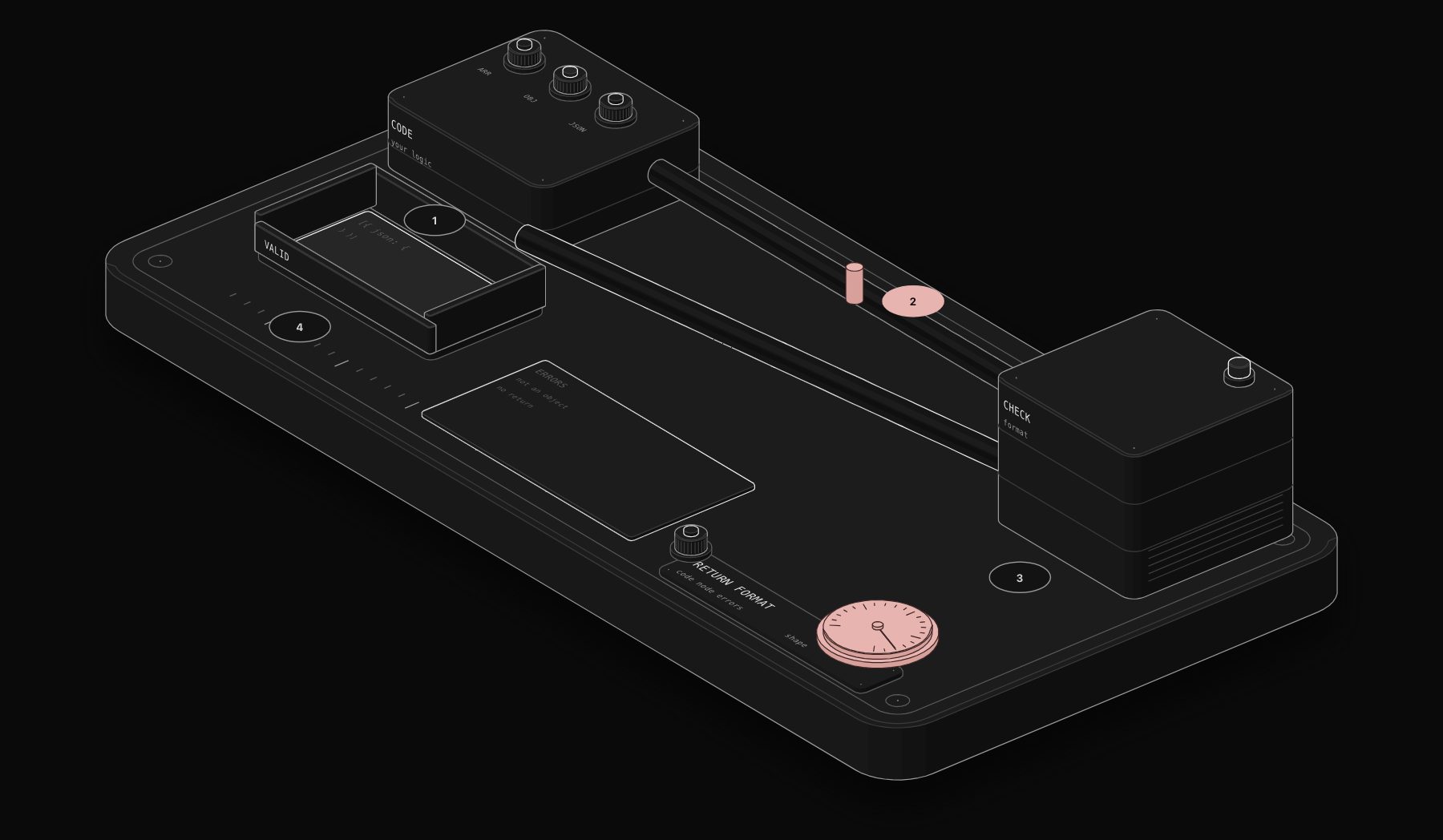
n8n Code Node Errors Fixed: "Code doesn't return items properly" and More: workflow diagram
What n8n accepts from a Code node and what it rejects. Illustration: PURIST.

Error 1: "Code doesn't return items properly"

The code returned something that is not an array of items, for example a bare object or an array of plain values.

javascript
// Wrong: plain values instead of items
return ['a@x.com', 'b@y.com'];
javascript
// Right
return [
  { json: { email: 'a@x.com' } },
  { json: { email: 'b@y.com' } },
];

Convert any list into items with map:

javascript
const emails = ['a@x.com', 'b@y.com'];
return emails.map((email) => ({ json: { email } }));

Error 2: "A 'json' property isn't an object"

The json key points to an array or a primitive.

javascript
// Wrong
return [{ json: [1, 2, 3] }];
// Right: wrap the array inside an object
return [{ json: { values: [1, 2, 3] } }];

This often happens after an API returns a list and you assign it directly to json. Either wrap it as above, or split it into one item per element:

javascript
const rows = $input.first().json.data; // an array
return rows.map((row) => ({ json: row }));
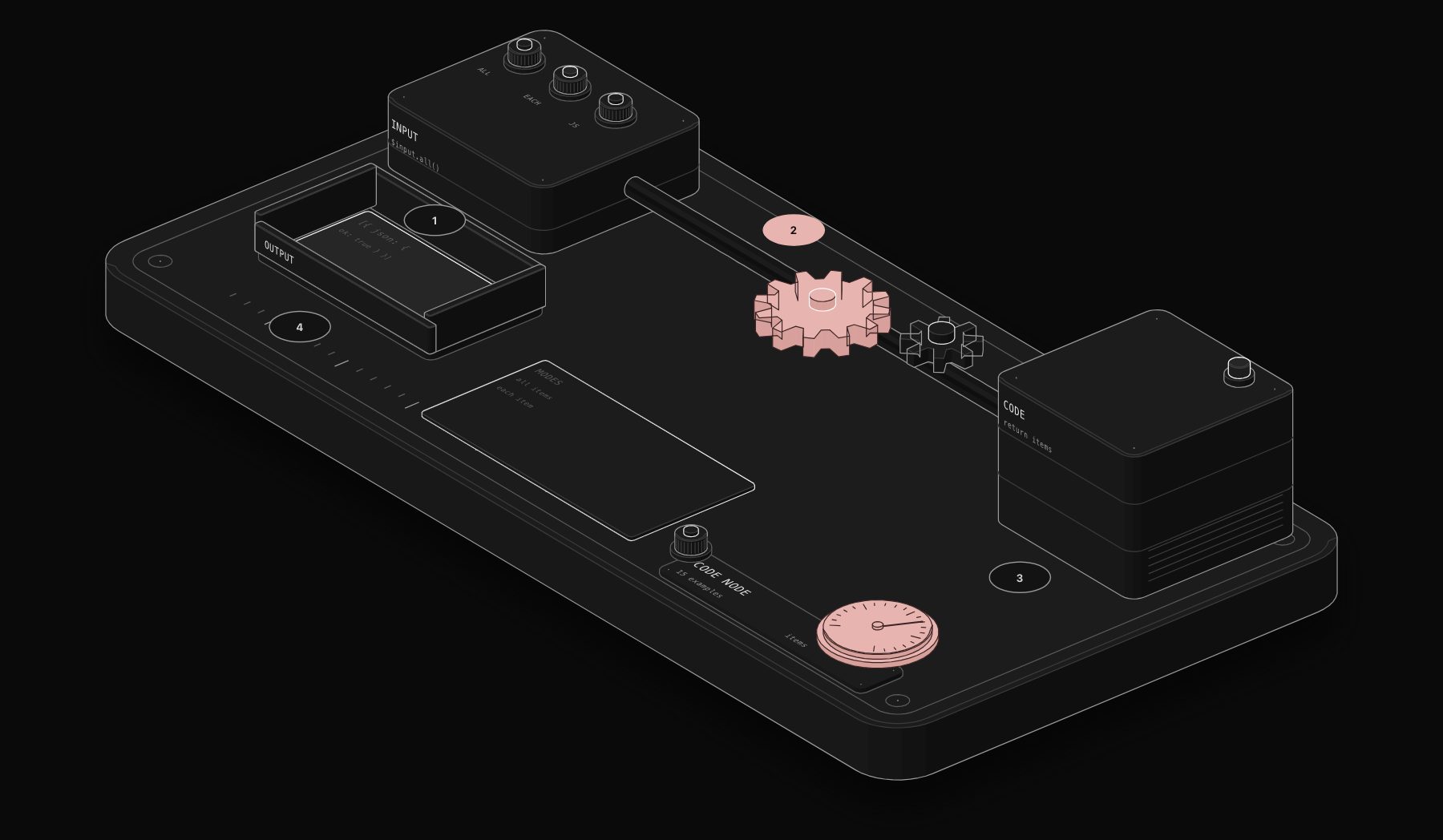
n8n Code Node Errors Fixed: "Code doesn't return items properly" and More: node settings
A template that always returns the right shape, with pinned data for testing. Illustration: PURIST.

Error 3: "Code doesn't return an object"

The code returned nothing (no return line) or returned undefined. The documentation adds a less obvious cause: you referenced a field that does not exist in this execution, so the value you returned was undefined.

javascript
// Wrong: forgot the return
for (const item of $input.all()) {
  item.json.total = item.json.qty * item.json.price;
}
// Right
for (const item of $input.all()) {
  item.json.total = item.json.qty * item.json.price;
}
return $input.all();

In per-item mode, return the item, not an array:

javascript
// Mode: Run Once for Each Item
$json.total = $json.qty * $json.price;
return $input.item;

Error 4: "$json is not defined" or "items is not defined"

$json only exists in "Run Once for Each Item" mode. In the default "Run Once for All Items" mode, use $input.all().

javascript
// Mode: Run Once for All Items
return $input.all().map((item) => ({ json: { ...item.json, ok: true } }));

items comes from the old Function node. The Code node replaced Function and Function Item in n8n 0.198.0. Old snippets that use items should be rewritten with $input.all().

Error 5: "'import' and 'export' may only appear at the top level"

The sandbox does not support ES modules. Use require(), and on self-hosted n8n allow the module first. Full steps in our guide to the Cannot find module error.

A safe template to start from

Paste this in any new Code node in default mode. It keeps the format right while you write the logic in the middle.

javascript
const out = [];
for (const item of $input.all()) {
  const data = item.json;
  // your logic here
  out.push({ json: { ...data } });
}
return out;

How to debug faster

  • Pin the previous node's output so you can rerun the Code node on the same data.
  • Log the shape before returning: console.log(JSON.stringify(out).slice(0, 500));, then read your browser console.
  • Validate the whole workflow export with our free n8n Workflow Validator, and test expressions with the n8n Expression Tester.
  • When a field is missing on some items only, use optional chaining: item.json.customer?.email ?? null.

Understanding n8n's data structure in two minutes

All four errors above come from one design choice: n8n passes data between nodes as a list of items, and each item has a fixed envelope.

javascript
[
  {
    json: { /* your fields */ },
    binary: { /* optional files */ },
    pairedItem: { item: 0 } // optional: which input item produced this one
  }
]
  • json is required and must be an object.
  • binary is optional and holds files (see binary data in the Code node).
  • pairedItem links an output item to the input item it came from. n8n uses it to resolve expressions such as $('Node').item in later nodes. When your code returns the same items it received, the link is kept. When you create brand new items, later nodes may not be able to tell which input they came from.

Worked example: converting an API response safely

An API returns one item shaped like this:

json
{ "meta": { "page": 1 }, "data": [ { "id": 1, "name": "Ana" }, { "id": 2, "name": "Leo" } ] }

You want one item per person. Three wrong attempts and the right one:

javascript
// Wrong: returns the raw array of people (not items)
return $input.first().json.data;
// Wrong: json is an array
return [{ json: $input.first().json.data }];
// Wrong: forgets the case where data is missing
return $input.first().json.data.map((p) => ({ json: p }));
// Right
const data = $input.first().json?.data ?? [];
return data.map((p) => ({ json: p }));

The last version survives an empty or malformed response. Pair it with "Always Output Data" if later nodes must run even when the list is empty.

Per-item mode, the other half of the confusion

In "Run Once for Each Item", the node runs once per input item and expects one item back, not an array.

javascript
// Mode: Run Once for Each Item
$json.total = Number($json.qty) * Number($json.price);
return $input.item;

Returning an array here, or returning $json (the inner object) instead of the item, triggers format errors. If you want to drop an item in per-item mode, the cleanest approach is to switch to All Items mode and filter.

Troubleshooting table

Error or symptomWhat n8n receivedFix
Code doesn't return items properlyStrings, numbers or plain valuesWrap each value: { json: { value } }
A 'json' property isn't an objectjson is an array or primitiveWrap or split into items
Code doesn't return an objectNothing, or undefinedAdd return, guard missing data
$json is not definedDefault All Items modeUse $input.all() or change mode
Later expression cannot find the paired itemNew items without a link to inputsReturn derived items, or read with .first() / .all()
Output shows [object Object] in textAn object inserted into a stringJSON.stringify(obj)

Common mistakes to avoid

  • Returning $json in per-item mode. Return $input.item, which is the full item envelope.
  • Mixing return inside loops. A return inside a for loop ends the node after the first item.
  • Trusting the test data. The pinned sample always has every field. Production data does not.

Production checklist

  • A return statement on every path, including early exits.
  • json always an object; arrays wrapped or split into items.
  • Real production samples pinned for testing, including an empty response.
  • Defensive reads with ?. for fields some records do not have.

Frequently asked questions

What format must the n8n Code node return?

An array of objects, each with a json key containing an object: [{ json: { key: 'value' } }]. In "Run Once for Each Item" mode, return a single item such as $input.item.

Why does my Code node work in testing but fail in production?

Usually because production data differs: a field is missing or an API returned an empty list. Guard optional fields with ?. and ??, and handle empty arrays before mapping them.

Can a Code node return binary data?

Yes. Items can carry a binary key next to json. See our guide to binary data in the Code node.

Does the Code node need a json key on every item?

Yes. Every returned item must have a json object, even if it is empty: { json: {} }.

What is pairedItem in n8n?

A link from an output item to the input item that produced it. n8n uses it to resolve $('Node').item in later nodes. Returning transformed input items keeps it automatically.

How do I return nothing from a Code node without an error?

Return an empty array: return [];. Enable "Always Output Data" in the node settings if the next nodes must still run.

Why does my Code node return only one item?

A return inside a loop, or reading $input.first() instead of $input.all(). Build an array and return it after the loop.

Tags

n8ncode nodeerrordebuggingjavascript
Steve, founder of PURIST

Steve founded PURIST, a workflow automation studio working with n8n, Make and Claude AI, and is the point of contact on every project. Prices and features in our articles come from vendor documentation and public pricing pages. How we research and score tools.
Complete guide

Automation Tools & Platforms

11 min read n8n Code Node: 15 JavaScript Examples You Can Copy and … 8 min read n8n Code Node With Multiple Inputs: 3 Methods That Work 7 min read Fix "Cannot find module" in the n8n Code Node (npm Pack… 7 min read $env and Credentials in the n8n Code Node: What Works a… 7 min read n8n Code Node Binary Data: Read, Change and Return File… 7 min read Python in the n8n Code Node (n8n 2.x): Setup, Syntax an… 7 min read Fix n8n "The requested webhook is not registered" (Test… 6 min read n8n Webhook URL: Test vs Production, and How to Change … 7 min read n8n Respond to Webhook: Return JSON, Status Codes, Redi… 8 min read Secure an n8n Webhook: Header Auth, Basic Auth, JWT and… 7 min read n8n Webhook Not Working? 10 Causes and How to Fix Each … 7 min read n8n HTTP Request Pagination: Every Pattern With Working… 7 min read n8n HTTP Request Authentication: API Keys, Bearer Token… 7 min read n8n HTTP Request Timeout and "Aborted" Errors: Causes a… 7 min read Upload and Download Files With the n8n HTTP Request Nod… 6 min read Fix ECONNREFUSED in n8n: Docker, localhost and 127.0.0.… 6 min read n8n 429 Too Many Requests: Batching, Retries and Rate L… 6 min read Fix redirect_uri_mismatch for n8n OAuth2 Credentials (G… 7 min read n8n Expression Errors Fixed: "Referenced node is unexec… 6 min read Anatomy Claude skill: what it is, how to install it, an… 5 min read How to explain a business process with the Anatomy skil… 5 min read Anatomy vs Mermaid vs Excalidraw: which to explain a wo… 14 min read n8n LinkedIn Job Automation: Auto-Apply, Track, and Fol… 16 min read n8n HTTP Request Node: Complete Documentation and Examp… 18 min read The future of automation: how our engineering team is s… 8 min read n8n vs Make vs Zapier: the honest comparison your busin… 11 min read n8n vs Make vs Zapier: an honest comparison for product… 7 min read Webhook vs polling: the architecture decision that dete… 24 min read n8n tutorial: build your first production workflow in u… 26 min read The 9 best Zapier alternatives in 2026: an honest ranki… 21 min read Make.com tutorial: build powerful automations without c… 19 min read Automation consultant vs DIY: how to decide what is rig… 14 min read n8n Self-Hosted vs Cloud: The Complete Decision Guide (… 15 min read 5 Zapier Free Alternatives That Handle Real Production … 15 min read WhatsApp Business Automation With n8n: Build a 24/7 Cus… 17 min read Google Workspace Automation: 15 Workflows for Sheets, D… 16 min read Claude AI for Business Automation: What It Does, What I… 15 min read Airtable Automation With n8n: 10 Workflows That Make Yo… 15 min read Droven.io AI Automation Tools: Full Review and Best Alt… 14 min read Droven.io RPA and Business Automation: An Honest 2026 R… 15 min read Enterprise Workflow Automation: The Complete Guide for … 13 min read Document Workflow Automation: Software, Implementation,… 14 min read Marketing Automation Workflow: From Content Creation to… 16 min read Ad Campaign Workflow Data Model and SDR Inbound Pipelin… 14 min read ComfyUI Workflows for Business: Product Photography, Ma… 13 min read GPT-5.2 for Business Workflows and the spec-workflow-mc… 17 min read ServiceNow vs IBM BAW vs n8n: Enterprise Workflow Autom… 16 min read 9 Best Workflow Automation Tools for Small Business in …

Keep reading

More from the blog.

All articles

From audit to deployment

Experience the automation
these articles are about.

Get my free automation plan →