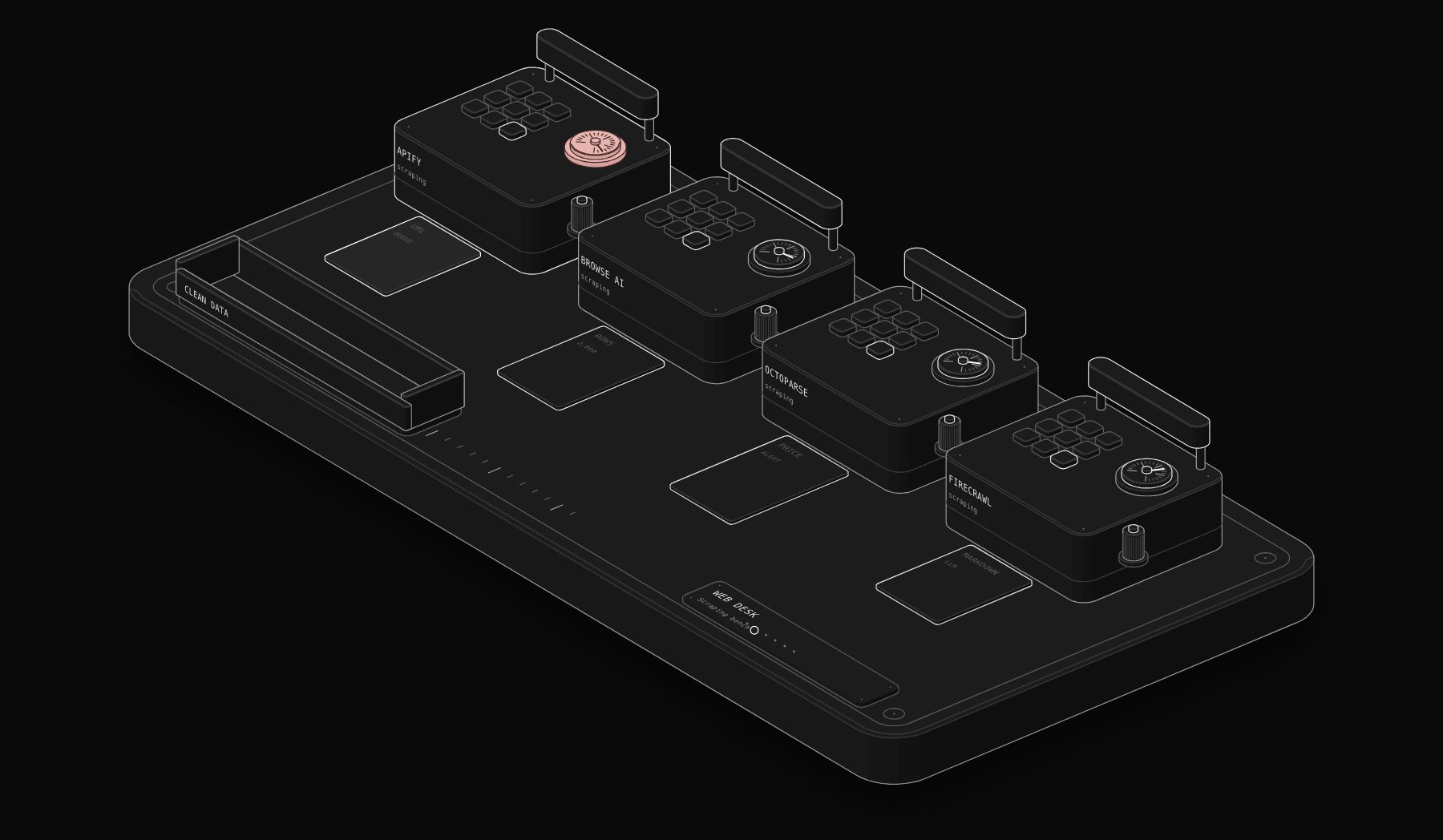
Web scraping tools turn public web pages into structured data: prices, listings, directories, job posts, reviews and product catalogs. For a small business, that data feeds lead lists, price monitoring, market research and, increasingly, AI agents that need fresh web content. This comparison covers four tools that represent the main approaches: Apify, Browse AI, Octoparse and Firecrawl. Every price was read on the vendor's own pricing page on November 17, 2026.
In short. Apify is our pick for most automation projects (8.4/10): a free plan with $5 of monthly credit, thousands of ready-made scrapers in its store, and plans from $19 per month plus usage. Browse AI (8.0/10) is the easiest no-code option for monitoring websites, with a free plan and Personal from $19 per month billed annually. Firecrawl (7.9/10) is built for AI and developers who need clean, LLM-ready content, with a free plan of 1,000 credits a month and Hobby from €15 per month as displayed in Europe. Octoparse (7.4/10) suits people who prefer a visual desktop builder, with a free plan and Basic at $19 per month.
Before you scrape: the rules that keep you safe
Scraping public data is common business practice, but it has limits. Respect each website's terms of service and robots.txt, never collect data behind a login you are not authorized to use, avoid personal data unless you have a lawful basis under rules such as GDPR, and keep request rates gentle. If a site blocks automated access, treat that as a no rather than an obstacle to get around. Most business use cases, such as competitor prices, public directories and your own listings, are well within these limits.
How we score: the PURIST Fit Score
| Criterion | What it measures | Weight |
|---|---|---|
| Ease of use | Time to a working scraper for a non-developer | 25% |
| Power and reliability | Scale, scheduling, proxies, handling of complex sites | 25% |
| Price for value | Real cost for a few thousand pages or rows a month | 25% |
| Automation readiness | API, webhooks, integrations, output fit for workflows and AI | 25% |
Source: compiled by PURIST (purist.online), November 17, 2026.
The four tools side by side
| Tool | Ease of use | Power and reliability | Price for value | Automation readiness | PURIST Fit Score |
|---|---|---|---|---|---|
| Apify | 7.5/10 | 9.5/10 | 7.5/10 | 9/10 | 8.4/10 |
| Browse AI | 9.5/10 | 7/10 | 7.5/10 | 8/10 | 8.0/10 |
| Firecrawl | 6.5/10 | 8.5/10 | 8/10 | 8.5/10 | 7.9/10 |
| Octoparse | 8/10 | 7.5/10 | 7/10 | 7/10 | 7.4/10 |
Source: compiled by PURIST (purist.online), November 17, 2026.
These are editorial scores based on published plans and features, not benchmarks.
Pricing at a glance (checked November 17, 2026)
| Tool | Free plan | Entry | Mid | Higher |
|---|---|---|---|---|
| Apify | $0 with $5 to spend per month, $0.20 per compute unit | Starter $19 per month plus pay as you go ($19 of credit included) | Scale $199 per month, $0.16 per compute unit | Business $999 per month, $0.13 per compute unit |
| Browse AI | 50 credits a month (up to 50 pages or 500 rows) | Personal $19 per month billed annually ($228), 12,000 credits a year | Professional $69 per month billed annually ($828), from 60,000 credits a year | Setup and onboarding services from $399 |
| Octoparse | 2,000 rows a month for templates, AI and API tasks; desktop tasks do not count | Basic $19 per month (monthly only) | Standard from $69 per month | Professional $249 per month |
| Firecrawl | 1,000 credits a month (about 1,000 pages scraped) | Hobby €15 per month billed yearly, 5,000 credits | Standard €76 per month, 100,000 credits | Growth €303 per month, 500,000 credits |
Source: compiled by PURIST (purist.online), November 17, 2026.
Firecrawl's page displayed euro prices when we checked from Europe; prices in your currency may differ. Apify offers 10% off with annual billing, and Browse AI and Octoparse both offer discounts on yearly plans.
Apify: a platform and a marketplace of scrapers
Apify is a full scraping and automation platform. Its strength is the Apify Store, where developers publish ready-made scrapers, called Actors, for popular sites and tasks, so you often run an existing tool instead of building one. Apify also maintains the open-source Crawlee library and offers an API, CLI, SDK and an MCP server for AI agents.
What you pay. The free plan includes $5 a month to spend in the store or on your own Actors at $0.20 per compute unit, with community support. Starter costs $19 a month plus usage, with $19 of credit included and chat support. Scale costs $199 a month with compute at $0.16 per unit, and Business $999 a month at $0.13 per unit, with larger store discounts at each level.
Where it is strongest. Range and reliability. Scheduling, proxies, storage, webhooks and integrations are built in, and the store saves weeks of development for common sources.
Where it is weaker. Usage-based pricing takes a little learning to estimate, and the most powerful features assume some technical comfort.
Best for: lead generation, market data and any scraping that has to run reliably on a schedule inside an automation.
Browse AI: point, click and monitor
Browse AI is built for people who do not want to write code. You train a robot by clicking on the data you want, and it extracts or monitors that page on a schedule.
What you pay. Every plan, including the free one, includes unlimited robots, monitoring every 5 minutes, a REST API, webhooks and bulk runs, residential proxies, formula columns and thousands of integrations. The free plan gives 50 credits a month and 2 domains. Personal costs $19 per month billed annually ($228 upfront) for 12,000 credits a year and 5 domains, with a 60-day refund guarantee. Professional costs $69 per month billed annually ($828) for 60,000 credits a year and 10 domains, with higher credit tiers available. Setup and onboarding services start at $399.
Where it is strongest. Monitoring: price changes, new listings, stock status and competitor pages, with alerts and integrations, without a developer.
Where it is weaker. Credits limit volume, and very complex sites may need a developer platform instead.
Best for: small teams monitoring a handful of websites for changes.
Firecrawl: web data for AI applications
Firecrawl turns websites into clean, LLM-ready content. It is designed for developers building AI agents, retrieval systems and research tools that need web pages as markdown or structured data.
What you pay. The free plan gives 1,000 credits a month, enough for 500 searches or 1,000 pages scraped, with 2 concurrent requests. Hobby costs €15 per month billed yearly for 5,000 credits and 5 concurrent requests. Standard, the recommended plan, costs €76 per month for 100,000 credits. Growth costs €303 per month for 500,000 credits, with extra credit packs available.
Where it is strongest. Clean output for AI. When the next step is a language model summarizing or classifying pages, Firecrawl removes most of the cleaning work.
Where it is weaker. It is a developer tool: there is no point-and-click builder like Browse AI or Octoparse.
Best for: AI agents, research automations and knowledge bases that need fresh web content. Our guide to n8n vs Lindy vs Relevance AI vs Gumloop covers the agent builders that consume this data.
Octoparse: the visual desktop builder
Octoparse has long been the reference for visual scraping. You build tasks in a desktop app, and newer AI and cloud features extend it.
What you pay. The free plan runs tasks on your own computer, with 2,000 rows a month for templates, AI assistant tasks and API calls, and 10 saved tasks; desktop tasks do not count toward the row limit. Basic costs $19 per month, billed monthly only, for individuals and side projects. Standard starts at $69 per month for teams running scheduled jobs, with automatic IP rotation and 30-day cloud data retention. Professional costs $249 per month for scraping at scale. Paid plans offer a full refund within 5 days under the conditions on its page.
Where it is strongest. A visual builder for people who want control over each step without code, and templates for common sites.
Where it is weaker. Cloud runs for custom tasks start on Standard, and integration into wider automations is less direct than Apify's.
Best for: analysts and marketers who prefer building scrapers visually on a desktop.
Which one should you choose?
If scraping feeds a business process that must run reliably: Apify.
If you want to monitor a few websites without code: Browse AI.
If the data feeds an AI agent or a language model: Firecrawl.
If you prefer a visual desktop builder: Octoparse.
The scraping workflows we build most often
- 1 Lead lists from public directories. A scraper collects businesses from a public directory, then an enrichment step finds a decision maker and a verified email, then the list is scored. Our Apollo vs ZoomInfo vs Lusha vs Cognism comparison covers the enrichment side.
- 2 Competitor price monitoring. Competitor product pages are checked daily, and a change above a threshold sends an alert with the old and new price.
- 3 New listing alerts. New tenders, job posts or property listings matching your criteria arrive in Slack or email within minutes.
- 4 Review monitoring. New public reviews of your business are collected and summarized every week, with negative ones flagged for a reply.
- 5 Fresh content for AI. Pages from documentation sites or industry news are scraped, cleaned and stored so an AI assistant answers with current information.
In n8n, every tool above is called through its API with the HTTP Request node, and Apify and Browse AI can also push results by webhook. Our n8n automation agency builds these pipelines end to end.
Frequently Asked Questions
What is the best web scraping tool for a business?
Apify is the best choice for most business automation because it combines a store of ready-made scrapers, scheduling, proxies, an API and integrations, with a free plan and paid plans from $19 per month plus usage. Browse AI is better if nobody on the team writes code.
Is web scraping legal?
Scraping publicly available data is common practice, but you must respect each site's terms and robots.txt, avoid data behind logins you are not authorized to use, and have a lawful basis for any personal data under rules such as GDPR. When in doubt, ask a lawyer about your specific use case.
What is the best free web scraping tool?
All four tools have free plans. Apify gives $5 of usage a month, Browse AI 50 credits, Firecrawl 1,000 credits and Octoparse 2,000 rows for cloud tasks plus local desktop tasks.
What is the difference between Firecrawl and Apify?
Firecrawl focuses on turning websites into clean, LLM-ready content for AI applications. Apify is a broader platform for running any scraper or automation, with a marketplace of ready-made Actors.
Can I scrape websites without coding?
Yes. Browse AI and Octoparse are designed for point-and-click scraping, and Apify's store offers ready-made scrapers you configure with a form.
How do I connect a scraper to my CRM or spreadsheet?
Use the tool's built-in integrations or webhooks, or an automation platform such as n8n, Zapier or Make, to send each new result to your CRM, a spreadsheet or a database, with deduplication before insert.
Sources
Prices and features were read on the vendors' official pages on November 17, 2026: Apify pricing, Browse AI pricing, Octoparse pricing, Firecrawl pricing. Prices change: check the vendor's page before you buy.
Want web data flowing into your CRM, alerts or AI assistant on a schedule? Ask for a free written automation audit and we will design the pipeline, in writing.
Tags

Steve founded PURIST, a workflow automation studio working with n8n, Make and Claude AI, and is the point of contact on every project. Prices and features in our articles come from vendor documentation and public pricing pages. How we research and score tools.