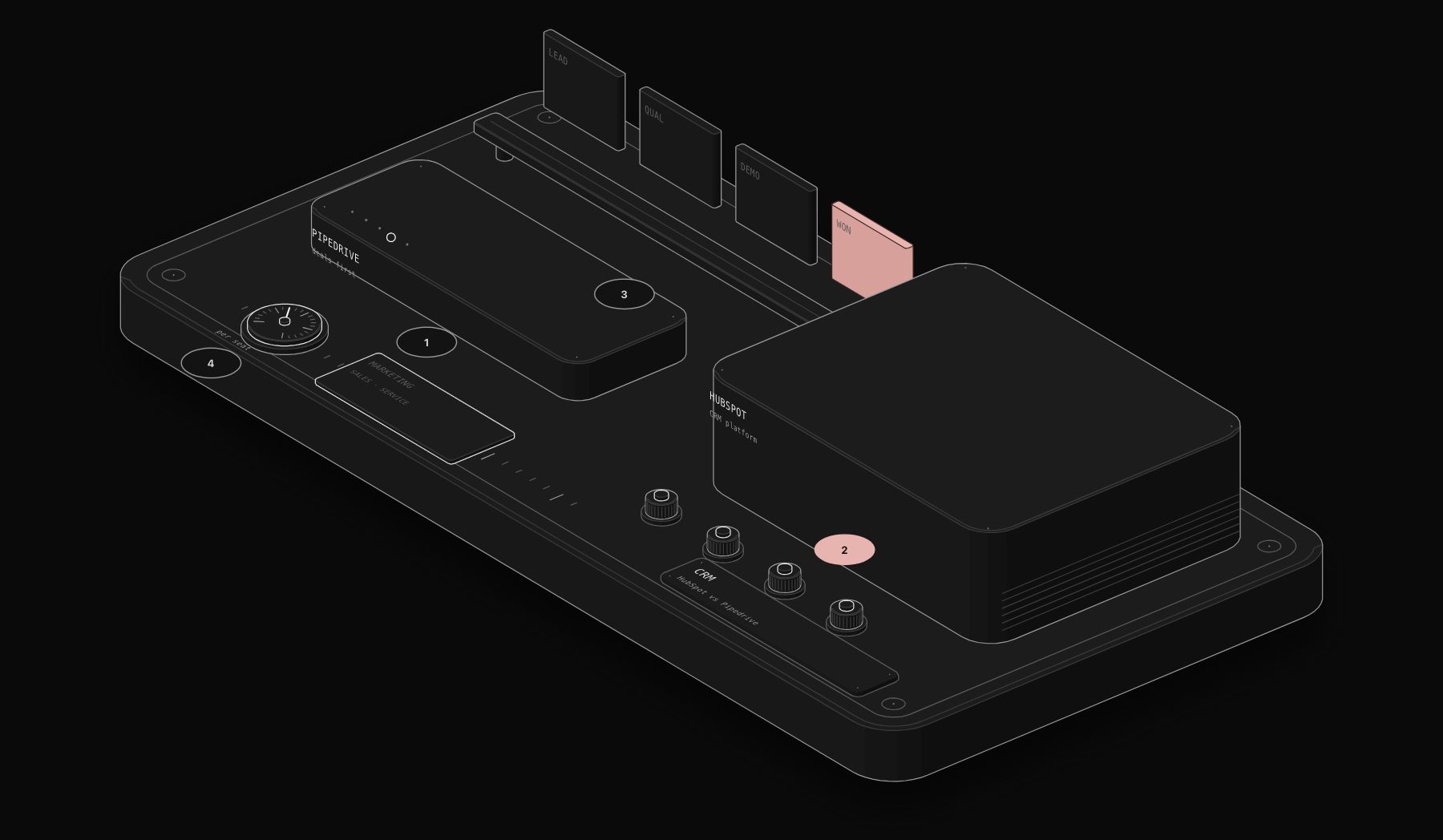
HubSpot and Pipedrive are two of the most popular CRMs for small and mid-sized businesses, and they are often compared by teams choosing their first real CRM. Pipedrive is a sales pipeline tool built for salespeople: visual, fast, focused on deals and activities, with low per-user prices. HubSpot is a customer platform that starts with a free CRM and grows into marketing, sales, service, content and operations hubs, with prices that rise sharply at the Professional level. This guide compares them head to head on pipeline management, marketing, automation, reporting, real cost for a 10-person team and which one fits which business.
Quick verdict. Choose Pipedrive if you want a simple, affordable CRM that salespeople actually use, focused on managing deals and follow-ups. Choose HubSpot if you want sales and marketing in one platform, with forms, email marketing, landing pages and attribution connected to the CRM, and you have the budget for Professional plans as you grow. HubSpot's free CRM is also a strong starting point for very small teams. For a wider view, see our HubSpot vs Salesforce vs Pipedrive vs Zoho CRM comparison.
At a Glance
| HubSpot | Pipedrive | |
|---|---|---|
| Core focus | All-in-one customer platform (CRM plus hubs) | Sales pipeline and deal management |
| Free plan | Yes, free CRM with core features | No, free trial |
| Entry plan | Sales Hub Starter, about $15 to $20 per seat per month | Lite, about $14 per user per month annually ($24 monthly) |
| Mid plan | Sales Hub Professional, about $100 per seat per month plus onboarding fee | Growth, about $39 annually ($49 monthly) |
| Upper plans | Enterprise, about $150 per seat per month plus onboarding | Premium about $49 to $59, Ultimate about $79 annually |
| Onboarding fees | Required on Professional and Enterprise, reported around $1,500 and $3,500 | None required |
| Marketing tools | Full Marketing Hub available | Add-ons for email campaigns and lead generation |
Both vendors change packaging regularly. Pipedrive moved to Lite, Growth, Premium and Ultimate in 2025, and HubSpot runs promotional pricing at times. Figures come from public pages and third-party guides at the time of writing; confirm them before you buy.
The PURIST Fit Score: How We Compare Them
| Dimension | What it measures | Weight |
|---|---|---|
| Sales usability | Pipeline view, deal management, activities and adoption by salespeople | 25% |
| Marketing and platform breadth | Forms, email marketing, landing pages, service and attribution | 25% |
| True cost | Real cost for a growing team, including required tiers and fees | 30% |
| Automation and integrations | Workflows, sequences, marketplace and API | 20% |
The Head-to-Head Comparison
| Platform | Sales usability | Marketing and platform breadth | True cost | Automation and integrations | PURIST Fit Score |
|---|---|---|---|---|---|
| Pipedrive | 10/10 | 6/10 | 9/10 | 8/10 | 8.3/10 |
| HubSpot | 8/10 | 10/10 | 5/10 | 9/10 | 7.8/10 |
Pipedrive leads on our framework because most small sales teams need a pipeline tool their reps will use, at a price they can afford. HubSpot is the stronger platform, and for companies where marketing generates most of the pipeline, its breadth can justify the higher cost.
Feature-by-Feature Breakdown
Pipeline and deal management
Pipedrive was built around the visual pipeline: deals move across stages with drag and drop, each deal shows its next activity, and the interface pushes salespeople to always have a next step scheduled. It is fast to learn and widely praised by reps. HubSpot also offers deal pipelines, tasks, and a clean interface, with more fields, records and views, which suits larger teams but can feel heavier.
Contacts, companies and data
HubSpot's CRM records contacts, companies, deals, tickets and custom objects on higher plans, with a rich timeline of emails, calls, meetings, website visits and marketing interactions. Pipedrive manages people, organizations, deals and leads, with a contact timeline and email sync on Growth and above. HubSpot gives a fuller picture of each customer across marketing and service.
Email, sequences and sales automation
Both sync with Gmail and Outlook, track opens and offer templates. Pipedrive's Growth plan adds automations, email sync and nurturing sequences. HubSpot offers sequences on Professional, plus workflows across sales and marketing. For automated follow-up at scale, HubSpot Professional is more powerful; Pipedrive covers the essentials at a much lower price.
Marketing
This is HubSpot's biggest advantage. Marketing Hub adds forms, email marketing, landing pages, social media, ads tracking, SEO tools and attribution, all connected to the CRM. Pipedrive offers add-ons such as Campaigns for email marketing and LeadBooster for chatbots, web forms and prospecting, included on higher plans or sold separately on lower ones. For serious inbound marketing, HubSpot is the more complete platform.
Reporting and forecasting
Pipedrive provides clear sales dashboards, goals and revenue forecasts. HubSpot provides dashboards and reports across sales and marketing, with custom reporting and forecasting on Professional and above. HubSpot reports more, Pipedrive reports what sales teams need most.
AI features
Both include AI assistants that summarize records, draft emails and suggest next steps, with features varying by plan. Test them on your own data during a trial.
Integrations
HubSpot's marketplace has well over a thousand integrations, and Pipedrive's marketplace has hundreds, including all the major sales and productivity tools. Both have documented APIs and webhooks.
The Real Cost Comparison Nobody Publishes
Approximate first-year cost for a team of 10 salespeople at list prices, billed annually, excluding taxes and add-ons.
| Setup | Approximate first-year cost (10 users) |
|---|---|
| HubSpot free CRM | $0 |
| HubSpot Sales Hub Starter | about $1,800 to $2,400 |
| HubSpot Sales Hub Professional | about $12,000 plus about $1,500 onboarding |
| Pipedrive Lite | about $1,700 |
| Pipedrive Growth | about $4,700 |
| Pipedrive Premium | about $5,900 to $7,100 |
The gap opens when a team outgrows HubSpot Starter. Moving to Professional multiplies the seat price and adds onboarding, and Marketing Hub Professional is priced separately. Pipedrive's increases between tiers are gradual.
Hidden Costs and Traps
HubSpot's Starter-to-Professional jump. Features such as advanced automation, sequences at scale and custom reporting sit in Professional, which costs several times more per seat.
HubSpot marketing contacts. Marketing Hub pricing depends on the number of marketing contacts, so growing lists increase the bill.
Pipedrive add-ons. LeadBooster, Campaigns, Smart Docs and other add-ons can add tens of dollars per month each on lower plans.
Seat creep. Both charge per user. Decide who really needs a paid seat, and use free view-only access or integrations for others where possible.
Annual commitments. HubSpot Professional and Enterprise are usually annual contracts. Check cancellation terms before you sign.
Which Platform Fits Which Business
- Small sales team focused on closing deals: Pipedrive.
- Company where inbound marketing generates most leads: HubSpot.
- Very small team that needs a free CRM to start: HubSpot free CRM.
- Agency or services business managing many deals with a tight budget: Pipedrive.
- Company that wants sales, marketing and service on one platform: HubSpot.
- Outbound-focused team using separate prospecting tools: Pipedrive.
If you are building an outbound engine, our Apollo vs ZoomInfo vs Lusha vs Cognism comparison covers data providers that connect to both CRMs.
Where n8n Fits in the Picture
A CRM is only as good as the data in it. n8n connects HubSpot or Pipedrive to the rest of the business: capture leads from forms, ads and email, enrich them with company data, route them to the right salesperson, create deals from booked meetings, post won deals to Slack, sync customers to accounting and billing, and send weekly pipeline reports. Because these workflows run outside the CRM, they can save you from paying for higher tiers just to unlock automation, and they keep working if you switch CRMs.
How to Choose in Five Questions
- 1 Where do most of your leads come from: inbound marketing or outbound sales?
- 2 How many people need a CRM seat now, and in two years?
- 3 Which features will you need in year two, and which tier unlocks them?
- 4 Do you want marketing tools in the same platform, or separate best-of-breed tools?
- 5 Which tools must the CRM connect to, such as email, calendar, billing and support?
Frequently Asked Questions
Is HubSpot better than Pipedrive?
HubSpot is a broader platform with stronger marketing and customer data. Pipedrive is a simpler, more affordable sales pipeline tool that many sales teams prefer for daily use. The best choice depends on whether you need marketing in the same system.
Is Pipedrive cheaper than HubSpot?
Generally yes, beyond HubSpot's free and Starter tiers. Pipedrive's paid plans run from about $14 to $79 per user per month billed annually, while HubSpot Sales Hub Professional is about $100 per seat per month plus an onboarding fee.
Does Pipedrive have a free plan?
No, Pipedrive offers a free trial rather than a free plan. HubSpot offers a free CRM with core features.
Can Pipedrive do email marketing?
Yes, through its Campaigns add-on, which handles email campaigns to contacts in the CRM. For full marketing automation, landing pages and attribution, HubSpot Marketing Hub is more complete.
Which CRM is easier to use?
Pipedrive is often rated easier for salespeople thanks to its visual pipeline and focus on next activities. HubSpot is also user-friendly but has more features to learn.
Can I migrate from Pipedrive to HubSpot, or the other way?
Yes. Both offer import tools and migration support, and third-party services can move contacts, deals and activities. Map fields and pipelines carefully before migrating.
Which is better for small businesses?
Pipedrive is often the better fit for small sales-led businesses on a budget. HubSpot's free CRM and Starter plans suit small businesses that plan to grow into marketing automation.
Can I automate HubSpot or Pipedrive with n8n?
Yes. n8n has native nodes for both, so you can automate lead capture, enrichment, routing, follow-ups, reporting and syncing with your other tools.
Sources and Further Reading
Pricing reflects public vendor pages and third-party pricing guides at the time of writing and differs between sources in places. Confirm current details on HubSpot and Pipedrive before you buy.
To connect your CRM to your forms, inbox, calendar and billing so no lead slips through, book a free automation audit.
Tags
Purist Team
The PURIST editorial team covers automation, AI agents, and operations strategy for businesses scaling with n8n, Make, and Claude AI.