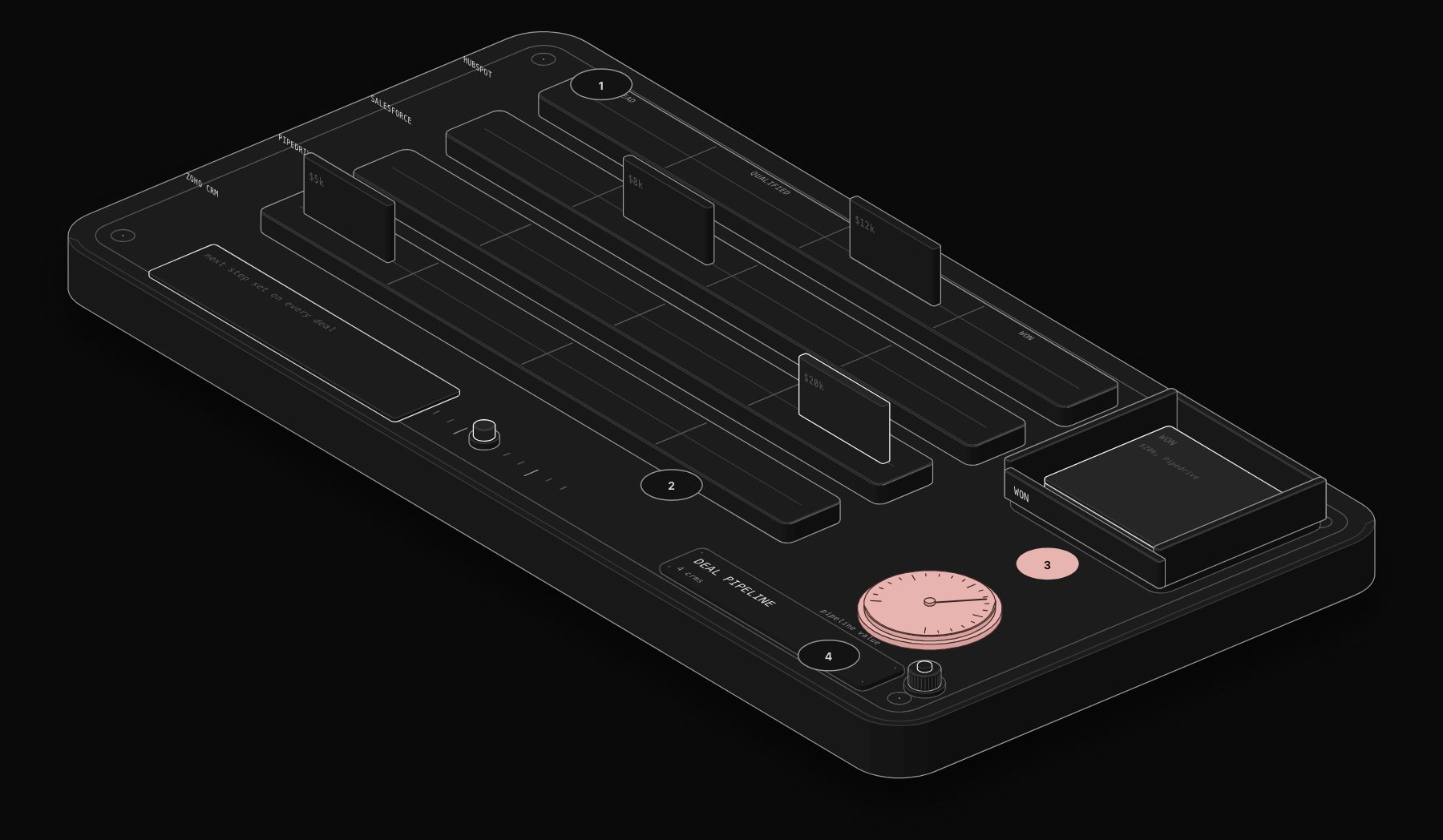
Choosing a CRM for a growing service business is a decision most companies make once and live with for years, because migrating customer and deal data between systems is slow, error-prone, and disruptive to a sales team mid-quarter. Getting it right the first time matters more than almost any other software decision a growing business makes.
In short. Pipedrive leads our comparison (7.6/10) for small sales teams that live in a pipeline, and HubSpot (7.5/10) is best when marketing and sales share data. Zoho CRM (7.1/10) offers the best value for automation depth, and Salesforce (6.4/10) has the highest ceiling for complex, multi-department operations with an implementation budget.
This comparison ranks the four CRMs that come up most often for service businesses between 10 and 200 employees: HubSpot, Salesforce, Pipedrive, and Zoho CRM. Each wins for a specific buyer profile and loses badly for others. The goal here is matching your actual situation to the right platform, not declaring an overall winner.
Updated October 2026. Re-checked after Salesforce replaced its Enterprise and Unlimited editions (September 2026) and Pipedrive's plan changes. The cost table below uses the new tiers.
Quick Verdict
- Fastest to run, cheapest per seat: Pipedrive, for small sales teams that live in a pipeline.
- Best value for automation depth: Zoho CRM Enterprise, at roughly the same seat price as Pipedrive Growth.
- Best when marketing and sales must share data: HubSpot.
- Best ceiling for complex, multi-department operations: Salesforce, with an implementation budget.
October 2026 Entry Prices at a Glance
| CRM | Free option | Entry paid plan | Mid tier | Upper tier |
|---|---|---|---|---|
| HubSpot Sales Hub | Free CRM, limited users | Starter, about $15 to $20 per seat | Professional, about $90 per seat + onboarding | Enterprise |
| Salesforce | Free suite (limited) | Starter Suite, about $25 per user | Pro Suite, about $100 per user | Core, Advanced, Max (from about $195) |
| Pipedrive | None, trial only | Lite, about $14 per seat | Growth about $39, Premium about $59 | Ultimate, about $79 |
| Zoho CRM | Free, up to 3 users | Standard, about $14 | Professional, about $23 | Enterprise about $40, Ultimate about $52 |
The PURIST Fit Score: How We Actually Compare These Platforms
Review-site star ratings measure how much users like the interface, not whether the platform fits your business model. We score each CRM on four dimensions instead, each out of 10, weighted toward what actually determines whether the platform earns back its cost within a year.
| Dimension | What it measures | Weight |
|---|---|---|
| Setup-to-value time | Days from signup to a rep actually working deals in the system | 25% |
| Native integration depth | How many of your existing tools connect without custom middleware | 25% |
| True cost at scale | Total cost once your team and contact volume grow, not entry pricing | 30% |
| Automation depth | How much of your pipeline logic runs without manual data entry | 20% |
The 4-Platform Comparison
| Platform | Setup-to-value | Integration depth | True cost at scale | Automation depth | PURIST Fit Score |
|---|---|---|---|---|---|
| HubSpot CRM | 9/10 | 9/10 | 5/10 | 8/10 | 7.5/10 |
| Salesforce | 4/10 | 9/10 | 4/10 | 9/10 | 6.4/10 |
| Pipedrive | 9/10 | 7/10 | 8/10 | 6/10 | 7.6/10 |
| Zoho CRM | 6/10 | 6/10 | 9/10 | 7/10 | 7.1/10 |
Pipedrive edges out HubSpot on our framework specifically because of cost at scale, not because it is a better product overall. HubSpot wins decisively on integration depth and out-of-the-box automation, which matters more the larger and more complex your operation gets.
What the Scores Actually Mean for Your Decision
If you need this live in days, not weeks: HubSpot and Pipedrive both onboard a sales team in under a week with minimal training. Salesforce's flexibility is also its cost: a meaningful implementation typically takes 6 to 12 weeks, often longer with a configuration partner.
If integration depth is your bottleneck: HubSpot and Salesforce both have the deepest native app ecosystems, thousands of pre-built integrations covering marketing, support, finance and e-signature tools. Pipedrive and Zoho cover the common cases (email, calendar, the major marketing tools) but you will hit gaps sooner and lean on Zapier or a workflow tool like n8n to fill them.
If true cost at scale is your constraint: this is where sticker-price comparisons mislead the most. Salesforce and HubSpot both scale pricing with seats and, in HubSpot's case, contact tiers, which compounds fast as a service business grows its client list. Pipedrive and Zoho hold their per-seat price far more consistently as you add users.
If automation depth is what you actually need: Salesforce's Flow Builder and HubSpot's workflow engine both support genuinely complex branching logic, multi-object automation, and conditional routing. Pipedrive's automation is solid for pipeline-stage triggers but shallower for cross-object logic. Zoho sits in between, with Zoho Flow extending it meaningfully for teams willing to configure it.
The Real Cost Comparison Nobody Publishes
Vendor pricing pages quote entry-tier cost per seat. Here is what a 15-person service business (sales, account management, and support using the CRM) actually pays at current published pricing, including the tier where real automation becomes available.
| Platform | Cost per seat/mo (entry automation tier, annual) | Cost for 15 seats/mo | Cost multiplier vs Pipedrive |
|---|---|---|---|
| Pipedrive (Growth) | ~$39 | ~$585 | 1.0x |
| Zoho CRM (Enterprise) | ~$40 | ~$600 | 1.0x |
| HubSpot (Sales Hub Professional) | ~$90, plus one-time onboarding | ~$1,350 | 2.3x |
| Salesforce (Core, the tier that replaced Enterprise in September 2026) | ~$195 | ~$2,925 | 5.0x |
Prices are list prices as reported in October 2026, billed annually. Salesforce restructured its editions in September 2026, and Pipedrive renamed and repriced its plans, so many comparison pages still show the old figures. Confirm on each vendor's pricing page before you buy.
HubSpot's real cost is often higher still once Marketing Hub is added for genuine marketing automation, since HubSpot's cross-sell model pushes toward bundling hubs together. Salesforce's true cost typically includes implementation and ongoing admin time that dwarfs the licence cost itself for anything beyond a basic setup.
Which Platform Fits Which Business
- Under 15 people, need it running this week, price-sensitive: Pipedrive. The pipeline-first interface matches how most service-business sales teams already think, and the cost stays predictable as you add seats.
- Growing fast, need marketing and sales data unified, budget allows for it: HubSpot. The integration depth and workflow engine pay for themselves once you are running multi-channel lead generation alongside sales.
- Complex, multi-department operation with dedicated sales ops or RevOps headcount: Salesforce. Nothing else in this comparison matches its ceiling for custom object modelling and cross-department process automation, but budget for an implementation partner, not just the licence.
- Cost-conscious but need more automation than Pipedrive offers natively: Zoho CRM combined with Zoho Flow, or Pipedrive combined with an n8n automation layer for the logic the CRM itself does not handle.
Where n8n Fits in the Picture
Every CRM in this comparison has a ceiling on what it automates natively. Pipedrive cannot easily score leads with AI. Zoho's automation logic lives inside Zoho's own ecosystem. HubSpot's workflows cannot call arbitrary external APIs without a paid connector. Salesforce Flow can do almost anything but requires admin expertise most 15-person service businesses do not have on staff.
n8n sits alongside whichever CRM you choose and handles what the CRM cannot: AI-based lead scoring, enrichment from third-party data sources, multi-system routing (CRM to Slack to your invoicing tool in one flow), and custom logic your CRM vendor never anticipated. See our HubSpot + Slack real-time deal alert guide or the full AI lead qualification and routing template for what this looks like built out.
Frequently Asked Questions
Which CRM is best for a small service business under 15 employees?
Pipedrive, for most cases. It gets a sales team productive in days, its per-seat pricing does not punish growth the way HubSpot's or Salesforce's does, and the pipeline-first interface matches how small service-business sales teams naturally work. HubSpot is the right call instead if you are already running significant inbound marketing and want that data unified with sales from day one.
Is Salesforce overkill for a growing service business?
Usually, yes, below roughly 30 to 50 employees or without a dedicated sales operations person. Salesforce's power comes from configuration flexibility that requires ongoing admin investment to actually use. A service business without that role in place typically ends up paying enterprise pricing for a fraction of the platform's capability.
Can Zoho CRM really compete with HubSpot and Salesforce?
For core CRM functionality, yes, and at meaningfully lower cost. Where it falls behind is ecosystem depth: fewer native integrations, a smaller partner and app marketplace, and less polished workflow automation out of the box. For a cost-conscious business willing to configure Zoho Flow for the gaps, it is a genuinely competitive option.
How disruptive is migrating from one CRM to another?
More than most companies expect. Beyond exporting contacts and deals, you lose activity history, email engagement data, and custom pipeline stages unless they are explicitly mapped and rebuilt in the new system. For a CRM with more than a year of active use, budget 4 to 8 weeks for a clean migration including data validation and a parallel-running period before cutover.
Do I need marketing automation built into my CRM, or can I keep it separate?
Keeping them separate (a dedicated marketing platform plus any CRM) is usually cheaper and more flexible until your sales and marketing teams need genuinely unified reporting on the same records. HubSpot's advantage is specifically that unification; if you do not need it yet, a lighter CRM plus a focused marketing tool costs less than paying HubSpot's bundled pricing for capability you are not using.
To get an unbiased recommendation for your specific team size, sales process, and existing tool stack, book a free automation audit. We have connected all four platforms in automation builds and can tell you directly which one fits your situation, not which one we are positioned to sell.
Tags
Purist Team
The PURIST editorial team covers automation, AI agents, and operations strategy for businesses scaling with n8n, Make, and Claude AI.