A workflow that follows the same fifteen if/then branches every single time is not intelligent. It is fast, and fast is genuinely valuable, but it breaks the moment reality produces a scenario the designer did not anticipate. Intelligent workflow automation is the category of systems built specifically to handle that gap: workflows that read unstructured input, weigh context, and make a judgment call the way a competent employee would, rather than requiring every possible branch to be pre-programmed by hand.
This distinction has become the central fault line in automation in 2026. Static, rules-based automation has been mainstream for a decade. What has changed is that large language models now make it practical to embed genuine judgment inside a workflow at a cost and speed that makes sense for everyday business processes, not just flagship AI products. This guide explains what actually makes automation "intelligent," where the line sits between old-style rules and AI-driven decisions, and how to build (or evaluate) an intelligent workflow that will hold up outside a demo.
What "Intelligent" Actually Means in Workflow Automation
Strip away the marketing and the definition is precise: an intelligent workflow uses a model, not a hard-coded rule, to make at least one meaningful decision point in the process. That decision might be classifying an incoming support email into one of twelve categories, extracting structured fields from a messy PDF invoice, scoring a sales lead's likelihood to convert based on free-text notes, or deciding which of three possible next actions best fits a customer's specific situation.
The test is simple: if you removed the AI step and replaced it with a human reading the same input and making the same call in a few seconds, would the workflow still work correctly? If yes, the AI step is doing real judgment work. If the same outcome could be produced by a lookup table or a set of keyword rules, calling it "intelligent" is marketing, not architecture.
- Rules-based automation: if invoice amount > $5,000, route to manager. Deterministic, auditable, fast, and completely unable to handle a case the designer did not foresee.
- Intelligent workflow automation: read the vendor's email describing a billing dispute, understand what they are actually asking for, check it against the contract terms, and decide whether to auto-resolve, escalate, or request more information. This requires actual comprehension of unstructured text, not a pattern match.
Rules-Based Automation vs. Intelligent, AI-Driven Workflows
Where Rules Still Win
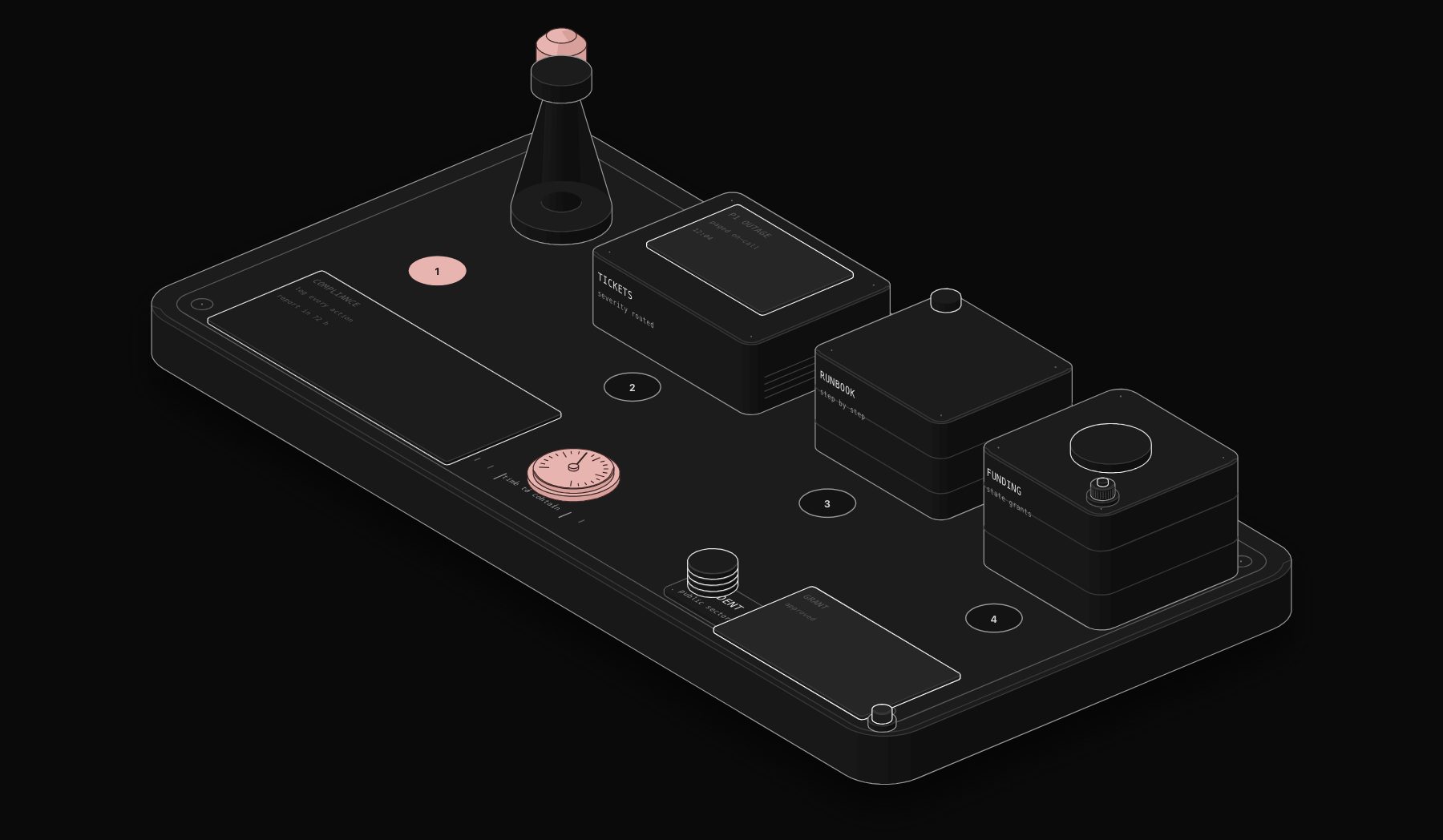
Rules-based logic remains the right choice, not a legacy fallback, whenever a decision has legal, financial, or safety consequences and needs to be perfectly consistent and explainable. Tax calculations, payment approval thresholds, and compliance gating should stay deterministic. Nobody wants an LLM's probabilistic judgment deciding whether a wire transfer clears a fraud check; you want an auditable, testable rule that behaves identically every single time and can be defended to a regulator.
Where AI Judgment Wins
AI-driven decision layers earn their place wherever the input is unstructured, the possible scenarios are too numerous to enumerate by hand, or the "correct" answer depends on nuanced context a simple rule cannot capture. Reading a customer's free-text complaint and deciding whether it is a refund request, a bug report, or a churn risk is exactly this kind of problem: thousands of possible phrasings, no fixed vocabulary, and a decision a human support agent makes in seconds using contextual understanding a rules engine cannot replicate.
The winning architecture in 2026 is not "replace rules with AI." It is hybrid: hard rules gate anything with real consequence, and AI handles the classification, extraction, and routing decisions that used to force a human to read something and decide, freeing that human for the genuinely hard judgment calls the AI still cannot make reliably.
The Architecture of an Intelligent Workflow
Building an AI decision point into a workflow safely requires more scaffolding than dropping in an API call to a language model.
Structured Output, Not Free Text
Production intelligent workflows constrain the model's output to a defined schema (a JSON object with specific fields and allowed values), rather than parsing free-form prose. This is the single biggest reliability improvement available: instead of asking a model to "decide what to do" in prose and trying to regex-parse the response, you ask it to return `{"category": "billing_dispute", "confidence": 0.91, "suggested_action": "escalate"}` against a strict schema, which the workflow can then branch on deterministically.
Confidence Thresholds and Fallback Paths
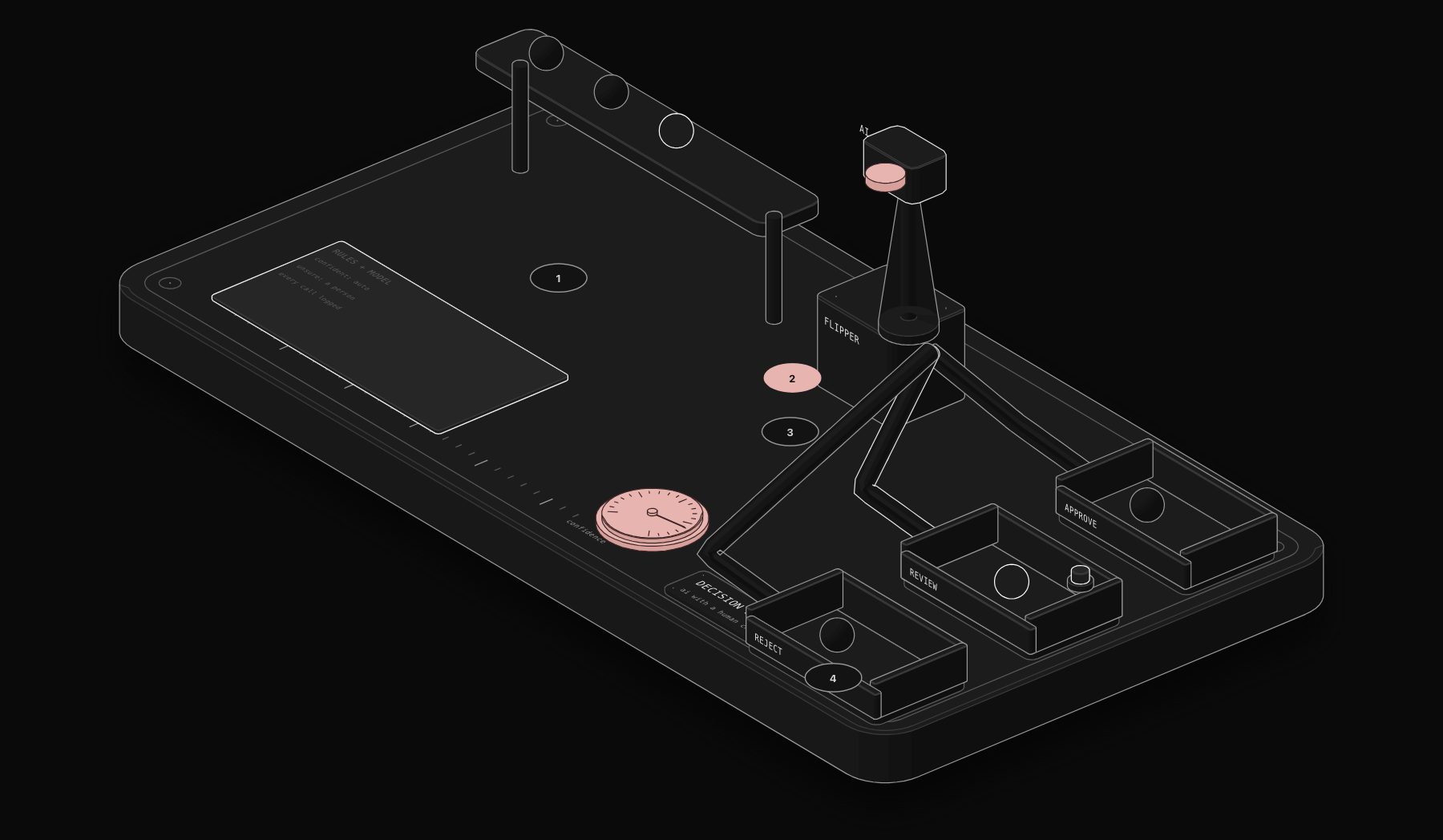
No AI classification is 100% reliable, and pretending otherwise is how intelligent workflows fail in production. Mature implementations attach a confidence score to every AI decision and route low-confidence results to a human review queue rather than acting on an uncertain judgment automatically. A workflow that auto-executes 85% of cases with high confidence and routes the remaining 15% to a person for a ten-second confirmation dramatically outperforms one that tries to force 100% automation and gets a meaningful chunk of edge cases wrong silently.
Prompt Versioning and Testing
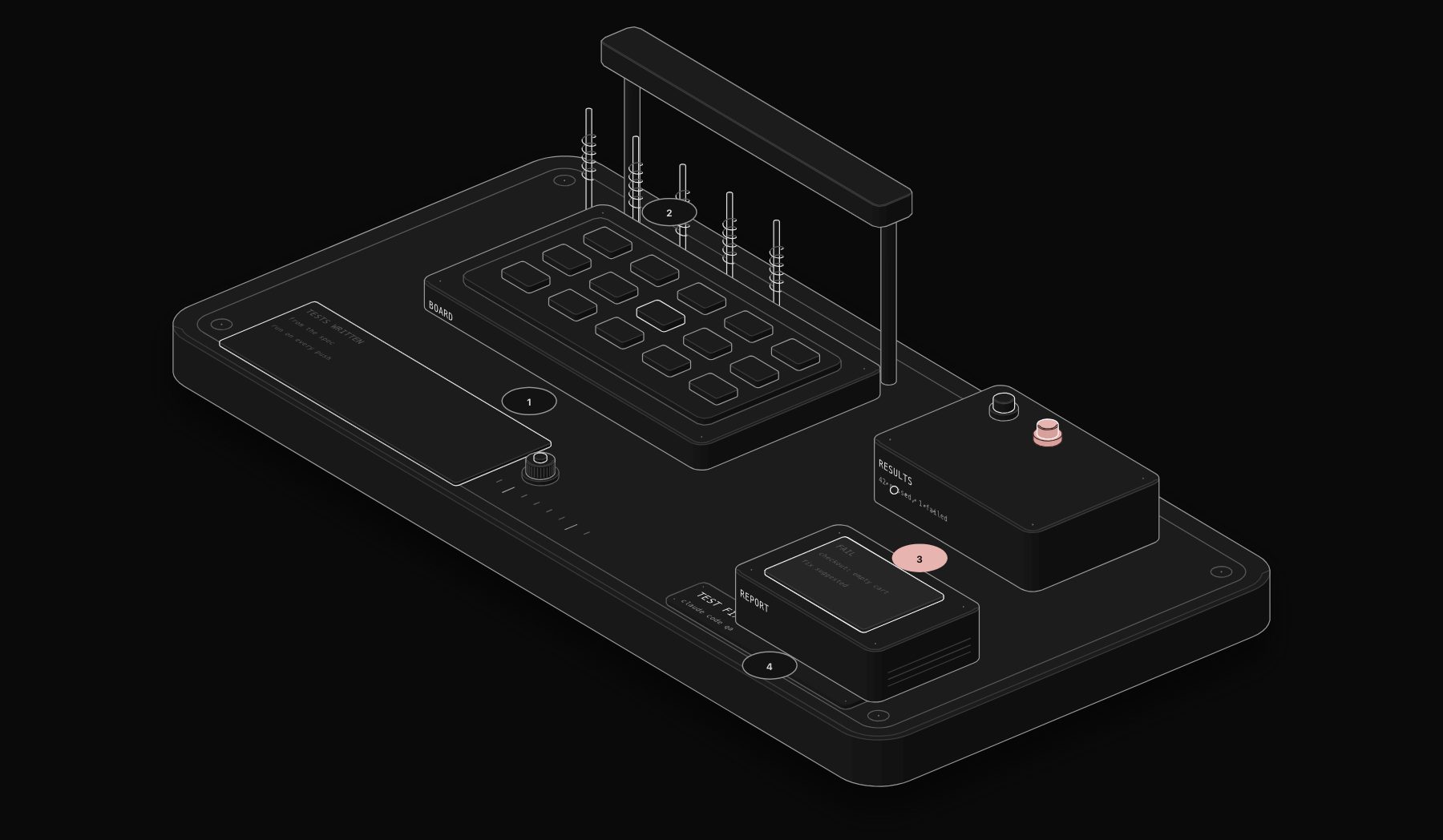
Prompts are code and need to be treated like it. Production intelligent workflows keep prompts in version control, test them against a labeled dataset of real historical examples before deploying changes, and monitor for drift when the underlying model provider updates their model. A prompt that classified support tickets accurately in March can start behaving differently after a model upgrade in June if nobody is watching for it.
Cost and Latency Management
Every AI call costs money and takes time, and both compound at scale. Intelligent workflows use the smallest, fastest model that reliably handles the task (a classification task rarely needs the most expensive frontier model), cache results for repeated or similar inputs where appropriate, and batch calls when the workflow does not need a response in real time.
Internal testing across automation deployments shows that routing simple classification tasks to a smaller, faster model instead of defaulting to the largest available model cuts AI inference cost by 60 to 80% with no measurable accuracy loss for well-scoped tasks, freeing budget for the genuinely hard problems that need a larger model's reasoning capacity.
Real-World Intelligent Workflow Examples
Support ticket triage. Incoming emails and chat messages get read by an AI classification step that determines category, urgency, and sentiment, then routes to the correct team, auto-drafts a suggested response for common categories, and flags anything with negative sentiment and high urgency for immediate human attention rather than sitting in a general queue.
Contract review flagging. Uploaded contracts get scanned by an AI extraction step that pulls key terms (payment terms, termination clauses, liability caps, auto-renewal dates) and flags any clause that deviates meaningfully from the organization's standard playbook for a lawyer's attention, cutting initial review time from an hour of reading to a few minutes of reviewing flagged deviations.
Lead qualification and routing. Inbound leads from a form or chatbot get scored using an AI step that reads free-text context (company description, stated need, budget signals) alongside firmographic data, assigns a qualification tier, and routes hot leads directly to a sales rep's calendar while nurturing cooler leads through an automated sequence.
Document classification and filing. Incoming documents of unknown type (a receipt, a contract, an ID, a form) get classified and routed to the correct storage location and downstream process automatically, replacing what used to be a person opening every file to figure out what it is before deciding where it goes.
Insurance claims triage. Incoming claims with attached documentation (photos, incident reports, repair estimates) get assessed by an AI step that extracts key facts, checks for red flags consistent with historical fraud patterns, and routes straightforward, low-risk claims toward fast-track approval while flagging anything unusual for adjuster review. This does not replace the adjuster's judgment on complex cases; it removes the bottleneck of a human manually reading every single claim before deciding which ones actually need their attention.
Each of these examples shares a measurable before-and-after: a task that previously required a person to read something and make a judgment call now happens in seconds for the majority of cases, with a clear, monitored path to a human for anything the system is not confident about. That combination, speed on the easy cases plus reliable escalation on the hard ones, is what separates intelligent workflow automation that actually earns its name from a chatbot bolted onto a form.
Common Failure Modes to Design Around
- Silent misclassification: without confidence thresholds, a workflow can confidently route items incorrectly with no visible error, since nothing technically "failed"
- Prompt drift after model updates: a provider's model update can shift classification behavior without any code change on your side
- Over-trusting extraction from poor-quality input: scanned documents, garbled OCR text, or unusually formatted input degrade extraction accuracy in ways that are easy to miss until volume reveals the pattern
- No human-in-the-loop for high-stakes decisions: any decision with meaningful financial or customer-relationship consequence needs a review step, at least until the system has a proven track record
How to Decide Whether Your Workflow Needs AI or Just Rules
Before adding an AI step to a workflow, work through three questions. First, is the input unstructured (free text, images, messy documents) or structured (a form with defined fields)? Structured input rarely needs AI judgment; a rule can usually handle it more cheaply and more reliably. Second, does the decision have more branches or variations than you could reasonably enumerate and maintain as explicit rules? If there are only three or four possible outcomes, a rule is simpler, cheaper, and more auditable than an AI call. Third, what happens if the system is wrong occasionally? If the consequence of an occasional misclassification is low (a support ticket routed to the wrong-but-adjacent team, easily corrected) AI judgment is a reasonable trade for speed. If the consequence is high (an incorrect payment amount, a compliance violation), keep it rules-based or add mandatory human review.
A Practical Decision Framework
- Low stakes, unstructured input: use AI, monitor loosely
- Low stakes, structured input: use rules, no AI needed
- High stakes, unstructured input: use AI with mandatory human review of every decision, or a high confidence threshold with human fallback
- High stakes, structured input: use rules exclusively, no exceptions
Measuring Whether an Intelligent Workflow Is Actually Working
Teams that deploy AI decision points without measurement tend to either over-trust or under-trust the system based on anecdote rather than data. Track three metrics from day one: accuracy against a held-out sample of human-labeled examples, the percentage of cases routed to human review versus auto-resolved, and the outcome delta between AI-handled and human-handled cases (does the AI-routed path actually resolve faster with equal or better customer satisfaction?). Without these numbers, "the AI is working well" is an opinion, not a fact, and opinions do not hold up when a workflow needs to be defended to leadership or scaled to a new department.
Frequently Asked Questions
Is intelligent workflow automation the same as agentic AI?
They overlap but are not identical. Agentic AI typically refers to systems where an AI model has significant autonomy to choose its own next actions and tool calls dynamically, sometimes across many steps, with less rigid pre-defined structure. Intelligent workflow automation, as described in this guide, usually embeds AI judgment at specific, well-defined decision points inside an otherwise structured workflow. Most production business systems in 2026 use the latter because it is more predictable and easier to audit, even as agentic capability improves.
Which AI models are best suited for workflow decision points?
For classification and extraction tasks, fast and cost-efficient models (smaller variants from Anthropic's Claude family or OpenAI's GPT family) handle the vast majority of business use cases reliably. Reserve larger, more expensive models for tasks that genuinely require deeper reasoning, like synthesizing a complex document into a nuanced recommendation, rather than defaulting to the most powerful model for every call.
How do you prevent an AI-driven workflow from making costly mistakes?
Confidence thresholds with human fallback for uncertain cases, hard rules for anything with legal or financial consequence, ongoing monitoring against a labeled test set, and a clear audit log of every AI decision so mistakes can be traced and corrected. No production system should let an AI decision execute an irreversible, high-stakes action without either a very high confidence bar or a human checkpoint.
Does adding AI to a workflow make it more expensive to run?
It adds inference cost, but for most business processes the cost is small relative to the labor it replaces: a classification call typically costs a fraction of a cent, while the manual equivalent (a person reading and categorizing the same item) costs several minutes of labor time. The economics strongly favor AI-driven decisions for high-volume, low-complexity classification and extraction tasks.
Governance: Who Owns an AI Decision Point After Launch
Rules-based workflows can sit untouched for years without drifting, because a rule that said "if X then Y" last year still says the same thing today. Intelligent workflows are not that stable. The underlying model can change behavior after a provider update, the distribution of real-world inputs can shift as your business changes, and a prompt that performed well against last year's data can quietly degrade against this year's edge cases. This means intelligent workflow automation needs an owner in a way static automation often does not.
A workable governance pattern assigns one person or small team responsibility for three ongoing tasks: reviewing a sample of AI decisions weekly against a labeled ground truth, tracking the auto-resolve versus human-review ratio over time to catch drift early, and re-testing prompts whenever the underlying model provider announces a version change. This is a modest ongoing cost, typically a few hours a month for a well-scoped workflow, and it is the difference between a system that stays reliable for years and one that silently degrades until someone notices a spike in complaints.
Change Management for Teams Adopting AI-Driven Decisions
The technical build is frequently the easier half of an intelligent workflow rollout. The harder half is getting the humans who used to make these decisions manually to trust, and correctly calibrate their trust in, an AI system making the call instead. Teams that roll out intelligent workflows successfully tend to follow a consistent pattern: run the AI decision in parallel with the human process for two to four weeks without acting on it, compare the AI's judgment against what the human actually decided, and only flip the switch to let the AI act autonomously once the accuracy gap is understood and acceptable. Skipping this parallel-run phase is one of the most common reasons intelligent workflows get pulled back after launch: not because the AI was performing badly, but because nobody built confidence in it before asking a team to trust it with real decisions.
Platform Options for Building Intelligent Workflows
Several categories of tooling support building intelligent, AI-driven workflow steps, each with different tradeoffs.
- n8n: self-hostable, API-first, with native AI nodes for Anthropic, OpenAI, and other providers, plus the flexibility to write custom code for edge cases a visual builder cannot express. A strong default choice for teams that want flexibility without full custom development.
- Make: a more visual, less code-oriented builder than n8n, well suited to teams without in-house developers who want AI steps without writing anything custom.
- Custom-built pipelines: for organizations with specific compliance, latency, or scale requirements that off-the-shelf platforms cannot meet, a custom pipeline built directly against model provider APIs offers maximum control at the cost of ongoing engineering maintenance.
- Enterprise agentic platforms: newer entrants offering more autonomous, less rigidly structured AI agent orchestration, still maturing in 2026 and best suited to teams with dedicated AI engineering resources to manage the additional unpredictability that comes with more autonomous systems.
Most small and mid-sized businesses land on n8n or Make paired with Claude or GPT as the reasoning layer, because the combination delivers production-grade reliability without requiring a dedicated engineering team to maintain custom infrastructure.
How long does it take to go from a rules-based workflow to an intelligent one?
For a well-scoped single decision point, adding an AI classification or extraction step to an existing rules-based workflow typically takes one to three weeks: time to gather a representative sample of historical data, write and test the prompt against labeled examples, add the confidence-threshold branching logic, and run the parallel-testing period before switching it live. Adding several intelligent decision points across a full end-to-end process, rather than a single step, extends that timeline, but the incremental approach (one decision point at a time, validated before moving to the next) is consistently more reliable than trying to make an entire workflow intelligent in one pass.
Building Intelligent Workflows That Hold Up in Production
The gap between an impressive AI demo and a reliable production system is almost entirely in the scaffolding: structured outputs, confidence thresholds, human fallback paths, and ongoing monitoring for drift. The AI model itself is rarely the weak point; the surrounding architecture usually is.
PURIST builds intelligent workflow automation on n8n with Claude AI as the reasoning layer, with confidence thresholds, human review queues, and monitoring built in as standard practice rather than an afterthought, across client work spanning support triage, document processing, and lead qualification. If you are trying to figure out where AI judgment would actually move the needle in your operation, and where it would just add risk for no real benefit, book a free automation audit and we will walk through your specific processes honestly.
The businesses getting the most out of intelligent workflow automation right now are not necessarily the ones with the most advanced AI. They are the ones who correctly identified which three or four decision points in their operation genuinely need judgment rather than rules, built proper confidence thresholds and human fallback around those specific points, and left everything else running on the simpler, cheaper, more predictable rules-based automation that was already working fine.
Tags
Purist Team
The PURIST editorial team covers automation, AI agents, and operations strategy for businesses scaling with n8n, Make, and Claude AI.