RPA gets defined in a hundred slightly different ways depending on who is selling it, which is exactly why so many people end up searching for a straight answer, often looking for a simple slide deck explanation they can share with a manager or team. Here is the direct version, without the vendor framing.
In short. RPA (robotic process automation) is software that mimics a person's clicks and keystrokes in an application's interface. It is still the right tool for legacy systems with no API, but workflow automation that connects systems through APIs (n8n, Make, Zapier) is usually more reliable and cheaper to maintain when an API exists.
What Is RPA (Robotic Process Automation)
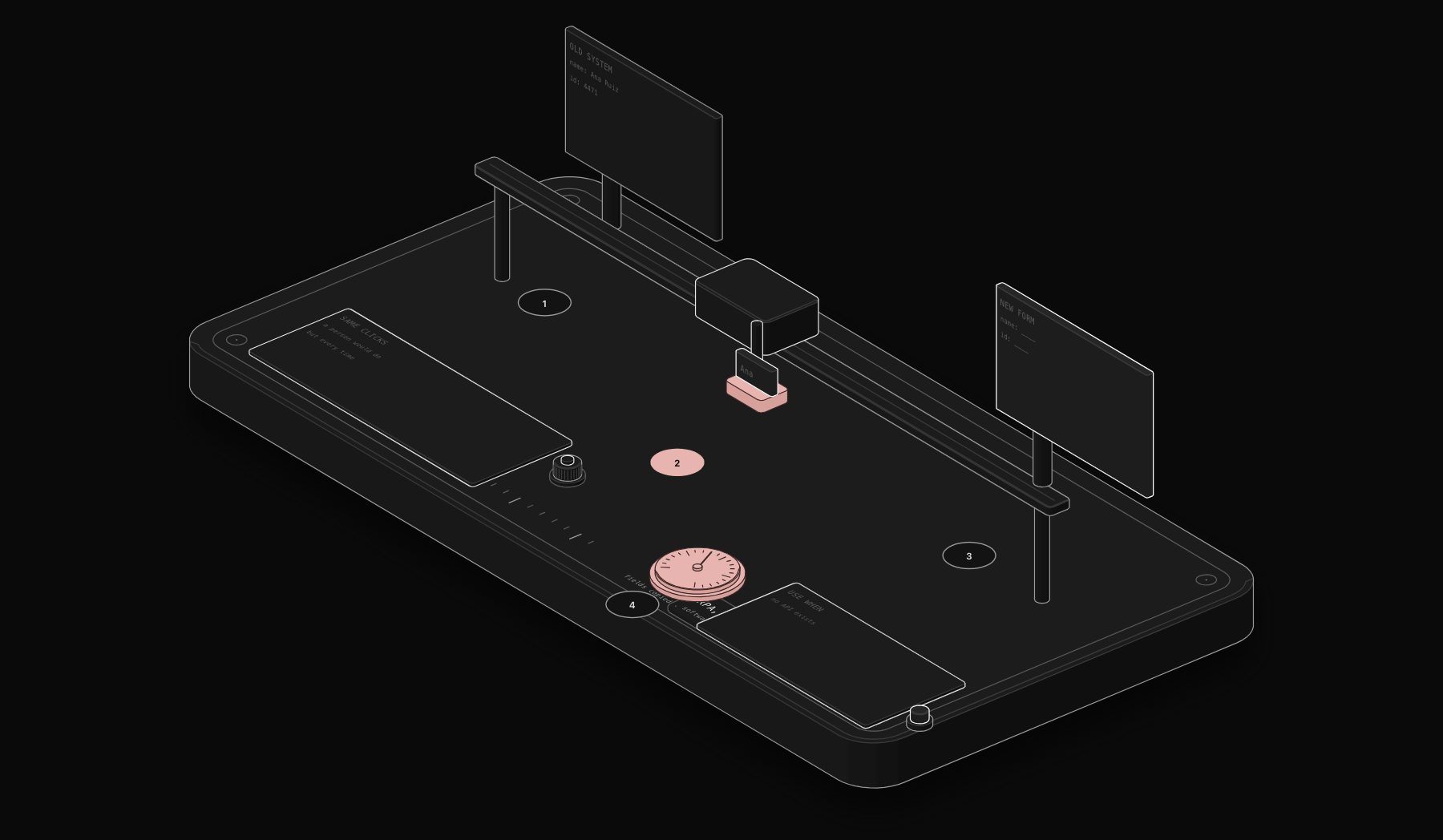
RPA, robotic process automation, is software that mimics the exact clicks, keystrokes, and screen navigation a human would perform to complete a repetitive digital task, without requiring the underlying system to have an API. A traditional RPA bot logs into an application the way a person would, reads what is on screen, enters data into the right fields, and clicks the right buttons, following a fixed, pre-recorded sequence of steps.
The core idea: if a task is repetitive, rule-based, and currently done by a human clicking through a user interface, an RPA bot can be recorded or scripted to do the same clicks reliably and continuously, without getting tired or making typos.
RPA vs Workflow Automation: The Distinction That Actually Matters
This is the point most explainers skip, and it is the one that determines whether RPA is even the right tool for a given problem.
RPA operates at the user interface layer. It clicks buttons and reads screens the way a human does, which makes it useful for legacy systems with no API, but also makes it fragile: if a button moves, a screen layout changes, or a login flow adds a step, the bot breaks until someone re-records it.
Workflow automation (the n8n / Make / Zapier category) operates at the data and API layer. Instead of clicking through a user interface, it calls the system's actual API directly, moving structured data between systems. This is faster, more reliable, and dramatically easier to maintain, but it only works when the systems involved actually expose an API.
In practice, most modern business software (CRMs, accounting platforms, email tools, payment processors) has a real API, which is why workflow automation has become the default choice over traditional RPA for the majority of business processes. RPA still earns its place specifically where a system genuinely has no API: an old desktop application, a government portal, or legacy enterprise software with no integration layer.
When RPA Is Still the Right Tool
- Legacy desktop applications with no API, common in insurance, banking back-office, and government systems.
- Vendor portals that only expose a web interface, with no documented integration option.
- Screen-scraping scenarios where the only way to extract data is reading what renders on screen.
When Workflow Automation Is the Better Tool
- Any system with a documented API, which covers the large majority of modern SaaS tools.
- Workflows spanning multiple systems, since API-based automation composes far more reliably than chaining multiple UI-click sequences.
- Anything requiring conditional logic, AI-based decisions, or complex branching, which workflow platforms handle natively and RPA tools generally bolt on as an afterthought.
A Simple Way to Decide
Ask one question: does the system involved have a documented API? If yes, workflow automation (n8n and similar) is almost always the more reliable, more maintainable choice. If no, RPA remains the right tool, specifically because it does not need one.
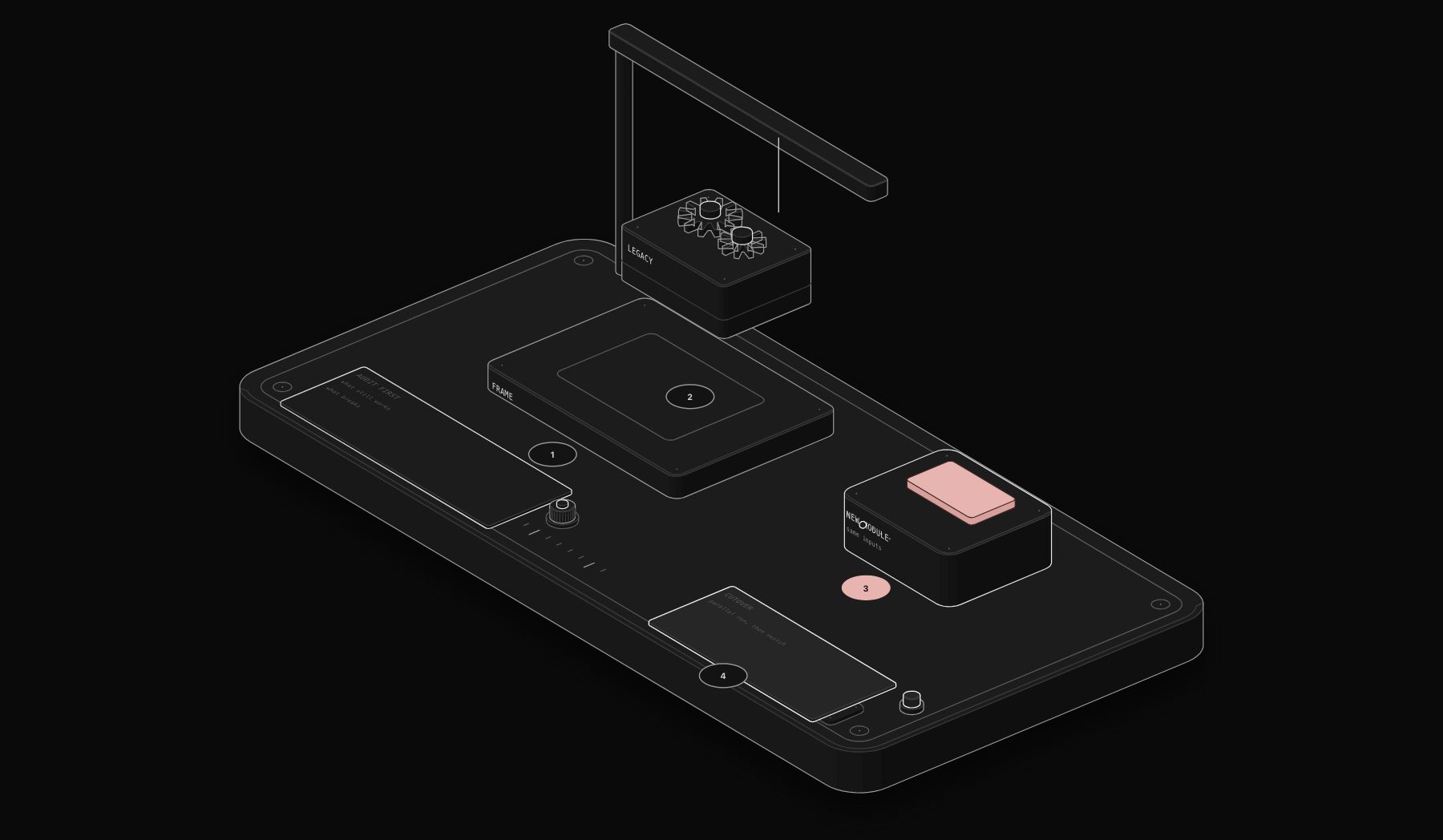
Many real deployments actually use both: RPA to bridge a single legacy system with no API, and API-based workflow automation for everything else, all coordinated through the same orchestration layer. This is the hybrid approach covered in more depth in our workflow automation consulting guide.
RPA vs. Workflow Automation, Side by Side
| Dimension | RPA | Workflow automation (n8n, Make, Zapier) |
|---|---|---|
| How it interacts with systems | Mimics human interface actions (clicking, typing) on the screen | Calls APIs directly, no screen interaction needed |
| Best fit | Legacy systems with no API, where screen automation is the only option | Any system with a documented API or webhook support |
| Fragility | Breaks when a UI element moves or changes, even slightly | Breaks only when an actual API contract changes, generally more stable |
| Setup complexity | Often requires recording and carefully tuning screen interactions | Configuration against documented API endpoints, generally faster to build reliably |
RPA remains genuinely necessary specifically when a required system has no API and no other integration path, a real constraint in some legacy-heavy industries (insurance, healthcare, government). Outside that specific constraint, workflow automation is almost always the more reliable, maintainable, and faster-to-build choice.
Frequently Asked Questions
Is RPA the same thing as AI?
No. Traditional RPA follows a fixed, pre-recorded sequence of clicks with no judgment involved. AI adds a decision-making layer on top, classifying, extracting meaning from unstructured text, or making a judgment call. Modern automation increasingly combines both: RPA or API calls to move data, AI to handle the parts that require interpretation.
Why does RPA break so often compared to API-based automation?
Because RPA depends on the visual layout of a screen staying constant. Any UI change (a button moves, a new pop-up appears, a login flow adds a step) can break a bot that was built around the old layout. API-based automation depends on the API contract instead, which changes far less often and is usually versioned when it does.
What are the main RPA vendors?
UiPath, Automation Anywhere, and Blue Prism are the most established enterprise RPA platforms. They specialize in UI-layer automation for exactly the legacy-system use cases described above, distinct from workflow platforms like n8n which operate at the API layer.
Can a small business use RPA, or is it only for enterprises?
Traditional enterprise RPA platforms are usually priced and built for larger organizations with dedicated automation teams. Small businesses are almost always better served by API-based workflow automation, which is cheaper to license, faster to build, and covers the vast majority of small business tooling since most modern SaaS products used by small businesses already have APIs.
How do I know if a specific automation project needs RPA or workflow automation?
Check whether every system involved has a documented API. If all of them do, workflow automation will almost always be the faster, cheaper, more maintainable choice. RPA becomes necessary only when at least one required system has no API and no other integration path, which a free automation audit can confirm for your specific tool stack.
Tags
Purist Team
The PURIST editorial team covers automation, AI agents, and operations strategy for businesses scaling with n8n, Make, and Claude AI.