QA automation usually means one of two things: a human writing test scripts by hand, or a rigid record-and-replay tool that breaks the moment the UI changes. Claude Code, Anthropic's command-line coding agent, opens a third option: an AI agent that can read your codebase, write and run real test suites, interpret failures, and fix the underlying issue, not just flag that something broke.
In short. Claude Code, Anthropic's command-line coding agent, can read a codebase, write and run test suites, interpret failures and propose fixes. Use it to generate and maintain tests inside your existing pipeline, with a person reviewing changes, and keep it away from production data and decisions where an unreviewed change would be risky.
This guide covers how to actually use Claude Code for QA automation: what it can do natively, where it fits into an existing test pipeline, and a practical setup for teams that need automated quality assurance without hiring a dedicated QA engineer.
What Claude Code Actually Does for QA
Claude Code runs in your terminal or CI environment with direct access to your codebase, not just a chat window describing code in the abstract. For QA specifically, this means it can:
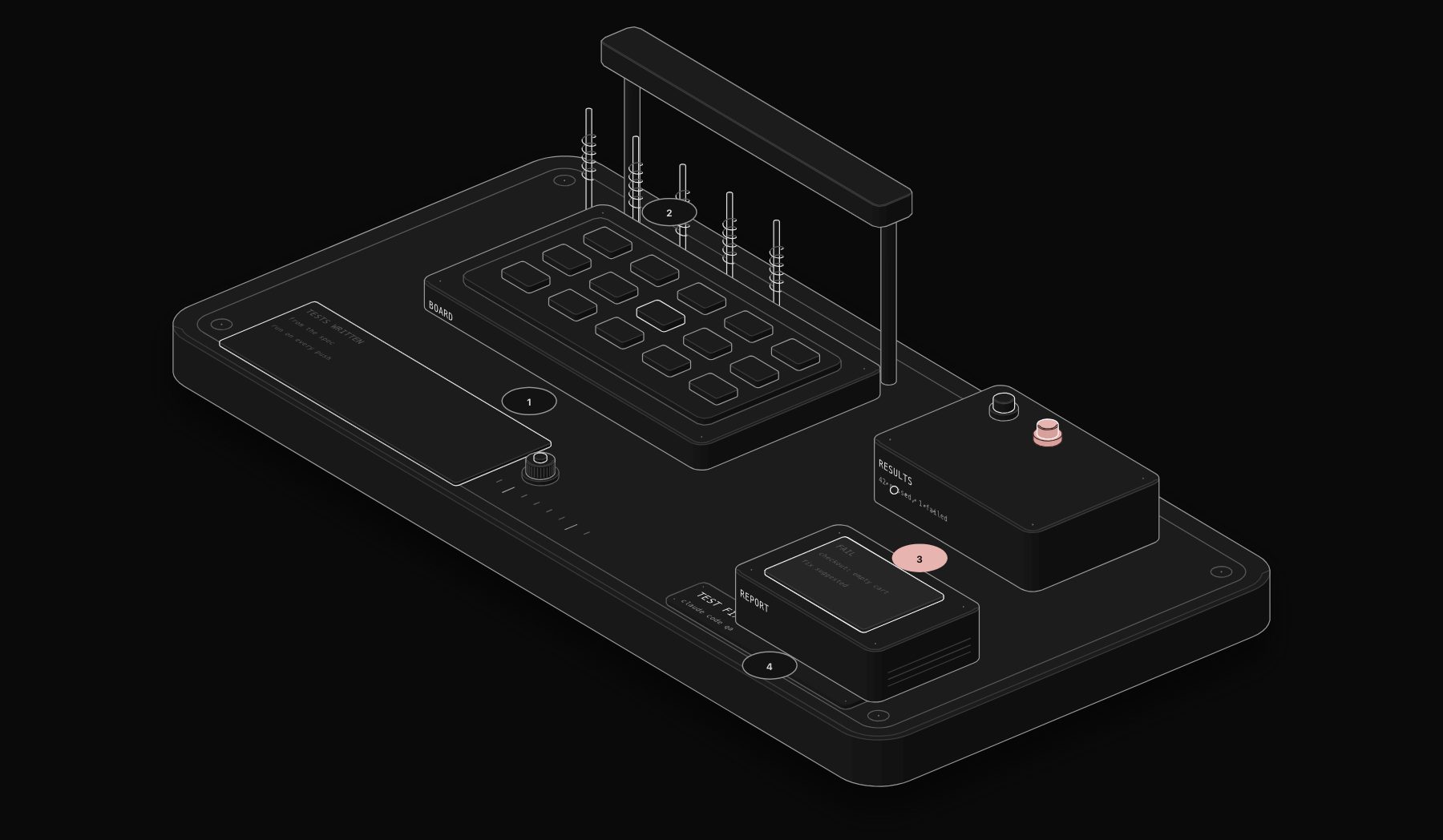
- Write test suites from real code, generating unit and integration tests based on the actual functions and edge cases in your codebase, rather than generic templates.
- Run the test suite and interpret failures, distinguishing between a genuine regression, a flaky test, and an outdated test that no longer matches intended behavior.
- Fix the underlying bug, not just report it, when a test failure traces to a clear code issue, then re-run the suite to confirm the fix holds.
- Review pull requests for regressions before they merge, checking new code against existing test coverage and flagging gaps.
This is fundamentally different from traditional RPA-style QA tools that click through a recorded UI sequence. Claude Code operates at the code level, understanding what a function is supposed to do, not just what a screen is supposed to look like.
Setting Up Claude Code in a QA Workflow
Step 1: Connect it to your existing test framework
Claude Code works with your existing test tooling (Jest, Pytest, Playwright, and similar) rather than requiring a new framework. Point it at your test directory and it reads existing patterns before writing new tests, keeping generated tests consistent with your team's conventions.
Step 2: Define what "good coverage" means for your codebase
Claude Code performs best with clear direction: which modules are critical enough to need thorough edge-case testing, and which are low-risk enough that basic coverage is sufficient. Without this, it defaults to reasonable judgment, but explicit priorities produce more targeted results.
Step 3: Integrate into CI for automated regression checks
Running Claude Code as a CI step means every pull request gets an automated pass: does the change break existing tests, does new code have adequate coverage, are there obvious edge cases the PR does not handle. This catches issues before a human reviewer even opens the diff.
Step 4: Use it for triage, not just generation
When a test suite fails, Claude Code can investigate the failure directly: read the stack trace, trace it back through the codebase, and determine whether the test or the code is wrong. This triage step is often the most time-consuming part of QA for a human, and the part where an AI agent with direct codebase access adds the most leverage.
Step 5: Keep a human review step for anything shipping to production
Automated test generation and bug fixes should go through the same PR review process as any other code change. Claude Code accelerates the work; it should not remove the review checkpoint before something ships.
Where This Fits Alongside Broader QA Automation
For teams building a full QA automation practice, code-level testing with Claude Code covers unit and integration testing well but is not a replacement for end-to-end UI testing tools like Playwright or Cypress, which validate actual user-facing behavior across browsers. The two approaches are complementary: Claude Code strengthens code-level correctness and catches regressions fast, while E2E frameworks validate the full user journey.
What Claude Code Can and Cannot Safely Automate in QA
| Task | Suitable for Claude Code automation | Why |
|---|---|---|
| Writing test cases from a feature spec | Yes | Well-defined input (the spec) and a clear, checkable output format |
| Triaging failing test output to identify likely root cause | Yes | Pattern recognition across logs and stack traces is a strong fit for an LLM-assisted workflow |
| Fixing a clearly-scoped bug with a reproducible failing test | Yes, with review | Claude Code can propose and even implement a fix, but a human should review before merging, especially for anything touching production logic |
| Deciding whether a failing test represents an acceptable behavior change | No | This is a product and business judgment call, not something to delegate to automation |
The pattern here mirrors AI agent production discipline generally: use automation for well-defined, checkable tasks, and keep a human in the loop for judgment calls with real downstream consequences.
Frequently Asked Questions
Does Claude Code replace the need for a QA engineer?
No. It removes the repetitive parts of QA work, writing routine test cases, triaging common failures, catching obvious regressions, so a QA engineer's time goes to test strategy, edge cases requiring domain judgment, and exploratory testing an AI agent cannot replicate.
Can Claude Code write end-to-end UI tests, not just unit tests?
Claude Code can write and maintain Playwright or Cypress test scripts as part of a codebase, since these are just code like any other test. What it does not do is visually interact with a running UI the way a human tester does, it operates on the code and test scripts, not by watching a screen.
How does Claude Code compare to traditional RPA-based QA tools?
Traditional RPA-style QA tools record and replay UI interactions, which break when the interface changes. Claude Code works at the code level, understanding logic and structure, which makes it more resilient to UI changes but means it is testing different things: code correctness versus visual/interaction behavior.
Is Claude Code suitable for QA in a small team without dedicated QA staff?
This is where it adds the most relative value. Small teams without dedicated QA staff can use Claude Code to establish and maintain a test suite that would otherwise not get written at all, closing a coverage gap that usually only gets addressed after a production incident.
How does this connect to broader workflow automation?
Teams already running n8n or similar workflow automation can trigger Claude Code runs as part of a CI/CD pipeline or a scheduled code health check, treating QA automation as one more workflow in the same orchestration layer used for business process automation, covered in our workflow automation consulting guide.
Tags
Purist Team
The PURIST editorial team covers automation, AI agents, and operations strategy for businesses scaling with n8n, Make, and Claude AI.