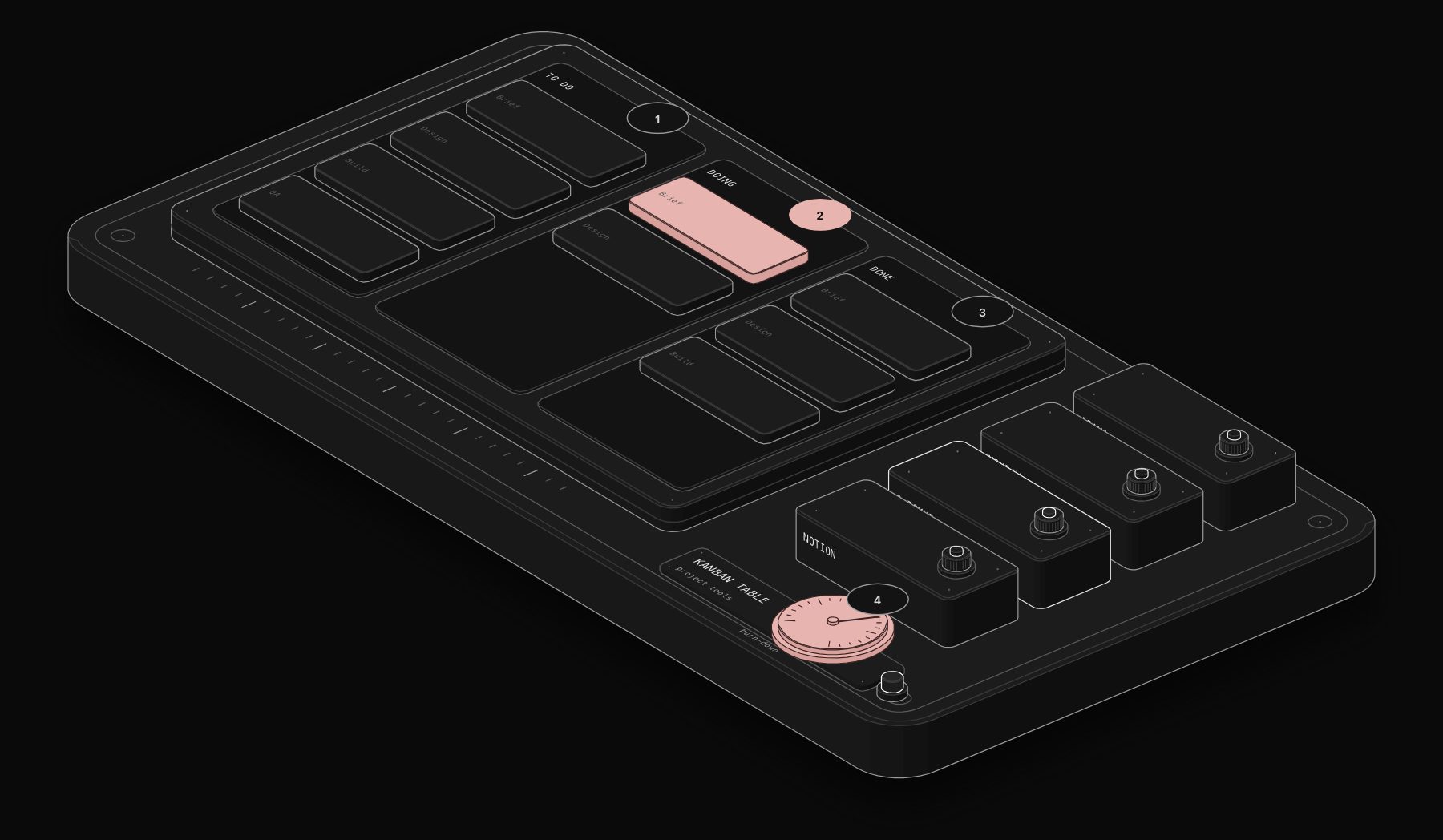
Project management tool choice is rarely revisited once a team's workflows, templates, and habits form around one system. Switching later means rebuilding views, retraining staff, and migrating task history that never transfers cleanly. This comparison ranks the four tools most often shortlisted by small and mid-size teams: Asana, Monday.com, ClickUp, and Notion.
In short. ClickUp leads our comparison (7.5/10) for budget-conscious teams willing to invest setup time. Asana is fastest to roll out with minimal setup, Monday.com fits cross-functional teams with varied workflows, and Notion fits documentation-heavy teams where knowledge matters more than tasks.
The PURIST Fit Score: How We Actually Compare These Platforms
Star ratings measure how much users like the interface on day one, not whether the tool survives contact with a real team's actual workflow six months in. We score on four dimensions weighted toward what actually predicts long-term adoption.
| Dimension | What it measures | Weight |
|---|---|---|
| Time to team-wide adoption | Weeks until the whole team actually uses it daily, not just the admin | 25% |
| Flexibility vs structure | Whether the tool adapts to how your team already works or forces a new process | 25% |
| True cost at scale | Total cost once you add users and need advanced views/automation | 25% |
| Automation depth | How much status-chasing and handoff logic runs without manual updates | 25% |
The 4-Tool Comparison
| Tool | Adoption speed | Flexibility | True cost at scale | Automation depth | PURIST Fit Score |
|---|---|---|---|---|---|
| Asana | 8/10 | 6/10 | 6/10 | 7/10 | 6.8/10 |
| Monday.com | 8/10 | 8/10 | 5/10 | 8/10 | 7.3/10 |
| ClickUp | 5/10 | 9/10 | 8/10 | 8/10 | 7.5/10 |
| Notion | 7/10 | 9/10 | 8/10 | 5/10 | 7.3/10 |
ClickUp scores highest on our framework specifically because of cost and flexibility, not because teams find it easiest to onboard. Its steep learning curve is the real trade-off: the same configurability that makes it powerful also makes early weeks slower for teams that just want a working board on day one.
What the Scores Actually Mean for Your Decision
If you need everyone using it correctly within days: Asana and Monday.com both onboard non-technical teams fastest, with opinionated defaults that require minimal setup decisions. ClickUp's flexibility means more setup choices upfront, which slows the first two weeks even for teams that end up loving it.
If your team's workflow does not fit a standard board-and-list model: Monday.com and ClickUp both flex into genuinely custom structures (client work, content pipelines, hybrid ops) without fighting the tool. Asana is more opinionated and works best when your workflow already resembles task-list or timeline thinking.
If true cost at scale drives the decision: ClickUp and Notion hold pricing more consistently as you add seats ($7 to $19/user/month for ClickUp). Asana and Monday.com both climb faster once you need advanced automation and reporting, which typically requires their higher tiers.
If tasks and knowledge need to live in one place: Notion is the only tool of the four built primarily as a knowledge base with project tracking layered on top, rather than a project tracker with light documentation. Teams that document heavily and track projects secondarily fit Notion best; teams that need robust dependency tracking and Gantt views should look elsewhere.
The Real Cost Comparison Nobody Publishes
Vendor pricing pages quote entry tiers without the automation and reporting features most teams actually need. Here is what a 12-person team pays at the tier where genuine workflow automation becomes available.
| Tool | Cost per seat/mo (automation-enabled tier) | Cost for 12 seats/mo | Cost multiplier vs ClickUp |
|---|---|---|---|
| ClickUp (Business) | ~$12 | ~$144 | 1.0x |
| Notion (Business) | ~$20 | ~$240 | 1.7x |
| Asana (Advanced) | ~$25 | ~$300 | 2.1x |
| Monday.com (Standard/Pro) | ~$16-$28 | ~$192-$336 | 1.3x-2.3x |
Monday.com's real cost depends heavily on which automation actions and integrations you need, since its tiering gates specific features rather than offering a flat automation ceiling. Asana's Advanced tier is the most expensive of the four but includes the most mature reporting and portfolio-level views for teams managing multiple concurrent projects.
Which Tool Fits Which Team
- Small team, need it running this week, minimal setup tolerance: Asana. The most opinionated defaults require the fewest decisions to get a working system.
- Cross-functional team with varied workflows (ops, marketing, and client work in one tool): Monday.com. Its visual flexibility adapts to the widest range of team types without custom development.
- Budget-conscious team willing to invest setup time for maximum long-term flexibility: ClickUp. The steepest learning curve pays off in configurability and cost as the team scales.
- Documentation-heavy team where tasks are secondary to knowledge: Notion, paired with an n8n automation layer for the task-automation logic Notion's native automations do not cover.
Where n8n Fits in the Picture
None of these four tools natively syncs project status to a client-facing dashboard, triggers cross-system actions when a task changes stage, or aggregates reporting across multiple project tools if your teams use different ones. n8n sits alongside any of these platforms and handles that: status changes triggering Slack updates or client emails, task creation from form submissions or CRM events, and consolidated reporting pulled from whichever combination of tools your teams actually use. See the employee onboarding and offboarding template for an example of task-and-system orchestration built out beyond what any single PM tool handles alone.
Frequently Asked Questions
Which tool is best for a small team under 15 people?
Asana or Monday.com, depending on how standard your workflow is. Asana fits teams whose work already resembles task lists and timelines; Monday.com fits teams with more visual, cross-functional workflows (client pipelines, content calendars, ops tracking) that need more customization without custom development.
Is ClickUp worth the steeper learning curve?
For cost-conscious teams planning to scale past 15-20 people, usually yes. The setup investment pays back in per-seat cost and configurability that Asana and Monday.com charge a premium for at their higher tiers. For a team that needs to be productive in days with zero configuration tolerance, the learning curve is a real cost worth weighing against that savings.
Can Notion actually replace a dedicated project management tool?
For teams under roughly 20 people with straightforward task tracking needs, yes, especially when documentation and tasks genuinely need to live together. Notion's project views (boards, timelines, calendars) cover common cases well. It falls behind on dependency tracking, resource management, and portfolio-level reporting that dedicated PM tools handle natively.
How disruptive is migrating between these tools?
Significant beyond a certain team size. Task history, custom fields, automation rules, and integrations rarely transfer cleanly between tools, and teams lose institutional knowledge embedded in how tasks were tagged and organized. For a team with more than six months of active use in one tool, budget several weeks for a considered migration rather than a weekend import.
Do we need integrations built into the PM tool, or can we handle those separately?
Native integrations cover the common cases (Slack notifications, calendar sync, basic CRM connections) well in all four tools. Where they fall short is conditional logic across systems, which is where a dedicated automation layer like n8n earns its cost regardless of which PM tool you choose.
To get an unbiased recommendation for your specific team size, budget, and existing tool stack, book a free automation audit. We work with all of these platforms and can tell you directly which one fits your situation, not which one we are positioned to sell.
Tags
Purist Team
The PURIST editorial team covers automation, AI agents, and operations strategy for businesses scaling with n8n, Make, and Claude AI.