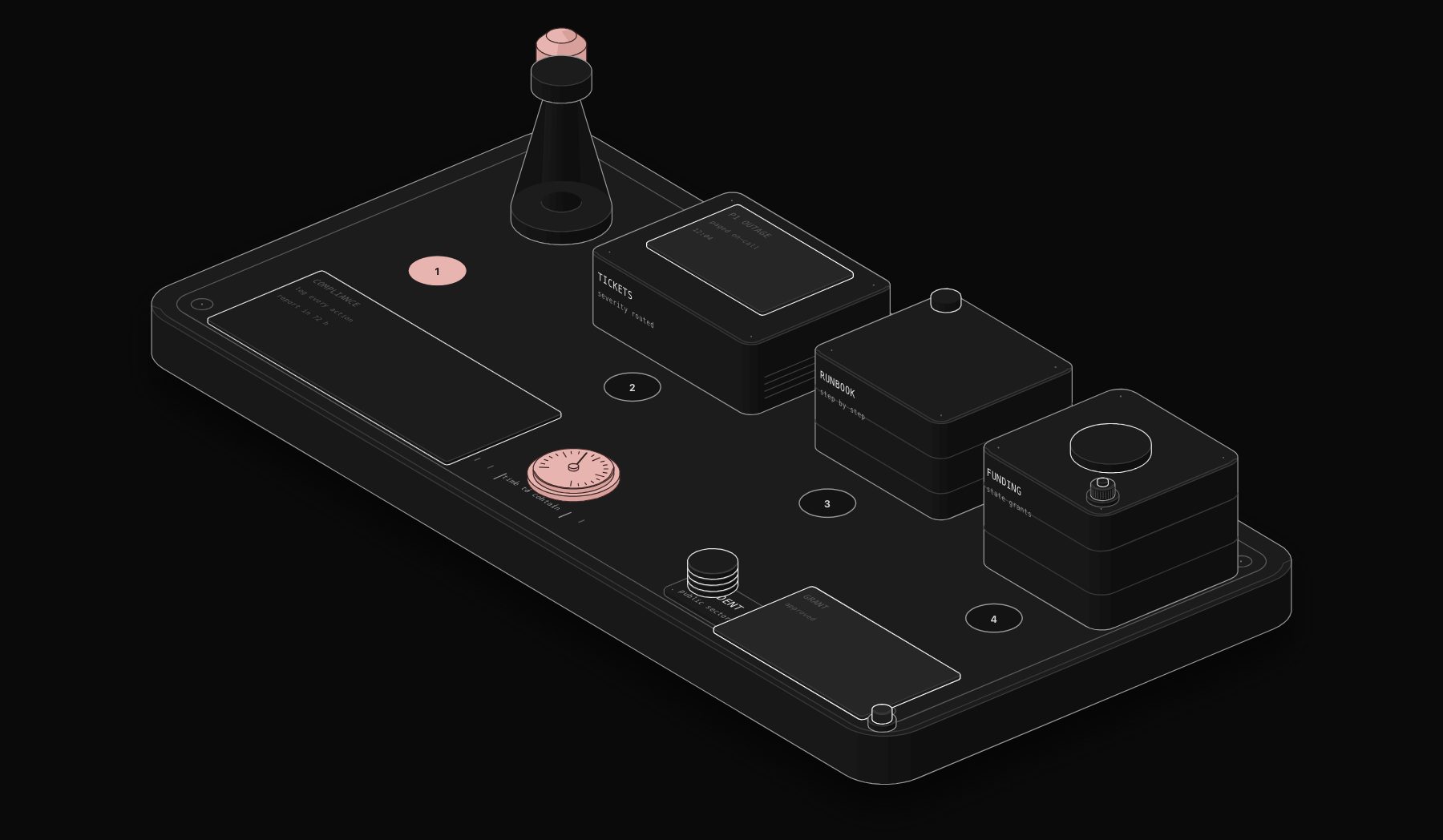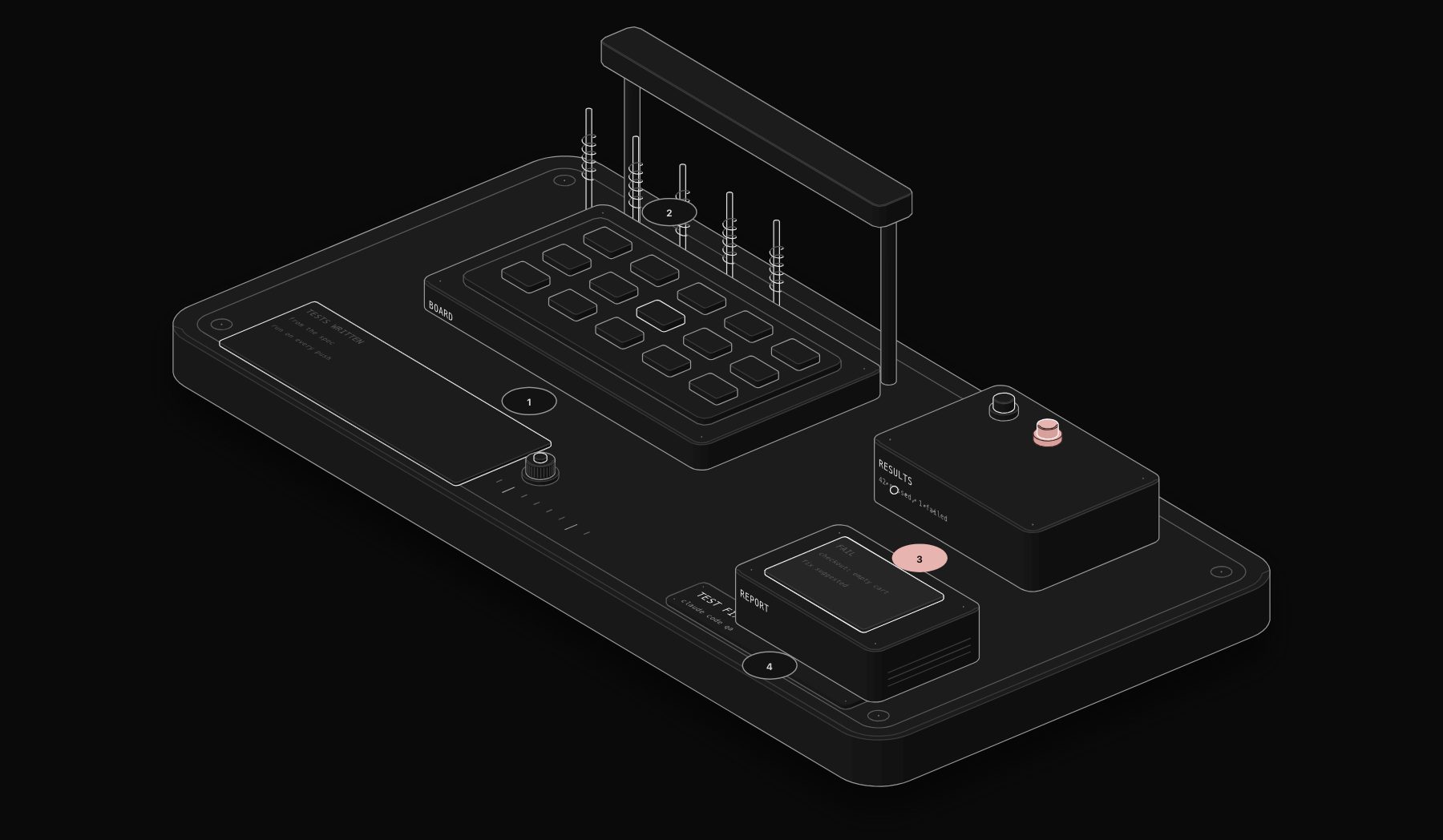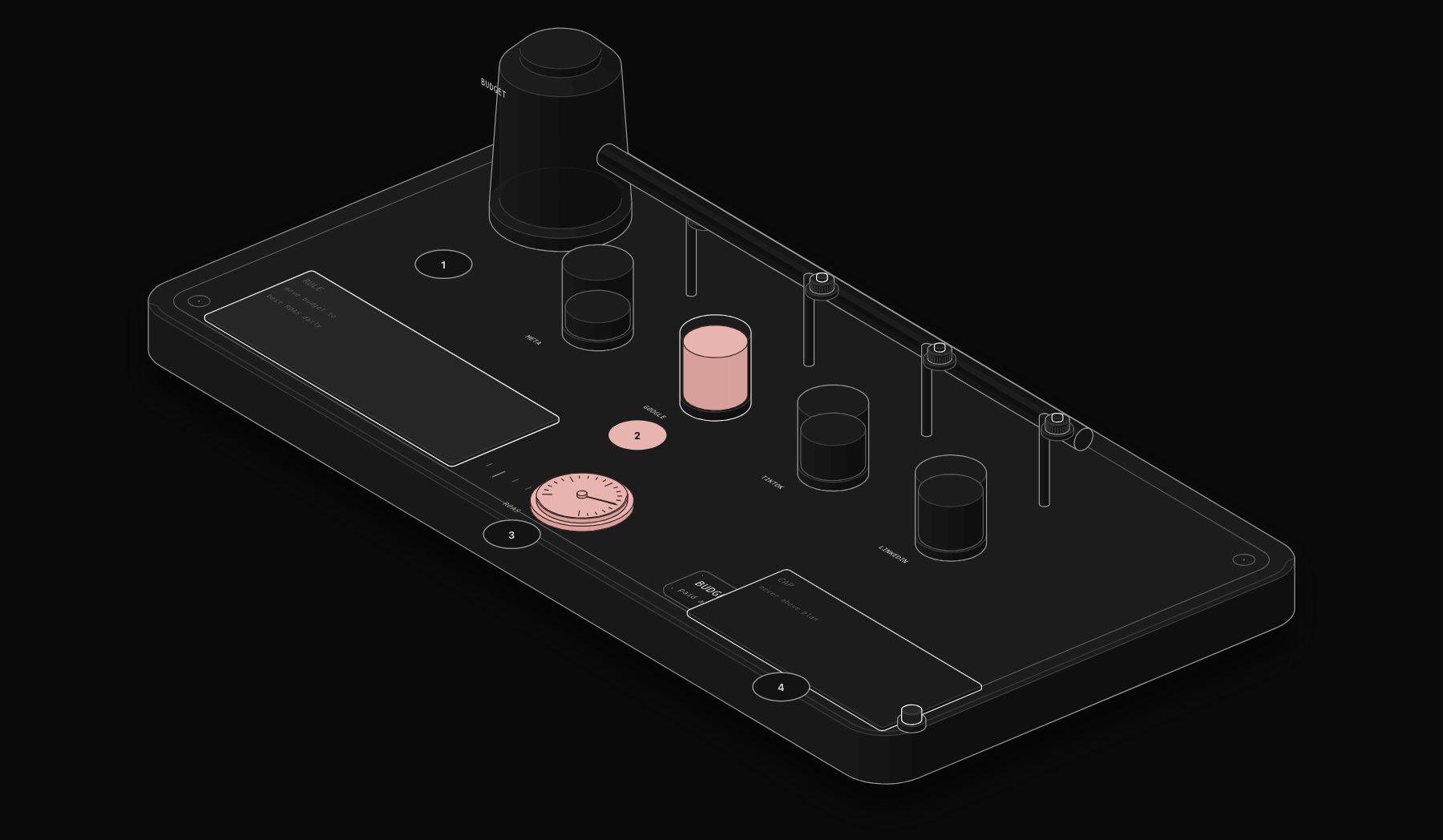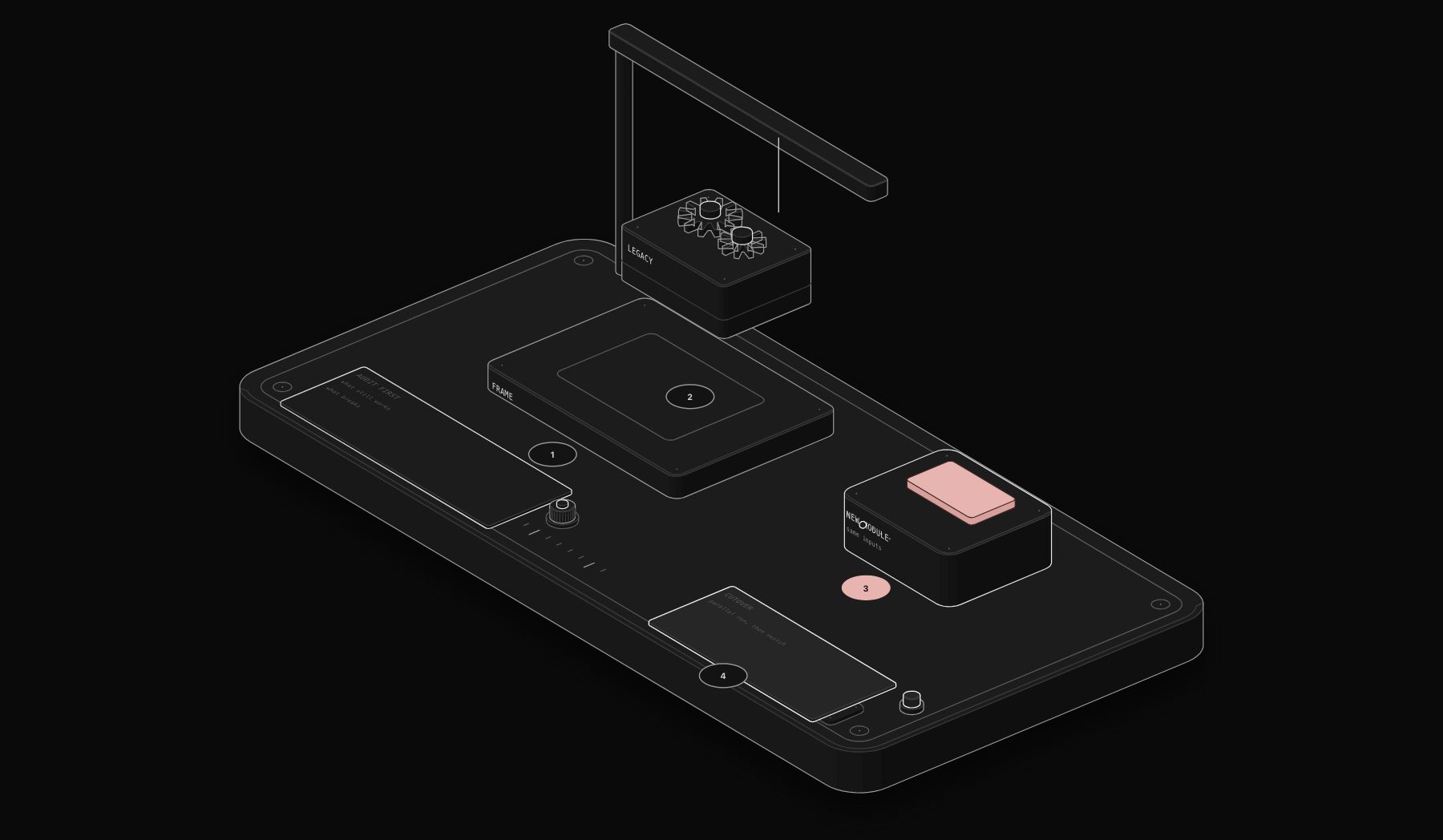
The automation a business built two or three years ago rarely fails outright. It just quietly stops matching how the business actually operates: new tools got added without being connected, workarounds accumulated around edge cases the original workflow never handled, and someone eventually notices the "automated" process now involves three manual steps nobody remembers agreeing to. Automation system upgrade services exist for exactly this situation, distinct from a first-time deployment, and the approach has to be different.
In short. An automation system rarely fails outright; it drifts as new tools and workarounds pile up. Upgrade it when manual steps creep back in, errors go unnoticed or new tools are not connected. A good upgrade audits what exists, keeps what works, rebuilds fragile parts with proper error handling and documents the result.
How Upgrading Differs From a First Deployment
A new automation deployment starts from a clean slate: map the process, design the architecture, build it. An upgrade starts from an existing system that is already partially working, already has data flowing through it, and already has a team relying on it daily. Ripping it out and rebuilding from scratch is rarely the right call, even when the existing system is genuinely showing its age, because the disruption cost of a full rebuild often exceeds the value of incremental improvement.
The Signs a System Actually Needs Upgrading
- Manual workarounds have crept back in. If your team is manually fixing what the automation was supposed to handle on a regular basis, the system has drifted from the process it was built for.
- New tools were added without being connected. Every disconnected tool added since the original build represents a manual bridge somewhere, usually a person copying data between systems that should talk to each other directly.
- No one fully understands how it works anymore. Original documentation is outdated or missing, and changes get made cautiously because nobody wants to break something they do not fully understand.
- It breaks silently. The original system was built without proper error handling and monitoring, common in early, DIY automation builds, and failures get discovered by a customer complaint rather than an alert.
- Volume has outgrown the original design. A workflow built for 50 leads a month behaves very differently at 500, and pagination, rate limits, and processing time that were invisible at low volume become real bottlenecks at scale.
The Upgrade Process
Audit first, always. Before touching anything, map what the system currently does versus what it was originally designed to do, and identify every manual workaround that has crept in. This audit alone often surfaces 30 to 40% of the value of the eventual upgrade, simply by making visible what has silently broken.
Prioritize by risk and value, not by what's easiest to fix. A workflow with weak error handling touching customer-facing communication is a higher priority than a reporting workflow that is merely inefficient, even if the reporting fix is technically simpler.
Upgrade in place where possible, replace only where necessary. Most upgrade engagements improve error handling, add missing integrations, and rebuild specific broken workflows, while leaving the parts that still work alone. Full platform migration is reserved for cases where the underlying tool itself has become the constraint, not just the workflows built on it.
Rebuild documentation as you go. An upgrade that does not leave the system better documented than it started sets up the same problem to recur in another two years.
What This Actually Costs
Upgrade engagements typically cost less than a full new deployment, since a meaningful share of the existing architecture and integrations remain usable. The audit phase alone (2 to 5 days) often gives a business enough clarity to prioritize fixes internally, even before deciding whether to proceed with a full upgrade engagement.
If you are not sure whether your existing automation needs a full upgrade or just a few targeted fixes, a free automation audit will tell you which situation you are actually in before you commit to either.
Signs an Existing System Actually Needs an Upgrade
| Signal | What it usually means |
|---|---|
| Increasing manual workarounds for the same recurring exception | The original workflow logic didn't account for a case that's now common, not rare |
| Rising error rate with no corresponding change in data volume | Either an upstream API changed, or the system has quietly drifted out of sync with a business process that evolved |
| Nobody on the team fully understands how a workflow works | The original builder left, or documentation was never created, both real maintenance risks regardless of whether the automation is technically still running |
| The platform itself has hit a cost or capability ceiling | Volume has outgrown a per-operation pricing model, or workflow complexity has outgrown what the platform's editor can cleanly express |
Not every one of these signals requires a full platform migration; some are fixable with a scoped repair to the existing workflow's logic and error handling. Distinguishing "this workflow needs fixing" from "this platform has been outgrown" is exactly the diagnostic step a proper upgrade audit should do before recommending either path.
Frequently Asked Questions
How do I know if I need an upgrade or a full rebuild?
If the underlying platform still fits your needs and the problems are mostly missing integrations, weak error handling, or workflow drift, an upgrade is the right scope. A full rebuild is warranted only when the platform itself cannot support what the business now needs, which is less common than businesses often assume.
How long does an automation system upgrade take?
An audit typically takes 2 to 5 business days. The upgrade work itself varies widely depending on scope, from a few days for targeted fixes to several weeks for a system with significant accumulated drift across multiple workflows.
Will upgrading disrupt the parts of the system that already work?
A well-scoped upgrade should not. The audit phase specifically identifies what is working correctly so those parts stay untouched, and changes get tested against real data before replacing anything live.
Who typically needs automation system upgrade services?
Businesses that built their initial automation in-house or with a previous vendor 18 months to several years ago, and have since added tools, grown in volume, or noticed manual workarounds creeping back into a process that was supposed to be automated.
Is it worth upgrading old Zapier or Make workflows to n8n instead of upgrading them in place?
It depends on the specific limitation you have hit. If the current platform's cost, complexity limits, or missing capabilities are the actual bottleneck, migrating to n8n as part of the upgrade makes sense. If the platform itself is fine and the issue is workflow design or missing error handling, staying on the existing platform and fixing those specific issues is usually faster and cheaper.
Tags
Purist Team
The PURIST editorial team covers automation, AI agents, and operations strategy for businesses scaling with n8n, Make, and Claude AI.