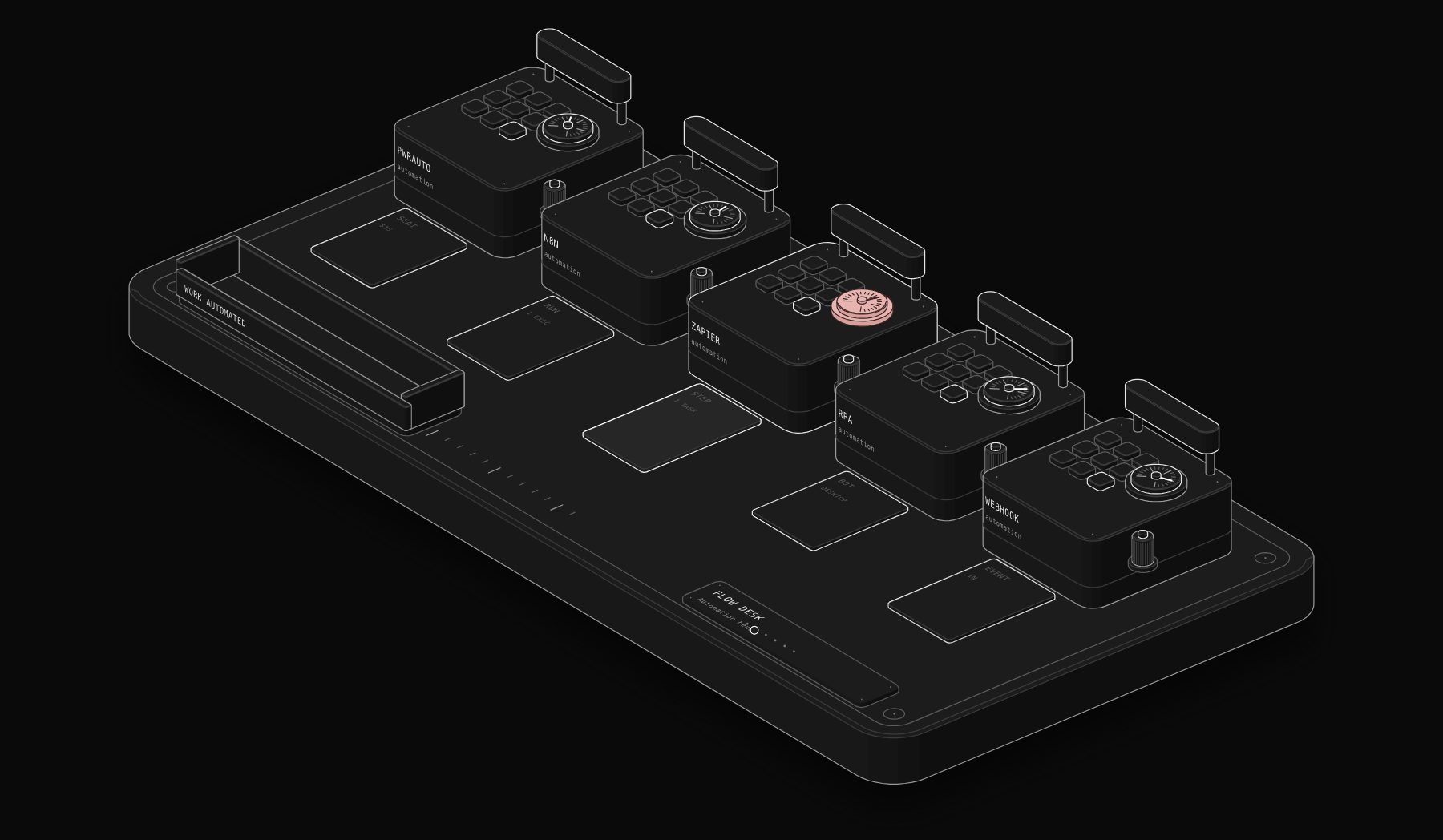
Power Automate, n8n and Zapier all automate work between apps, but they bill and behave differently. Power Automate is Microsoft's platform, licensed per user ($15 a month for Premium) or per bot ($150 a month for unattended desktop automation), and it is the only one of the three that drives desktop applications. Zapier is the easiest to start with and bills per task, where every successful action step counts. n8n bills one execution per full workflow run, whatever the number of steps, and can be self-hosted, which makes it the cheapest at volume and the most flexible for code and AI agents. This comparison uses the prices on each vendor's official pricing page, read on November 24, 2026.
In short. Choose Power Automate if your work lives in Microsoft 365, SharePoint, Teams and Dataverse, or if you need to automate desktop applications (RPA): Premium costs $15 per user per month billed yearly, Process $150 per bot per month. Choose Zapier for the fastest setup and simple workflows: free for 100 tasks a month with two-step Zaps, Professional from $19.99 a month billed yearly for 750 tasks. Choose n8n for multi-step, high-volume or AI workflows: Cloud Starter costs €20 a month billed yearly for 2,500 executions, Pro €50 for 10,000, and the self-hosted Community edition is available on GitHub. A five-action workflow that runs 1,000 times a month uses 5,000 Zapier tasks but only 1,000 n8n executions.
Power Automate vs n8n vs Zapier at a glance
| Power Automate | n8n | Zapier | |
|---|---|---|---|
| Best for | Microsoft 365 companies, desktop RPA | Technical teams, high volume, AI agents | Non-technical teams, quick setup |
| Entry paid price | $15 per user per month (Premium, billed yearly) | €20 per month (Cloud Starter, billed yearly) | $19.99 per month (Professional, billed yearly) |
| What you pay for | Users and bots | Executions (full workflow runs) | Tasks (successful action steps) |
| Free option | 30-day trial | Self-hosted Community edition | Free plan, 100 tasks, two-step Zaps |
| Self-hosting | No | Yes | No |
| Desktop automation (RPA) | Yes: attended on Premium, unattended on Process | No | No |
| Code | Expressions; custom connectors | JavaScript and Python Code nodes | Code by Zapier steps |
| Strongest ecosystem | Microsoft 365, Dynamics, Dataverse | APIs, databases, AI models | SaaS apps |
Source: compiled by PURIST (purist.online) from vendor pricing pages, November 24, 2026.
How each platform counts usage

The billing unit decides the bill more than the headline price.
- Zapier counts tasks. Each successful step in a Zap consumes a task. Triggers, polling, failed actions and built-in tools such as Formatter, Filter, Paths and Delay do not. A Zap with one trigger and five actions uses five tasks per run.
- n8n counts executions. In n8n's words, an execution is a single run of your entire workflow, however many steps it has and however much data it processes.
- Power Automate counts people and bots. Premium is licensed per user and Process per bot. Cloud flow requests run "within service limits", which Microsoft publishes on a separate requests-and-limits page.
Pricing compared (November 2026)
Power Automate pricing
| Plan | Price | What it adds |
|---|---|---|
| Free trial | Free for 30 days | Cloud flows with standard connectors |
| Premium | $15 per user per month, billed yearly | Cloud flows, attended desktop flows (RPA), process and task mining (50 MB per user), Dataverse 250 MB database and 2 GB file |
| Process | $150 per bot per month, billed yearly | Unattended desktop flows; one unattended run at a time per bot |
| Hosted Process | $215 per bot per month, billed yearly | Process plus a Microsoft-hosted virtual machine |
| Process Mining add-on | $5,000 per tenant per month, billed yearly | For Premium; 100 GB of data |
Source: compiled by PURIST (purist.online) from vendor pricing pages, November 24, 2026.
For details on nonprofit pricing, see Power Automate Premium for nonprofits.
Zapier pricing
| Plan | Price | Tasks per month | Notes |
|---|---|---|---|
| Free | $0 | 100 | Two-step Zaps only, 15-minute polling, no premium apps |
| Professional | $19.99 billed yearly ($29.99 monthly) | 750 | Multi-step Zaps, premium apps, webhooks, 2-minute polling |
| Professional | $49.00 billed yearly ($73.50 monthly) | 2,000 | Same features, more tasks |
| Professional | $89.00 billed yearly ($133.50 monthly) | 5,000 | Same features, more tasks |
| Team | $69.00 billed yearly ($103.50 monthly) | 2,000 | 25 seats, shared workspace, SAML SSO, 1-minute polling |
| Enterprise | Custom | Annual limits | Unlimited seats, SCIM, technical account manager |
Source: compiled by PURIST (purist.online) from vendor pricing pages, November 24, 2026.
If you exceed your tasks on a paid plan, Zapier switches to pay-per-task billing for the rest of the period, at 1.25 times the base task rate on annual plans and 2.5 times on monthly plans, and pauses at three times your subscription.
n8n pricing
| Plan | Price (billed yearly) | Executions per month | Notes |
|---|---|---|---|
| Community edition | Self-hosted | Your server's limits | Available on GitHub; you run and maintain it |
| Starter (Cloud) | €20 per month | 2,500 | 5 concurrent executions, 1 shared project |
| Pro (Cloud) | €50 per month | 10,000 | Up to 50 concurrent executions, 3 shared projects |
| Business | €667 per month | 40,000 | Self-hosted, SSO, Git version control, queue mode |
| Enterprise | Custom | Custom | Hosted or self-hosted, SLA support |
Source: compiled by PURIST (purist.online) from vendor pricing pages, November 24, 2026.
All n8n plans include unlimited users and active workflows. For the full breakdown, read our n8n pricing guide and n8n Cloud vs self-hosted pricing.
Worked example: the same workflow on all three
A new lead arrives from a web form. The workflow enriches it, creates a CRM record, adds a row to a spreadsheet, posts in the sales channel and sends a welcome email: one trigger and five actions. It runs 1,000 times a month.
| Usage | Cheapest plan that fits | Cost per year | |
|---|---|---|---|
| Zapier | 5,000 tasks | Professional 5,000 tasks at $89 per month | $1,068 |
| n8n Cloud | 1,000 executions | Starter at €20 per month | €240 |
| n8n self-hosted | 1,000 executions | Community edition | Server cost only |
| Power Automate | 1 user building and running the flow | Premium at $15 per month, if a premium connector is needed | $180 |
Source: compiled by PURIST (purist.online) from vendor pricing pages, November 24, 2026.
Two caveats. Power Automate's price grows with the number of people who need a Premium licence, and unattended desktop runs need a $150 bot each. Zapier's price grows with every extra step and every extra run. n8n's grows only with runs.
Power Automate vs n8n
Power Automate wins when your company already runs on Microsoft 365. Its connectors to SharePoint, Outlook, Teams, Excel and Dataverse are first-party, it inherits your Microsoft identity and governance, and it automates desktop applications that have no API, which n8n cannot do.
n8n wins when workflows cross many non-Microsoft systems, call APIs directly, need real code or run at volume. It bills per run rather than per user, so adding colleagues costs nothing, and self-hosting keeps data on your own servers. It is also the more natural home for AI agents that call tools and models. We cover a full build in how to build an AI agent with n8n and Claude.
A common setup uses both: Power Automate for SharePoint and Teams inside the Microsoft tenant, n8n for the integrations and AI work outside it. For SharePoint file flows specifically, see Logic Apps vs Power Automate.
Zapier vs Power Automate
Zapier wins for teams that want something working this afternoon. The editor is the simplest of the three, the free plan costs nothing, and it connects a wide range of SaaS apps outside the Microsoft world.
Power Automate wins on price per user for Microsoft-centric teams with many runs, since a Premium licence is not billed per task, and on enterprise features: Dataverse, process mining and desktop RPA. Zapier has no desktop automation.
For buyers comparing app ecosystems, pricing and enterprise features, the deciding question is usually where your data lives: mostly in Microsoft 365, choose Power Automate; mostly in SaaS tools, choose Zapier or n8n.
n8n vs Zapier
Both connect SaaS apps without much code. Zapier is easier for non-technical users and has the broader ready-made app catalogue. n8n is cheaper as workflows get longer and more frequent, supports JavaScript and Python inside the workflow, branches and loops without extra cost, and can be self-hosted. We compare them in depth, with Make, in n8n vs Make vs Zapier, and list other options in Zapier alternatives.
Which one should you choose?
| Your situation | Choose |
|---|---|
| Microsoft 365 company, flows around SharePoint, Outlook and Teams | Power Automate |
| You need to automate a desktop application with no API | Power Automate (Premium attended, Process unattended) |
| Small team, simple two or three step workflows, no developer | Zapier |
| Many steps, many runs, or AI agents | n8n |
| Data must stay on your own servers | n8n self-hosted |
| Mixed: Microsoft inside, many SaaS tools and APIs outside | Power Automate plus n8n |
Source: compiled by PURIST (purist.online) from vendor pricing pages, November 24, 2026.
Common mistakes when comparing them
- Comparing headline prices. $15, $19.99 and €20 mean nothing until you multiply by users, tasks or executions.
- Counting Zapier runs instead of steps. A five-step Zap uses five tasks per run.
- Forgetting Power Automate licensing scope. Premium is per user; unattended desktop automation is per bot.
- Ignoring maintenance on self-hosted n8n. The licence is free; updates, backups and monitoring are your job. See n8n self-hosted vs cloud.
- Choosing by app count. What matters is whether the exact triggers and actions you need exist, or whether the platform lets you call the API directly.
Frequently asked questions
Is n8n better than Power Automate?
For workflows across many non-Microsoft tools, APIs, code and AI agents, n8n is usually more flexible and cheaper at volume, and it can be self-hosted. For Microsoft 365 automation and desktop RPA, Power Automate is the stronger choice.
Is Power Automate cheaper than Zapier?
It depends on volume and users. Power Automate Premium costs $15 per user per month billed yearly regardless of task count, while Zapier bills per task, from $19.99 a month billed yearly for 750 tasks. One user running many multi-step flows usually pays less on Power Automate; a team of non-Microsoft users running a few Zaps may pay less on Zapier.
Does Zapier count each step as a task?
Yes. Each successful action step uses a task. Triggers, polling, failed actions and built-in tools such as Formatter, Filter, Paths and Delay are not counted.
How does n8n count executions?
One execution is one complete run of a workflow, regardless of how many steps it contains or how much data it processes.
Can n8n replace Power Automate?
For cloud integrations, yes. For desktop automation of applications without an API, no: n8n has no RPA equivalent to Power Automate desktop flows.
Is there a free version of each?
Zapier has a free plan with 100 tasks a month and two-step Zaps. Power Automate offers a 30-day free trial. n8n's Community edition is self-hosted from GitHub, so you pay only for the server.
Sources
Read on November 24, 2026: Power Automate pricing, Zapier pricing and n8n pricing. Prices change and may vary by region; confirm on the official page before buying.
Not sure which platform fits your workflows, or want them built and maintained for you? See our workflow automation services, or how PURIST compares with Power Automate.
Tags

Steve founded PURIST, a workflow automation studio working with n8n, Make and Claude AI, and is the point of contact on every project. Prices and features in our articles come from vendor documentation and public pricing pages. How we research and score tools.