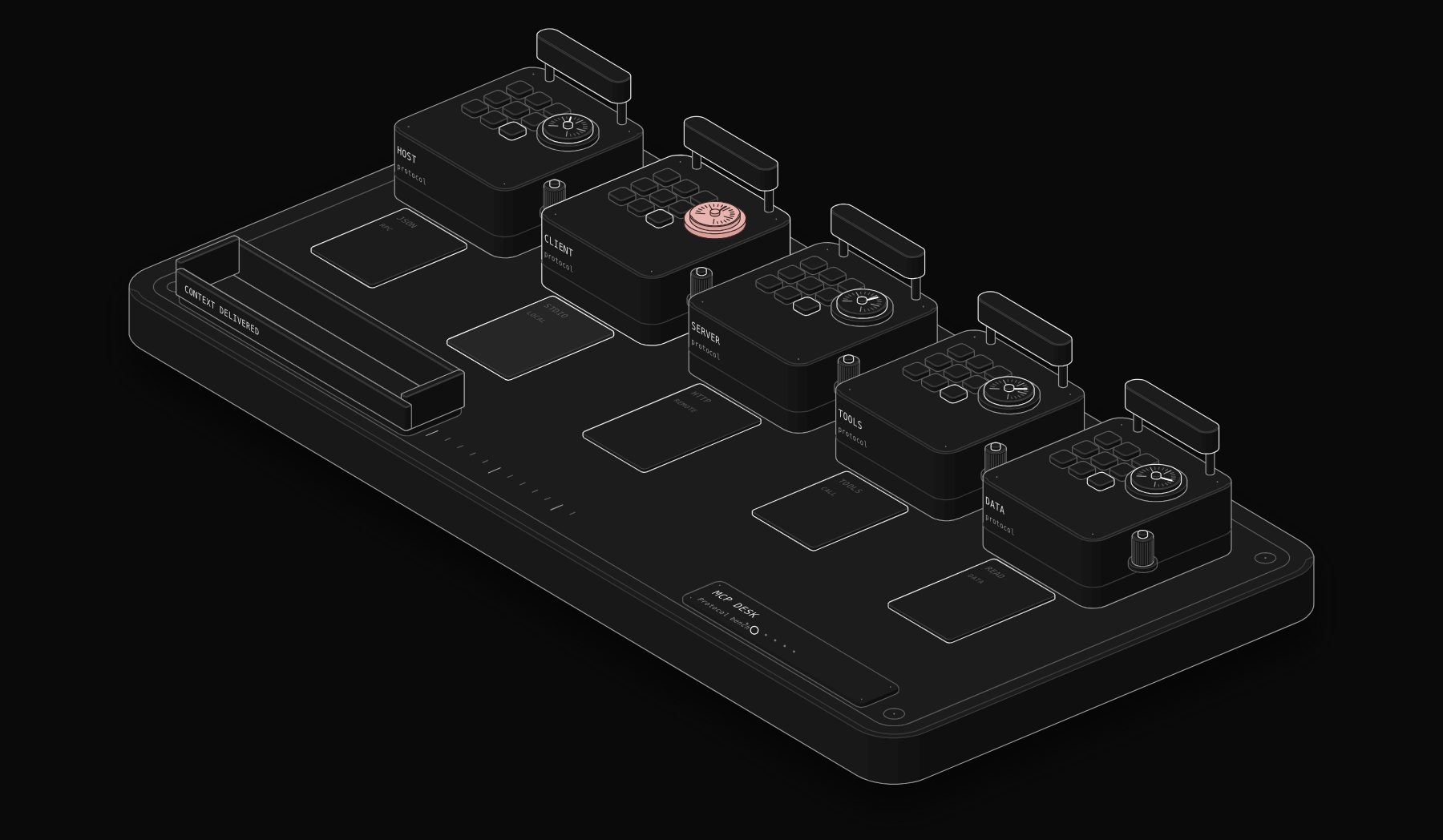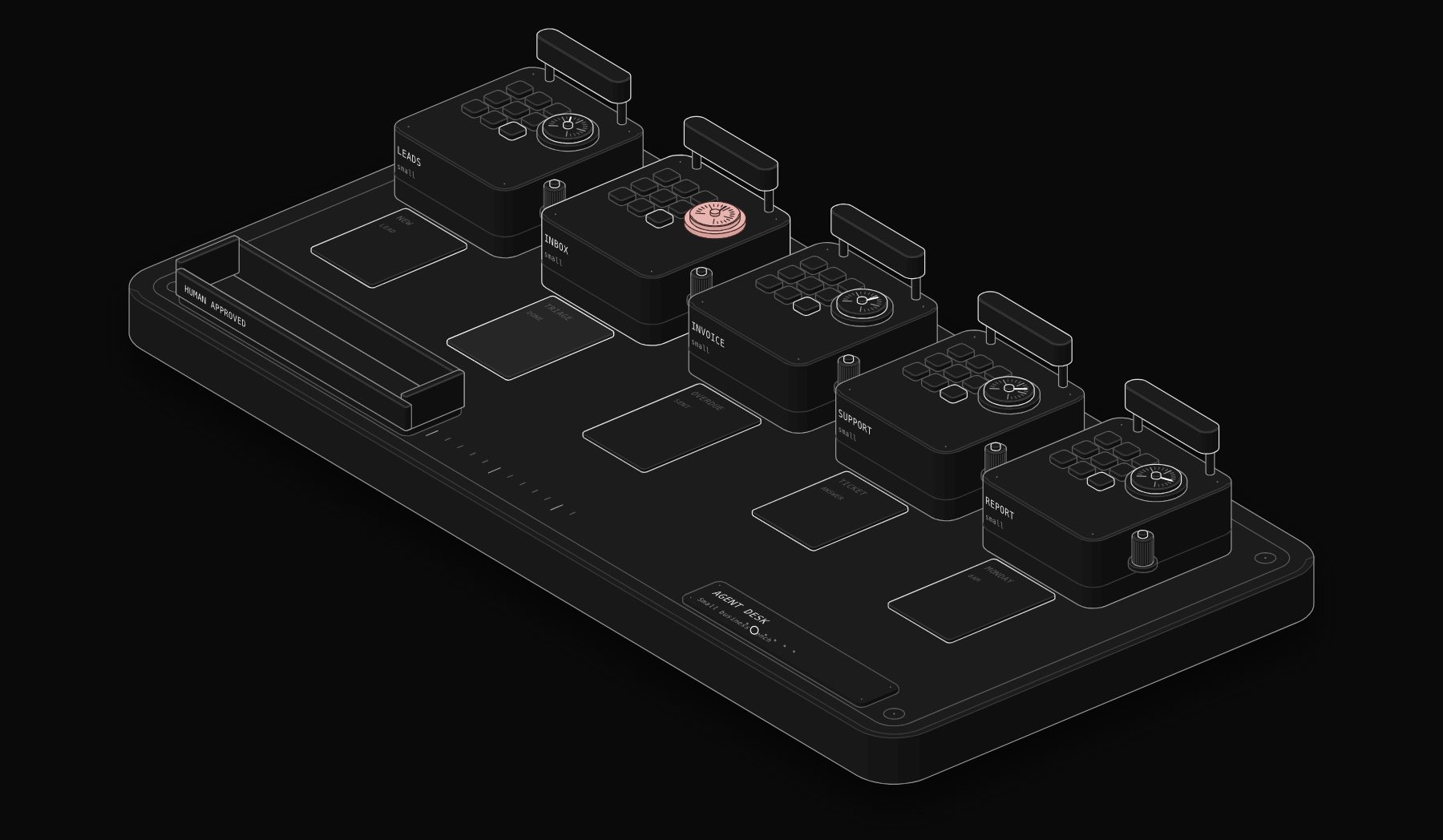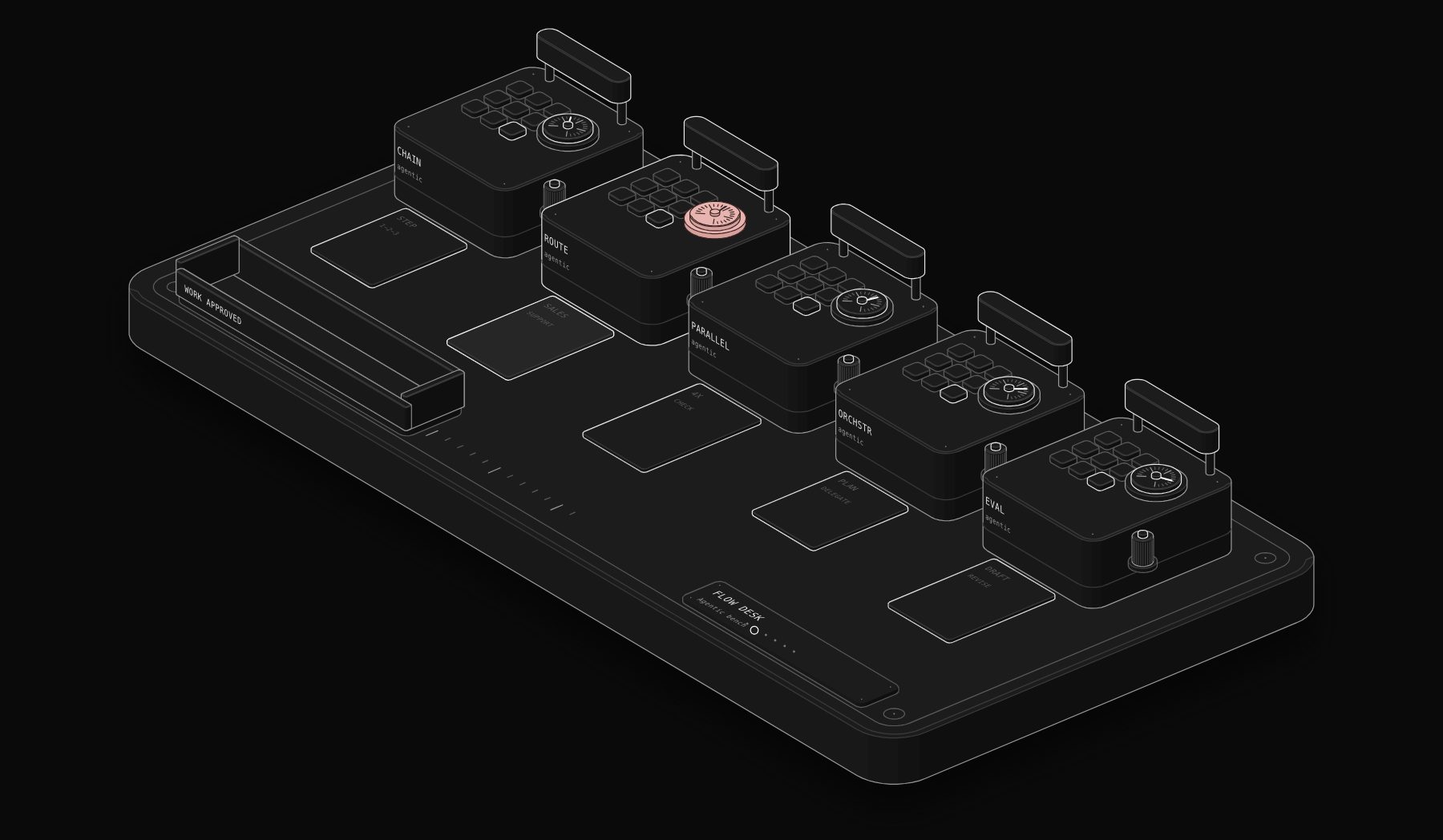
Chatbot automation is the use of a chatbot to handle conversations and the work behind them without a person typing each reply: the bot understands the question, answers from your own content, takes simple actions in your systems (look up an order, book a slot, create a ticket) and hands the conversation to a human when it should. Done well, it answers routine questions in seconds, around the clock, and leaves your team the conversations that need judgement. Done badly, it traps customers in loops and gives wrong answers your company is responsible for. This guide explains how automated chatbots work, the four types, ten real use cases, what chatbot automation costs in 2026 with prices read on vendor pages, a six-step setup, the numbers to track and the rules that keep it safe.
In short. Start with one job where questions repeat and answers already exist in writing: order status, opening hours, pricing questions, booking, password resets. Pick a tool by how it bills, not by its headline price: Zendesk charges $1.50 to $2.00 per automated resolution on top of agent seats, Intercom lists $0.99 per Fin outcome, Botpress counts conversations ($150 a month billed annually for 250), Tidio counts conversations handled by the bot and your team together. Always give customers a visible way to reach a person, tell them they are talking to an AI, and test the bot on 50 real questions before it goes live.
What is chatbot automation?
Chatbot automation means letting a chatbot carry a conversation, and the simple tasks attached to it, from the first message to the resolution or the handoff, without a human writing the replies. An automated chatbot (also called an automation chatbot or AI chatbot automation when a language model is involved) does three jobs that used to need a person: it understands what the visitor wants, it answers from approved information such as your help center, product pages or policies, and it acts in connected tools through their APIs, for example checking a delivery status in Shopify or creating a ticket in your help desk. The point is not the chat window itself but the work it removes: fewer repetitive tickets, faster first replies and no lost leads outside office hours. The limit is just as important: a chatbot should automate questions with known, checkable answers and pass everything else, with the full context, to a person.
Chatbot automation vs workflow automation vs AI agents vs RPA
The four terms overlap, and vendors use them loosely. The difference that matters is what starts the work and what the system is allowed to do.
| Automated chatbot | Workflow automation | AI agent | RPA bot | |
|---|---|---|---|---|
| Starts when | A person writes a message | A trigger fires (form, email, schedule) | A trigger fires or a goal is set | A schedule or a trigger |
| Talks to people | Yes, that is its job | No | Sometimes | No |
| Acts in your tools | Simple, allowed actions via API | Yes, fixed steps | Yes, chooses among allowed actions | Yes, by clicking through screens |
| Handles messy input | Yes (AI) or no (rule-based) | Poorly | Yes | No |
| Typical tools | Intercom Fin, Zendesk AI agents, Tidio Lyro, Botpress, Chatbase | n8n, Make, Zapier | n8n with Claude, Lindy, custom builds | UiPath, Automation Anywhere, Fortra Automate |
| Best for | Answering and simple self-service | Moving data between apps | Judgement-heavy repetitive work | Legacy systems without an API |
Source: compiled by PURIST (purist.online), November 24, 2026.
In practice the best results come from combining them: the chatbot talks, a workflow does the work behind it. When a customer asks "where is my order?", the bot understands the question, a workflow fetches the status from the shop, and the bot replies. We cover the workflow side in n8n vs Make vs Zapier, agents in AI agents for small business, and RPA in What is RPA.
The 4 types of automated chatbots
| Type | How it works | Strength | Weakness | Best for |
|---|---|---|---|---|
| Rule-based (decision tree) | Buttons and keyword rules lead to fixed answers | Predictable, cheap, never invents | Breaks on anything off-script | Menus, simple routing, lead forms |
| AI, knowledge-grounded | A language model answers from your documents (retrieval) | Understands free text, covers many questions | Can be wrong if the content is wrong or missing | FAQs, product and policy questions |
| Hybrid | Rules for the critical paths, AI for the rest, human handoff built in | Safe on money and data, flexible elsewhere | More design work | Most businesses |
| Action-taking (agentic) | AI plus connected tools: look up, book, update, refund within limits | Resolves, not just answers | Needs permissions, limits and logs | Order status, bookings, account changes |
Source: compiled by PURIST (purist.online), November 24, 2026.
For most small and mid-size businesses the right answer in 2026 is hybrid: AI for understanding and answering, rules for anything involving money, personal data or legal commitments, and a human one click away.
How AI chatbot automation works, step by step
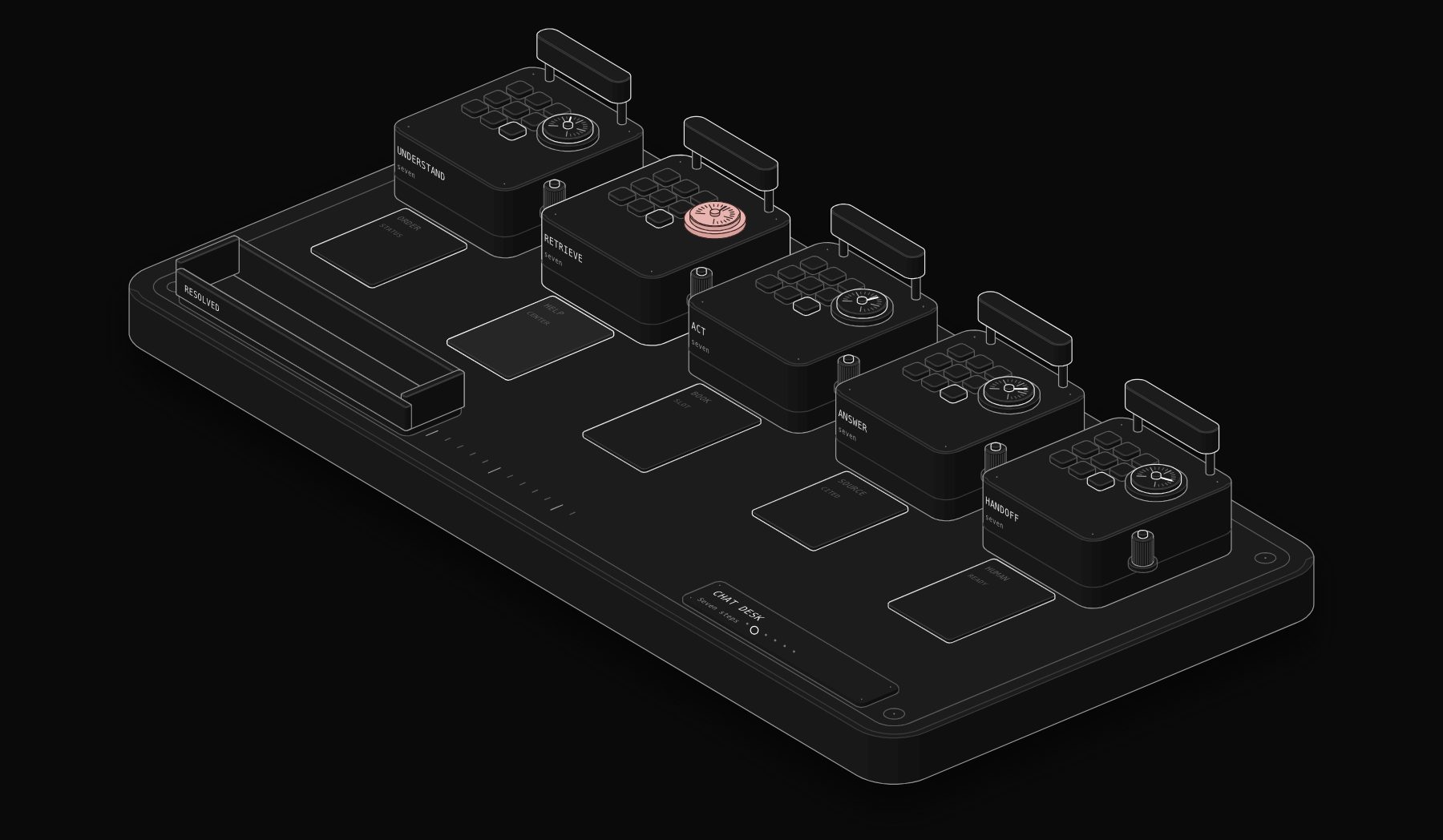
Behind a good automated chatbot, every message goes through the same seven steps:
- 1 Channel. The message arrives from the website widget, WhatsApp, Instagram, Messenger, email or Slack and Teams for internal bots.
- 2 Identify. The bot checks who is writing (logged-in customer, email in the conversation, phone number) so it can look up the right records.
- 3 Understand. The model classifies the intent (order status, refund, pricing question, complaint) and extracts details such as an order number.
- 4 Retrieve. It searches your approved content (help center, product pages, policies) and, for account questions, your systems through their APIs.
- 5 Act. If the intent is on the allowed list, it acts: books the slot, creates the ticket, sends the tracking link. Anything outside the list is not attempted.
- 6 Answer or hand off. It replies with the answer and its source, or passes the conversation to a person with a summary, the customer's details and what was already tried.
- 7 Log and learn. Every conversation is logged with its outcome, so you can see unanswered questions and fix the content, which is where most of the improvement comes from.
The quality of a chatbot is mostly the quality of the content it reads. Before changing tools, read 50 conversations where the bot failed: in most cases the answer was missing, outdated or contradictory in the help center.
10 chatbot automation use cases that pay off
| # | Use case | What the bot does | Connects to | Human step |
|---|---|---|---|---|
| 1 | Order status | Finds the order and returns tracking | Shopify, WooCommerce, carrier | None unless delayed |
| 2 | FAQs and policies | Answers shipping, returns, hours, pricing from your content | Help center, website | Review unanswered questions weekly |
| 3 | Booking and rescheduling | Offers free slots, books, sends reminders | Calendly, Google Calendar, booking software | Exceptions |
| 4 | Lead qualification | Asks 3 to 5 questions, scores the lead, books a call or routes to sales | CRM | Sales follows up |
| 5 | Missed-call text back | Texts callers you missed and continues by chat | Phone system, SMS | Review the thread |
| 6 | Returns and exchanges | Checks eligibility, creates the return label | Shop, returns app | Approve refunds above a limit |
| 7 | Ticket triage | Tags, prioritises and routes to the right team with a summary | Help desk | Agent handles the ticket |
| 8 | Internal IT help | Password reset links, how-to answers, access requests | Okta, Azure AD, ITSM | Approve access |
| 9 | HR questions | Leave balance, policies, onboarding checklists | HRIS, policy documents | Sensitive cases |
| 10 | Invoice and payment status | Tells clients what is due and sends a payment link | Accounting software | Disputes |
Source: compiled by PURIST (purist.online), November 24, 2026.
Speed is the common thread. Response time decides whether a lead becomes a customer, which is why the lead and missed-call cases often pay back first; see speed to lead and our missed-call recovery tutorial.
Chatbot marketing automation: DMs, comments and lead capture
Chatbot marketing automation applies the same idea to marketing conversations: a visitor comments a keyword under an Instagram post and receives the guide by DM, a WhatsApp or Messenger conversation qualifies a lead and books a demo, or a website bot offers a discount code in exchange for an email. Three rules keep it effective:
- Capture into the CRM, not just the chat. Every conversation should create or update a contact with its source, answers and consent, so follow-up does not depend on someone reading the chat.
- Respect platform messaging rules. Messenger and Instagram limit when a business can send promotional messages after the user's last message, so build flows that the user starts, and check each platform's current policy before scheduling follow-ups.
- One offer per flow. A bot that asks one question and delivers one thing converts better than a menu of options, the same rule as in a good landing page.
For WhatsApp flows built in your own tools, see WhatsApp Business automation with n8n.
What chatbot automation costs in 2026
Prices below were read on the vendors' official pricing pages (dates in the sources at the end). The unit each vendor charges for matters more than the headline price.
| Tool | Entry price | What you pay for | Note |
|---|---|---|---|
| Zendesk (Support Team) | $19 per agent a month billed yearly, $25 monthly | Seats, plus automated resolutions: 5 per agent a month included, then $1.50 committed or $2.00 pay-as-you-go | Suite Team $55, Suite Professional $115 per agent a month billed yearly |
| Intercom (Essential) | $29 per seat a month | Seats, plus $0.99 per Fin outcome | Price read in our SaaS Pricing Index |
| Tidio (Starter) | $33 a month billed annually ($390 a year) | 50 conversations a month, handled by Lyro AI and your team together | Growth from $63 a month billed annually for 100 conversations; Plus from $300 a month plus usage |
| Botpress | Free, then Plus $150 a month billed annually | Free: 100 conversations a month. Plus: 250 conversations, then packs of 100 for $65 | Team $750 a month billed annually for 1,500 conversations |
| Chatbase (Basic) | $150 a month, or $120 billed yearly | 4,000 message credits a month | Removing the branding is a $99 a month add-on |
| SiteGPT (Starter) | $59 a month, or $39 billed yearly | One chatbot, up to 4,000 messages on the lighter model | Branding removal $39 a month, billed yearly |
| Crisp (Mini) | $45 a month per workspace | Flat per workspace | Free plan available |
| Custom build (n8n + Claude or GPT) | Fixed build price plus model usage | Your own logic, your own tools, no per-resolution fee | Hosting from a small server or n8n Cloud |
Source: compiled by PURIST (purist.online), November 24, 2026.
A worked example at 1,000 conversations a month
Assume 1,000 customer conversations a month, 600 of them resolved by the bot, and two human agents. These are estimates from the published prices above, before taxes and add-ons:
- Zendesk Support Team on monthly billing: 2 seats at $25 = $50, plus 600 resolutions minus the 10 included = 590 at $2.00 pay-as-you-go = $1,180. Total about $1,230 a month, less with committed resolutions at $1.50.
- Intercom Essential: 2 seats at $29 = $58, plus 600 Fin outcomes at $0.99 = $594. Total about $652 a month.
- Botpress Plus: $150 a month billed annually for 250 conversations, plus 8 packs of 100 at $65 = $520 to cover 1,000. Total about $670 a month, before your help desk.
The lesson: per-resolution pricing rewards a bot that resolves little and costs more as it gets better, while conversation pricing costs the same whether the bot resolves or not. Model your real volume before signing. For a detailed comparison of the support platforms, see Intercom Fin vs Zendesk AI vs Ada and Chatbase alternatives. Entry prices for 307 business tools, including 14 customer support tools, are in the PURIST SaaS Pricing Index.
How to set up chatbot automation in 6 steps
1. Choose one job with a clear finish line
Export the last 200 conversations or tickets and group them by question. Pick the largest group whose answer already exists in writing and can be checked, such as "where is my order" or "do you deliver to my area". One job done well beats ten done badly.
2. Fix the content before the bot
Write or update the help articles the bot will read: one question per article, the answer in the first two sentences, dates on anything that changes (prices, delivery times). Remove contradictions between pages; the bot will repeat them.
3. Connect only the actions you allow
List the actions the bot may take (look up an order, book a slot, create a ticket) and give it access to those only, with read-only keys where possible. Refunds, cancellations and anything involving payment details stay with a person or under a strict limit.
4. Design the handoff first
Decide when the bot must hand over: the customer asks for a person, the same question fails twice, the topic is a complaint, a legal or medical issue, or the amount is above your limit. The person receiving it should see the summary and the history, so the customer never repeats themselves.
5. Test on 50 real questions
Run 50 real past questions through the bot, including awkward ones, and grade each answer: correct, incomplete, wrong, or should have handed off. Fix the content and rules until wrong answers are close to zero, then try to break it on purpose (prompt injection, off-topic requests, discounts it should not give).
6. Launch on one channel and review weekly
Start on the website or one messaging channel, keep the human option visible, and review the failed and escalated conversations every week for the first month. Add the next job only when the first one is stable.
What to measure
| Metric | What it tells you | How to read it |
|---|---|---|
| Automated resolution rate | Share of conversations closed by the bot without a person | Rising is good only if satisfaction holds |
| Escalation rate | Share handed to a person | Look at why, topic by topic |
| Wrong answer rate | Share of sampled answers graded wrong | The number to drive toward zero |
| Customer satisfaction after bot | Rating on bot-only conversations | Compare with human-handled ones |
| First response time | Time to the first useful reply | Should drop to seconds |
| Cost per resolved conversation | Tool cost divided by resolutions | Compare with your cost per human ticket |
Source: compiled by PURIST (purist.online), November 24, 2026.
Avoid vendor benchmarks for resolution rates: they depend on industry, content quality and how "resolved" is defined. Your own baseline from the first month is the only reliable reference.
When chatbot automation goes wrong
The failures are public and instructive:
- Wrong policy, company liable. In Moffatt v. Air Canada (2024), a Canadian tribunal held the airline responsible for incorrect bereavement-fare information given by its website chatbot and rejected the argument that the chatbot was a separate entity. What your bot says, your business says.
- A bot that can be talked into anything. In December 2023 a Chevrolet dealership chatbot was coaxed by users into "agreeing" to sell a car for $1. Without limits on what it may promise, a bot can be steered by anyone.
- An update that changed the bot's behaviour. In January 2024 the parcel company DPD disabled part of its AI chatbot after a customer got it to swear and criticise the company, following a system update.
Each failure points to the same safeguards: answers grounded in approved content, a short list of allowed actions, no commitments on price or policy outside that content, testing after every change, and a human route that is always visible.
Rules: disclosure, privacy and records
- Tell people they are talking to an AI. Under Article 50 of the EU AI Act, which applies from 2 August 2026, providers must design AI systems that interact with people so that those people are informed they are interacting with an AI system, unless it is obvious, at the latest at the first interaction. In California, the BOT Act (SB 1001) prohibits using an undisclosed bot to mislead people about its artificial identity to incentivise a sale. A clear "AI assistant" label in the widget covers both.
- Collect only what the job needs. If the bot asks for an email or order number, say why, store it in your CRM or help desk under your privacy policy, and never ask for card numbers or passwords in chat.
- Keep logs. Conversation logs with outcomes are your evidence when a customer disputes an answer and your best source for improving the content.
This is general information, not legal advice; check the rules that apply in your markets.
Off-the-shelf chatbot or custom automation?
Choose an off-the-shelf tool when your help desk already offers one (Zendesk, Intercom, Freshdesk, Tidio), your questions are mostly answered by public content, and per-resolution or per-conversation pricing stays reasonable at your volume. Choose a custom build, typically n8n with Claude or GPT, when the bot must act across several of your own tools, follow your exact rules, keep data in your systems, or when volume makes per-resolution fees expensive. Many businesses do both: the help desk's bot on the website, a custom workflow behind it for the actions it cannot reach. Our complete guide to building an AI agent with n8n and Claude shows the custom route step by step, and AI customer service automation covers the full support architecture.
Frequently asked questions
What is chatbot automation?
Chatbot automation is the use of a chatbot to handle customer or employee conversations without a person writing each reply: it understands the request, answers from approved content, takes simple allowed actions in connected tools and hands the conversation to a human when needed.
What is the difference between an automated chatbot and an AI agent?
An automated chatbot is built to hold a conversation and resolve it. An AI agent works toward a goal and can act without being asked, for example chasing an overdue invoice. Many modern support bots are both: a chatbot interface with agent abilities limited to a few allowed actions.
How much does chatbot automation cost?
In November 2026, entry plans range from free (Botpress, 100 conversations a month) to $150 a month (Chatbase Basic, Botpress Plus billed annually), and help desk bots add usage fees: $0.99 per Fin outcome on Intercom, $1.50 to $2.00 per automated resolution on Zendesk after the included allowance. At 1,000 conversations a month, published prices put typical totals between roughly $650 and $1,250 a month.
Can I automate a chatbot without coding?
Yes. Tidio, Intercom, Zendesk, Chatbase and Botpress all let you train a bot on your website and documents and set handoff rules without code. Coding, or a workflow tool such as n8n, becomes useful when the bot must act in your own systems.
What is chatbot marketing automation?
It is the use of chatbots in marketing conversations: comment-to-DM flows on Instagram, lead qualification on WhatsApp or Messenger, and website bots that capture emails, with every contact saved to the CRM for follow-up.
Does a chatbot have to say it is a bot?
In the EU, Article 50 of the AI Act requires people to be informed that they are interacting with an AI system, from 2 August 2026, unless it is obvious. In California, the BOT Act prohibits undisclosed bots used to mislead people in order to sell. Labelling the bot clearly is the simple way to comply.
What share of conversations can a chatbot automate?
It depends on how repetitive your questions are and how good your content is. Measure it on your own traffic: run the bot on one job for a month, count conversations closed without a person, and check satisfaction on those conversations before expanding.
Sources: Zendesk pricing, Tidio pricing and Botpress pricing read on November 24, 2026; Intercom pricing and Crisp pricing read on November 21, 2026 for the PURIST SaaS Pricing Index; Chatbase pricing and SiteGPT pricing read in November 2026; EU AI Act, Article 50 and its implementation timeline; California SB 1001; Moffatt v. Air Canada, 2024 BCCRT 149. Prices change: confirm on the official page before buying.
Want a chatbot that answers from your content, acts in your own tools and hands off cleanly, with your approval on anything sensitive? See AI agent development by PURIST.
Tags

Steve founded PURIST, a workflow automation studio working with n8n, Make and Claude AI, and is the point of contact on every project. Prices and features in our articles come from vendor documentation and public pricing pages. How we research and score tools.