MCP, the Model Context Protocol, is an open-source standard for connecting AI applications to external systems. With MCP, an assistant such as Claude or ChatGPT can read data (files, databases, a CRM), use tools (search, calculators, business software) and follow ready-made workflows, through one common interface instead of a custom integration for each pair. The official documentation compares it to a USB-C port for AI applications: one standard plug, many devices. This guide explains what MCP is in plain English, how MCP servers work, how MCP compares with an API and with RAG, and how a business can use it safely.
In short. MCP is a client-server protocol. An AI application (the host, such as Claude Desktop, Claude Code or Visual Studio Code) runs one MCP client per connection, and each client talks to an MCP server, a program that exposes tools, resources and prompts. Messages use JSON-RPC 2.0 over one of two transports: stdio for servers running on the same machine, and Streamable HTTP for remote servers. MCP does not replace APIs: an MCP server usually wraps an existing API so that any MCP-compatible assistant can discover and use it. For a business, MCP is the cleanest way to let AI work with your tools, provided every action that sends, publishes or pays still waits for a human.
PURIST read the official MCP documentation at modelcontextprotocol.io and Claude Code's MCP documentation on November 21, 2026. Every technical detail below comes from those pages.
What is MCP in AI?
MCP in AI is the Model Context Protocol, an open standard that defines how an AI application connects to the outside world. Before MCP, every assistant needed its own connector for every tool: one integration for Claude and Google Drive, another for ChatGPT and Google Drive, and so on. MCP replaces that with a shared protocol. A tool is wrapped once as an MCP server, and every application that speaks MCP can use it. The official documentation lists examples: agents that access your Google Calendar and Notion, Claude Code generating a web app from a Figma design, enterprise chatbots that query several databases, and AI models that create 3D designs in Blender. MCP was introduced by Anthropic in November 2024 and is now supported by many AI applications and developer tools. What MCP does not do is decide how a model reasons or which model you use: the documentation states that it "focuses solely on the protocol for context exchange".
What is an MCP server?
An MCP server is a program that provides context and capabilities to AI applications through the Model Context Protocol. It can run on your own computer (for example, a server that reads files in a folder) or on the internet (for example, a company's hosted server for its product). A server exposes three kinds of building blocks, which the specification calls primitives:
| Primitive | What it is | Example |
|---|---|---|
| Tools | Executable functions the AI can call to perform actions | Search the web, create a calendar event, query a database |
| Resources | Data sources that give the AI context | File contents, database records, API responses |
| Prompts | Reusable templates that structure an interaction | A system prompt for reviewing a contract, few-shot examples |
Source: compiled by PURIST (purist.online), November 21, 2026.
Each primitive has a discovery method (tools/list, resources/list, prompts/list) and a method to use it (tools/call, resources/read, prompts/get). That discovery step is what makes MCP different from a hard-coded integration: the assistant asks the server what it can do, then uses it.
How does MCP work?
MCP has three participants and two layers.
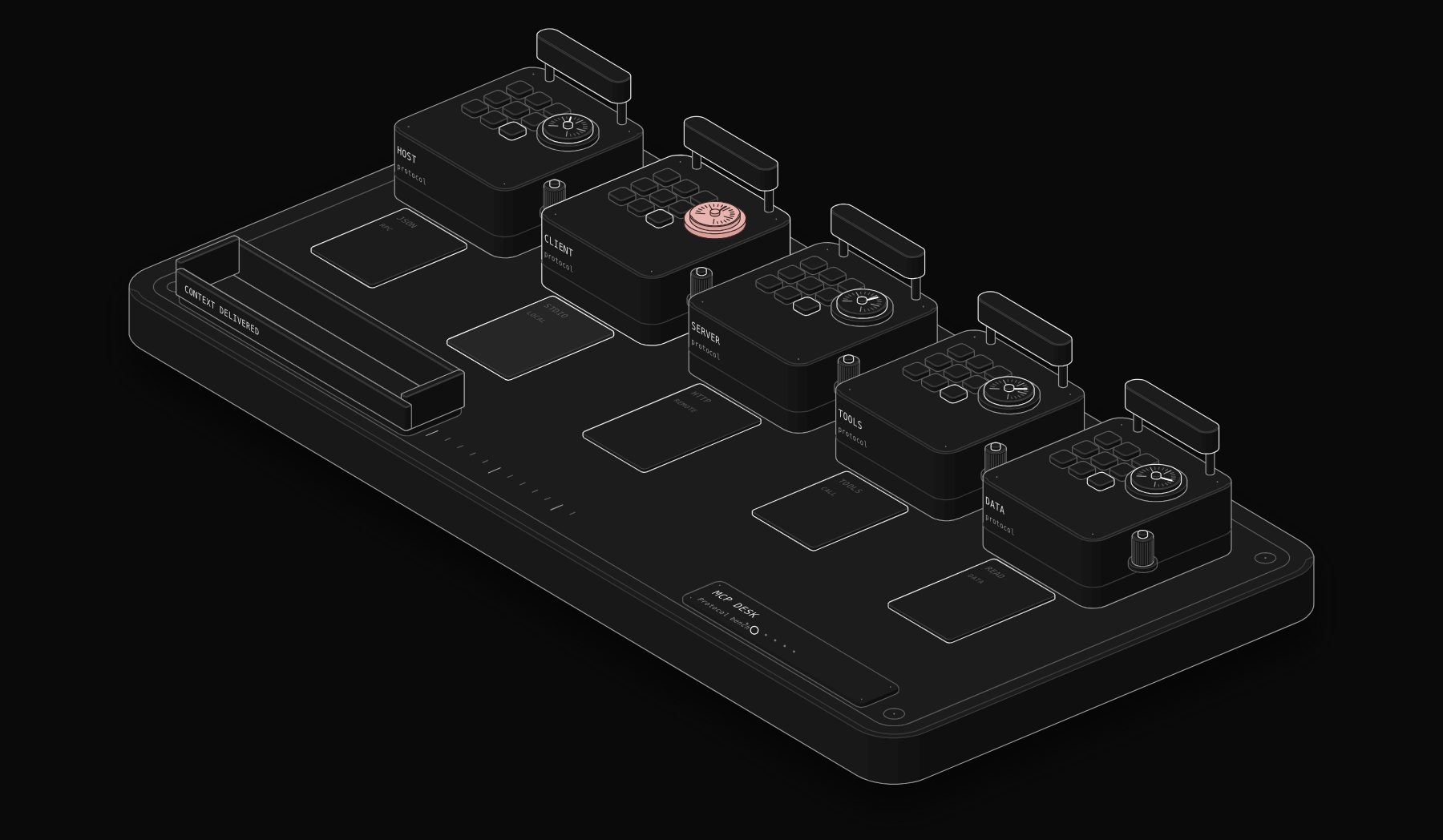
Participants. The MCP host is the AI application that coordinates everything, such as Claude Desktop or Visual Studio Code. The host creates one MCP client for each server it connects to. The MCP server is the program that provides the context. A host connected to three servers runs three clients.
Data layer. Inside, MCP uses JSON-RPC 2.0 messages for the connection lifecycle, capability and version discovery, the primitives above, and notifications, so a server can tell the client that its list of tools has changed.
Transport layer. Outside, the messages travel over one of two transports:
| Transport | How it works | Typical use |
|---|---|---|
| stdio | Standard input and output between processes on the same machine, with no network overhead | Local servers: files, local databases, developer tools |
| Streamable HTTP | HTTP POST from client to server, with optional Server-Sent Events for streaming; supports standard HTTP authentication | Remote servers: SaaS products, company-hosted services |
Source: compiled by PURIST (purist.online), November 21, 2026.
Clients can also offer capabilities back to servers. With sampling, a server asks the client's model for a completion; with elicitation, a server asks the user for more information or for confirmation of an action.
A request, step by step
- 1 You ask Claude to "add a follow-up with Dana to my calendar for Friday".
- 2 When it started, the host had already asked the calendar server for its tools (tools/list) and received, among others, a create_event tool with its expected inputs.
- 3 The model decides to call create_event with the date, time and title.
- 4 The client sends a tools/call request to the server over the transport.
- 5 The server calls the calendar's own API, creates the event and returns the result.
- 6 The model confirms in plain language. If the server is built well, it asks you to confirm before writing anything.
MCP vs API: what is the difference?
An API is how a piece of software exposes its functions to developers: specific endpoints, documented for humans, wired up by writing code. MCP is how functions are exposed to AI applications: described in a standard format that a model can discover and use at run time. The two work together rather than compete. Most MCP servers are thin layers over an existing API: the server receives a tools/call from the assistant, calls the vendor's API, and returns the result. So the real question is not MCP or API but who is calling. When your own code calls a service in a fixed, predictable way, such as syncing invoices every night, call the API directly from a workflow. When an AI assistant needs to decide which action to take and when, expose those actions through MCP. Searches for "mcp vs api" (2,400 a month in the US in November 2026, according to DataForSEO) mostly come from teams deciding exactly this.
| API | MCP | |
|---|---|---|
| Built for | Developers writing code | AI applications choosing actions |
| Discovery | Read the documentation | tools/list, resources/list, prompts/list at run time |
| Format | Specific to each service | One standard (JSON-RPC 2.0) for every server |
| Best for | Fixed, predictable automations | Actions an AI decides to take |
| Relationship | The underlying capability | Often a wrapper around the API |
Source: compiled by PURIST (purist.online), November 21, 2026.
MCP vs RAG
RAG, retrieval-augmented generation, is a technique: before answering, the system searches a knowledge base (often a vector database of your documents) and adds the most relevant passages to the prompt. MCP is a protocol for connecting AI to systems, including, but not limited to, sources of knowledge. They overlap only where an MCP server exposes a search over documents as a resource or a tool. The practical difference: RAG is for reading knowledge; MCP is for reading and acting. A support assistant might use RAG to find the right help article and MCP to open a ticket in your help desk. Many production systems use both.
Remote MCP servers vs local MCP servers
A local MCP server runs on the same computer as the AI application and communicates over stdio. It is ideal for files, local databases and developer tools, and nothing leaves the machine unless the server sends it. A remote MCP server runs on the internet and communicates over Streamable HTTP, usually with OAuth or a token for authentication. Remote servers are how SaaS companies offer MCP access to their products: Claude Code's documentation, for example, shows connecting to Notion's remote server at https://mcp.notion.com/mcp. For a business, remote servers are easier to roll out to a team, and local servers keep sensitive data on the device.
How to add an MCP server to Claude Code
Claude Code connects to MCP servers with the claude mcp command. From the official documentation:
Inside Claude Code, the /mcp command shows the status of your servers. Servers can be configured at local, project or user scope, and a project's shared servers live in a .mcp.json file. When you remove a remote server, Claude Code deletes the OAuth tokens it stored, but does not revoke them at the service that issued them, so revoke them there as well. If you use Claude for business work, our Claude skills guide covers the other half of the setup: reusable instructions that tell Claude how to use these tools well.
How to create an MCP server
Creating a basic MCP server is a small project for a developer. The official documentation provides SDKs, a step-by-step "Build an MCP server" tutorial and the MCP Inspector for testing. The steps:
- 1 Pick the actions. List the three to five things the assistant should be able to do, such as "look up a customer", "create a draft invoice", "list open tickets". Fewer, well-described tools work better than dozens.
- 2 Choose the transport. stdio if the server runs next to the AI application; Streamable HTTP if a team or several applications will use it remotely.
- 3 Describe each tool clearly. The model chooses tools from their names and descriptions, so write them like instructions to a new colleague, with the expected inputs.
- 4 Wrap your API. Each tool calls the underlying API, validates inputs and returns a clean result or a clear error.
- 5 Add confirmation for risky actions. Use elicitation or a separate approval step for anything that sends, deletes, publishes or pays.
- 6 Test with the Inspector, then connect it to your AI application.
No-code teams can get there without writing a server: n8n can expose workflows to AI applications through MCP. Our n8n MCP integration guide shows the setup step by step.
What can a business do with MCP?
| Use | Example | MCP pieces involved |
|---|---|---|
| Ask questions about company data | "Which invoices are more than 30 days overdue?" | A resource or tool over your accounting data |
| Act in business tools | Create a task, update a deal, draft an email | Tools on the relevant servers |
| Prepare work for approval | Draft replies to new leads, queued for a manager | Tools plus an approval step outside the model |
| Connect assistants to internal systems | A support assistant that reads orders and opens tickets | Several servers, one host |
| Give developers context | Claude Code reading issues, designs and databases | Local and remote servers in the IDE |
Source: compiled by PURIST (purist.online), November 21, 2026.
The pattern PURIST applies: let the AI read freely, let it prepare actions, and make every action that sends, publishes or pays wait for a person. That is how our AI Team works.
Is MCP safe?
MCP is as safe as the servers you connect and the permissions you give them. The risks are practical, not theoretical: a server with broad write access can make changes you did not intend, a malicious or poorly written server can return instructions designed to manipulate the model, and tokens stored for remote servers are credentials like any other. Sensible rules: install servers only from sources you trust, give each server the narrowest access it needs (read-only where possible), keep a human approval step for irreversible actions, review what a server can do before connecting it, and revoke tokens you no longer use. The official documentation includes a security section worth reading before rolling MCP out to a team.
MCP and agentic AI
MCP is one of the building blocks of agentic AI: systems where a model decides which steps to take and which tools to use. MCP supplies the tools; the agent supplies the decisions; your rules supply the limits. If you are deciding between a predictable workflow and a more autonomous agent, read Agentic workflows explained, and for concrete small-business uses, AI agents for small business.
MCP server examples
The official documentation and Claude Code's documentation use concrete examples that show the range of MCP servers:
| Example | Type | What it gives the AI |
|---|---|---|
| Notion (https://mcp.notion.com/mcp) | Remote, HTTP | Read and update pages and databases |
| Sentry | Remote | Access to error monitoring data, used by Visual Studio Code in the architecture example |
| GitHub | Remote | Issues and pull requests for code reviews (Claude Code example) |
| PostgreSQL | Local or remote | Query a database in plain language (Claude Code example) |
| Google Calendar and Notion | Remote | A more personal assistant that knows your schedule and notes |
| Figma | Remote | Designs that Claude Code can turn into a web app |
| Blender | Local | 3D designs created by an AI model |
Source: compiled by PURIST (purist.online), November 21, 2026.
The pattern is the same in every case: one server per system, exposing a small set of well-described tools and resources.
MCP vs agentic AI
MCP and agentic AI are often mentioned together but are different things. Agentic AI describes systems where a model decides and carries out steps toward a goal. MCP is plumbing: the standard way those systems connect to tools and data. You can build agentic systems without MCP, by wiring tools directly into a workflow, and you can use MCP without much autonomy, for example to let an assistant read your documents when you ask. MCP becomes most valuable when many assistants and many tools need to connect, because each tool is wrapped once and reused everywhere.
What MCP means for non-developers
For a business owner, MCP means three practical things. First, the AI assistant you already pay for can increasingly connect to the tools you already use, through connectors that are MCP servers under the hood. Second, a tool you build or buy once can work with several assistants, which reduces lock-in to one AI vendor. Third, the same caution applies as for any integration: decide what the assistant may read, what it may change, and what must wait for a person. If you want that set up for you, it is the kind of system PURIST builds on n8n and Claude.
Frequently asked questions
What is MCP?
MCP, the Model Context Protocol, is an open-source standard for connecting AI applications to external systems such as files, databases, business tools and workflows. It lets any MCP-compatible assistant discover and use those systems through one common interface.
What is an MCP server used for?
An MCP server exposes tools (actions), resources (data) and prompts (templates) to AI applications. It is used to let an assistant read information from a system and act in it, such as searching documents, creating calendar events or updating a CRM.
What is the difference between MCP and an API?
An API exposes a service's functions to developers who write code against it. MCP exposes functions to AI applications in a standard format they can discover at run time. Most MCP servers wrap an existing API, so the two work together.
What is the difference between MCP and RAG?
RAG retrieves relevant passages from a knowledge base and adds them to the prompt before the model answers. MCP is a protocol for connecting AI to systems so it can read data and take actions. RAG is for knowledge; MCP is for knowledge and actions.
Who created MCP?
MCP was introduced by Anthropic in November 2024 as an open standard. Its documentation, specification and SDKs are published openly at modelcontextprotocol.io.
Does ChatGPT support MCP?
The official MCP documentation names both Claude and ChatGPT as examples of AI applications that can connect to external systems through MCP. Support and setup differ by product and plan, so check each vendor's documentation for the current details.
How do I add an MCP server to Claude?
In Claude Code, run claude mcp add with the transport, a name and the server's URL or start command, for example claude mcp add --transport http notion https://mcp.notion.com/mcp, then check it with /mcp. Claude's desktop and web apps offer connectors for remote servers.
Is MCP secure?
MCP itself is a protocol; security depends on which servers you connect and what access you grant. Use trusted servers, least-privilege permissions, human approval for irreversible actions, and revoke unused tokens.
Sources
Read by PURIST on November 21, 2026: What is the Model Context Protocol (MCP)?, MCP architecture overview and Connect Claude Code to tools via MCP. US search volume from DataForSEO, November 2026.
Want AI that reads your tools, prepares the work and waits for your approval? See AI agent development by PURIST.
Tags

Steve founded PURIST, a workflow automation studio working with n8n, Make and Claude AI, and is the point of contact on every project. Prices and features in our articles come from vendor documentation and public pricing pages. How we research and score tools.