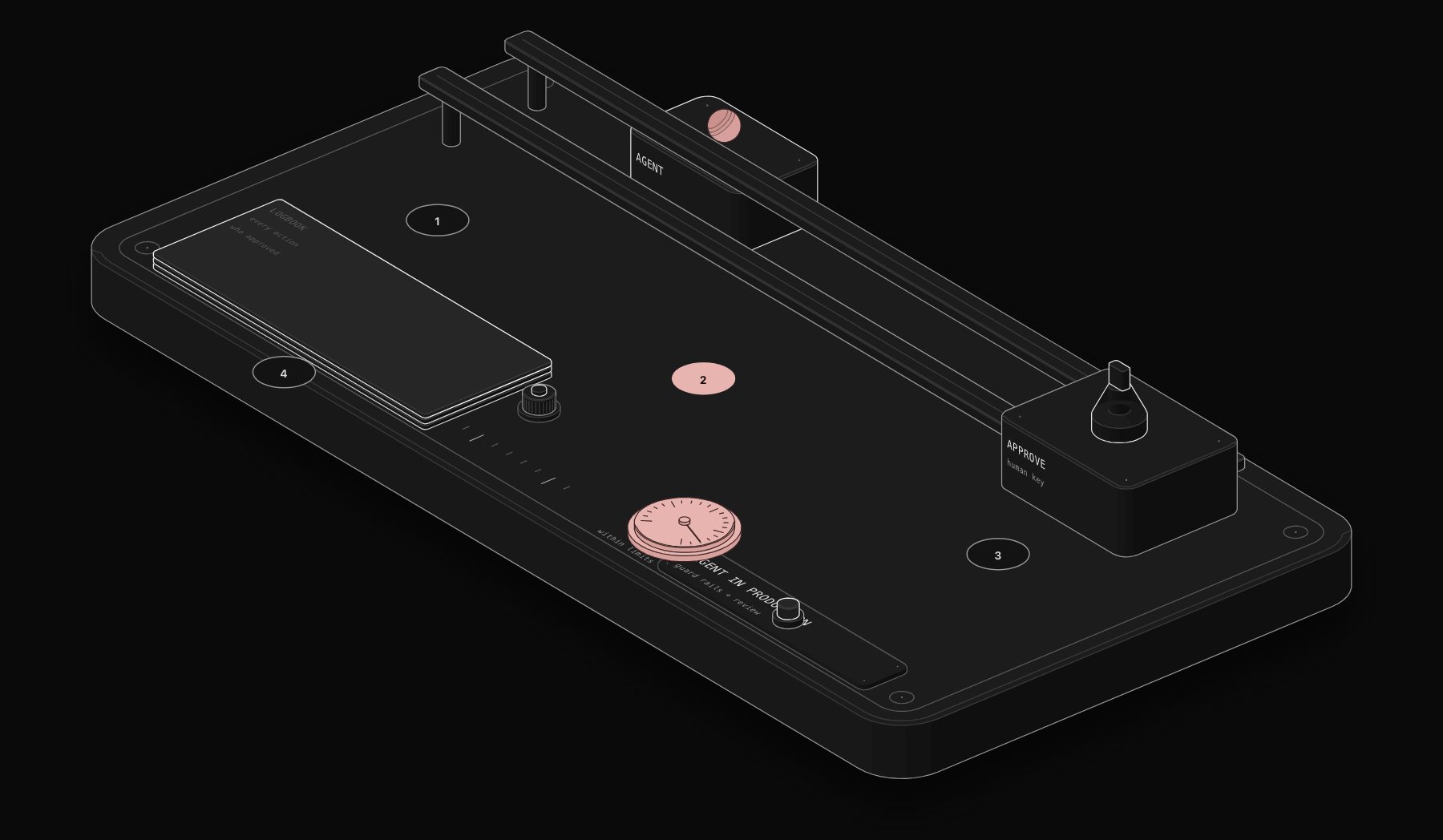
A team of eight people running a growing agency does not have the headcount to hire a dedicated support rep, a content ops coordinator, a sales development rep, and an internal IT person. What they increasingly have instead is a handful of LLM agents embedded directly into their existing workflows, each handling a slice of work that used to require a dedicated hire, freeing the actual humans on the team to do the parts of the job that genuinely need a person.
This is not a hypothetical. Small teams in 2026 are using Claude and GPT-based agents wired into tools like n8n to triage support tickets, draft first-pass content, qualify inbound leads, and handle routine internal requests, at a fraction of the cost of the headcount those tasks used to require. This guide walks through exactly how small teams are doing this, with specific, reproducible use cases, not abstract AI hype.
Why LLM Agents Matter Disproportionately for Small Teams
Large companies solve capacity problems by hiring specialists. A 500-person company can justify a dedicated inbox triage coordinator, a full-time content editor, and a dedicated SDR team, because the volume of work justifies the headcount and the overhead of managing more people is proportionally small.
A 12-person company does not have that luxury. Every hire is a meaningful percentage of the team, comes with management overhead, and takes months to become fully productive. The gap between what a small team needs to get done and what its headcount can physically handle is exactly the gap LLM agents are best suited to close, because an agent does not need onboarding, does not need a manager's time to stay productive, and can be deployed against a well-scoped task in days rather than months.
Research from Andreessen Horowitz's 2025 state of AI report found that companies under 50 employees are adopting AI agents into core workflows at nearly double the rate of companies over 1,000 employees, precisely because the labor-cost-to-benefit ratio is so much more favorable when you cannot simply hire your way out of a capacity problem.
What Makes an "Agent" Different from a Simple AI Call
Not every AI feature is an agent, and the distinction matters for what small teams should actually build. A simple AI call takes one input, produces one output, and stops: summarize this email, classify this ticket. An agent, in the sense used across production automation in 2026, can take multiple steps, use tools (searching a database, calling an API, checking a calendar), and adjust its next action based on what it learns from a previous step, within a defined scope.
- Simple AI call: "classify this support ticket into one of five categories." One input, one output, done.
- Agent: "resolve this support ticket." The agent might first check the customer's account status, then search the knowledge base, then decide whether it can answer directly or needs to escalate, then draft a response, all as part of one workflow run.
Small teams get the most value building agents scoped to a specific, well-defined job (support triage, meeting-note-to-action-items, content-brief-to-draft) rather than trying to build one general-purpose agent that does everything, because a narrowly scoped agent is dramatically easier to test, trust, and debug when it makes a mistake.
Five LLM Agent Use Cases Small Teams Are Deploying Right Now
1. Support Ticket Triage and First-Response Drafting
Incoming support emails or chat messages get read by an agent that checks the customer's account and order history, searches the knowledge base and past resolved tickets for similar issues, drafts a suggested response, and either sends it directly for low-risk, high-confidence cases or routes it to a human with the draft pre-written for anything more nuanced. A five-person support function running this pattern typically handles the same ticket volume that used to require seven or eight people, with the humans spending their time on genuinely difficult cases instead of typing the same answer to the fortieth password-reset request of the week.
2. Content Operations: Brief to First Draft
Small marketing and content teams use an agent that takes a content brief (topic, target keyword, audience, key points to cover), researches the topic using web search tools, and produces a structured first draft ready for a human editor to refine. This does not replace an editor's judgment on tone, accuracy, and strategic framing; it removes the blank-page problem and the mechanical research-gathering step that used to consume the first two hours of drafting any piece of content.
3. Sales Follow-Up and Lead Qualification
An agent monitors a CRM for new inbound leads, researches the company (checking their website, LinkedIn presence, and any public signals about their size and needs), drafts a personalized first-touch email referencing specific details about their business rather than a generic template, and schedules a follow-up sequence if there is no response within a set window. A two-person sales team running this pattern can maintain personalized outreach at a volume that would otherwise require a dedicated SDR hire.
4. Internal Operations and IT-Adjacent Requests
Small teams without a dedicated internal ops or IT person use an agent wired into Slack that handles routine internal requests: resetting access to a tool, answering "where do I find X document," updating a shared spreadsheet based on a natural-language request, or routing a request that genuinely needs human action (like provisioning a new laptop) to the right person automatically. This absorbs the constant stream of small interruptions that otherwise land on whichever team member happens to know the answer, pulling them out of focused work multiple times a day.
5. Meeting Notes to Action Items and Follow-Ups
An agent processes a meeting transcript, extracts decisions and action items with owners and rough deadlines, updates the relevant project management tool automatically, and drafts a follow-up summary email to attendees. Teams running this consistently report meaningfully fewer dropped commitments, because the task of translating a conversation into tracked action items no longer depends on someone remembering to do it manually after the call ends.
The common thread across all five use cases is not that the agent replaces a person entirely. It removes the mechanical 70% of a task (research, first drafts, routine responses, transcription-to-action-item translation) so the remaining 30%, the part that genuinely needs a human's judgment, relationship, or creativity, gets that person's full attention instead of being squeezed between a dozen mechanical interruptions.
How to Build Your First LLM Agent Workflow
The rest of this guide walks through the five most common agent use cases small teams are deploying today, a concrete build process for a first agent, the mistakes that derail most first attempts, and the actual cost small teams should expect to budget.
Step 1: Pick One Narrow, High-Frequency Task
Resist the urge to automate the most complex process first. The best starting point is a task that happens frequently (daily or more), is currently done manually by a person who could describe exactly how they do it, and has a clear definition of "done" that can be checked. Support ticket first-response drafting or meeting notes to action items are both good starting points for this reason.
Step 2: Give the Agent Real Tools, Not Just a Prompt
A prompt alone produces text. An agent needs tools to actually do useful work: access to search the knowledge base, permission to query the CRM, the ability to draft (not necessarily send) an email or Slack message. Platforms like n8n make this straightforward by connecting an AI node to the same integrations already used elsewhere in your automation stack, so the agent can genuinely check a calendar or look up an order rather than guessing.
Step 3: Start with Draft, Not Send
For any agent whose output goes to a customer or has real consequence, start it in draft mode: the agent prepares the response or action, and a human approves before it goes out. This builds the trust and track record needed to eventually let high-confidence cases go fully automatic, and it catches the mistakes that inevitably happen in the first few weeks before they reach a customer.
Step 4: Review Output Weekly, Not Just When Something Breaks
Small teams that get the most value from their agents build a habit of spot-checking a sample of the agent's output every week, not just investigating when a customer complains. This catches quality drift early and builds an intuition across the team for what the agent handles well versus what still needs a human's eye.
Step 5: Expand Scope Gradually
Once an agent has a proven track record on its first narrow task, expand its scope incrementally rather than all at once: add a new ticket category, extend the sales agent to a second lead source, add a second meeting type. Each expansion should get its own brief validation period rather than assuming success on the first task guarantees success everywhere.
Common Mistakes Small Teams Make with LLM Agents
- Trying to build one agent that does everything: a single, broadly scoped agent is harder to trust, test, and debug than several narrow agents each doing one job well
- Skipping the draft-mode phase: sending an agent's output directly to customers before building confidence in its quality is how a small mistake becomes a customer relationship problem
- No human spot-checking after the initial launch excitement fades: quality monitoring that only happens for the first two weeks misses the drift that shows up months later
- Underestimating setup time for tool access: connecting an agent to internal systems (CRM, knowledge base, calendar) properly, with the right permissions and error handling, usually takes longer than writing the prompt itself
- Choosing the most powerful, most expensive model by default: many small-team use cases (classification, drafting, extraction) work reliably on smaller, faster, cheaper models, and defaulting to the most expensive option wastes budget without improving results
What This Actually Costs a Small Team
The economics are the reason adoption has moved so fast among small teams specifically. A well-built agent handling a specific task typically costs a few hundred dollars a month in AI inference costs at moderate volume, alongside a one-time build cost that ranges from a few thousand dollars for a straightforward single-task agent to more for a multi-step agent with several tool integrations. Compare that to the fully loaded cost of a full-time hire for the equivalent capacity, salary, benefits, management time, ramp-up period, and the case for a well-scoped agent as the first move, before adding headcount, becomes straightforward for most small teams evaluating where their next dollar of operational spend should go.
Frequently Asked Questions
Do small teams need a developer to build LLM agents?
Not necessarily for well-scoped use cases. Platforms like n8n provide visual builders with native AI agent nodes that a technically comfortable operations person can configure without writing code, for straightforward tasks like ticket triage or meeting-note processing. More complex agents involving several tool integrations and nuanced error handling benefit from an experienced automation builder, even if the underlying platform is no-code.
Which AI model should a small team use for their first agent?
For most small-team use cases, Anthropic's Claude models or OpenAI's GPT models in their faster, more cost-efficient tiers handle the task reliably at a fraction of the cost of the largest available models. Reserve the most powerful (and expensive) models for tasks that genuinely require deep reasoning across long, complex documents, rather than defaulting to the top-tier model for routine classification or drafting tasks.
How do you know if an agent is actually saving time versus creating new work reviewing its output?
Track two numbers from the start: how long the task used to take a human end to end, and how long it now takes including any human review or correction of the agent's output. If the review time approaches the original manual time, the agent's scope or prompt needs refinement before it is genuinely saving effort, not just moving where the effort happens.
Is it risky for a small team to rely on AI agents for customer-facing work?
There is real risk if agents operate without human oversight from day one. The safer, proven pattern is starting every customer-facing agent in draft mode with human approval, building a track record of accuracy over several weeks, and only allowing full autonomy for the highest-confidence, lowest-stakes categories of interaction once that track record exists.
How many agents should a small team run at once?
There is no fixed number, but most small teams see the best results building one agent at a time, proving it out fully in production for several weeks, and only then moving to the next use case. Attempting to launch three or four agents simultaneously across different parts of the business at once makes it much harder to isolate which one is causing an issue when something goes wrong, and spreads the team's limited attention for reviewing output too thin to catch quality problems early.
What happens when the agent gets something wrong in front of a customer?
Every agent will make mistakes eventually, the same way every new employee does during their first months. The mitigation is the same in both cases: scope the agent's autonomy to match its proven track record, keep a clear escalation path for anything unusual, and treat mistakes as a signal to refine the prompt or add a new edge case to the confidence-threshold logic, rather than as proof the whole approach does not work. Teams that respond to an early mistake by shutting the agent down entirely usually give up right before the system would have improved past that specific gap.
Illustrative Scenario: From Nine Hours a Week to Ninety Minutes
*Illustrative scenario: a composite example built from typical figures for this kind of business, not a named PURIST client result.*
A twelve-person e-commerce brand was spending roughly nine hours a week across two team members handling customer support: reading incoming emails, checking order status in Shopify, answering the same shipping and returns questions repeatedly, and escalating genuine problems. Neither team member had bandwidth to spare, and hiring a dedicated support person for the volume did not make financial sense yet.
The workflow built for them used an agent that reads each incoming email, checks the order status and shipping carrier tracking automatically, matches the question against a knowledge base of the twenty most common inquiries (where is my order, how do I return this, can I change my shipping address), and drafts a response referencing the customer's actual order details rather than a generic template. For the first three weeks, every draft went to a human for a thirty-second approval before sending. By week four, the team moved the highest-confidence categories (order status and simple shipping questions) to fully automatic sending, keeping human review only for returns, complaints, and anything the agent flagged as low confidence.
The result: the same two team members now spend roughly ninety minutes a week on support, almost entirely on the genuinely complicated cases, while ticket volume has grown 40% as the business has scaled, without adding headcount. The mechanical 80% of the work disappeared; the 20% that needed a human's judgment still gets full attention.
The Tooling Landscape for Small-Team Agents
Small teams generally choose between a handful of approaches, each with a different tradeoff between speed of setup and long-term flexibility.
- n8n with native AI agent nodes: the most common choice for small teams that want flexibility and the option to self-host, with visual workflow building plus the ability to drop into custom code for edge cases
- Make: a more purely visual option, faster to get a simple agent running for teams without any in-house technical resource, with less flexibility for highly custom logic
- Vertical, purpose-built tools: some categories (customer support specifically) now have dedicated AI agent products built for that one job, which can be faster to deploy than a custom-built workflow but offer less control over exactly how the agent behaves
- Direct API integration: for teams with an engineer on staff, building directly against Claude's or OpenAI's API offers maximum control and can be the cheapest option at meaningful scale, at the cost of needing someone to build and maintain the surrounding infrastructure
Most small teams without a dedicated engineer land on n8n or Make as the orchestration layer, connected to Claude or GPT for the actual reasoning, because it balances setup speed against the flexibility to expand scope later without hitting a hard platform ceiling.
Getting Started with LLM Agents on a Small Team
The teams seeing the biggest productivity gains from LLM agents are not necessarily the most technical ones. They are the teams that picked one specific, high-frequency bottleneck, built a narrowly scoped agent to handle it well, proved it out in draft mode before trusting it fully, and then repeated that process for the next bottleneck, rather than trying to deploy a sweeping AI transformation across the whole business at once.
PURIST builds LLM agent workflows on n8n with Claude AI for small teams across e-commerce, agencies, legal, and professional services, typically starting with a single high-frequency task and expanding from there once results are proven. If you want to figure out which specific bottleneck on your team would benefit most from an agent, and which ones are not actually worth automating yet, book a free automation audit and we will map it out honestly based on your actual workload, not a generic template.
The advantage small teams have over large enterprises here is speed, not resources. A twelve-person company can decide on Monday to build an agent for its worst weekly bottleneck and have a working draft-mode version running by Friday, while a 1,000-person company is still forming a committee to evaluate AI vendors. That speed advantage compounds every month it goes unused, which is exactly why the small teams moving first on this are pulling ahead of competitors twice their size.
Tags
Purist Team
The PURIST editorial team covers automation, AI agents, and operations strategy for businesses scaling with n8n, Make, and Claude AI.