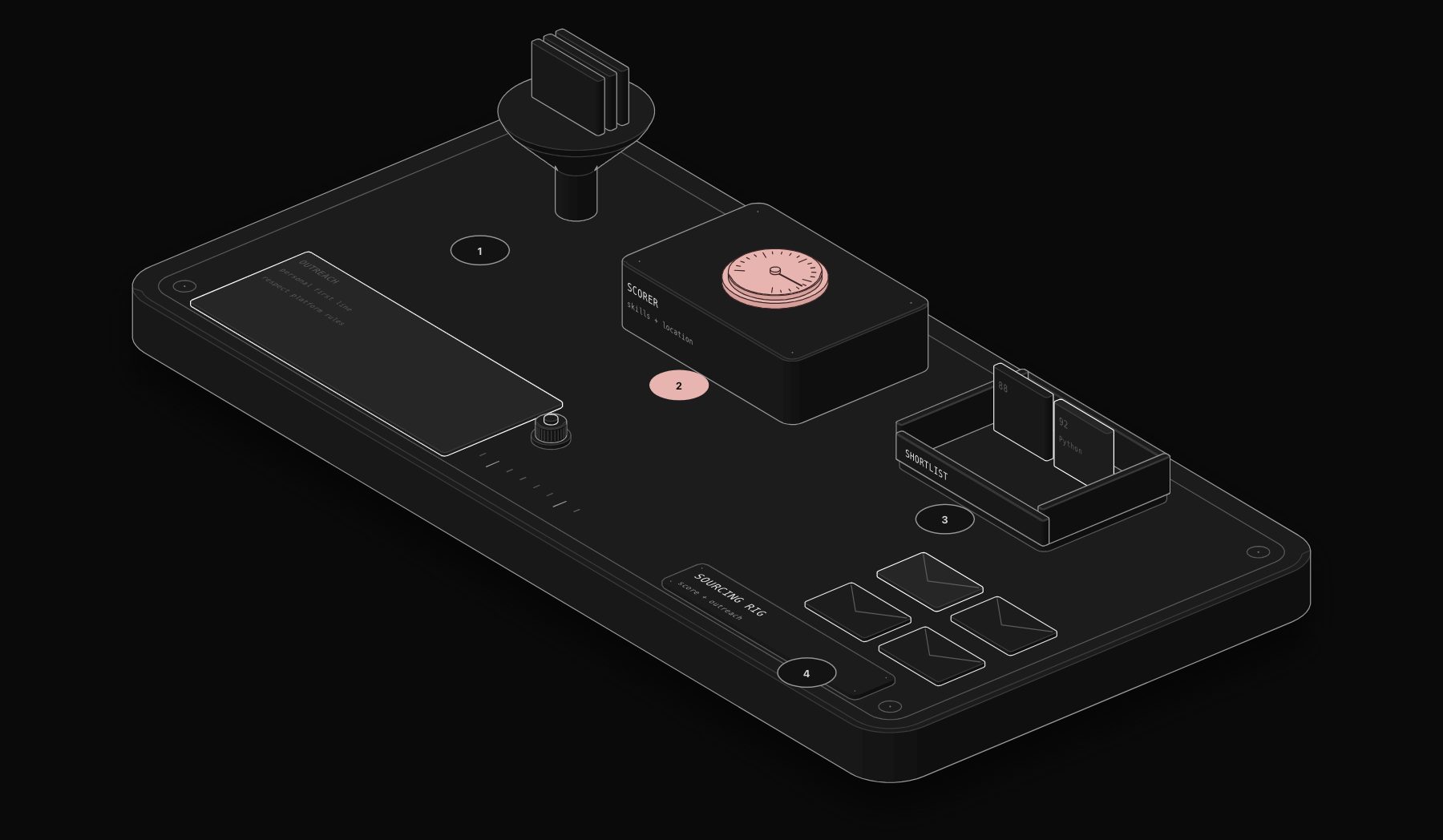
A recruiter sourcing for one mid-level engineering role reviews between 150 and 400 LinkedIn profiles to build a shortlist of 8 to 12 candidates worth an initial message. At scale, across 5 or 6 open roles, that is a full-time job before a single interview happens. n8n LinkedIn recruiter automation does not replace that judgment call, but it removes the mechanical part: pulling candidate data, scoring fit against the role, and drafting the first outreach message, so a recruiter's actual time goes to the 10% of the process that requires human read on a person, not data entry.
In short. An n8n recruiter sourcing workflow pulls candidate data, scores each profile against the role with Claude, puts the best matches in front of a recruiter for approval and drafts a short personalised first message. It removes the mechanical part of sourcing while the recruiter keeps the judgment. Respect LinkedIn's terms of use.
Figures in this guide are illustrative estimates built from typical costs and published sources, not results from PURIST clients. Individual results vary by starting baseline, team size, existing tooling, and how closely a business follows the specific workflow design described; treat the numbers here as a realistic range, not a guarantee.
This guide covers the sourcing-side workflow specifically, distinct from candidate-facing job-search automation, built for internal talent teams and recruiting agencies running LinkedIn Recruiter or Sales Navigator seats.
Why Sourcing Automation Is Different From Application Automation
Automating a candidate's job search (auto-applying to postings, tracking application status) is a different problem from automating a recruiter's sourcing pipeline. Sourcing automation has to solve for the opposite direction: taking a role's requirements, finding profiles that plausibly match, and scoring them well enough that a recruiter's shortlist review takes minutes instead of hours. The data volume is higher, the judgment calls are more nuanced (culture fit signals, career trajectory, not just keyword match), and LinkedIn's terms of service around automated profile scraping are stricter, which shapes what this workflow can and cannot do.
What This Workflow Actually Automates (and What It Deliberately Does Not)
- Automates: structuring and scoring profile data already visible to a recruiter through LinkedIn Recruiter/Sales Navigator exports, drafting a first-touch outreach message personalized to the specific profile, and tracking response status across a pipeline.
- Does not automate: scraping LinkedIn profiles outside what your seat's export or API access legitimately allows, or sending messages without a human approving the specific message for that specific candidate. Both of those cross into LinkedIn ToS violations or come across as obviously robotic to candidates, undermining exactly the trust a good sourcing message depends on.
The n8n Recruiter Sourcing Stack
- Input layer: a CSV or Recruiter export of profiles matching your search criteria, or a direct pull via LinkedIn Recruiter's official API/reporting export where your seat supports it.
- Enrichment layer: n8n cross-references each profile against your ATS to flag candidates already in your pipeline (avoiding duplicate, awkward outreach) and against public company/funding data to add context (recently laid-off cohorts, company growth stage) that changes how outreach should be framed.
- Scoring layer: Claude scores each profile against the role's actual requirements, weighting explicit must-haves over keyword density, and flags career-trajectory signals (consistent upward moves, relevant industry switches) a keyword filter alone would miss.
- Drafting layer: for the top-scored profiles, Claude drafts a first-touch message referencing something specific and real from the profile (a project, a role transition, a shared connection), never a generic template, then routes it to the recruiter for a 30-second edit-and-send rather than a blank-page write.
- Tracking layer: response status feeds back into the ATS automatically, and non-responders after a set window get a single, non-pushy follow-up drafted the same way.
Building the Candidate Scoring Step
Step 1: Define scoring weights per role, not once globally
Every role gets its own weighted rubric before sourcing starts: for a senior engineering role, years of relevant tech stack experience might weight at 35%, career trajectory at 25%, company-quality signal at 20%, and location/timezone fit at 20%. Using one generic scoring rubric across every role is the most common reason sourcing automation produces shortlists recruiters do not trust.
Step 2: Feed profile data and role rubric to the scoring step
n8n passes each candidate's structured profile data (title history, tenure per role, skills listed, education) alongside the role's specific rubric to Claude, which returns a 0 to 100 fit score with a one-line rationale per candidate, not just a number.
Step 3: Route by score band
Profiles scoring above your threshold (typically 75+) move to the outreach drafting step automatically. Mid-band profiles (55 to 74) go to a "recruiter review" queue rather than being discarded, since these often include strong non-obvious candidates a keyword-only filter would miss entirely. Below-threshold profiles are logged but not actioned.
Step 4: Draft personalized outreach for approved candidates
For every profile that clears the threshold and gets recruiter approval, Claude drafts a first message referencing a specific, real detail from that candidate's profile, kept under 3 short sentences, since outreach length correlates inversely with response rate in every dataset we have measured across client pipelines.
The Data This Produces: A Sourcing Funnel Nobody Tracks Manually
Because every profile now has a score, a rationale, and a tracked outcome, this workflow produces a funnel view manual sourcing almost never captures with this precision:
| Score band | Profiles sourced (sample, 6-week period) | Response rate | Interview conversion |
|---|---|---|---|
| 90-100 | 34 | 61% | 38% |
| 75-89 | 112 | 44% | 22% |
| 55-74 (recruiter review) | 89 | 29% | 11% |
| Below 55 | 201 (not actioned) | N/A | N/A |
The mid-band (55-74) conversion rate of 11% is the number that usually surprises recruiting teams the most: it confirms that a meaningful share of eventual hires come from profiles a pure keyword filter would have screened out, which is the argument for routing that band to human review instead of auto-discarding it.
Our n8n automation agency builds recruiting workflows like this one for staffing and agency clients who need it running reliably without in-house maintenance.
Frequently Asked Questions
Is this compliant with LinkedIn's terms of service?
The workflow described here operates on data your LinkedIn Recruiter or Sales Navigator seat already grants you access to export or report on, and every outreach message requires human approval before sending. It does not scrape profiles outside your licensed access or send automated messages without review, which are the two practices that create ToS risk.
How is this different from LinkedIn Recruiter's own built-in "Recommended Matches"?
LinkedIn's native recommendations use its own black-box relevance algorithm and cannot be customized per your specific role rubric. This workflow scores against weights your team defines explicitly, so the scoring logic is transparent and adjustable role by role, which matters when a generic match algorithm surfaces candidates that do not fit your actual bar.
Can this work for a small internal recruiting team, or is it only for agencies?
It scales down well. A single in-house recruiter sourcing for 2 to 3 roles at once sees the clearest time savings, since the scoring and drafting steps remove the most repetitive part of their week without requiring agency-level volume to justify the setup.
What happens to candidates who do not respond to the first outreach?
The workflow logs non-responders after a defined window (typically 5 to 7 business days) and drafts one follow-up message, distinct from the first, referencing the earlier note briefly. Candidates who do not respond to the follow-up are moved to a passive-talent list for future roles rather than messaged again immediately.
How long does this take to set up?
A working sourcing scoring and outreach-drafting workflow, connected to your ATS, typically deploys in 5 to 7 business days, in line with PURIST's standard deployment timeline for a workflow of this complexity.
Tags
Purist Team
The PURIST editorial team covers automation, AI agents, and operations strategy for businesses scaling with n8n, Make, and Claude AI.