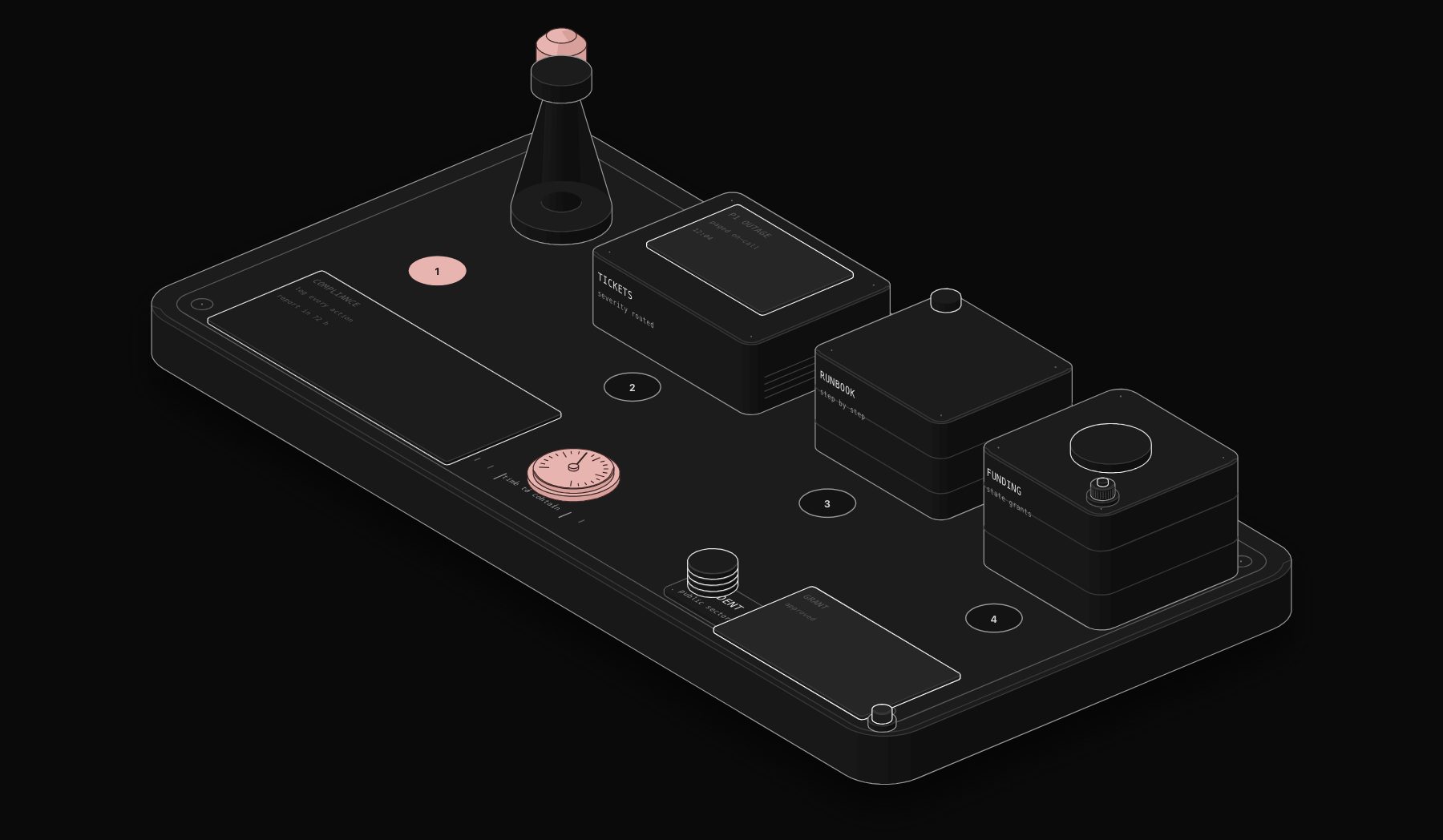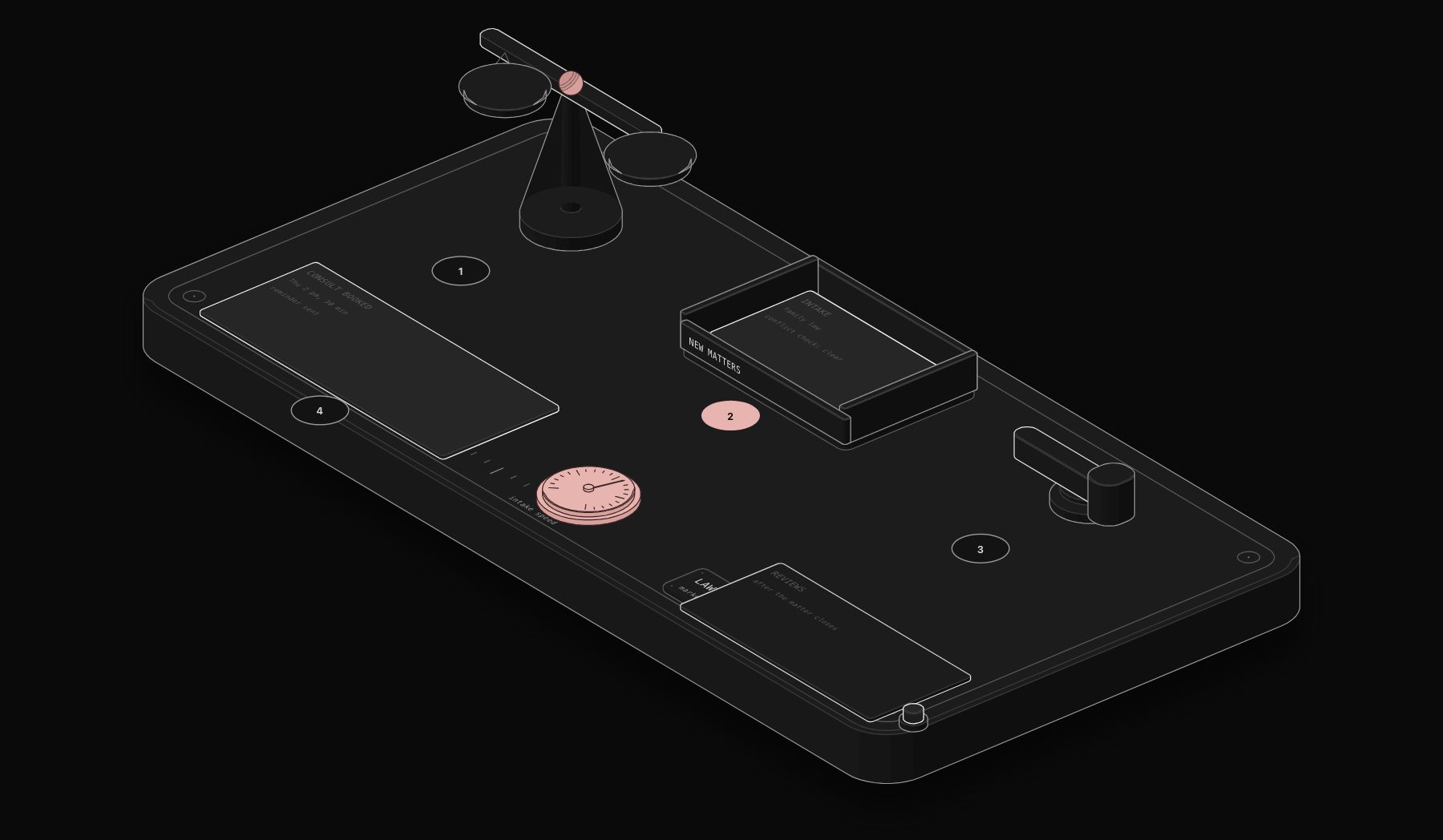
Most law firm websites describe "marketing automation" as sending a newsletter. That undersells what actually moves cases through a pipeline: a prospective client fills out a contact form at 11pm, and by the time they wake up, they already have a personalized intake email, a scheduled consultation slot, and a case-type-specific document checklist waiting in their inbox, without a paralegal touching a keyboard.
In short. For law firms, the most valuable marketing automation is client intake: an instant personalised reply to every enquiry, a consultation booking link and a case-type document checklist, plus follow-up for prospects who do not book. Conflict checks, legal advice and sensitive communication stay with a person, and bar rules apply to any automated messaging.
This guide covers online marketing and automation solutions for attorneys: what to automate first, what should stay manual for compliance reasons, and the exact stack we deploy for law firm clients.
Why Attorney Marketing Automation Is Different
Marketing automation built for e-commerce or SaaS does not transfer cleanly to a law firm. Three constraints change the design:
- Compliance and bar rules. Many jurisdictions restrict how attorneys can solicit clients, what automated communications can claim, and how quickly certain disclosures must appear. Automation has to be built around these rules, not bolted on afterward.
- Long, high-stakes decision cycles. A prospective client choosing a personal injury or family law attorney is not making an impulse purchase. Automated nurture sequences need to build trust over weeks, not push urgency.
- Confidentiality from the first touch. Intake forms often collect sensitive case details before a formal attorney-client relationship exists. The automation stack has to handle that data with the same care as an active case file.
What to Automate First
- Lead intake and triage. A new inquiry is automatically classified by practice area and urgency, routed to the right attorney or paralegal, and acknowledged within minutes instead of the next business day.
- Consultation scheduling. Instead of a phone-tag cycle, the prospective client picks an available slot directly, with automated reminders that cut no-shows.
- Document collection. Once a case is opened, the required document checklist (specific to case type: immigration, personal injury, estate planning) is sent automatically, with reminders for anything outstanding.
- Status update communications. Clients calling just to ask "where is my case at" is one of the highest-volume, lowest-value call types a firm handles. Automated milestone updates cut this dramatically.
What Should Stay Manual
- Case strategy communication. Anything involving legal advice, settlement discussion, or strategic guidance needs an attorney, not a template.
- First substantive response to a new client. Automation should acknowledge and route the inquiry immediately, but the first real conversation about their situation should come from a person.
- Anything bar-rule sensitive. Solicitation language, guarantees of outcome, or advertising claims need attorney review before any automated sequence goes live, not after.
The Attorney Marketing Automation Stack
- Intake layer: a web form or chat widget connected via webhook, classifying inbound leads by practice area and urgency in real time.
- Routing layer: n8n, matching leads to the right attorney or intake specialist based on practice area, caseload, and conflict-check status.
- Nurture layer: email sequences built around genuine trust-building content (what to expect, how the process works, FAQ answers), not sales pressure, spaced over weeks rather than days.
- Document layer: case-type-specific checklists sent automatically on case open, with reminder logic for anything outstanding after 48 to 72 hours.
- Communication layer: milestone-based status updates (document received, hearing scheduled, filing submitted) sent without a paralegal manually drafting each one.
This is the same architecture used in our broader law firm automation work, applied specifically to the marketing and intake side rather than case management.
What This Actually Changes
Firms that automate intake and nurture typically see two measurable shifts: faster first-response time (minutes instead of hours, which correlates directly with consultation booking rate in most practice areas), and fewer client calls asking for basic status updates, freeing paralegal time for actual case work instead of phone triage.
If you are unsure which parts of your current intake process are costing you the most time, a free automation audit maps your specific workflow before any automation gets built.
Where Automation Fits an Attorney's Client Intake Funnel
| Stage | Automation opportunity | What stays human |
|---|---|---|
| Initial inquiry | Instant acknowledgment, scheduling link, basic case-type triage | Actual legal assessment of the inquiry's merits |
| Consultation scheduling | Automated calendar booking and reminder sequence | The consultation itself |
| Document collection | Automated request and secure upload links for required documents | Reviewing the substance of submitted documents |
| Case status updates | Automated status notifications at defined case milestones | Substantive case strategy communication |
The consistent theme: automation handles the administrative surface area around a legal matter, freeing attorney time for the parts of the work that actually require a law degree, not replacing legal judgment anywhere in the process.
Online Marketing for Attorneys: The Channels That Feed Intake
Automation only pays off if inquiries arrive in the first place, so it helps to see the whole chain. For most firms, online marketing comes down to five channels, and each one ends in the same place: a prospective client waiting for a reply.
The first is the Google Business Profile. For local practice areas such as family law, personal injury or estate planning, the map results often get the call before any website does. Keep categories, hours and practice areas accurate, and answer every review, positive or negative, without revealing anything about the matter.
The second is practice area pages. One page per practice area and city, written for the questions clients actually type ("how long does an uncontested divorce take in Texas"), converts far better than one generic services page.
The third is Google Local Services Ads. For lawyers, these pay-per-lead ads sit above everything else and carry the Google Screened badge. They reward speed: leads that wait hours for a reply rarely turn into consultations.
The fourth is reviews. Asking at the right moment, right after a matter closes well, is where automation helps most. Check your state bar rules on testimonials and client communications before you automate the request.
The fifth is referral and past client nurture. A short, useful check-in a few times a year keeps the firm top of mind for the people most likely to send work your way.
Every one of these channels produces the same moment: a form, a call or a message that needs an answer. That is where the automations described above take over, and why intake speed matters as much as the marketing itself. If you run a law, accounting or advisory practice, see how PURIST automates the back office of professional firms, or go straight to law firm client intake automation.
Frequently Asked Questions
Is marketing automation compliant with bar association rules?
The automation itself is compliant when built correctly: acknowledgment and scheduling automation carries no solicitation risk, since it is responding to an inbound inquiry rather than initiating contact. Any messaging that makes claims about outcomes or case results needs attorney review before it goes into an automated sequence, the same as it would in a printed ad.
Can automation replace a paralegal for intake?
No, and it should not try to. Automation removes the repetitive parts of intake (scheduling, document requests, status updates) so a paralegal's time goes to reviewing what actually needs judgment, not eliminating the role.
How is this different from a generic CRM's built-in automation?
Generic CRM automation is built for sales pipelines, not legal intake, and rarely accounts for conflict checks, practice-area-specific document requirements, or bar-compliant communication timing. A purpose-built workflow layer connects your existing legal practice management software (Clio, MyCase, PracticePanther) to the automation logic instead of forcing your intake process into a generic sales funnel.
What is the fastest automation to deploy for a small firm?
Lead intake acknowledgment and consultation scheduling typically deploy fastest, often within a few days, since they require the least integration complexity and deliver the most immediately visible improvement in response time.
Does this work for solo practitioners, or only larger firms?
It works for both, but the ROI shows up fastest for solo and small firms specifically, since a solo attorney's time answering scheduling calls and status-update emails is time not spent on billable case work.
Tags
Purist Team
The PURIST editorial team covers automation, AI agents, and operations strategy for businesses scaling with n8n, Make, and Claude AI.