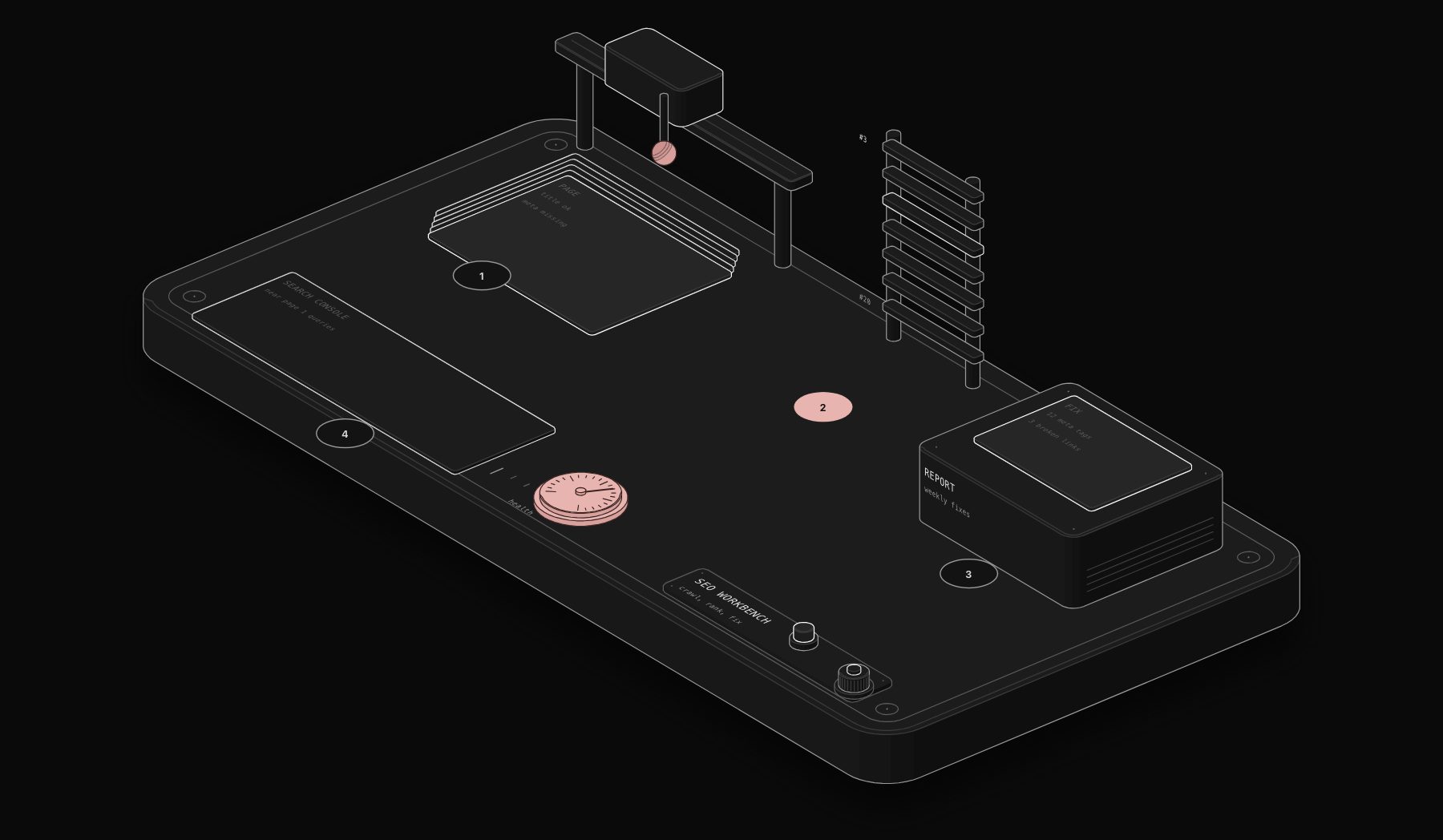
Most agencies and in-house teams treat SEO automation as a nice-to-have: a rank tracker here, a scheduled crawl there. That framing misses what actually moves rankings in 2026. The sites winning positions right now are not writing more content by hand. They are running SEO automation tools as a continuous system: crawling, extracting, scoring, and reporting on a schedule no human team can match, then routing the 5% of findings that need a human decision to an actual person.
In short. SEO automation works best as a continuous system: scheduled crawls, rank and indexation monitoring, internal link and metadata checks, and reports routed to the person who acts on them. Automate data collection and alerts, keep strategy and writing judgment with people, and start with a rank-drop alert workflow.
This guide covers what to automate, what to leave alone, a practical stack, and estimated hours-per-week behind the claim that automation changes SEO operations rather than just speeding up individual tasks.
What SEO Automation Actually Means
Search engine optimization automation is not "AI writes your blog posts." That is the version that gets penalized, produces thin content, and wastes the time it claims to save. Real SEO automation is a workflow layer sitting between your tools (Search Console, your CMS, a crawler, an LLM) and your team, doing three things continuously:
- Detection. Catching technical issues, ranking drops, and content decay the moment they happen, not during a monthly audit.
- Triage. Scoring what matters. A 404 on a page with zero backlinks is not the same emergency as a 404 on your highest-converting landing page.
- Routing. Sending the handful of decisions that need human judgment to a person, and handling the rest (re-submitting a sitemap, flagging a duplicate title tag, drafting a redirect) without anyone opening a spreadsheet.
The distinction matters because most "SEO automation" content online describes tools, not systems. A tool that checks rankings once a day is not automation. A workflow that checks rankings, compares them against last week, calculates which drops are statistically meaningful versus normal SERP volatility, and only then alerts a human, is automation.
The 9 SEO Tasks Worth Automating
Not everything should be automated. Below is the honest breakdown of what to hand to a workflow versus what still needs a strategist.
| Task | Automate? | Why |
|---|---|---|
| Rank tracking & alerting | Yes | Pure data collection, zero judgment required |
| Technical crawl & error detection | Yes | Rule-based, high volume, time-sensitive |
| Core Web Vitals monitoring | Yes | API-driven, needs continuous sampling |
| Internal link suggestions | Yes, with review | Pattern-matching at scale, but final placement needs a human eye |
| Content decay detection | Yes | Comparing historical traffic curves is exactly what workflows are good at |
| Meta title / description drafts | Yes, with review | AI drafts, human approves before publish |
| Backlink monitoring & disavow flagging | Yes | Volume makes manual tracking impossible past a few hundred domains |
| Keyword strategy & prioritization | No | Requires business context an automation cannot have |
| Content angle & editorial judgment | No | This is where rankings are actually won or lost |
The pattern across every "yes" row: high volume, repeatable rules, time-sensitive. The pattern across every "no": it requires knowing your business, your customers, and your competitive position, none of which a workflow can infer from an API response.
The Automation Stack We Deploy for SEO
A good SEO automation uses the same architecture we use for every other automation: a trigger, n8n as the routing layer, an AI step only where judgment is genuinely required, and an action that lands in a tool your team already uses.
- Trigger layer: Google Search Console API (impressions, clicks, position changes), a scheduled crawler (Screaming Frog CLI or a custom crawler), and CMS webhooks for new or updated content.
- Routing layer: n8n, self-hosted, handling scheduling, data transformation, and branching logic between 20+ data sources without hitting per-operation caps.
- Judgment layer: Claude AI classifies findings (is this ranking drop seasonal or a real regression, is this duplicate title a false positive), drafts meta descriptions and internal link suggestions, and scores technical issues by estimated traffic impact so your team works the highest-value item first, not just the first one in the list.
- Action layer: Findings land in Slack, a Notion database, or directly as a pull request against your CMS content, depending on how much autonomy you want the system to have.
This is the same Trigger → n8n workflow → AI layer → Action → Confirmation architecture described in our engineering methodology, applied specifically to search data instead of CRM or invoicing data.
Building It: A Rank-Drop Alert Workflow, Step by Step
Here is one concrete workflow from the stack above, in enough detail to build yourself if you would rather DIY it with n8n directly.
Step 1: Connect Search Console as the trigger
Authenticate the Search Console API in n8n and schedule a daily pull of your top 200 queries by impressions. Store yesterday's and today's position for each query in a lightweight database (PostgreSQL or Airtable both work at this scale).
Step 2: Calculate meaningful position change
Do not alert on every fluctuation. Position 8 to position 9 is noise. Calculate a rolling 7-day average per query and only flag a query when today's position is more than one standard deviation below that average, and the query has had at least 50 impressions in the trailing 7 days to filter out statistically meaningless low-volume terms.
Step 3: Classify the drop with an AI step
Pass flagged queries to Claude with context: the page's publish date, last-modified date, and whether a competitor's URL newly appears in the top 3 for that query. The model classifies the likely cause: content decay, a new competing page, a technical issue, or a genuine algorithm-related shift, each with a confidence score.
Step 4: Route by classification and confidence
High-confidence technical or content-decay classifications generate a task automatically (in Notion, ClickUp, or wherever your team tracks work) with the specific recommended fix. Low-confidence or ambiguous classifications go to a Slack channel for a human to review, rather than auto-creating noise in your task tracker.
Step 5: Close the loop
Two weeks after a fix ships, the same workflow re-checks the query's position and reports whether the fix worked, building a feedback dataset that makes the classification step more accurate over time.
What This Actually Saves: The Real Numbers
Manually, tracking 200 queries, cross-referencing drops against a crawl, and writing up findings takes a competent in-house marketer roughly 6 to 8 hours a week for a mid-sized site (300 to 1,000 indexed pages). Automated, the same coverage runs continuously with a human reviewing a short, pre-triaged list, typically 45 to 90 minutes a week.
- Detection speed: manual monthly audits catch a ranking drop up to 30 days after it starts. A daily automated check catches it within 24 to 48 hours, before the traffic loss compounds.
- Coverage: manual tracking realistically covers 30 to 50 priority queries. An automated pipeline tracks every query with meaningful impressions, often 500 to 2,000+ for a site with real organic history.
- False-positive rate: without the classification step, alerting on every position change produces so much noise that most teams stop checking the dashboard within a month. Adding the AI classification step is what makes the system something a team actually keeps using.
These figures are estimates for sites of this size, not measured client results. Your exact numbers depend on how much of this you have already partially automated, which is exactly what a free automation audit establishes for your specific site.
Common Mistakes When Automating SEO
- Automating content generation before automating detection. Publishing AI-drafted articles at volume without a system to check whether they are actually ranking or decaying is how sites end up with thousands of pages nobody reads.
- No confidence threshold. A workflow that alerts on every fluctuation gets ignored within weeks. Build the statistical filter in from day one.
- Treating the AI layer as the whole system. The model classifies and drafts. It should not be the thing deciding what ships to production without a review step, at least until the workflow has a track record.
- No feedback loop. If the system does not learn whether its fix recommendations actually worked, the classification accuracy never improves past its initial baseline.
If you are earlier in the process of deciding what to automate first, PURIST's automation maturity assessment covers where SEO operations typically rank alongside CRM, invoicing, and reporting automation, and our free automation guides by profession include a dedicated breakdown for marketing and SEO agencies specifically.
Frequently Asked Questions
Can SEO automation hurt my rankings?
Automating detection, monitoring, and reporting carries no ranking risk since none of it touches published content without review. The risk appears specifically when automation is used to mass-publish AI-generated content without editorial review or genuine expertise behind it, which Google's ranking systems are explicitly designed to devalue.
Do I need to know how to code to set this up?
No. Tools like n8n use a visual workflow builder, and the Search Console, crawler, and AI integrations described in this guide are pre-built connectors, not custom code. Some SQL or basic scripting helps for advanced statistical filtering, but is not required to get a working system live.
How is this different from tools like Screaming Frog or Ahrefs alone?
Screaming Frog, Ahrefs, and similar tools are excellent at data collection. What they do not do natively is connect that data across sources, apply judgment about which findings matter, and route work to the right person automatically. SEO automation as described here uses those tools as data sources feeding into a workflow layer that does the connecting, scoring, and routing.
What is the minimum site size where this is worth building?
Below roughly 50 indexed pages, manual tracking is genuinely fast enough that automation adds more setup overhead than it saves. Past 100 to 150 pages, or with more than 3 to 5 people touching content, the coverage and consistency gains become worth the build time.
How long does it take to deploy an SEO automation stack?
A rank-tracking and alert workflow like the one described above typically deploys in 3 to 5 business days. A full stack covering technical monitoring, content decay detection, and reporting runs 7 to 10 business days, consistent with PURIST's standard deployment timeline for a complete automation system.
Tags
Purist Team
The PURIST editorial team covers automation, AI agents, and operations strategy for businesses scaling with n8n, Make, and Claude AI.