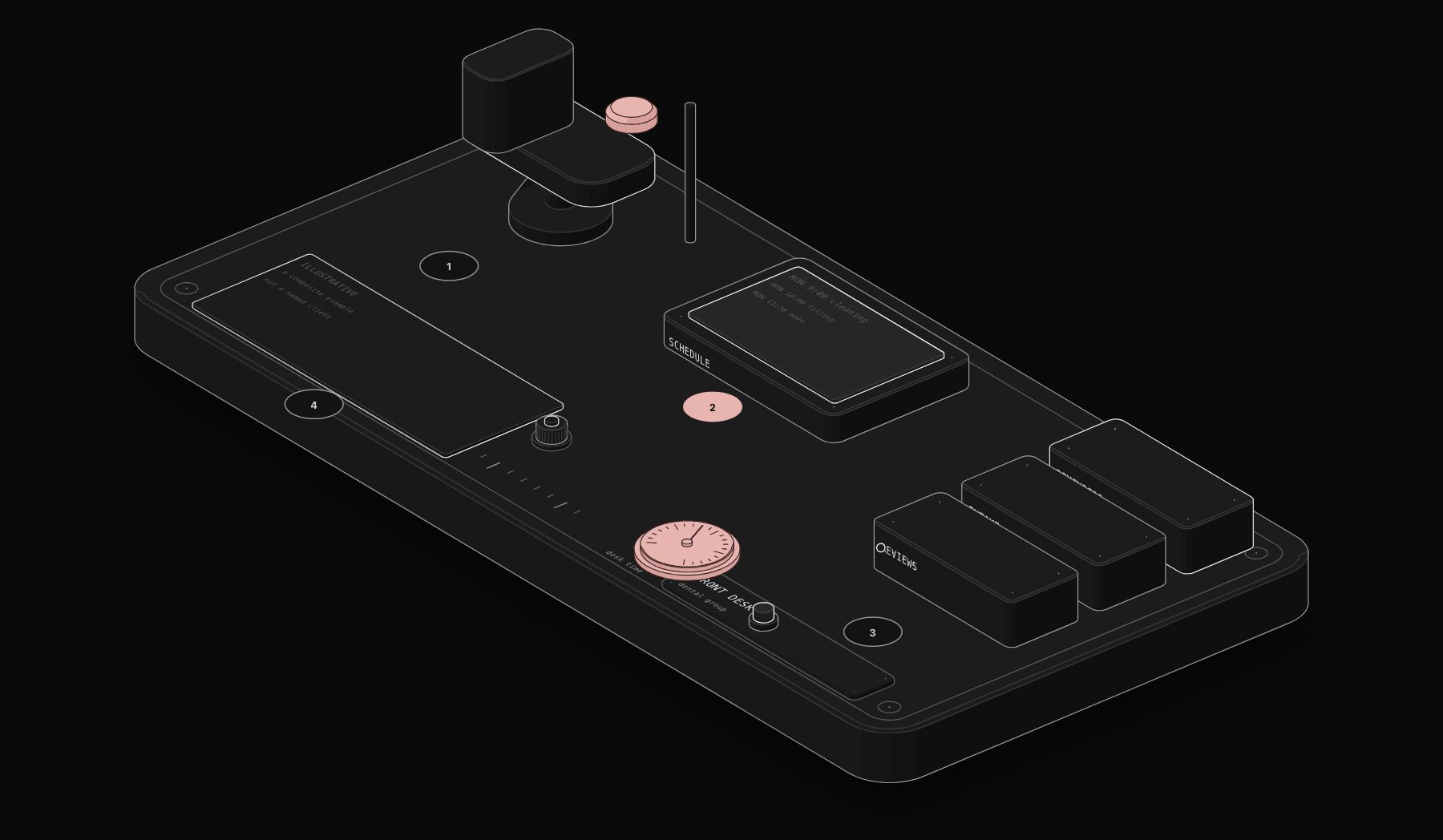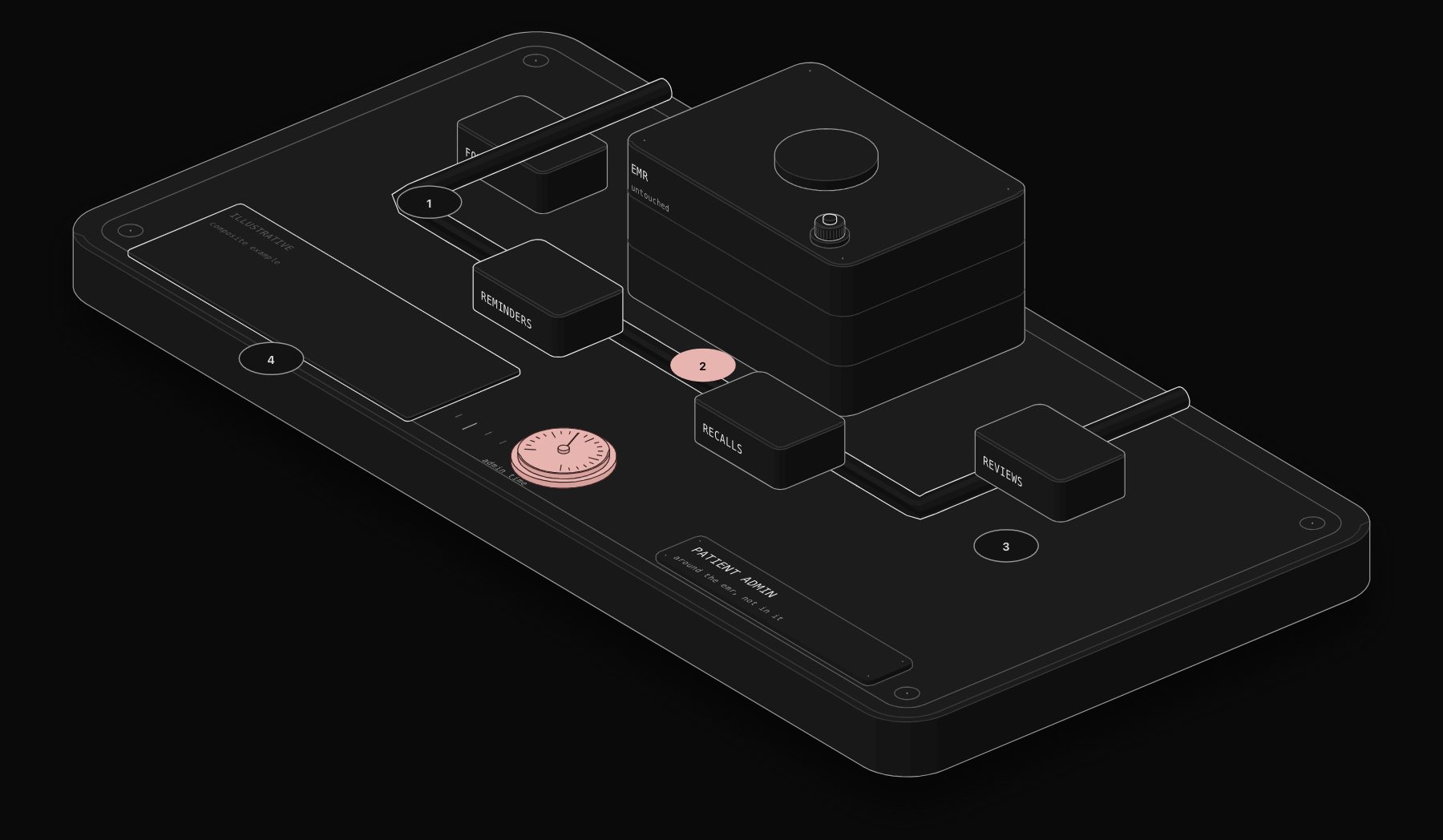
*Illustrative scenario: a composite example built from typical figures for this kind of business, not a named PURIST client result.*
The constraint was non-negotiable: the electronic medical records system was not to be modified, reconfigured, or replaced. The dental group's two-year contract with their EMR vendor included a clause that voided their support agreement if any third-party modifications were made to the system. This is a common situation in healthcare, legacy systems with contractual moats, surrounded by operational processes that have accumulated years of manual workarounds.
In short. In this illustrative case, a dental group cannot modify its EMR, so automation works around it: supported exports and imports, digital intake forms checked by Claude before staff review, and automated reminders and follow-ups. The EMR stays untouched while most manual patient admin disappears.
Figures in this guide are illustrative estimates built from typical costs and published sources, not results from PURIST clients. Individual results vary by starting baseline, team size, existing tooling, and how closely a business follows the specific workflow design described; treat the numbers here as a realistic range, not a guarantee.
The solution was a surrounding automation layer: workflows that interact with the EMR only through its supported export and import mechanisms, CSV exports for scheduled appointment data, a patient portal web interface for intake form collection, while handling everything else through purpose-built integrations with adjacent systems. The EMR was treated as a data source and a record system, not as an integration point.
The first workflow used the EMR's existing automated appointment export (a CSV file deposited in a shared folder every four hours) as a trigger. An n8n workflow monitors the folder, detects new exports, parses the appointment data, and triggers the appropriate outreach sequence for each appointment: a booking confirmation SMS immediately, a 48-hour reminder with a one-tap rescheduling link, and a 2-hour day-of confirmation. The rescheduling link connects to a custom scheduling widget that shows real-time availability, sourced, again, from the EMR's CSV export, and posts reschedules back to the front desk via a Slack notification with all required information to make the change in the EMR. The EMR is never touched by the automation; the front desk makes a single manual update from a complete Slack notification.
The second workflow automated new patient intake. When a new patient appointment is detected in the CSV export, the workflow generates a unique intake form link (built on Tally.so) and sends it via SMS. Completed forms are parsed by the workflow, formatted to match the EMR's patient intake template exactly, and delivered to the front desk as a pre-formatted data sheet ready for copy-paste entry, reducing the EMR data entry task from 12 minutes of manual transcription to 90 seconds of paste-and-verify. A Claude AI agent reviews the freeform medical history text section and flags any mentions of conditions or medications that require specific preparation notes, highlighting them in the delivered sheet.
The results across six months: patient admin time per appointment reduced by 61%. Front-desk inbound call volume down 44%. No-show rate reduced from 11% to 6% due to the reminder sequence. Intake data entry errors, measured by the frequency of front-desk correction requests on submitted records, fell by 73%. The entire system was built in 19 days of engineering time, required no changes to the EMR, and operated entirely within the bounds of the vendor's support agreement.
This result came from our automation and AI agent services, applied to a healthcare front-desk workflow.
Working Within a Locked-Down EMR: The General Pattern
This engagement's core constraint, a legally binding vendor agreement prohibiting any system modification, is common enough across regulated industries (healthcare, legal, financial services) that it's worth generalizing beyond this specific case. The reusable pattern:
| Step | What it means in practice |
|---|---|
| Identify the system's supported export/import mechanisms | CSV exports, a patient/client portal, an official but limited API, anything the vendor explicitly supports |
| Treat the locked system as a data source and record of truth, never an integration target | Automation reads from and delivers pre-formatted data to it, but never writes into it directly |
| Build the automation layer around adjacent systems | SMS, scheduling widgets, Slack notifications, all of which sit outside the vendor's contractual restriction |
| Keep the human as the final write step where required | A single manual paste or click into the locked system, reduced to seconds rather than minutes, satisfies the contractual constraint while still recovering nearly all the time cost |
Why the Claude Review Step on Intake Forms Mattered
The freeform medical history text field on new-patient intake forms is exactly the kind of unstructured data that's easy to under-process manually, and easy to miss critical flags in in less than the time pressure of a busy front desk. Having a Claude AI agent scan that specific field for mentions of conditions or medications requiring preparation notes (blood thinners before certain procedures, specific allergies, relevant medical history) and highlight them in the delivered sheet doesn't replace clinical judgment, it ensures the information clinical staff need is surfaced rather than buried in a paragraph of freeform text, directly contributing to the 73% reduction in intake data entry errors cited in the results.
The Full Results Table
| Metric | Result |
|---|---|
| Patient admin time per appointment | -61% |
| Inbound call volume | -44% |
| No-show rate | 11% → 6% |
| Intake data entry error rate | -73% |
| Engineering time to build | 19 days |
| EMR changes required | Zero |
Sources & Further Reading
Figures are illustrative estimates for a business of this size, not results from a named PURIST client. For a related dental automation case study with a different starting constraint (staffing, not a locked EMR), see how a dental group saved 60 percent front-desk time. For the broader ROI logic behind engagements like this, see calculating automation ROI.
Frequently Asked Questions
Does this "surrounding automation" approach work for any locked-down legacy system, or only EMRs?
The pattern generalizes to any system with contractual or technical restrictions on direct modification, provided it has some supported export or portal mechanism to build around; legal case management systems, certain financial platforms, and other heavily regulated software commonly present the same constraint.
How do you handle a system that has no export mechanism at all, not even CSV?
This is a genuinely harder case; options include a supported but limited official API, screen-scraping as a last resort (carrying real fragility and often violating terms of service, generally avoided), or negotiating a specific data-access exception directly with the vendor.
Is 19 days a typical build timeline for this kind of engagement?
It's on the faster end, reflecting a well-scoped, clearly bounded set of workflows; more complex multi-system engagements with broader scope commonly take longer, in the range covered by other PURIST case studies on this site.
Does the front desk still need dental-specific training to use the delivered Slack notifications and data sheets?
Minimal additional training is needed since the delivered information is formatted to match the EMR's own data entry fields directly; the front desk's task shifts from transcription to verification, which requires the same domain knowledge they already have, just less of their time.
Could this same pattern work if the practice wanted to eventually change EMR vendors?
Yes, and it's a meaningful side benefit: because the automation layer treats the EMR purely as a data source rather than deeply integrating with its internals, migrating to a new EMR later mainly requires adapting the export/import format, not rebuilding the entire automation layer from scratch.
Tags
Purist Team
The PURIST editorial team covers automation, AI agents, and operations strategy for businesses scaling with n8n, Make, and Claude AI.